Creativity Best in category 1 results Drawing AI Tool

Popular AI tools in the Drawing field of Creativity include doodletale, etc., helping you quickly improve efficiency.

doodletale

doodletale

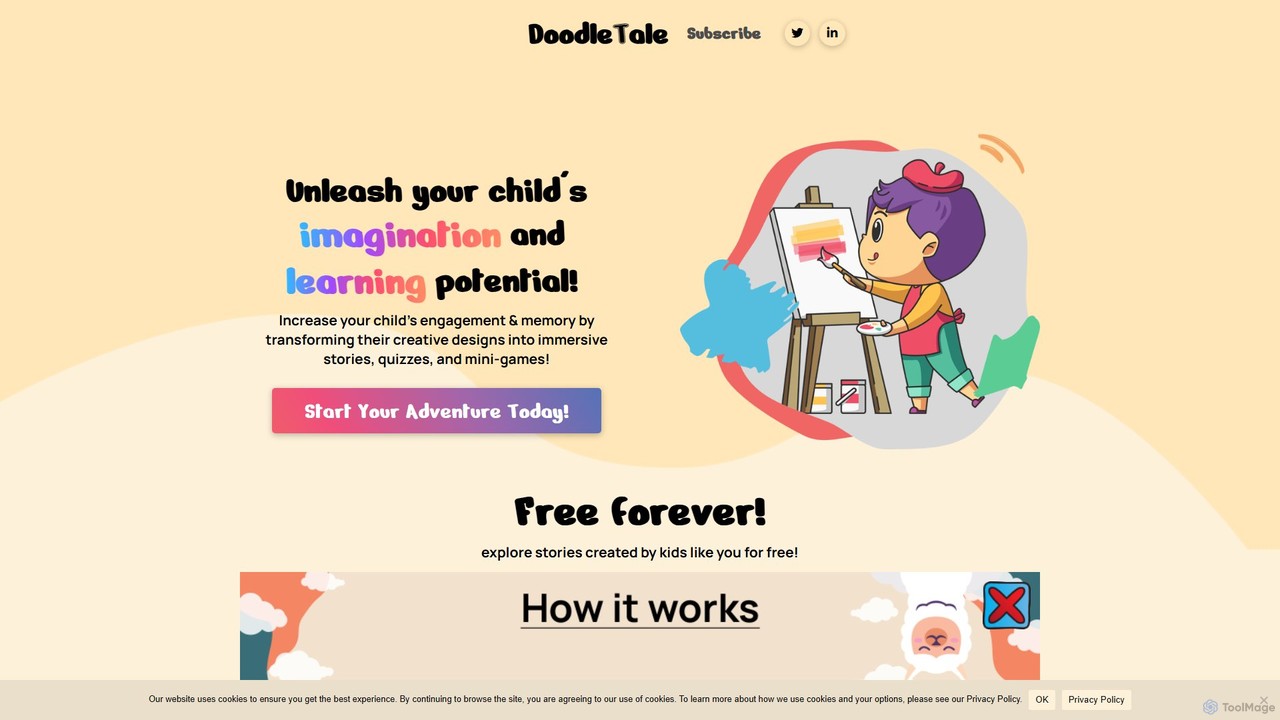
doodletale is an AI-powered educational platform that transforms children's drawings and colorings into immersive stories, quizzes, and mini-games. …

3.6K

About Drawing

AI Drawing tools are applications that use artificial intelligence to assist, enhance, or automate the digital drawing process. These tools often leverage generative models to interpret user inputs like rough sketches, line art, or doodles, transforming them into polished illustrations or offering intelligent suggestions. They empower artists, designers, and hobbyists to accelerate their workflow, explore creative variations, and overcome technical barriers. Unlike simple image generators, AI drawing tools focus on a collaborative creation process between the user and the AI.

Core Features

  • Sketch-to-Image Rendering: Transforms simple hand-drawn sketches or doodles into detailed, fully rendered images in various styles.
  • AI-Assisted Brushes & Strokes: Provides intelligent brushes that can predict paths, smooth lines, or automatically add complex textures and patterns.
  • Style Transfer for Art: Applies the artistic style of a source image (like a famous painting) to a user's own drawing or line art.
  • Intelligent Inpainting & Outpainting: Fills in missing parts of a drawing or extends the canvas by generating content that matches the existing style.
  • Vectorization: Automatically converts raster-based sketches or drawings into clean, scalable vector graphics (SVG).

Use Cases

These tools are widely used by concept artists for rapid ideation, graphic designers for creating unique assets from simple inputs, and illustrators for automating repetitive tasks like coloring or line refinement. They are also valuable for architects visualizing sketches and content creators generating custom visuals without advanced drawing skills.

How to Choose

When selecting an AI Drawing tool, consider the type of input it accepts (e.g., sketches, photos). Evaluate the level of control it offers over the final style and output details. Check for compatibility with your existing workflow, such as plugin support for software like Photoshop or Illustrator, and consider the output formats available (e.g., PNG, JPG, SVG).

DrawingUse Cases

1

Rapid Concept Art Ideation

A concept artist for a video game studio needs to generate dozens of character variations quickly. Instead of meticulously drawing each one, they create several rough black-and-white sketches of a character's silhouette and basic features. They then use an AI Drawing tool's sketch-to-image feature to render these sketches into multiple, fully-colored concept designs in different styles (e.g., sci-fi, fantasy, cyberpunk). This process reduces the time for initial ideation from days to hours, allowing the art director to review a wider range of visual directions early in the project.

2

Convert Hand-Drawn Logos to Vector

A freelance graphic designer often starts the logo design process by sketching ideas on paper. To present these to a client digitally, they need clean, scalable versions. They take a photo of their best pencil sketch and upload it to an AI Drawing tool with a vectorization feature. The AI traces the lines, smooths out imperfections, and converts the raster image into a high-quality SVG file. The designer can then easily adjust colors, resize the logo without quality loss, and prepare it for client presentations, saving significant time compared to manual tracing in software like Adobe Illustrator.

3

Enhancing Architectural Sketches

An architect creates a preliminary hand-drawn sketch of a building's facade. To communicate the vision more effectively to a client, they use an AI Drawing tool. By uploading the sketch and providing simple text prompts like 'modern glass and steel, daytime, photorealistic', the tool transforms the simple line drawing into a detailed architectural visualization. It adds realistic textures, lighting, shadows, and even surrounding elements like trees and sky. This allows the client to get a much clearer and more engaging impression of the final design early in the process, facilitating faster feedback and approval.

4

Automating Comic Book Coloring

A comic book artist has finished the line art for an entire issue but faces the time-consuming task of flat coloring. They use an AI Drawing tool that specializes in coloring line art. The tool automatically detects enclosed areas in the drawing and applies base colors according to a predefined palette or simple user cues. It intelligently handles complex areas and maintains clean edges between colors. This automates about 80% of the flatting process, freeing up the artist to focus on more creative tasks like shading, highlights, and special effects, significantly speeding up production.

5

Creating Custom Illustrations for Blogs

A content marketer wants to use unique, on-brand illustrations for their company's blog posts instead of generic stock photos. Lacking advanced drawing skills, they use a simple AI drawing app. They create a basic doodle representing the blog post's topic (e.g., a simple chart for a finance article). The AI tool then refines this doodle into a clean, professional-looking illustration. They can select from various styles to match their brand's aesthetic. This enables them to produce custom visuals for every article quickly and affordably, enhancing the blog's visual appeal and brand identity.

6

Applying Artistic Styles to 3D Model Textures

A 3D artist is creating textures for a stylized video game. They want a hand-painted, watercolor look for the game's assets. After creating a basic color and detail map for a 3D model, they use an AI Drawing tool's style transfer feature. They upload their texture map along with a reference image of a watercolor painting. The AI re-renders the texture map, applying the soft edges, color blending, and paper texture characteristic of watercolor. This allows the artist to achieve a consistent, complex artistic style across hundreds of assets without manually painting each one, ensuring a cohesive look for the game world.

DrawingFrequently Asked Questions