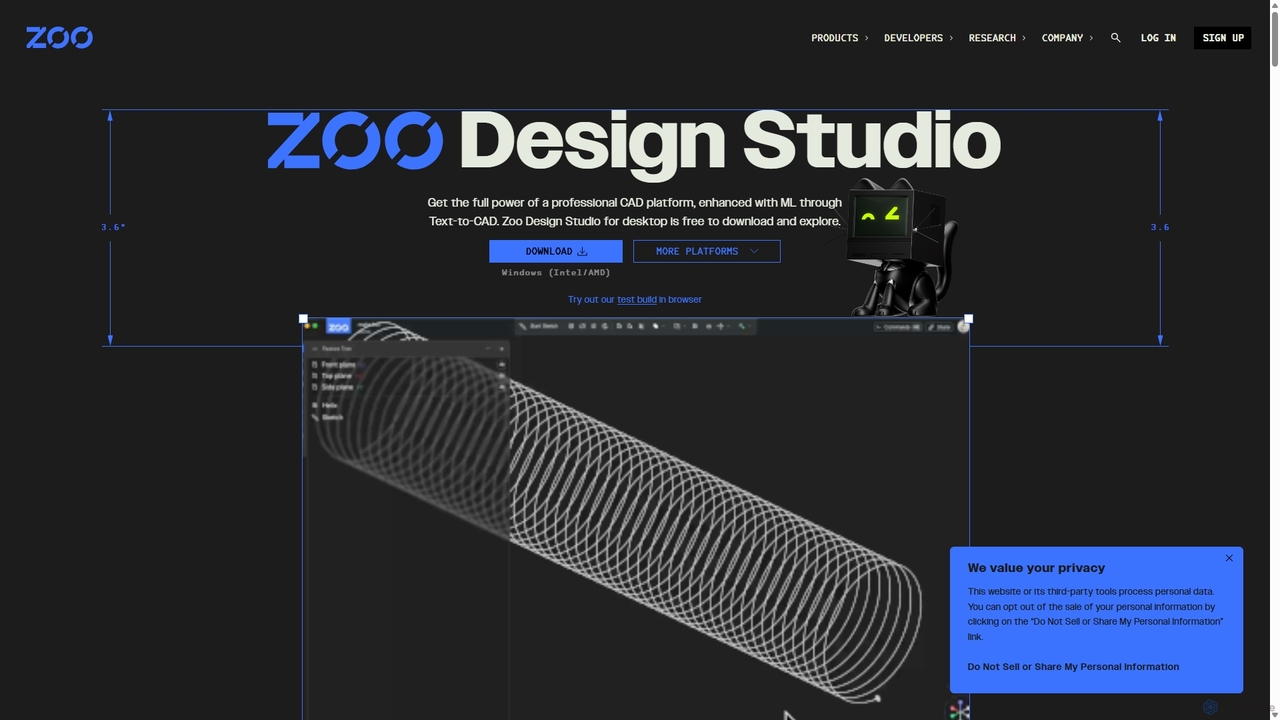
Zoo
Zoo is a next-generation, AI-powered CAD platform featuring Text-to-CAD technology. It combines traditional 3D modeling with machine learning …
Zoo is a next-generation, AI-powered CAD platform featuring Text-to-CAD technology. It combines traditional 3D modeling with machine learning and programmatic design, enabling engineers and designers to create complex mechanical models from simple text prompts. Built on a high-performance, GPU-accelerated geometry engine, Zoo accelerates the entire design workflow from concept to manufacturing.
ComfyUI
ComfyUI is a powerful, free, and open-source node-based graphical user interface for generative AI. It offers unparalleled control …
ComfyUI is a powerful, free, and open-source node-based graphical user interface for generative AI. It offers unparalleled control and flexibility for creating complex workflows to generate images, videos, 3D assets, and audio, designed for artists, developers, and researchers.
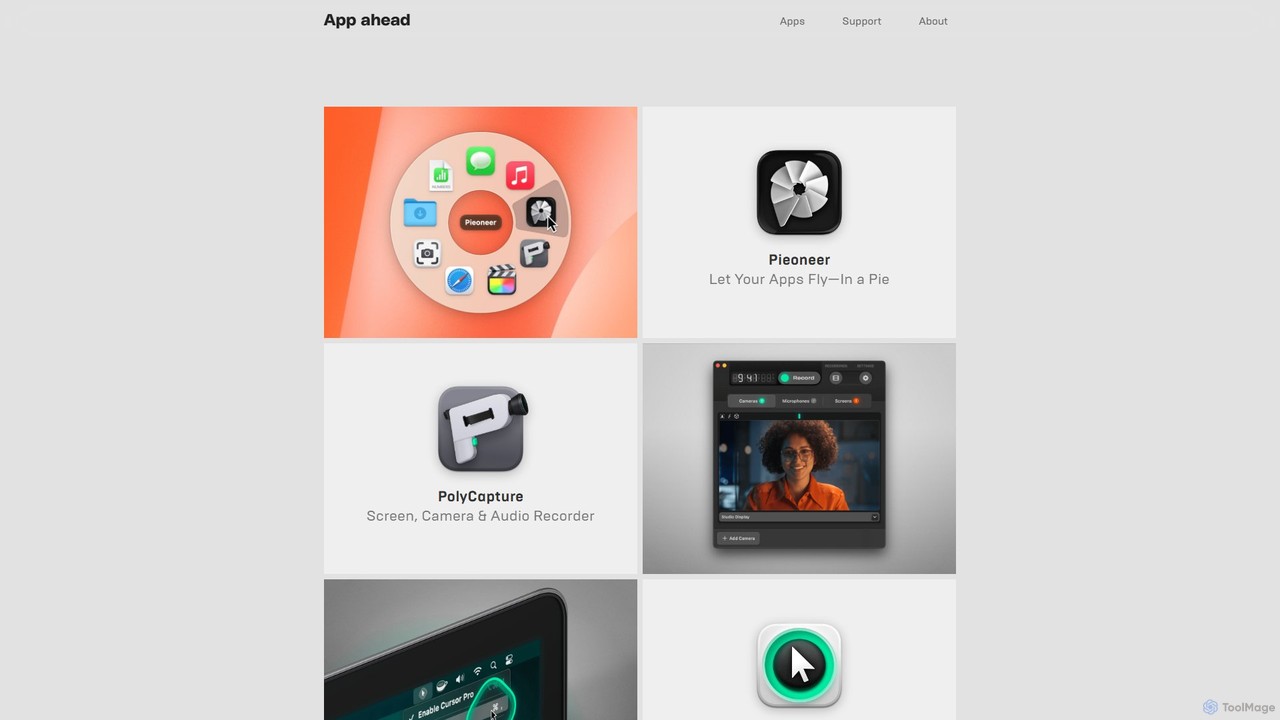
appahead
appahead is a premium software studio offering a suite of meticulously crafted applications for macOS, iOS, and visionOS. …
appahead is a premium software studio offering a suite of meticulously crafted applications for macOS, iOS, and visionOS. Focusing on productivity and creativity, the collection includes tools for screen recording, presentation enhancement, 3D scanning, and AI-powered transcription. Each app is designed with a strong emphasis on quality, user experience, and engineering excellence, providing powerful solutions for professionals and creators on Apple platforms.
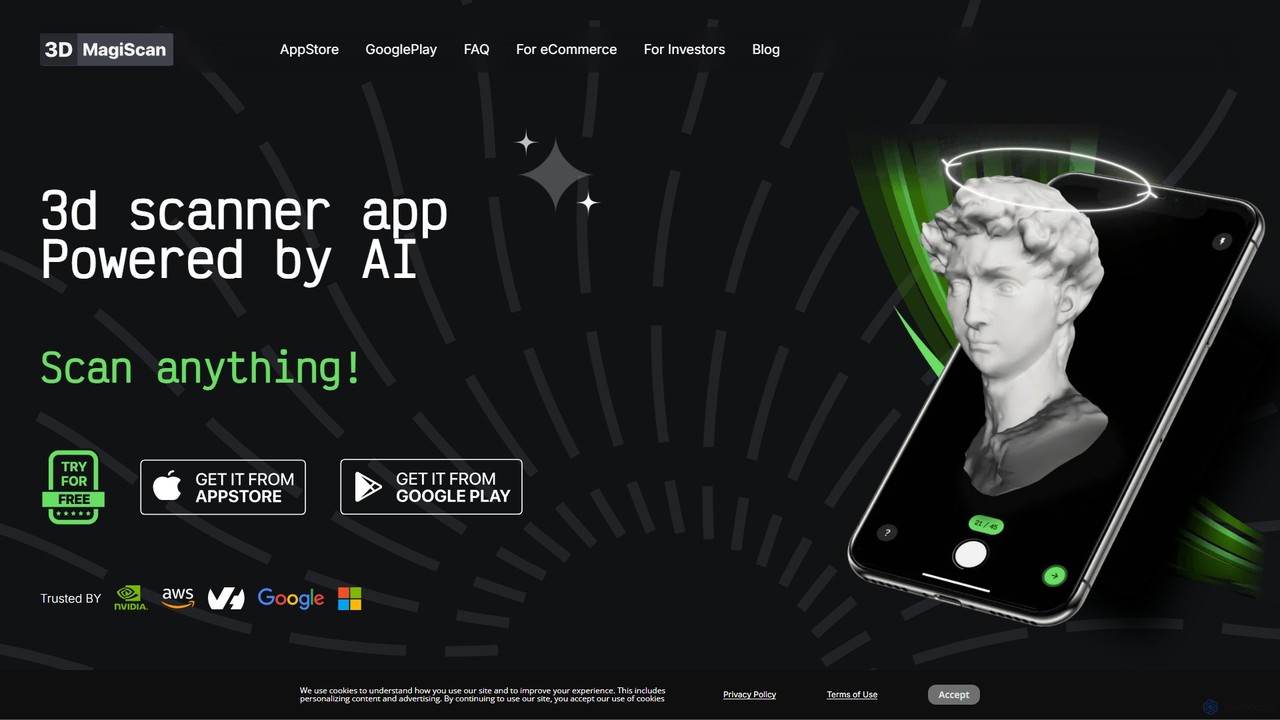
Magiscan
Magiscan is an AI-powered 3D scanner app for iOS and Android that transforms photos of real-world objects into …
Magiscan is an AI-powered 3D scanner app for iOS and Android that transforms photos of real-world objects into high-quality 3D models. It offers multiple scanning modes, including photogrammetry and Lidar point cloud capture. With support for numerous export formats (GLB, OBJ, STL, etc.) and direct integration with NVIDIA Omniverse, it's a versatile tool for eCommerce, game development, AR/VR, and 3D artists. A free tier is available, with a premium subscription for advanced features and higher limits.

Qlone
Qlone is a user-friendly, all-in-one 3D scanning app for mobile devices. It allows anyone to easily capture real-world …
Qlone is a user-friendly, all-in-one 3D scanning app for mobile devices. It allows anyone to easily capture real-world objects and people, turning them into high-quality 3D models directly on their phone. With its unique AR mat for guidance, on-device processing, and seamless export options, Qlone makes 3D creation accessible for 3D printing, AR/VR content, e-commerce, and art.
About 3D Modeling
AI 3D Modeling tools are a class of software that uses artificial intelligence to generate, modify, and optimize three-dimensional models. These tools typically leverage generative algorithms and machine learning to interpret text prompts, 2D images, or even video footage, automating the creation of complex geometry and textures. This technology significantly accelerates workflows in game development, product design, and virtual reality, enabling users to produce detailed digital assets with greater speed and less manual effort. They bridge the gap between conceptual ideas and tangible 3D representations.
Core Features
- Text-to-3D Generation: Creates 3D models directly from descriptive text prompts, allowing for rapid ideation.
- Image-to-3D Conversion: Transforms a single 2D image or a series of photos into a textured 3D object.
- AI-Assisted Sculpting & Retopology: Provides intelligent suggestions and automates the process of refining model surfaces and optimizing mesh topology for performance.
- Procedural Texturing: Generates realistic and complex surface materials (like wood, metal, or fabric) based on simple parameters or style inputs.
- Style Transfer: Applies the artistic style of a source image to the texture and form of a 3D model.
Use Cases
These tools are widely used by game developers for rapid asset prototyping, architects for conceptual visualization, and product designers for creating initial mockups. They are also valuable for VFX artists, animators, and hobbyists in 3D printing who need to generate custom models quickly without deep expertise in traditional modeling software.
How to Choose
When selecting an AI 3D Modeling tool, consider the quality and detail of the generated models, the supported input types (text, image, video), and the available export formats (e.g., OBJ, FBX, glTF) for compatibility with your existing workflow. Also, evaluate the ease of use, the level of creative control offered for refining results, and the pricing model, whether it's subscription-based or pay-per-generation.
3D ModelingUse Cases
Rapid Prototyping for Game Assets
A solo game developer needs to populate a game world with dozens of unique props like chests, barrels, and furniture. Instead of spending weeks manually modeling each item, they use a text-to-3D tool. By inputting prompts like "ornate wooden treasure chest with iron fittings" or "sci-fi glowing energy barrel," they can generate a variety of base models in minutes. This allows them to quickly test assets in the game engine, iterate on designs, and focus their time on gameplay mechanics rather than repetitive modeling tasks.
Conceptual Models for Architecture
An architect is in the early stages of designing a new building and needs to present multiple concepts to a client. They use an image-to-3D tool by uploading their initial 2D sketches of the building's facade. The AI generates rough 3D massing models that represent the form and scale of the different design options. These models can be quickly imported into visualization software to create simple renders, helping the client better understand the spatial qualities of each concept long before detailed CAD work begins.
Creating Custom 3D Printing Models
A hobbyist wants to 3D print a custom-designed miniature figure for a tabletop game but lacks advanced modeling skills. Using a text-to-3D tool, they describe the character in detail: "a dwarf warrior with a braided beard, holding a large axe, wearing plate armor." The AI generates a 3D model that matches the description. They can then make minor adjustments or regenerate variations until they are satisfied, and finally export the model as an STL file ready for their 3D printer. This process democratizes creation, enabling people without technical expertise to produce physical objects from their imagination.
Generating 3D Assets for E-commerce
An online furniture store wants to offer an augmented reality (AR) viewing experience for its products. Manually creating 3D models for their entire catalog is expensive and time-consuming. Instead, they use an image-to-3D service. By providing a set of high-quality photos of a chair from multiple angles, the AI reconstructs a detailed and accurately textured 3D model. This model can then be integrated into their website or app, allowing customers to virtually place the chair in their own homes before making a purchase, which can increase conversion rates and reduce returns.
Concept Art Exploration for Film and Animation
A concept artist working on a new animated series needs to design a unique alien creature. To explore a wide range of ideas quickly, they use a text-to-3D tool. They input various descriptive prompts like "bioluminescent jellyfish-like creature with six tentacles" and "crystalline insectoid with iridescent wings." The AI generates multiple 3D concepts for each prompt. The artist can then quickly rotate and view these models from all angles, select the most promising designs, and use them as a base for more detailed sculpting and painting in traditional 3D software, saving significant time in the initial ideation phase.
Optimizing 3D Scans with AI Retopology
A digital archivist uses a 3D scanner to capture a detailed model of a historical artifact. The raw scan data results in a very dense and messy mesh with millions of polygons, making it unsuitable for real-time viewing or use in VR. They use an AI tool with an automated retopology feature. The AI analyzes the high-poly model and intelligently creates a new, clean, and low-polygon mesh that preserves all the important details and contours. This optimized model is much more performant and can be easily used in interactive museum exhibits or educational applications.