AiWallz
AiWallz is a free AI-powered wallpaper application for iOS and Android. It uses advanced generative AI to create …
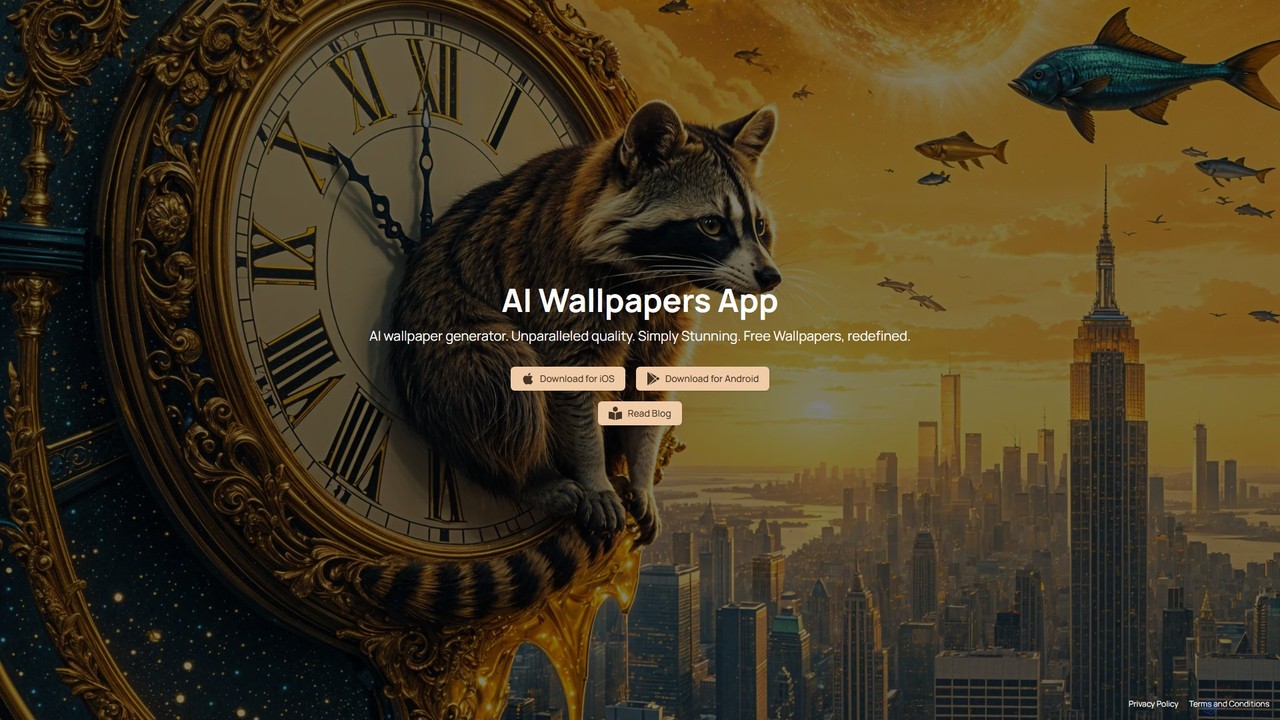
AiWallz is a free AI-powered wallpaper application for iOS and Android. It uses advanced generative AI to create an endless stream of unique, high-quality, and visually stunning wallpapers. Discover diverse collections, from abstract textures to specific themes, and personalize your device with art you've never seen before. The intuitive interface makes finding your next background a seamless and inspiring experience.
About Image Generation
Image Generation tools are a class of AI applications that create entirely new visual content from textual descriptions or other inputs. They utilize advanced generative models, such as diffusion or GANs, to interpret prompts and synthesize photorealistic or stylized images from scratch. This technology empowers creators, marketers, and designers to rapidly visualize concepts, produce unique marketing assets, and explore artistic styles without needing traditional illustration skills. It significantly accelerates the creative workflow, enabling the generation of countless variations from a single idea.
Core Features
- Text-to-Image Generation: Creates detailed images based on written descriptions and keywords.
- Image-to-Image Transformation: Modifies an existing image using a text prompt to change its style or content.
- Style Control: Allows users to specify or replicate artistic styles, such as photorealism, anime, or impressionism.
- Inpainting & Outpainting: Edits or removes elements within an image (inpainting) or extends the image's canvas (outpainting).
- High-Resolution Upscaling: Increases the pixel dimensions of generated images for high-quality printing or display.
Use Cases
These tools are widely used in digital marketing for creating ad creatives, in game development for rapid concept art prototyping, and by content creators for generating unique blog and social media visuals. They also serve product designers for mocking up concepts and artists for exploring new forms of digital expression.
How to Choose
When selecting an Image Generation tool, consider the quality and realism of the output, the diversity of available artistic styles, the level of control over the generation process (e.g., negative prompts, seed numbers), and the pricing model, which is often based on subscriptions or a credit system for each generation.
Image GenerationUse Cases
Creating Unique Ad Creatives for Campaigns
A digital marketer is tasked with launching a new social media campaign and needs a wide variety of eye-catching visuals for A/B testing. Instead of relying on limited stock photos or a lengthy design process, they use an AI image generator. By inputting a core prompt like 'a futuristic sneaker splashing through a puddle of neon paint, hyperrealistic', they can generate dozens of unique variations in minutes. They can further refine results by adding style keywords like 'cinematic lighting' or 'vaporwave aesthetic', ultimately producing a diverse set of high-impact ads that significantly improves click-through rates.
Rapid Prototyping for Game Character Concepts
A concept artist in a game development studio needs to quickly explore different visual directions for a new character. Using an AI image generator, they can input detailed descriptions like 'female elven rogue, leather armor with glowing runes, in a moonlit forest, fantasy art style'. The tool produces multiple high-quality concepts within seconds. This allows the artist to iterate rapidly, presenting the art director with a wide range of styles and designs, drastically reducing the time spent on initial sketches and accelerating the pre-production phase of game development.
Generating Custom Blog and Social Media Visuals
A content creator manages multiple blogs and social media accounts, requiring a constant stream of fresh, relevant images. Stock photography often feels generic and doesn't perfectly match their niche topics. By using an AI image generator, they can create custom featured images for each article or post. For a blog post titled 'The Future of Urban Gardening,' they can generate an image of 'a lush vertical garden on the side of a futuristic skyscraper, photorealistic'. This ensures every piece of content has a unique, highly relevant visual, boosting reader engagement and brand consistency without incurring high costs for custom photography.
Visualizing Architectural and Interior Designs
An interior designer needs to present multiple design concepts to a client for a living room renovation. Instead of creating time-consuming 3D models for each option, they use an AI image generator with an image-to-image function. They upload a basic sketch or photo of the room and use prompts like 'convert to a Scandinavian style with light wood and neutral colors' or 'reimagine as a bohemian space with plants and macrame'. The tool provides photorealistic renderings of various styles in minutes, allowing the client to visualize the final result clearly and make decisions faster, streamlining the entire design process.
Creating Storyboards for Film and Animation
A film director or animator needs to create a storyboard to visualize a scene's sequence. This traditionally requires significant drawing skills and time. With an AI image generator, they can quickly produce panels for the storyboard. By providing prompts that describe the character, action, and camera angle, such as 'wide shot, a lone astronaut standing on a red desert planet, two moons in the sky, cinematic', they can generate consistent visuals for each shot. This method allows for rapid experimentation with different compositions and lighting, facilitating clearer communication with the production team and saving valuable pre-production hours.
Generating Textures and Patterns for 3D Models
A 3D artist is creating assets for a video game and needs unique, seamless textures for surfaces like wood, metal, or alien terrain. Creating these from scratch can be repetitive and time-consuming. Using an AI image generator, they can generate tileable textures by specifying prompts like 'grimy industrial metal plate, rivets and rust, 4k, seamless pattern'. The AI can produce a wide variety of high-resolution textures that can be directly applied to 3D models. This not only saves hours of manual work but also provides a nearly infinite library of creative surface materials, enhancing the visual richness of the game world.