ToolMage
Sign in

Best 4 Photography AI tools for Design

Popular Photography AI tools in Design include Yunxiu, Artisse, FoodPics.ai, and Charm Shot AI, helping you work more efficiently.

Charm Shot AI
Paid

Charm Shot AI

Charm Shot AI is an AI-powered image generator specializing in creating professional headshots, stunning product photography, and captivating marketing visuals. It transforms simple photos or text prompts into high-quality, studio-level images, helping users enhance their personal brand or e-commerce presence without the need for expensive photoshoots.

Photography
Visits 5.5KFavorites 118Likes 130
Yunxiu
Freemium

Yunxiu

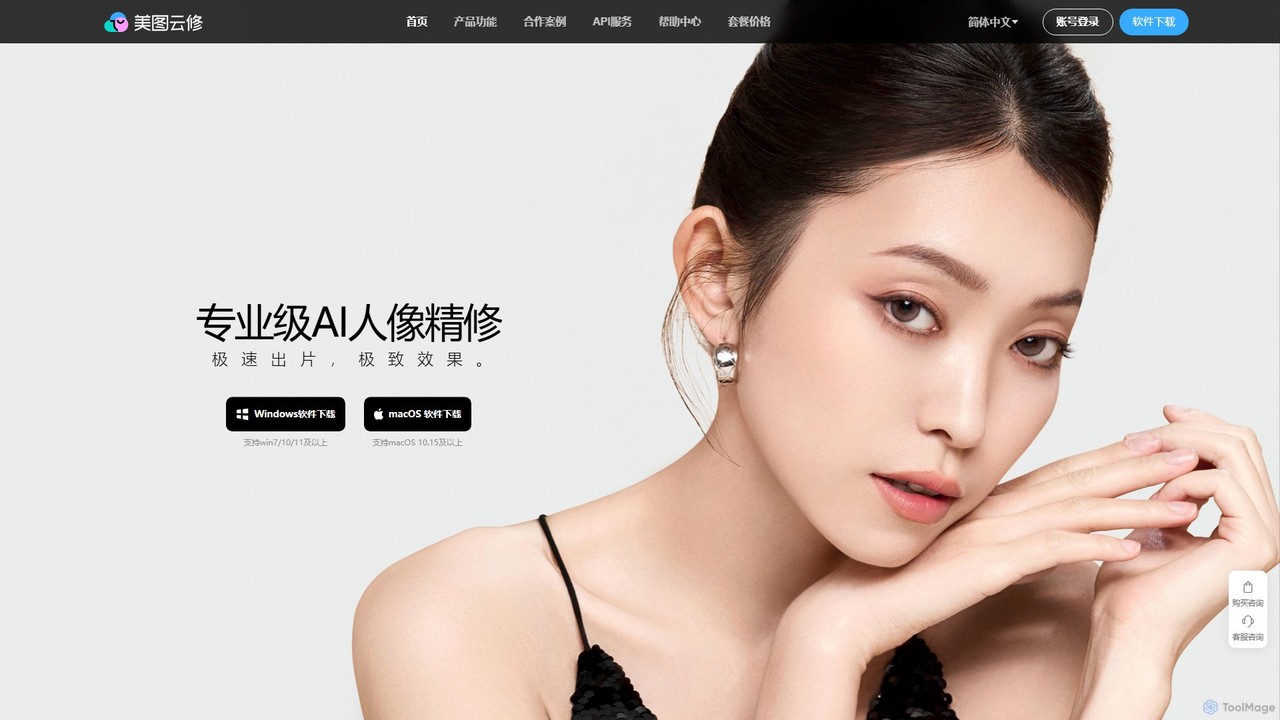
Yunxiu is a professional-grade AI portrait retouching software by Meitu, designed for commercial photographers. It leverages advanced AI to automate and accelerate post-production, enabling batch processing of up to 1000 photos per hour with high-quality, natural-looking results.

3D
Visits 12.5KFavorites 163Likes 131
FoodPics.ai
Freemium

FoodPics.ai

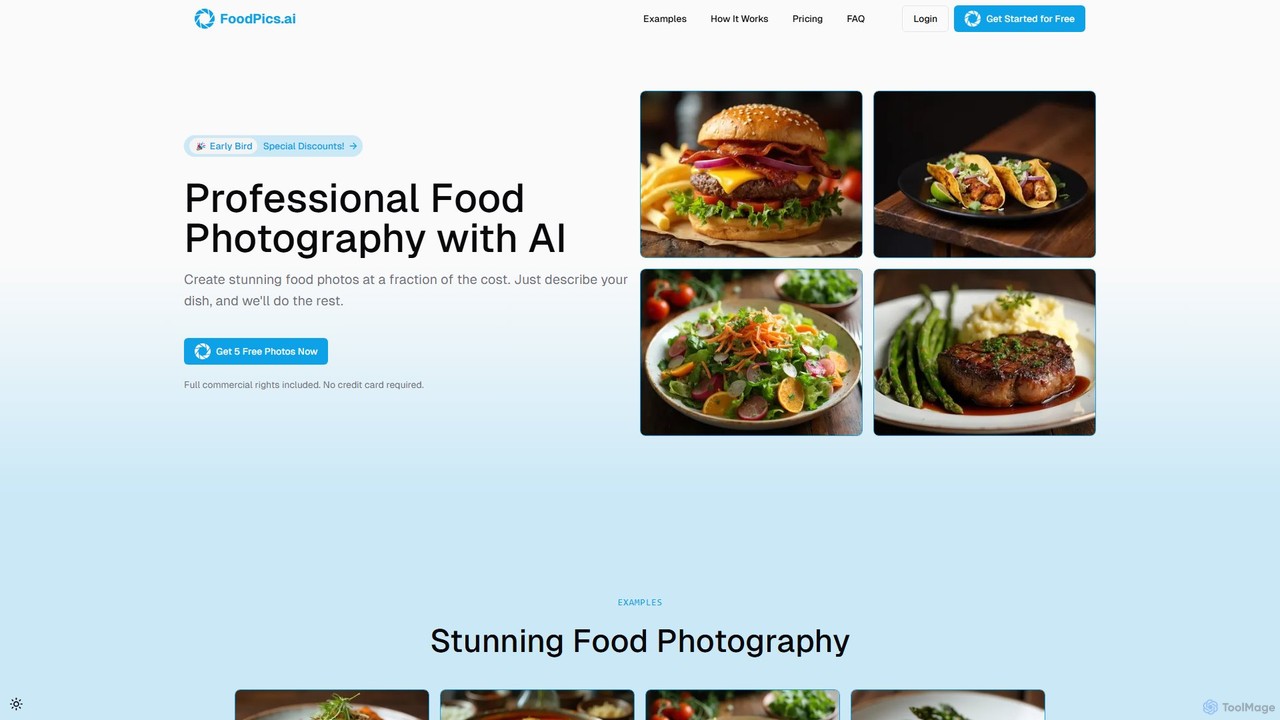
FoodPics.ai is an AI-powered platform that generates professional, high-resolution food photos from simple text descriptions. It offers a cost-effective and rapid solution for restaurants, food bloggers, and marketers to create stunning, appetizing visuals for menus, social media, and websites, complete with full commercial rights. Get started with a free trial to instantly elevate your food presentation.

Photography
Visits 5.7KFavorites 135Likes 105
Artisse
Paid

Artisse

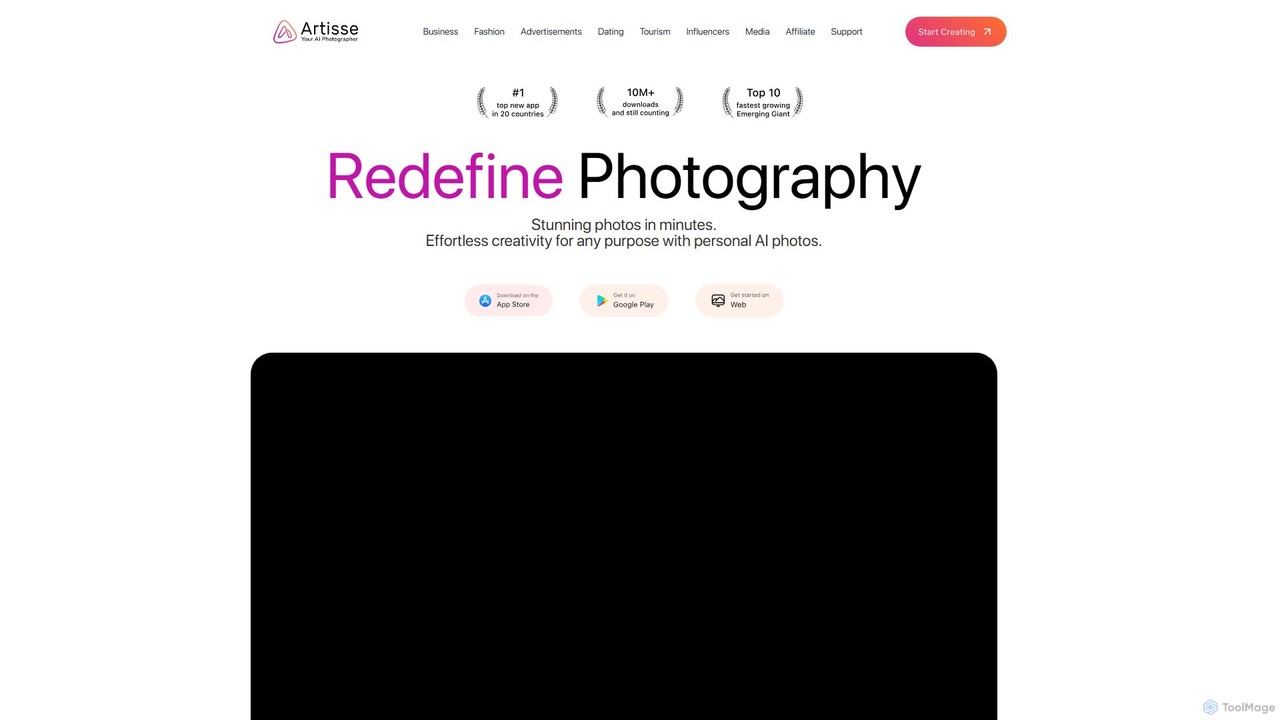
Artisse is a powerful AI photo generator for creating hyper-realistic, human-centric images. Using just a single photo, Artisse generates stunning, diverse portraits and scenes for personal use, social media, and professional business applications. It offers extensive customization, advanced editing tools, and industry-specific solutions for fashion, marketing, and more, available on both web and mobile platforms.

Ecommerce
Visits 7.2KFavorites 119Likes 134

About Photography

Photography tools are AI-powered applications designed to enhance, generate, and manipulate photographic content. These tools leverage advanced machine learning algorithms for intelligent image recognition, processing, and synthesis. They streamline workflows for photographers, designers, and content creators, enabling advanced editing, restoration, and creative visual generation. By automating complex tasks, AI photography tools unlock new creative possibilities and help achieve professional results with unprecedented speed and efficiency.

Core Features

  • Image Enhancement: Automatically corrects colors, reduces noise, sharpens details, and upscales image resolution.
  • Object & Background Manipulation: Seamlessly removes, replaces, or generates objects and backgrounds within photos.
  • Generative Photography: Creates photorealistic images from text prompts, sketches, or reference images.
  • Style Transfer: Applies artistic styles from one image to another, transforming visual aesthetics.
  • Photo Restoration: Repairs scratches, tears, and discoloration in old or damaged photographs, including colorization.

Applicable Scenarios

AI Photography tools are invaluable for professionals and businesses seeking to optimize their visual content creation. Professional photographers use them for batch editing and retouching, while e-commerce businesses leverage them for consistent product imagery. Content creators and marketers utilize these tools to produce unique visuals for campaigns, social media, and blogs, significantly accelerating their creative output.

How to Choose

When selecting an AI Photography tool, consider your primary needs: whether it's image generation, enhancement, or manipulation. Evaluate its integration capabilities with your existing design and editing workflows, and assess the output quality and resolution for professional use. Ease of use, user interface, and the pricing model (subscription vs. pay-per-use) are also crucial factors to ensure it aligns with your technical comfort and budget.

Photography use cases

1

Automated Product Photography Editing

E-commerce businesses and online retailers utilize AI photography tools to instantly remove backgrounds, adjust lighting, and standardize product images for their online catalogs. By automating these repetitive tasks, they save significant time and ensure brand consistency across hundreds or thousands of product listings, making their products more appealing to customers.

2

Generating Realistic Stock Photos

Content creators, marketers, and small businesses leverage AI photography tools to create unique, high-quality stock images from simple text descriptions or reference photos. This allows them to avoid licensing issues, tailor visuals precisely to their campaigns, and produce diverse imagery that perfectly matches their brand's aesthetic without costly photoshoots.

3

Restoring Vintage Family Photos

Individuals and archivists employ AI photography tools to repair scratches, tears, and discoloration in old family photographs, and even colorize black and white images. This process breathes new life into precious memories, preserving them for future generations with enhanced clarity and vibrant colors that were previously impossible to achieve manually.

4

Creative Concept Visualization for Designers

Graphic designers and artists utilize AI photography tools to rapidly generate diverse visual concepts and mood boards from initial sketches or textual ideas. This accelerates the ideation phase of projects, allowing designers to explore numerous creative directions and refine their vision before committing to detailed design work, significantly boosting efficiency.

5

Enhancing Real Estate Listing Photos

Real estate agents and property managers use AI photography tools to automatically correct exposure, improve colors, and even virtually stage empty rooms in their listing photos. This makes properties more appealing to potential buyers, helps them visualize the space's potential, and ultimately contributes to faster sales and higher perceived value.

6

Personalized Social Media Visuals

Social media managers and content creators use AI photography tools to generate engaging and personalized visuals for their posts. By using AI to create unique images, apply trending filters, or adapt existing photos to specific themes, they can boost audience engagement, maintain a fresh brand presence, and efficiently produce a high volume of diverse content.

Photography FAQ

What are AI Photography tools?

AI Photography tools are applications that use artificial intelligence to automate and enhance various aspects of image creation, editing, and manipulation. They leverage machine learning for tasks like image generation, intelligent enhancement, object removal, and style transfer. These tools help users achieve professional photographic results faster and unlock new creative possibilities, making advanced visual content creation more accessible.

How do AI Photography tools differ from traditional photo editing software?

AI Photography tools primarily focus on automation, generative capabilities, and intelligent content-aware adjustments, often requiring less manual input from the user. Traditional photo editing software, like Photoshop, relies more on manual adjustments, layers, and filters, offering precise control but demanding more time and skill. AI tools can complement traditional software by handling repetitive tasks or generating initial concepts, while traditional tools provide fine-grained control for final touches.

What are the main benefits of using AI in photography?

The main benefits of using AI in photography include enhanced efficiency through automation of repetitive tasks like background removal and retouching. It boosts creativity by enabling the generation of entirely new images from text or exploring diverse artistic styles. AI tools also increase accessibility, lowering the barrier for achieving professional-grade results, and ensure consistency across large batches of images, saving time and resources for various visual projects.

Who can benefit most from AI Photography tools?

A wide range of users can benefit from AI Photography tools. Professional photographers can streamline batch processing and retouching. E-commerce businesses gain consistent product imagery and marketing visuals. Content creators and marketers can generate unique visuals for campaigns and social media. Graphic designers find value in rapid concept visualization and asset creation, while individuals can use them for personal photo enhancement and restoration, making these tools versatile for many needs.

What should I consider when choosing an AI Photography tool?

When choosing an AI Photography tool, consider your specific needs, such as image generation, enhancement, editing, or restoration. Evaluate the output quality and resolution to ensure it meets professional standards. Assess the ease of use and user interface, as well as its integration capabilities with your existing design and editing workflows. Finally, compare the pricing model (subscription, pay-per-use, or one-time purchase) to find a solution that aligns with your budget and technical comfort level.