Design Best in category 6 results Ux Analysis AI Tool

Popular AI tools in the Ux Analysis field of Design include Attention Insight、Flawless、Blopai、Exdera、Behavly、Landing.report, etc., helping you quickly improve efficiency.

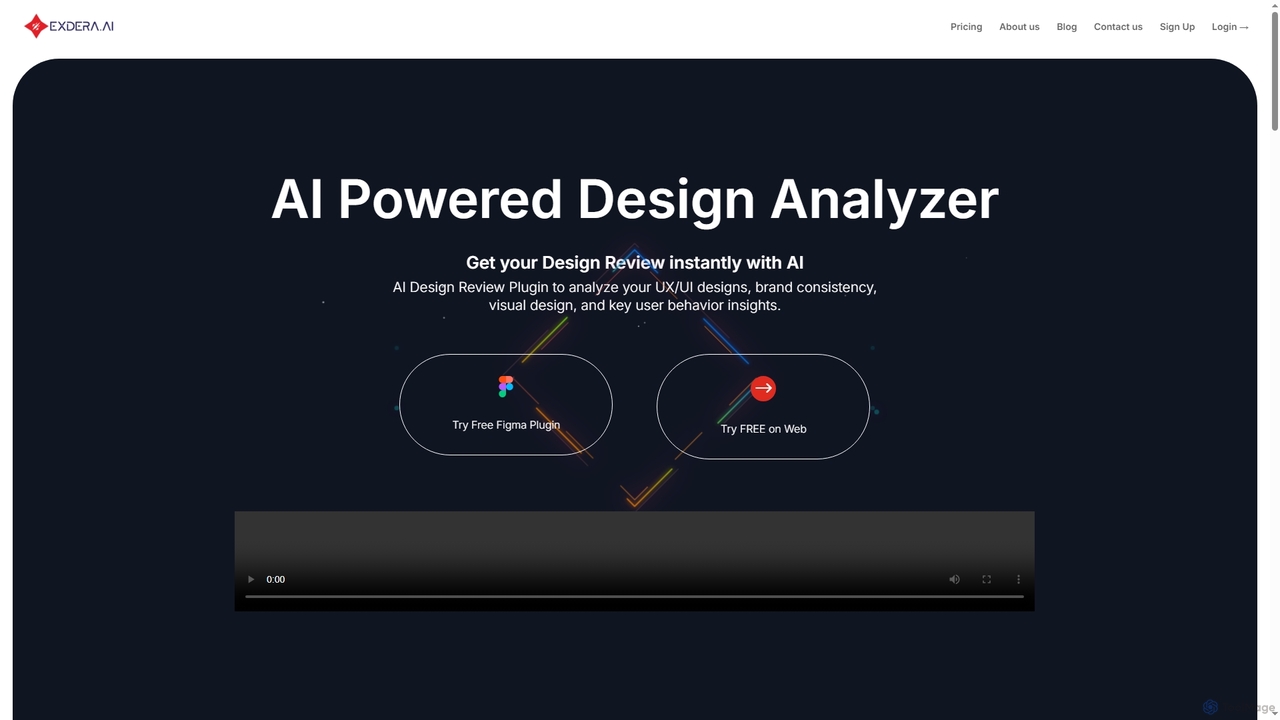
Exdera

Exdera

Exdera is an AI-powered design review tool available as a Figma plugin and web application. It instantly analyzes …

3.0K
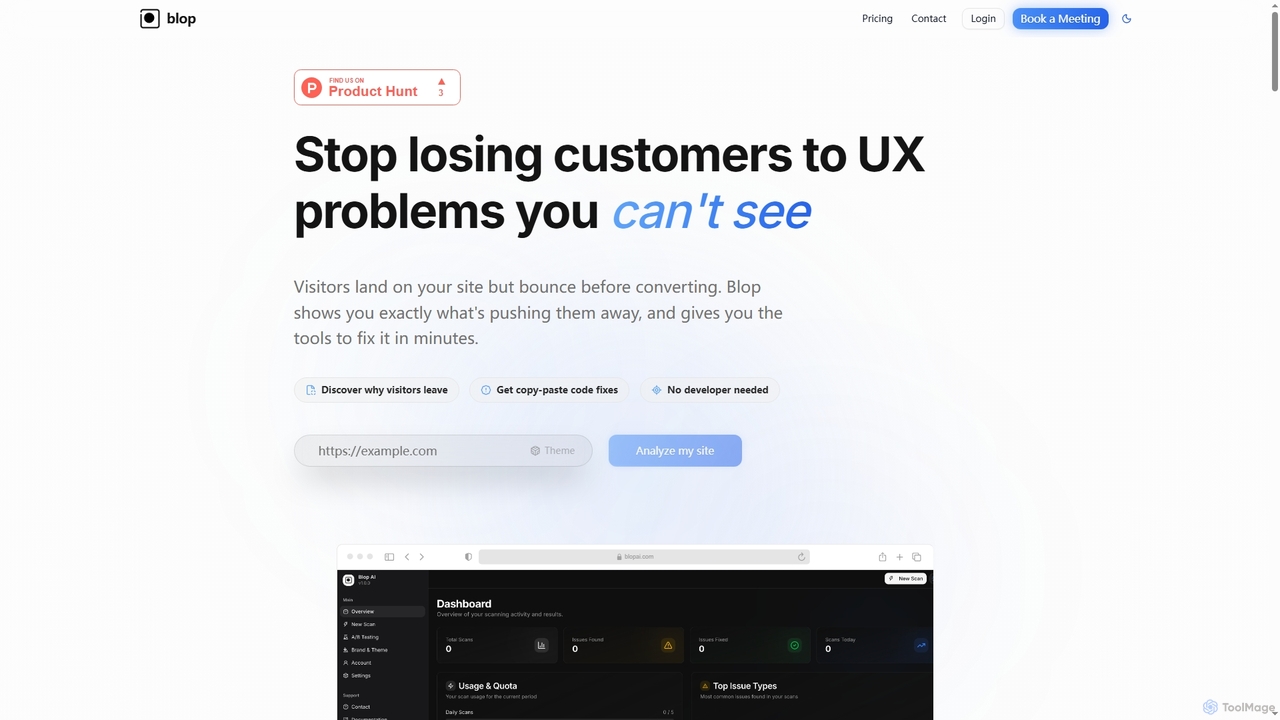
Blopai

Blopai

Blopai is an AI-powered UX analysis tool that identifies website usability issues, accessibility problems, and design flaws. It …

3.6K
Landing.report

Landing.report

Landing.report is an AI-powered tool that provides comprehensive audits for landing pages, focusing on design, copy, and SEO. …

2.9K
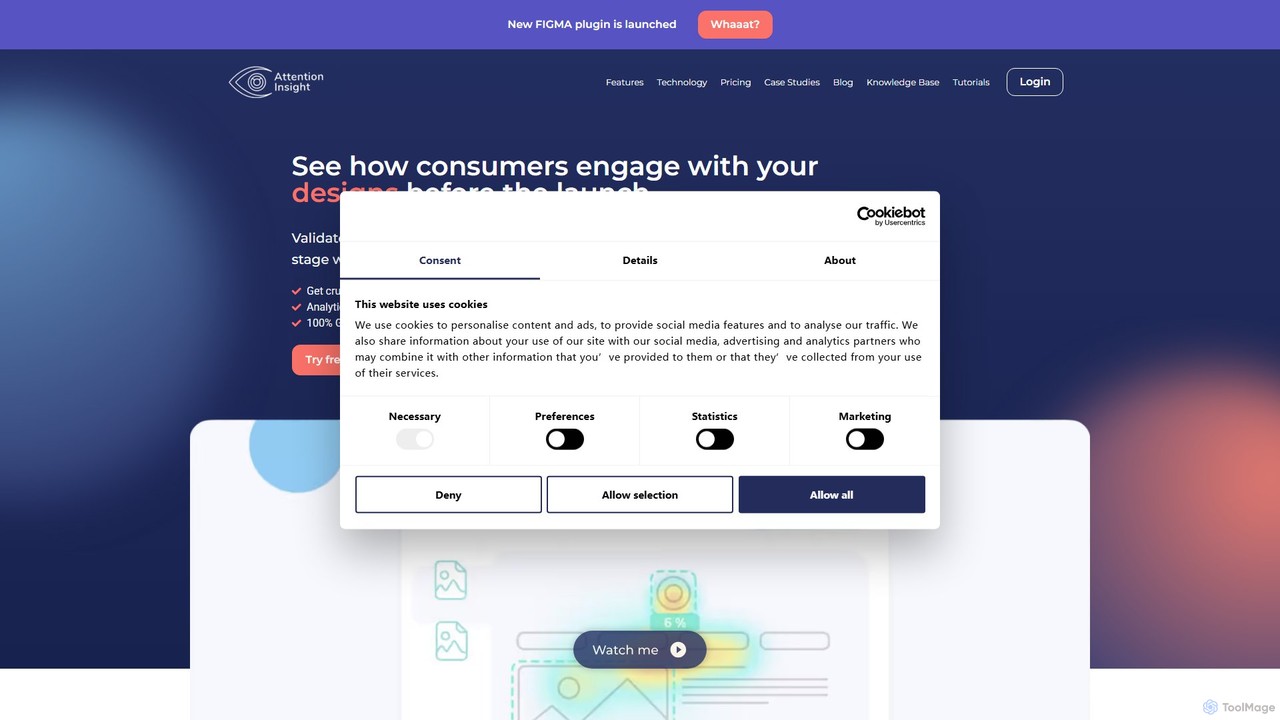
Attention Insight

Attention Insight

Attention Insight is an AI-driven pre-launch analytics platform that provides predictive heatmaps and clarity scores for designs. It …

61.3K
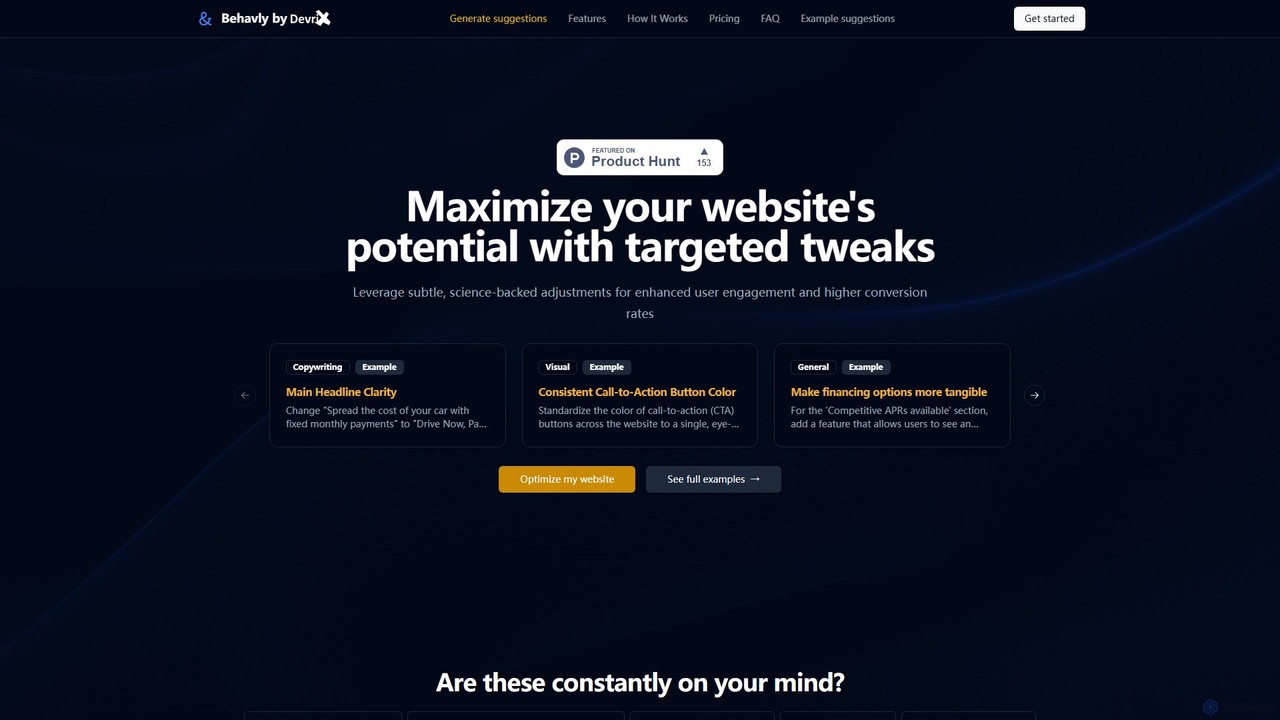
Behavly

Behavly

Behavly is an AI-powered tool that analyzes your website and provides science-backed suggestions to improve copywriting, visual design, …

3.0K
Flawless

Flawless

Flawless is an AI-powered tool that provides instant UX audits for your landing pages. By analyzing a screenshot …

3.8K

About Ux Analysis

AI UX Analysis tools are a class of software that uses artificial intelligence to automatically evaluate and interpret user behavior on websites and applications. These tools leverage machine learning models to analyze data from session recordings, heatmaps, and user flows, identifying friction points and usability issues without manual intervention. They provide product teams and designers with actionable, data-driven insights to optimize user experience, improve conversion rates, and accelerate design iteration cycles. This approach moves beyond traditional analytics by not just showing *what* users do, but helping to understand *why*.

Core Features

  • AI-Powered Session Replays: Automatically identifies and tags key user events like rage clicks, dead clicks, and moments of frustration in session recordings.
  • Predictive Heatmaps & Attention Maps: Generates visual maps showing where users are likely to look or click, even before collecting actual user data.
  • Automated Usability Audits: Scans interfaces and provides reports on potential usability problems based on established heuristics and best practices.
  • User Journey Analysis: Automatically maps common user paths, identifies drop-off points, and highlights deviations from ideal funnels.
  • Quantitative & Qualitative Data Synthesis: Combines numerical data (e.g., click-through rates) with behavioral patterns to provide a holistic view of the user experience.

Use Cases

AI UX Analysis tools are primarily used by UX/UI designers, product managers, conversion rate optimization (CRO) specialists, and marketers. They are invaluable in e-commerce for optimizing checkout flows, in SaaS for improving feature adoption, and in content publishing for enhancing reader engagement. Any digital product team aiming to make data-informed design decisions can benefit from these tools.

How to Choose

When selecting an AI UX Analysis tool, consider the following: the types of analysis offered (e.g., session replay, heatmaps, funnel analysis), its integration capabilities with your existing analytics and development platforms, data privacy and compliance policies (like GDPR/CCPA), and the clarity of its AI-generated insights. Also, evaluate the pricing model based on traffic volume or the number of sessions analyzed to ensure it aligns with your budget and scale.

Ux AnalysisUse Cases

1

Optimizing E-commerce Checkout Funnels

An e-commerce manager notices a high cart abandonment rate. Using an AI UX Analysis tool, they analyze session replays specifically for users who drop off during checkout. The AI automatically flags sessions where users exhibit 'rage clicking' on a confusing shipping form. Based on this insight, the team redesigns the form, leading to a measurable decrease in abandonment and an increase in completed purchases. This process replaces weeks of manual A/B testing with a targeted, data-driven fix.

2

Improving SaaS Feature Adoption

A product manager for a SaaS application wants to understand why a new, powerful feature has low adoption rates. They use an AI UX tool to analyze user journeys. The AI identifies that most users who successfully use the feature follow a non-obvious path, while the majority fail to discover it through the intended navigation. The tool's predictive attention maps also show the feature's entry point is in a 'blind spot' of the UI. This leads to a redesign of the navigation, making the feature more discoverable and boosting its usage.

3

Validating UI Redesigns Before Development

A UX designer has created two different mockups for a homepage redesign. Instead of building both for A/B testing, they upload the static images to an AI UX Analysis tool. The tool generates predictive heatmaps and clarity scores for both designs, forecasting which version is more likely to guide users to the primary call-to-action. This allows the team to make a data-informed decision and proceed with developing only the more promising design, saving significant development time and resources.

4

Automating Heuristic Evaluation for Compliance

A UX team in a large, regulated industry (like finance or healthcare) needs to ensure their new application complies with accessibility standards (WCAG) and internal design system rules. They use an AI UX tool to perform an automated heuristic evaluation. The tool scans every screen of the application and generates a detailed report flagging contrast issues, missing alt-text, and deviations from the approved component library. This automates a tedious manual process, ensures consistency, and provides a documented audit trail for compliance purposes.

5

Analyzing User Feedback at Scale

A product team receives thousands of pieces of user feedback through surveys, app store reviews, and support tickets. Manually categorizing this feedback is impossible. They feed this unstructured text data into an AI UX Analysis tool with NLP capabilities. The AI automatically clusters feedback into themes like 'login issues', 'confusing navigation', and 'feature requests for X'. It also performs sentiment analysis on each theme, allowing the team to quickly prioritize the most urgent and widespread UX problems reported by users.

6

Benchmarking Against Competitor UX

A startup wants to understand how its user onboarding flow compares to its main competitors. A UX researcher uses an AI analysis tool to evaluate their own flow and publicly available flows from two competitors. The tool provides objective scores for each flow based on metrics like task completion time, number of steps, and clarity. The AI-generated report highlights that a competitor's flow is 30% faster due to a simpler registration process. This provides a clear, actionable benchmark for the startup to improve its own onboarding experience.

Ux AnalysisFrequently Asked Questions