ToolMage
Sign in

Best 39 Web Design AI tools for Design

Popular Web Design AI tools in Design include Manus, Webflow, Website Planet, Studio.Design, Mobirise, Trickle, Design Rocket, Landing Page AI, softlite, and Blocs, helping you work more efficiently.

dreamsands
Freemium

dreamsands

dreamsands is a collaborative OS for building digital experiences. It empowers coders and non-coders to work together seamlessly, translating ideas into functional products with a consistent "vibe." Perfect for teams aiming to build websites, apps, and prototypes faster.

Web Design
Visits 5.7KFavorites 153Likes 126
Mobirise
Freemium

Mobirise

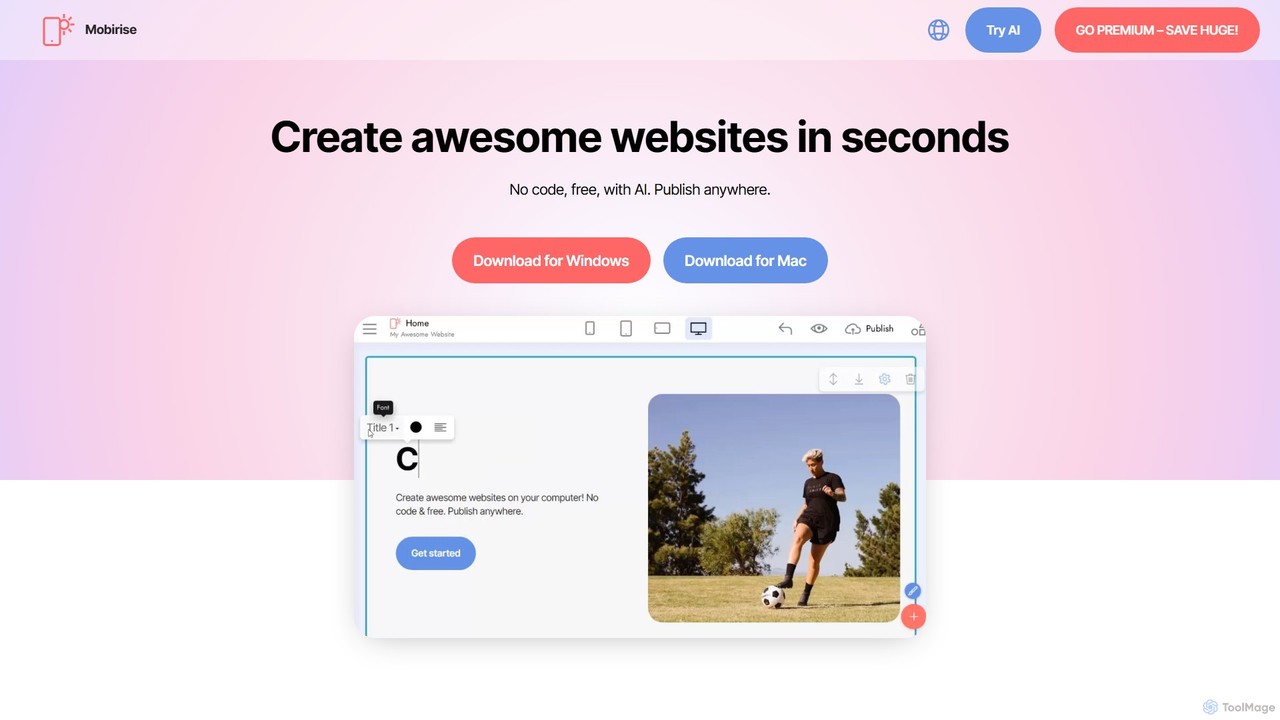
Mobirise is a free, offline and online AI-powered website builder designed for non-techies. It allows users to create stunning, mobile-friendly websites, landing pages, and portfolios using a simple drag-and-drop interface or by providing a text prompt to the AI. No coding skills are required, and you get full control over your site's files.

Web Design
Visits 478.6KFavorites 110Likes 139
Website Planet
Free

Website Planet

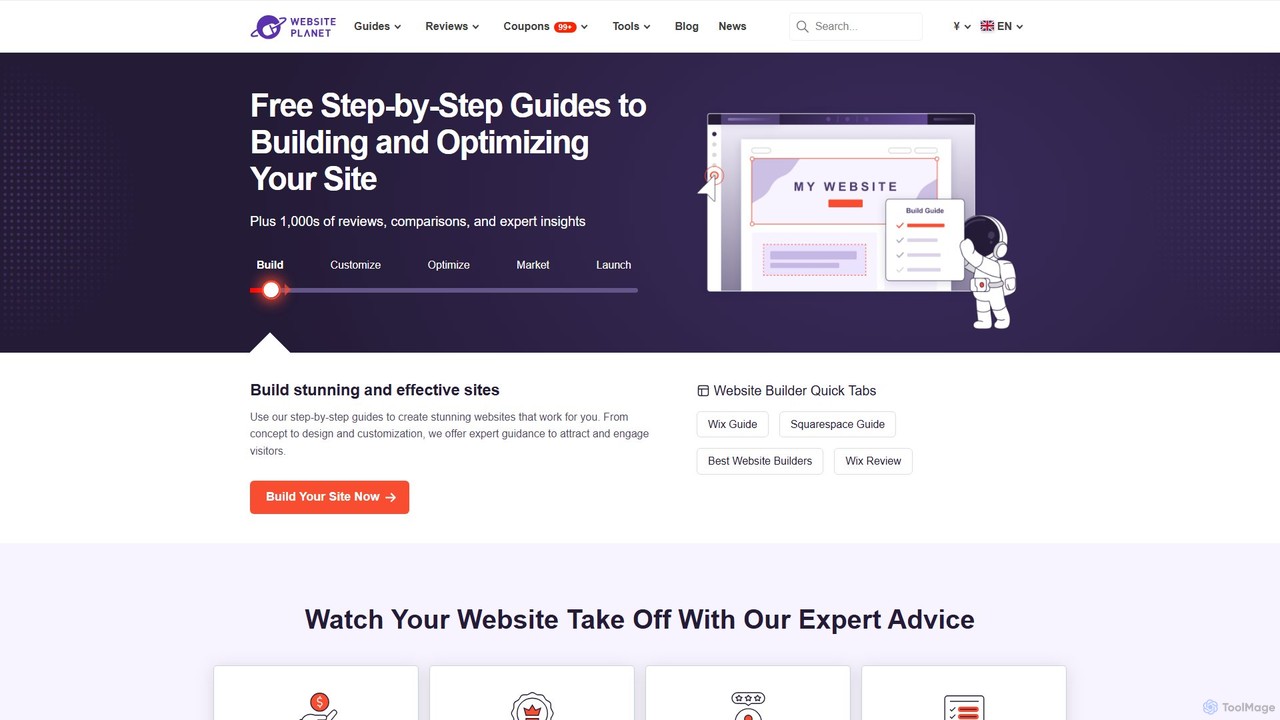
Website Planet is a comprehensive online resource offering free guides, expert reviews, and a suite of web tools to help users build, optimize, and market their websites. From in-depth tutorials on platforms like Wix and Squarespace to free utilities like an image compressor and responsive checker, it provides everything needed to establish a successful online presence. It's an ideal platform for beginners, small businesses, and anyone looking to enhance their website without a large budget, guided by a team of experienced web design and SEO professionals.

Web Design
Visits 746KFavorites 124Likes 122
brynga
Paid

brynga

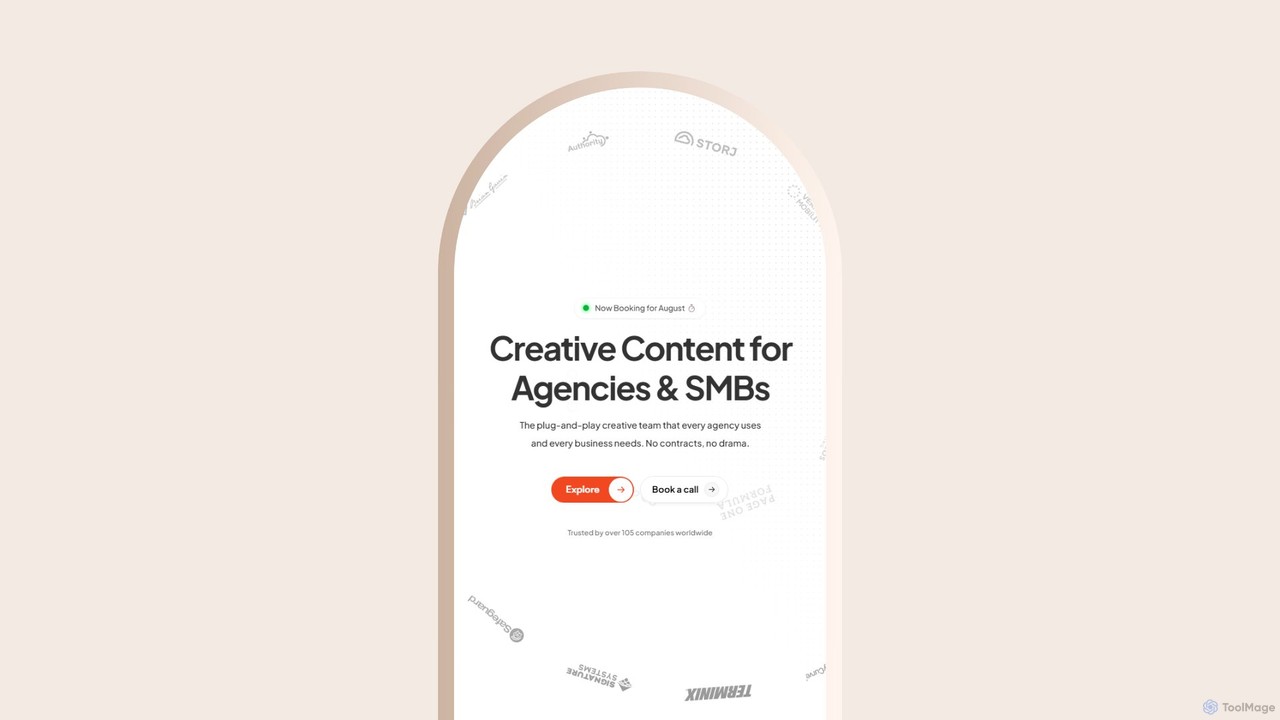
Brynga is an AI-powered, subscription-based creative service providing unlimited design, UI/UX, and copywriting for agencies and SMBs. It offers a dedicated team of senior creatives, a streamlined workflow via a client portal, and a rapid 48-hour turnaround for most requests, all for a flat monthly fee.

Web Design
Visits 5.8KFavorites 106Likes 142
qtandard
Freemium

qtandard

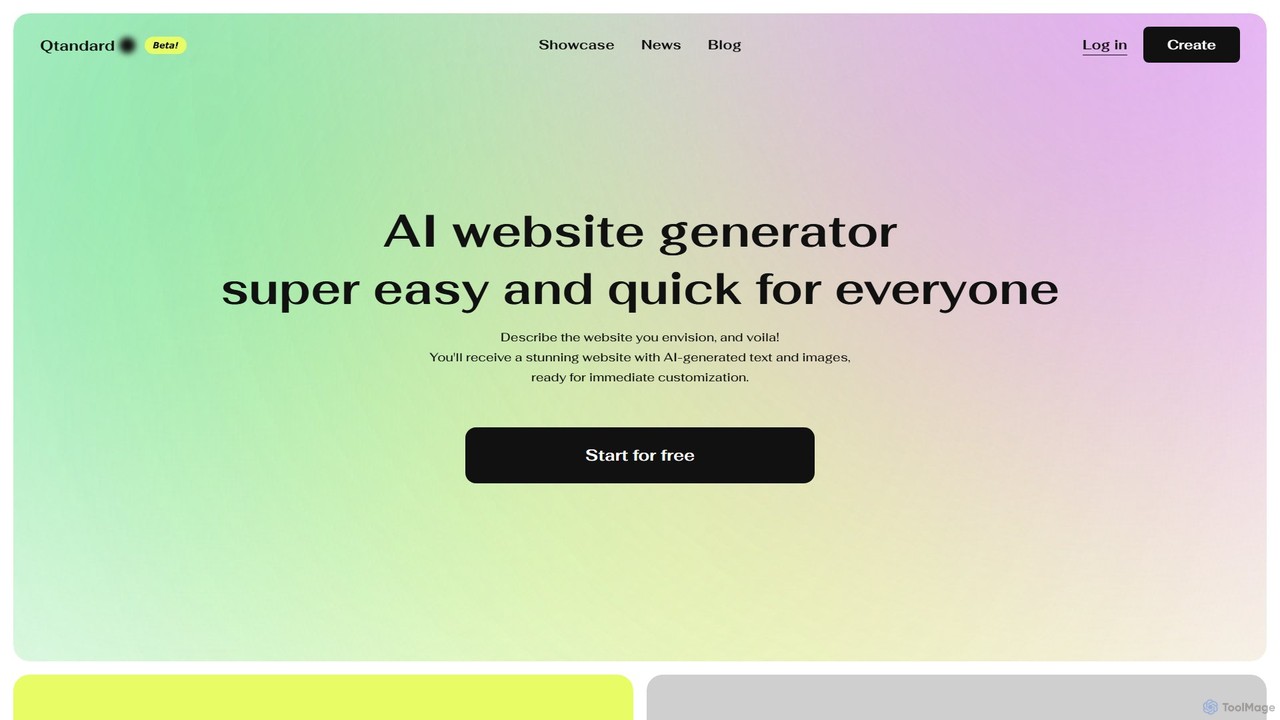
Qtandard is an AI-powered website generator that transforms your text descriptions into fully functional, visually stunning WordPress websites in just one minute. It automatically generates text and images, offering a no-code dashboard for easy customization. Ideal for small businesses, freelancers, and creators looking to establish an online presence quickly and effortlessly.

Web Design
Visits 5.6KFavorites 104Likes 104
dmddigitalseomarketingagency
Paid

dmddigitalseomarketingagency

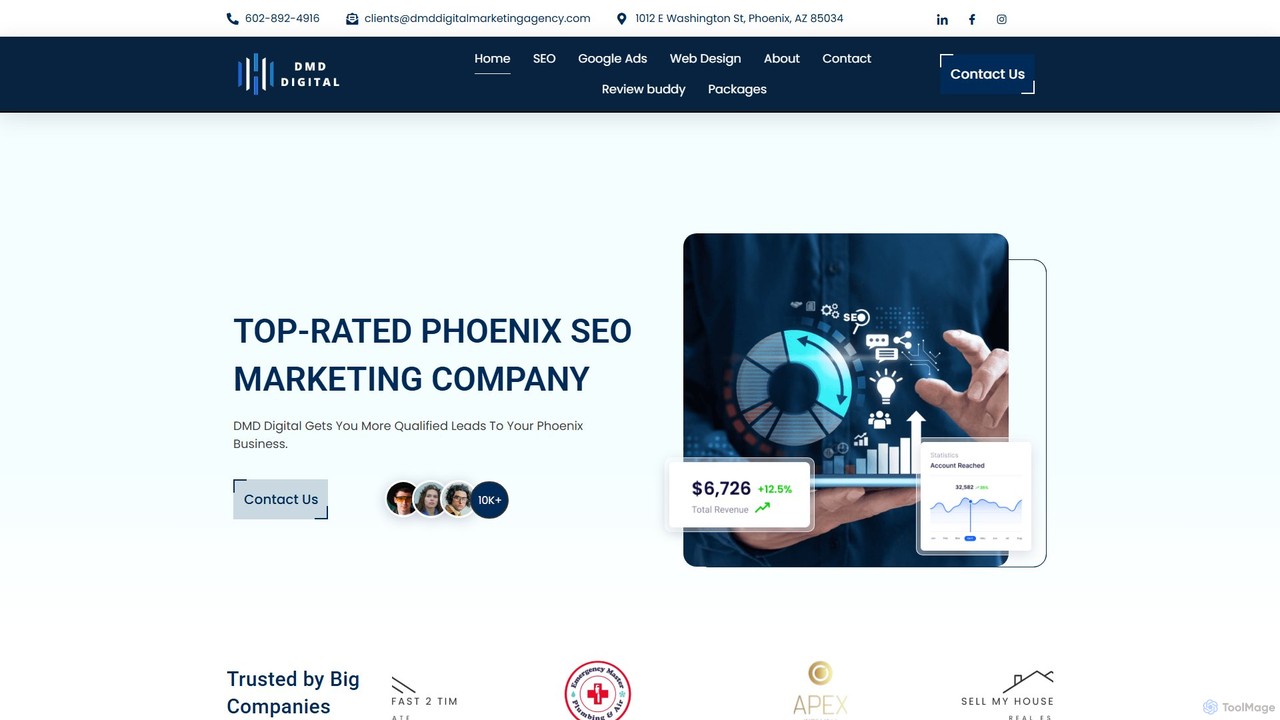
DMD Digital is a results-driven marketing agency based in Phoenix, AZ, specializing in SEO, PPC, and high-converting web design. They leverage data-backed, expert strategies to deliver transformative online growth, significantly increasing qualified leads and website traffic for businesses globally.

Lead Generation
Visits 5.7KFavorites 154Likes 145
Palet
Freemium

Palet

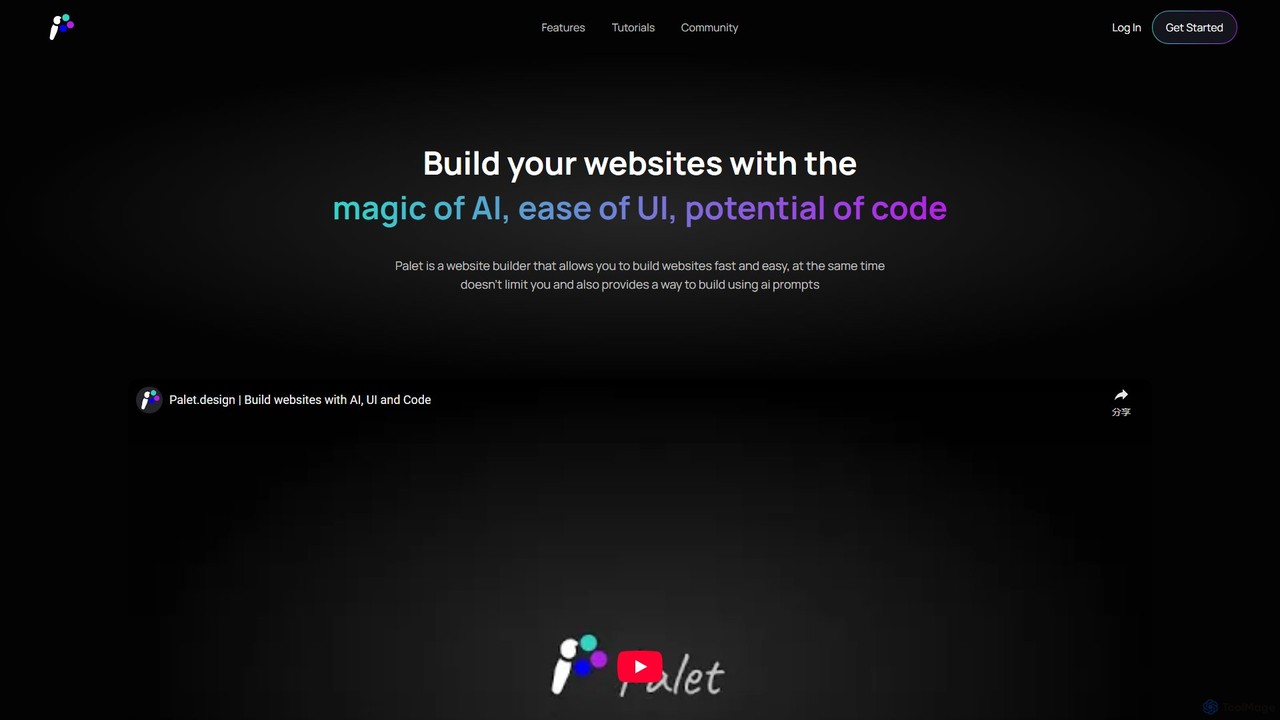
Palet is an AI-powered website builder that merges an intuitive UI with the power of code and AI prompts. It enables users to create stunning, interactive, and animated websites with ease, featuring the first-ever UI for the GSAP animation library. Ideal for designers and developers, Palet simplifies complex web development, allowing for seamless switching between visual editing and direct coding, and offers one-click deployment to Netlify.

Web Design
Visits 7KFavorites 75Likes 85
interweb.studio
Freemium

interweb.studio

interweb.studio is an AI-powered website builder that allows users to create professional, fully functional websites from simple text prompts. It's designed for entrepreneurs, marketers, and creators to launch online projects in minutes without any coding or design skills. Just describe your vision, and the AI brings it to life.

Web Design
Visits 5.8KFavorites 122Likes 139
Trickle
Freemium

Trickle

Trickle is an AI-powered platform that allows users to build functional web applications and websites using natural language. Simply describe your idea, and Trickle's AI will generate the app, complete with a visual canvas for co-creation, a built-in database, and hosting. It's designed for rapid prototyping and development without needing to write any code.

Web Design
Visits 190KFavorites 135Likes 141
domsy.io
Freemium

domsy.io

domsy.io is an AI-powered prototyping companion that transforms your ideas into functional, browser-native software prototypes instantly. Build, edit, and share web projects using natural language, with no complex setup required. It's designed for rapid iteration and seamless collaboration.

Web Design
Visits 5.7KFavorites 126Likes 119
Blocs
Freemium

Blocs

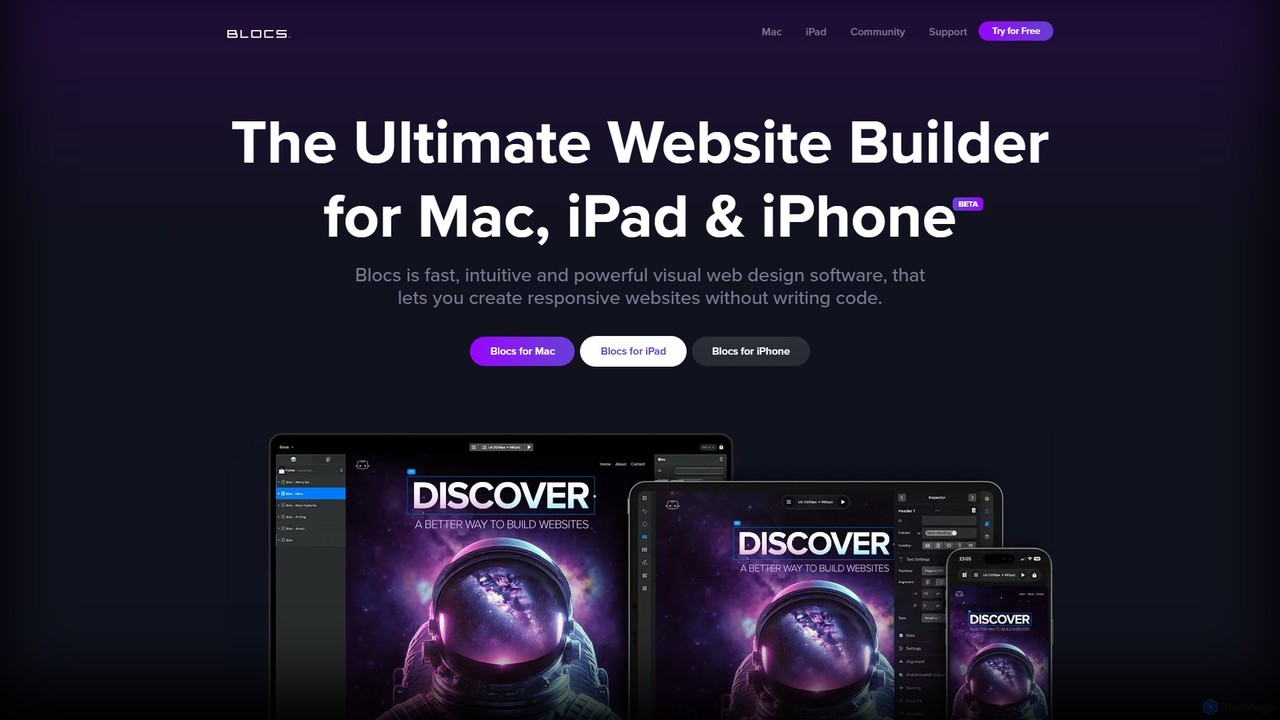
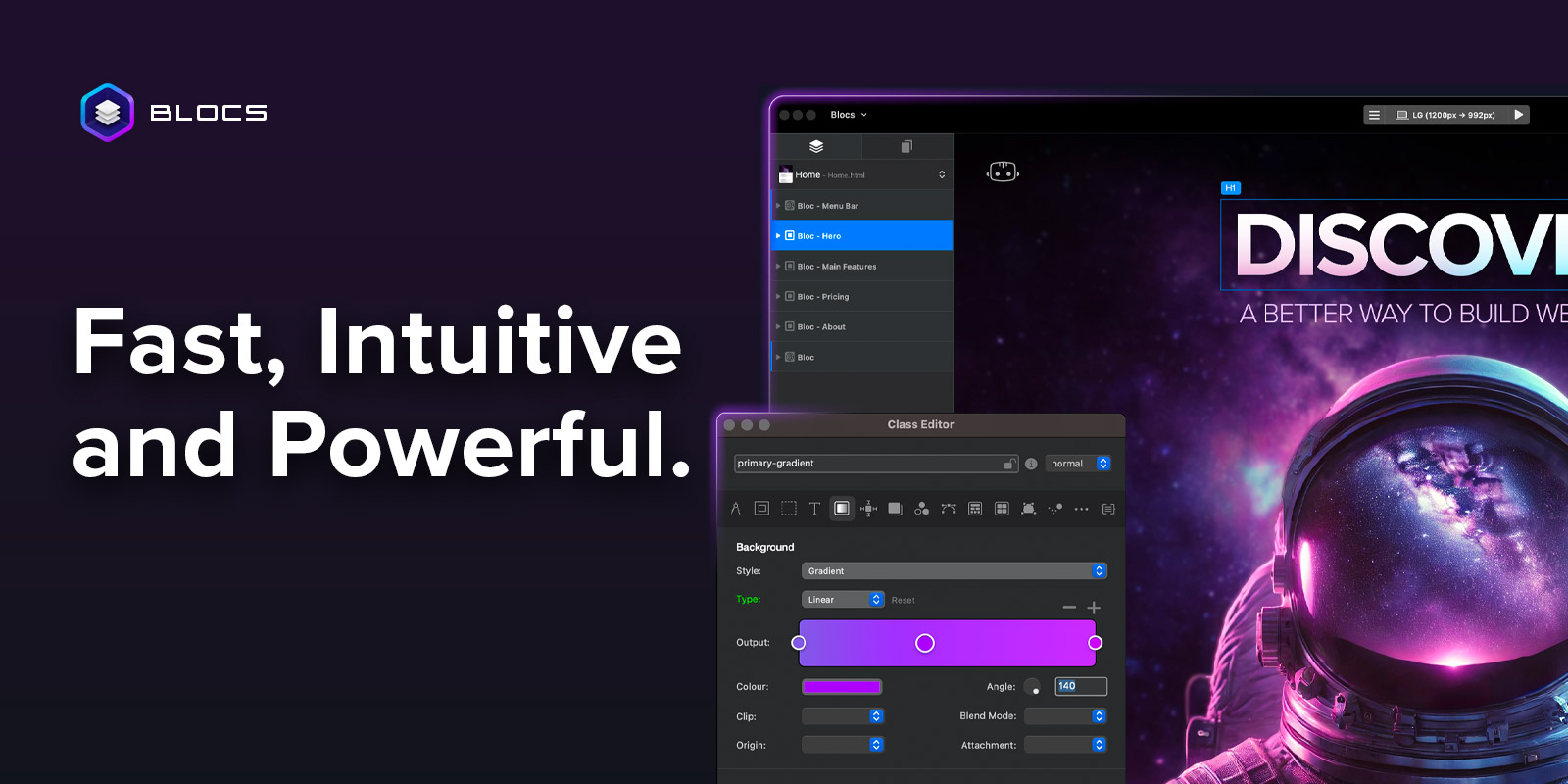
Blocs is a fast, intuitive, and powerful visual web design application for Mac, iPad, and iPhone. It enables designers, developers, and entrepreneurs to create professional, responsive websites and WordPress themes without writing a single line of code, using a clean, visual interface and a one-time purchase model.

Web Design
Visits 50.5KFavorites 152Likes 164
Divi Supreme
Freemium

Divi Supreme

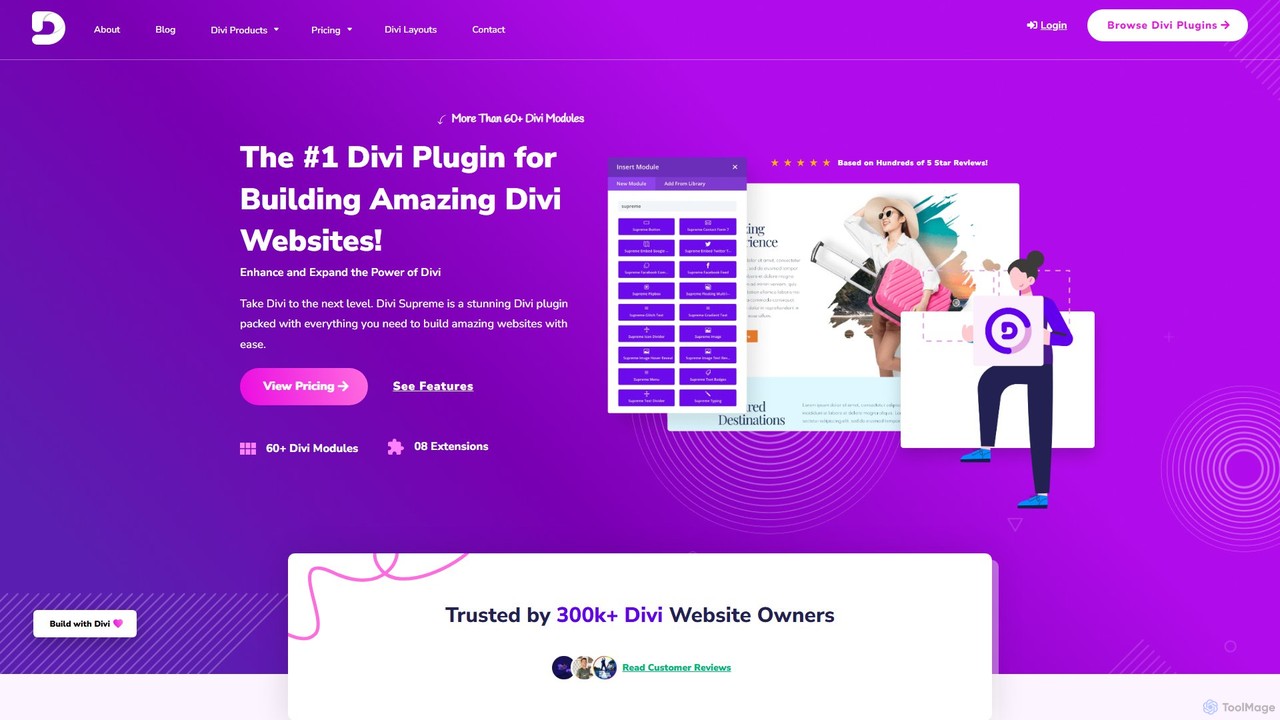
Divi Supreme is a powerful WordPress plugin that supercharges the Divi theme with over 60 creative modules and 8+ unique extensions. Trusted by 300,000+ users, it enables agencies, freelancers, and website owners to build stunning, professional websites with ease and without any coding. Features include advanced carousels, Lottie animations, popups, and an integrated AI writer, making it an essential toolkit for any Divi user.

Web Design
Visits 35.8KFavorites 141Likes 160
Carril Agency
Paid

Carril Agency

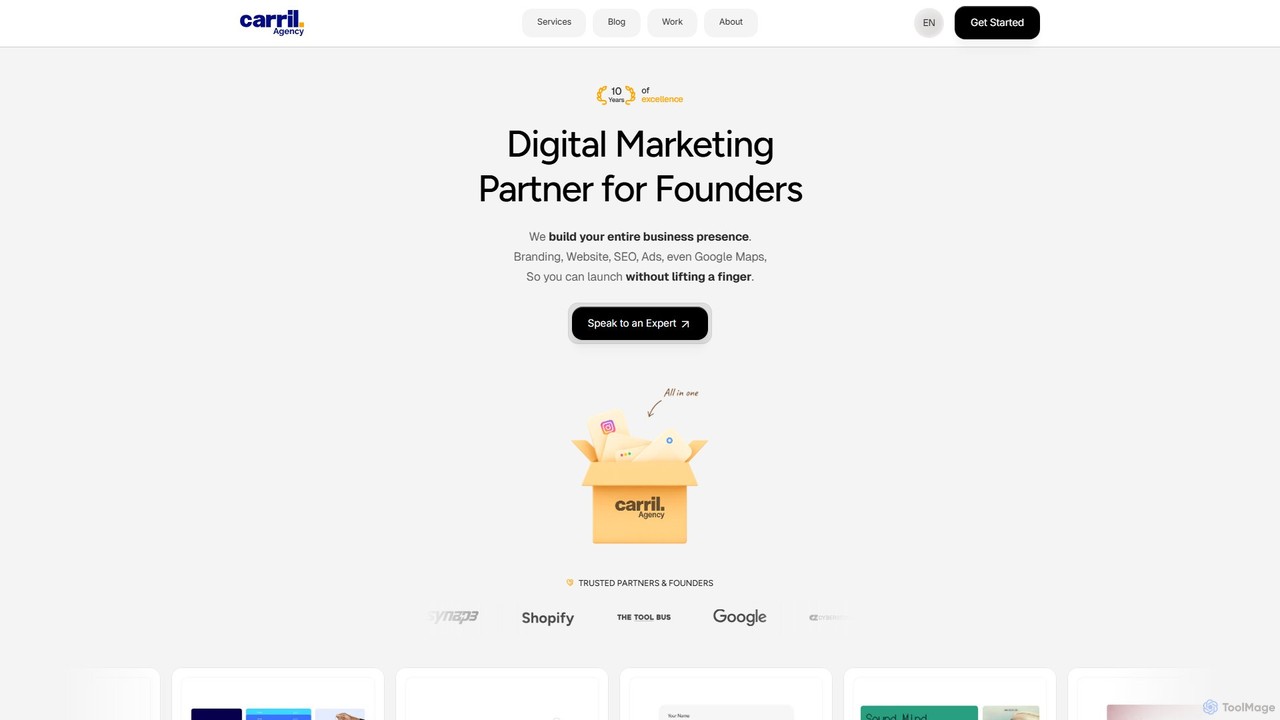
Carril Agency is a full-service digital agency specializing in branding, Webflow website development, SEO, and marketing. Leveraging AI-powered creative solutions, they offer an integrated approach from idea to launch, delivering high-performance websites, data-driven marketing campaigns, and cohesive brand identities to drive traffic, generate leads, and accelerate business growth for founders.

Web Design
Visits 7.8KFavorites 138Likes 116
musho
Freemium

musho

Musho is an AI-powered design and development assistant that transforms text prompts into fully-realized, editable websites and landing pages. It focuses on speed, creativity, and seamless integration with design tools like Figma, empowering users to go from idea to high-fidelity prototype in seconds.

Web Design
Visits 6.7KFavorites 131Likes 123
AI web designer
Freemium

AI web designer

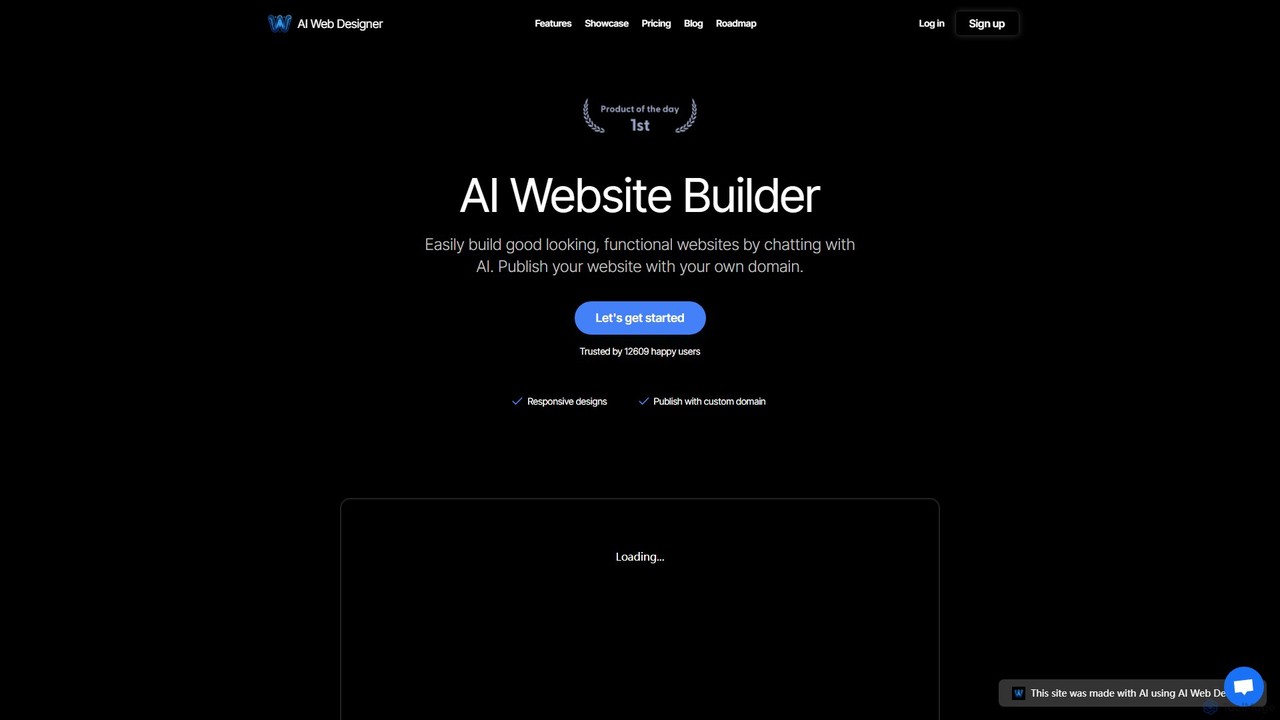
AI Web Designer is a revolutionary AI-powered website builder that allows you to create stunning, functional websites in minutes simply by chatting with an AI. No coding or design experience is needed. Just describe your ideal website, and the AI, powered by Claude 3.5 Sonnet, will generate it for you. Easily edit elements, add sections, and publish with your own custom domain.

Web Design
Visits 5.9KFavorites 147Likes 166

About Web Design

AI Web Design tools are a specialized category of software that automates and accelerates the creation of websites, from initial layout to final code. They leverage machine learning models to generate design elements, user interfaces, and even functional code based on user prompts or existing content. This enables designers and non-designers alike to build professional, responsive websites in a fraction of the time required by traditional methods. These tools often integrate content generation, style customization, and deployment assistance into a single streamlined workflow.

Core Features

  • AI-Powered Layout Generation: Automatically creates responsive website layouts and wireframes from text descriptions or content analysis.
  • Component & UI Kit Creation: Generates cohesive sets of UI components like buttons, forms, and navigation bars based on a defined style guide.
  • Design-to-Code Conversion: Converts visual designs directly into clean, standards-compliant HTML, CSS, and sometimes JavaScript code.
  • Content-Aware Design: Intelligently adapts layouts and styles based on the actual text and images provided, ensuring a harmonious design.
  • Style & Branding Adaptation: Applies brand colors, fonts, and logos consistently across an entire website with a single command.

Use Cases

These tools are ideal for startups needing a quick online presence, marketing teams launching campaign landing pages, and freelance designers managing multiple client projects. They are also valuable for developers who want to quickly prototype front-end interfaces without extensive design work, and for businesses looking to modernize their existing websites efficiently.

How to Choose

Evaluate tools based on their design flexibility—can you override AI suggestions? Consider the quality and customizability of the generated code. Check for integration capabilities with existing CMS platforms (like WordPress) or design tools (like Figma). Finally, assess the learning curve and whether it suits users with or without technical skills.

Featured tool rankings

Web Design use cases

1

Rapid Prototyping for Startups

A startup founder, lacking a dedicated design team, uses an AI web design tool to generate three distinct homepage concepts in under an hour. By simply providing a business description, target audience, and brand colors, the tool produces fully-realized, responsive layouts. This process allows them to quickly visualize different approaches and gather feedback from potential investors and early users without incurring the cost and time of hiring a designer, significantly accelerating the validation phase of their product.

2

Creating High-Converting Landing Pages

A marketing manager needs to launch a new campaign quickly. They input the campaign copy, key value propositions, and desired call-to-action into an AI web design tool. The AI generates a responsive landing page optimized for conversions, including logical content hierarchy, trust signals, and prominent CTA buttons. It can also produce several A/B test variations for headlines and button placements, allowing the team to deploy and test data-driven designs without needing a developer's intervention, improving campaign agility and performance.

3

Accelerating Freelance Design Workflows

A freelance web designer manages multiple small business clients simultaneously. To increase efficiency, they use an AI tool to generate initial drafts and wireframes based on client briefs. This saves hours on each project that would otherwise be spent on basic layout and structure. The designer can then focus their expertise on custom refinements, user experience enhancements, and client communication. This workflow allows them to take on more projects, deliver faster results, and offer more competitive pricing while maintaining high-quality, bespoke outcomes.

4

Building a Personal Portfolio Website

A photographer or writer with no coding skills wants a professional online portfolio. They use an AI web design tool by uploading their best work (images or text samples) and a short biography. The AI analyzes the content's nature and aesthetic, then generates a visually appealing, mobile-friendly portfolio site. It automatically creates galleries for the photographer or well-formatted article pages for the writer, complete with a contact form and social media links. This empowers creatives to establish a polished web presence independently in just a few hours.

5

Converting Figma Designs to Live Code

A UI/UX design team has finalized a website design in Figma. Instead of a manual handoff process where developers rewrite the design in code, they use an AI tool with a Figma plugin. With one click, the tool analyzes the design components, layout, and styles, then automatically converts the static design into functional, responsive HTML and CSS. This drastically reduces the time from design to deployment, minimizes human error in translation, and frees up developer resources to focus on back-end logic and complex functionalities rather than tedious front-end coding.

6

Website Redesign and Modernization

A small business has an outdated, non-responsive website. They input their existing website's URL into an AI web design tool. The tool crawls and analyzes the site's content, structure, and branding. It then proposes several modern, responsive redesign options that preserve the original content and brand identity while updating the visual style, user experience, and technology stack. This allows the business to achieve a complete website overhaul with minimal manual effort, ensuring their online presence is professional and accessible on all devices.

Web Design FAQ

What are AI Web Design tools?

AI Web Design tools are applications that use artificial intelligence to automate parts of the website creation process. Unlike traditional builders, they can generate unique layouts, color schemes, and even code from simple text prompts or content analysis. Their core functions often include automated wireframing, UI component generation, and converting visual designs into HTML/CSS. The primary benefit is a significant reduction in the time and technical skill required to produce a professional, responsive website.

How do I choose the right AI Web Design tool?

To choose the right tool, consider these key factors:

  • Design Control: Determine how much you can customize the AI's output. Some tools are better for quick generation, while others offer granular control for designers.
  • Code Quality: If you're a developer, inspect the quality of the generated code. Look for clean, semantic, and responsive HTML/CSS that is easy to modify.
  • Integrations: Check if the tool connects with your existing workflow, such as plugins for Figma, Sketch, or compatibility with CMS platforms like WordPress.
  • Target User: Identify if the tool is built for beginners (no-code/low-code focus) or for professionals (design-to-code, advanced customization).
What's the difference between an AI Web Design tool and a traditional website builder?

The main difference lies in the creation process. Traditional website builders (like Wix or Squarespace) are template-based; you select a pre-designed template and fill it with your content. AI Web Design tools are generative; they create a unique website design from scratch based on your inputs, such as a text description, brand guidelines, or content. This results in a more original design than a template, while still being much faster than designing and coding manually from the ground up.

Can AI Web Design tools create truly unique and creative websites?

Yes, AI can generate unique combinations of layouts, colors, and typography that are not based on fixed templates, leading to original designs. However, the highest level of creativity often comes from a human-AI collaboration. A skilled designer can use the AI's output as a powerful starting point or a 'co-pilot' for inspiration, then apply their expertise to refine and elevate the design. The AI excels at generating options and handling repetitive tasks, freeing up human designers to focus on strategic thinking and creative problem-solving.

Who are AI Web Design tools best suited for?

AI Web Design tools are versatile and benefit a wide range of users. They are particularly well-suited for:

  • Startups and Small Businesses: For quickly and affordably establishing a professional online presence without a large budget.
  • Marketers: For rapidly creating and testing landing pages for campaigns without relying on development teams.
  • Developers: For prototyping front-end interfaces and converting designs to code, saving significant development time.
  • Freelance Designers: For accelerating their workflow, handling more clients, and focusing on high-value customization rather than routine setup.