ToolMage
Sign in

Best 2 Code Analytics AI tools for Developer Tools

Popular Code Analytics AI tools in Developer Tools include workweave and VZBL, helping you work more efficiently.

VZBL
Freemium

VZBL

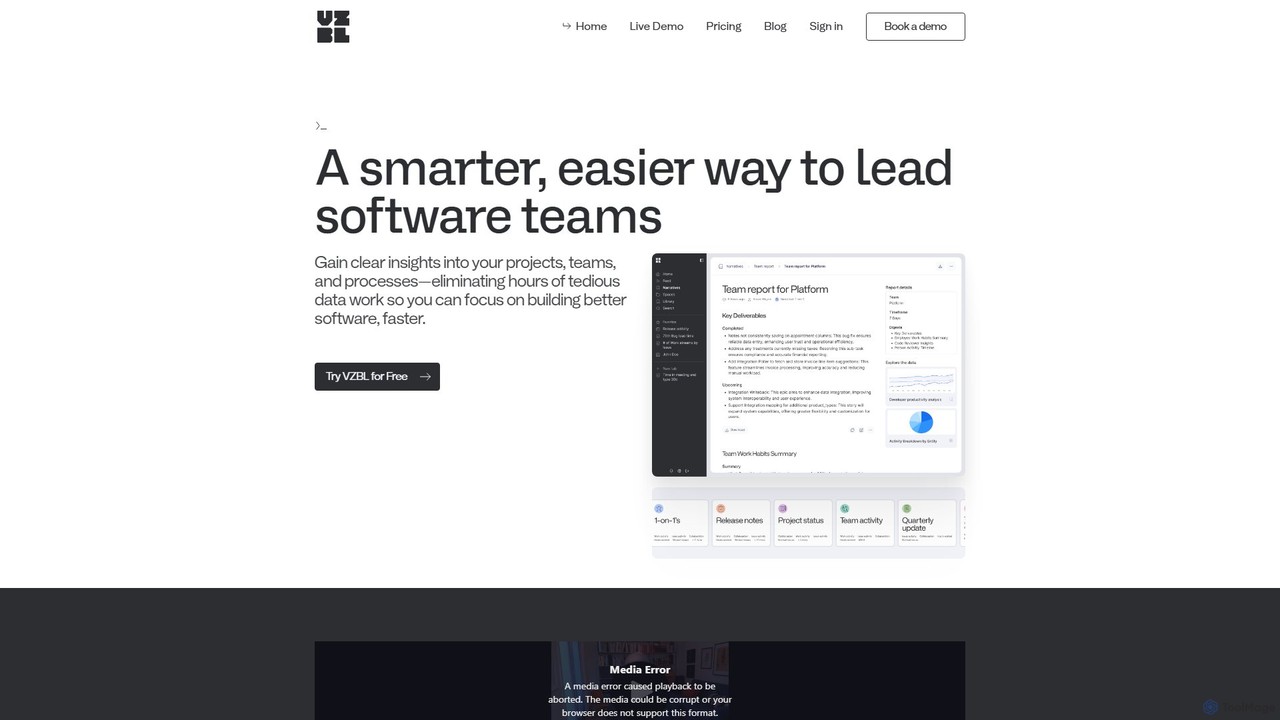
VZBL is an AI-powered analytics platform for engineering teams, providing real-time visibility into project progress, team workload, and productivity bottlenecks. It automates status reporting and risk analysis by integrating with tools like Jira and GitHub, empowering leaders to make data-driven decisions and conduct more effective 1-on-1s.

Analytics
Visits 3.4KFavorites 133Likes 129
workweave
Freemium

workweave

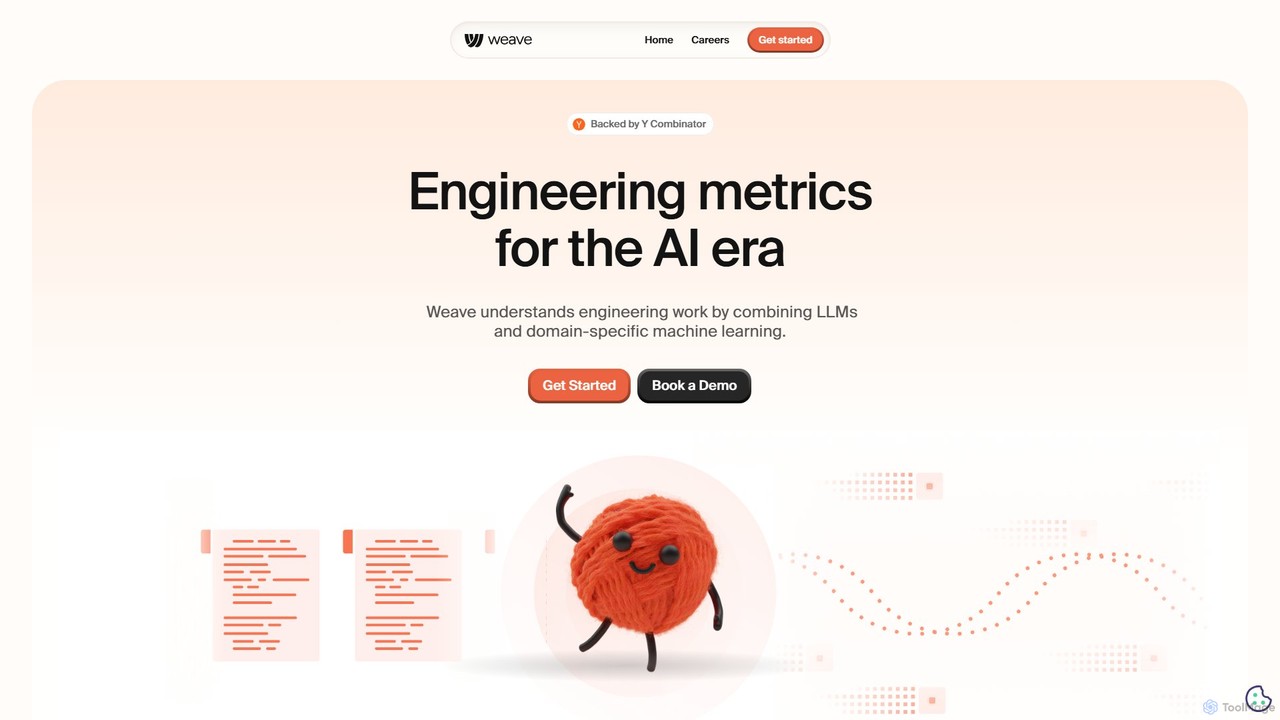
Workweave is an AI-powered engineering intelligence platform that provides 'X-ray vision' for software teams. It leverages LLMs and machine learning to analyze code repositories, quantify developer output, and measure the impact of AI coding tools. Designed for individuals, teams, and enterprises, it offers deep insights into productivity, process efficiency, and AI-generated code contribution, all within a secure, SOC 2 compliant environment.

Business Intelligence
Visits 32.7KFavorites 119Likes 126

About Code Analytics

Code Analytics tools are AI-powered solutions designed to automatically inspect source code for potential issues, security vulnerabilities, performance bottlenecks, and adherence to coding standards. Leveraging advanced machine learning and static analysis techniques, these tools provide developers and teams with actionable insights to improve code quality, enhance security, and optimize application performance throughout the software development lifecycle. They streamline the review process, reduce manual effort, and help maintain a high standard of code health.

Core Features

  • Automated Bug Detection: Identifies logical errors, potential runtime issues, and common programming mistakes before execution.
  • Security Vulnerability Scanning: Scans for known security flaws, insecure coding practices, and potential attack vectors in the codebase.
  • Performance Bottleneck Identification: Pinpoints inefficient code segments that could lead to slow application performance.
  • Code Quality & Style Enforcement: Checks for adherence to predefined coding standards, style guides, and best practices, ensuring consistency across projects.
  • Refactoring Suggestions: Offers intelligent recommendations for improving code structure, readability, and maintainability.

Use Cases

Code Analytics tools are crucial for development teams, DevOps engineers, and security professionals. They are used to integrate automated quality checks into CI/CD pipelines, ensure compliance with industry regulations, and proactively identify and fix issues in large, complex codebases. This leads to more robust, secure, and efficient software.

How to Choose

When selecting a Code Analytics tool, consider its language support, integration capabilities with your existing CI/CD pipeline and IDEs, the accuracy and relevance of its findings, and its ability to provide actionable recommendations. Evaluate the customization options for rulesets, reporting features, and the overall scalability to match your project's size and complexity. Pricing models and community support are also important factors.

Featured tool rankings

Code Analytics use cases

1

Automated Bug & Error Detection in Development

A software developer integrates an AI Code Analytics tool into their IDE to receive real-time feedback on potential bugs, logical errors, and anti-patterns as they write code. This proactive detection helps catch issues early, reducing debugging time and preventing faulty code from being committed, significantly improving code quality and developer productivity.

2

Continuous Security Vulnerability Scanning in CI/CD

A DevOps team configures an AI Code Analytics tool to automatically scan every new code commit within their CI/CD pipeline for security vulnerabilities. The tool identifies common weaknesses like SQL injection, cross-site scripting (XSS), or insecure API usage, providing immediate alerts and detailed reports, thus embedding security checks directly into the development workflow and reducing risks.

3

Identifying Performance Bottlenecks for Optimization

An engineering manager uses Code Analytics to analyze a large application's codebase to pinpoint sections that are causing performance degradation. The AI identifies complex algorithms, inefficient database queries, or redundant computations, offering specific suggestions for optimization, which helps improve the application's speed and resource efficiency without extensive manual profiling.

4

Enforcing Code Quality and Style Across Large Teams

A lead developer implements an AI Code Analytics tool to enforce consistent coding standards and style guides across a distributed team working on a complex project. The tool automatically flags deviations from predefined rules, such as naming conventions, comment density, or cyclomatic complexity, ensuring uniformity, readability, and maintainability of the codebase for all contributors.

5

Assessing and Refactoring Legacy Codebases

A team tasked with modernizing a legacy application utilizes Code Analytics to gain a comprehensive understanding of the existing codebase's health. The tool identifies dead code, redundant modules, and areas with high technical debt, providing prioritized refactoring suggestions. This helps the team systematically improve the code structure, making it easier to maintain and extend.

6

Ensuring Regulatory Compliance in Sensitive Industries

A financial technology company employs AI Code Analytics to ensure its software adheres to strict industry regulations and compliance standards (e.g., GDPR, PCI DSS). The tool automatically checks for specific data handling practices, encryption standards, and access control mechanisms, generating audit-ready reports that demonstrate compliance and mitigate legal risks.

Code Analytics FAQ

What are AI Code Analytics tools?

AI Code Analytics tools are software solutions that use artificial intelligence, including machine learning and natural language processing, to automatically examine source code. Their primary purpose is to identify and report on potential bugs, security vulnerabilities, performance issues, and deviations from coding standards, providing actionable insights to improve software quality and development efficiency.

How does AI Code Analytics differ from traditional static analysis?

While both AI Code Analytics and traditional static analysis examine code without executing it, AI-powered tools go beyond predefined rule sets. AI Code Analytics leverages machine learning to learn from vast code repositories, detect more subtle and complex patterns, reduce false positives, and even suggest intelligent refactoring. Traditional static analysis relies strictly on hardcoded rules, which can be less adaptable and generate more noise.

What are the key benefits of using AI for code analysis?

The key benefits include significantly faster and more comprehensive issue detection, reduced manual review effort, improved code quality and security posture, and enhanced developer productivity. AI can identify complex patterns that human reviewers or traditional tools might miss, offer more intelligent and context-aware suggestions, and adapt to evolving coding practices, leading to more robust and maintainable software.

Who can benefit most from AI Code Analytics tools?

Developers, development teams, DevOps engineers, and security professionals are the primary beneficiaries. Developers gain real-time feedback and automated quality checks. DevOps teams can integrate security and quality gates into their CI/CD pipelines. Security teams can proactively identify and mitigate risks. Any organization aiming to improve software reliability, reduce technical debt, and accelerate delivery can benefit.

What should I consider when choosing an AI Code Analytics tool?

When selecting a tool, evaluate its support for your programming languages and frameworks, its integration capabilities with your existing development environment (IDEs, CI/CD), and the accuracy of its findings (low false positives/negatives). Also, consider its customization options for rules, reporting features, scalability for your project size, and the vendor's reputation for updates and support. Cost-effectiveness and ease of use are also crucial.