bloop
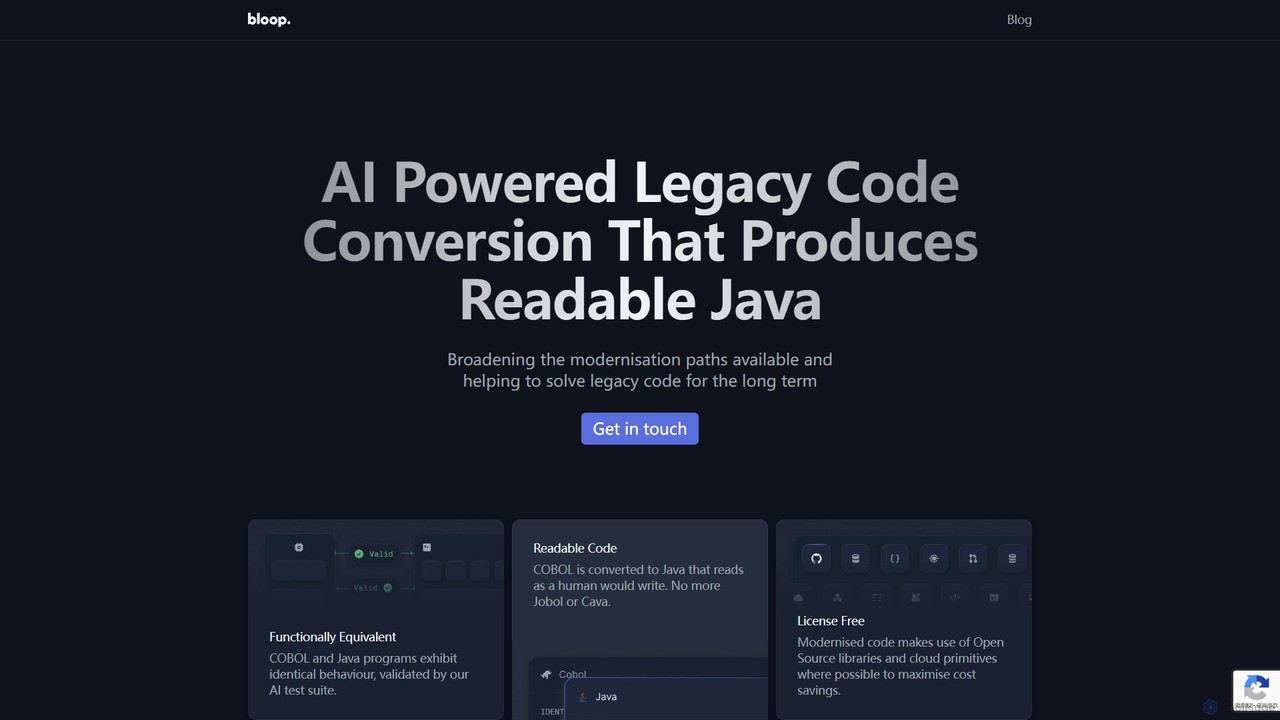
bloop is an AI-powered service specializing in modernizing legacy systems by converting COBOL code into human-readable, functionally equivalent …
bloop is an AI-powered service specializing in modernizing legacy systems by converting COBOL code into human-readable, functionally equivalent Java. It combines LLM-based approaches with compiler accuracy to produce maintainable, extensible, and license-free code. The service helps enterprises escape the constraints of outdated technology, reduce maintenance costs, and accelerate innovation by making their core systems ready for future development.
About Code Migration
Code Migration tools are specialized AI utilities designed to automate the conversion of source code from one programming language, framework, or platform to another. Leveraging machine learning models trained on vast codebases, these tools analyze syntax, semantics, and dependencies to generate functionally equivalent code in the target environment. This process significantly reduces the manual effort, time, and risk associated with legacy system modernization and technology stack upgrades. They are a critical component within the broader Developer Tools category for accelerating complex software evolution projects.
Core Features
- Automated Language Translation: Converts syntax, data types, and standard library calls from a source language to a target language.
- Framework & API Mapping: Identifies and replaces framework-specific patterns and API calls with their equivalents in the new ecosystem.
- Dependency Analysis: Scans the codebase to detect external libraries and suggests compatible alternatives in the target environment.
- Code Refactoring Suggestions: Provides recommendations for improving the structure and quality of the migrated code to align with modern best practices.
- Validation & Testing Support: Generates basic test cases or integration stubs to help verify the correctness of the migrated code.
Use Cases
These tools are primarily used by enterprise development teams, system architects, and DevOps engineers. Common scenarios include modernizing legacy applications (e.g., COBOL to Java), migrating monolithic systems to microservices architecture, upgrading projects to newer framework versions (e.g., Python 2 to 3), or consolidating technology stacks after a corporate merger.
How to Choose
When selecting a Code Migration tool, consider the specific language and framework pairs it supports. Evaluate the accuracy and completeness of the automated conversion. Assess its ability to handle complex dependencies and custom libraries. Also, consider its integration with your existing CI/CD pipeline and the quality of the documentation and support provided for post-migration adjustments.

Code MigrationUse Cases
Modernizing a Legacy Enterprise System
An enterprise architect at a financial institution is tasked with migrating a critical 20-year-old system written in COBOL to Java. Manually rewriting millions of lines of code is prohibitively expensive and risky. By using an AI Code Migration tool, the team can automatically convert over 85% of the business logic and data access layers. This allows developers to focus their efforts on validating the migrated code, refactoring for performance, and integrating modern APIs, reducing the project timeline by months and minimizing the risk of introducing new bugs.
Upgrading a Web Application Framework
A development team maintains a large web application built on Python 2 and an outdated version of the Django framework. To benefit from security updates and modern features, they need to upgrade to Python 3 and the latest Django LTS version. A code migration tool automates the tedious process of updating syntax (e.g., `print` statements), changing import paths, and adapting code to deprecated API functions. The tool flags complex cases that require manual review, allowing the team to complete the upgrade in weeks instead of months.
Consolidating Tech Stacks After a Merger
Following a merger, a tech company finds itself managing two separate e-commerce platforms: one built with Ruby on Rails, the other with Node.js. To reduce maintenance overhead and unify development, the CTO decides to migrate the Ruby on Rails application to Node.js. An AI migration tool is used to translate the Ruby models, controllers, and business logic into JavaScript/TypeScript. This provides a solid foundation for the new unified platform, saving thousands of developer hours that would have been spent on a complete manual rewrite.
Migrating from On-Premise to Cloud-Native
A DevOps team is moving a monolithic Java application from an on-premise data center to a cloud provider like AWS. The goal is to refactor it into microservices that leverage cloud-native features. A code migration tool helps in this process by identifying hardcoded configurations (like file paths and IP addresses) and suggesting replacements with cloud environment variables. It can also assist in converting traditional database connection logic to use managed cloud database services (like Amazon RDS), accelerating the cloud adoption journey.
Switching Database Technology in an Application
A software team decides to migrate their application's backend from a commercial database like Oracle to an open-source alternative like PostgreSQL to reduce licensing costs. This requires rewriting a significant amount of SQL queries and data access code. A code migration tool with database-specific knowledge can parse the existing Oracle SQL, translate it to PostgreSQL syntax, and update the application's data access objects (DAOs) or Object-Relational Mapping (ORM) configurations. This automates a highly error-prone task and ensures a smoother database transition.
Rapid Prototyping in a Different Language
A data scientist has developed a complex algorithm in R but needs to deploy it as a high-performance service, making Python a better choice for production. Instead of a manual rewrite, they use a code migration tool to get a first-pass conversion of the R script to Python. While the output may not be perfectly idiomatic, it correctly translates the core logic and mathematical operations. This allows the data scientist to quickly have a working Python prototype, which they can then refine and optimize for production use, saving significant initial development time.