Developer Tools Best in category 4 results Data Extraction AI Tool

Popular AI tools in the Data Extraction field of Developer Tools include Zyte、ScrapeGraphAI、ParseHub、JSON Scout, etc., helping you quickly improve efficiency.

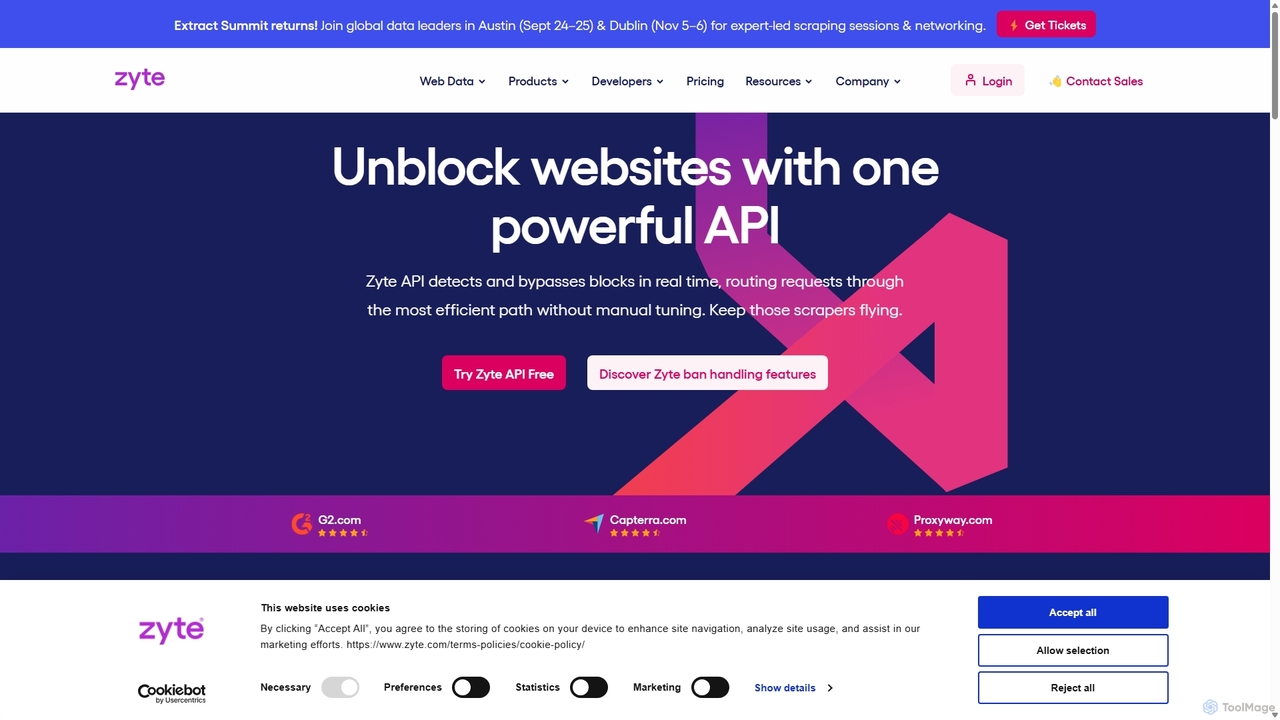
Zyte

Zyte

Zyte is a comprehensive web scraping platform offering a full-stack API and data extraction services. It simplifies data …

226.2K
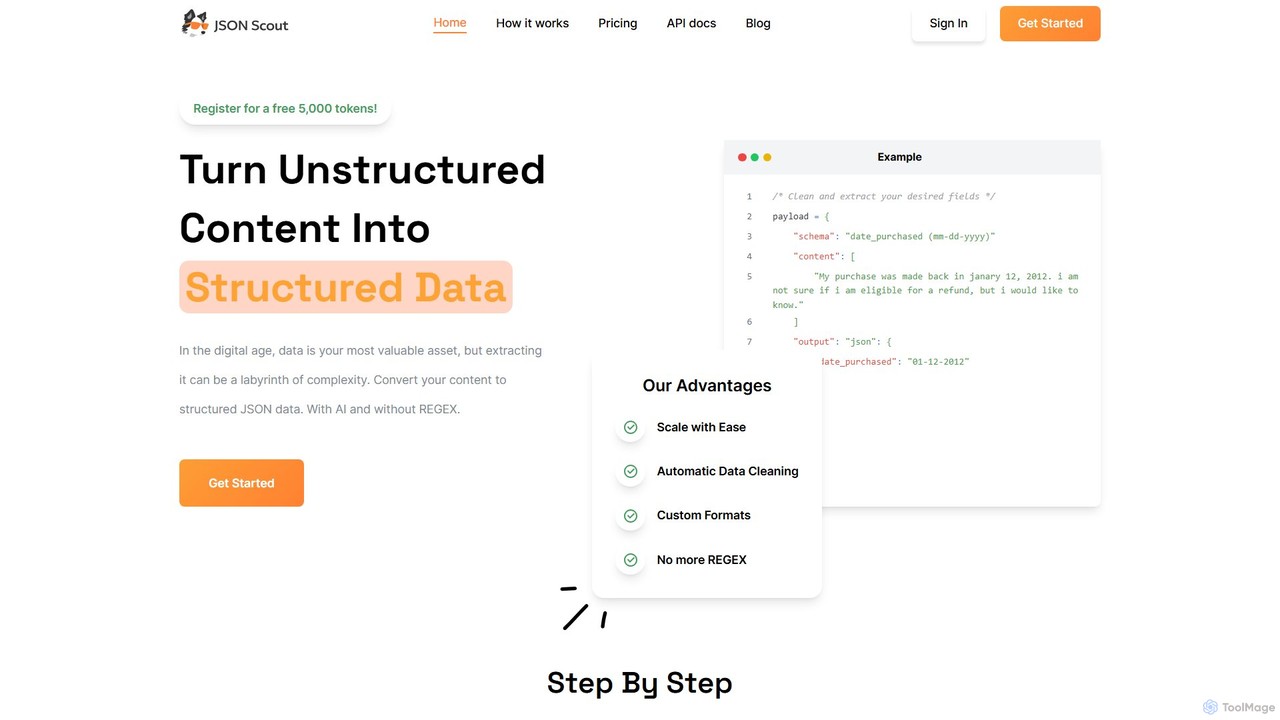
JSON Scout

JSON Scout

JSON Scout is an AI-powered API for developers that transforms unstructured text and audio content into structured JSON …

2.2K
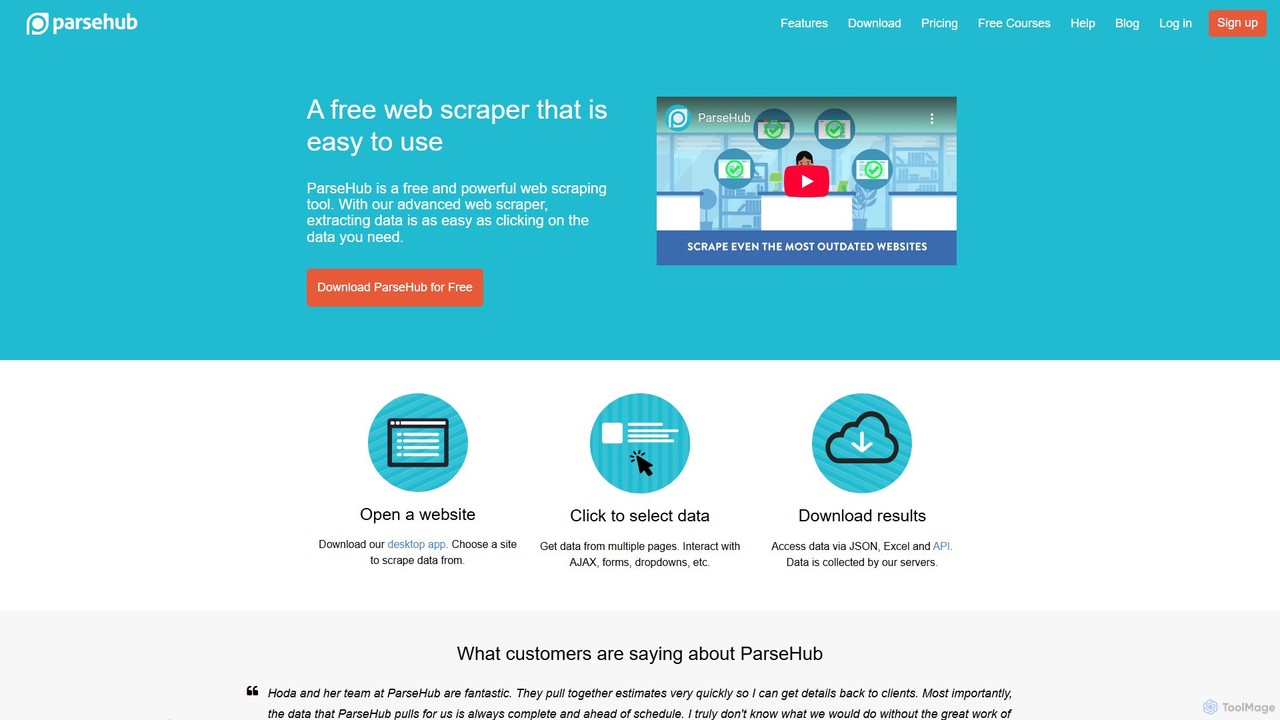
ParseHub

ParseHub

ParseHub is a powerful, no-code web scraping tool that allows users to extract data from any website with …

76.2K
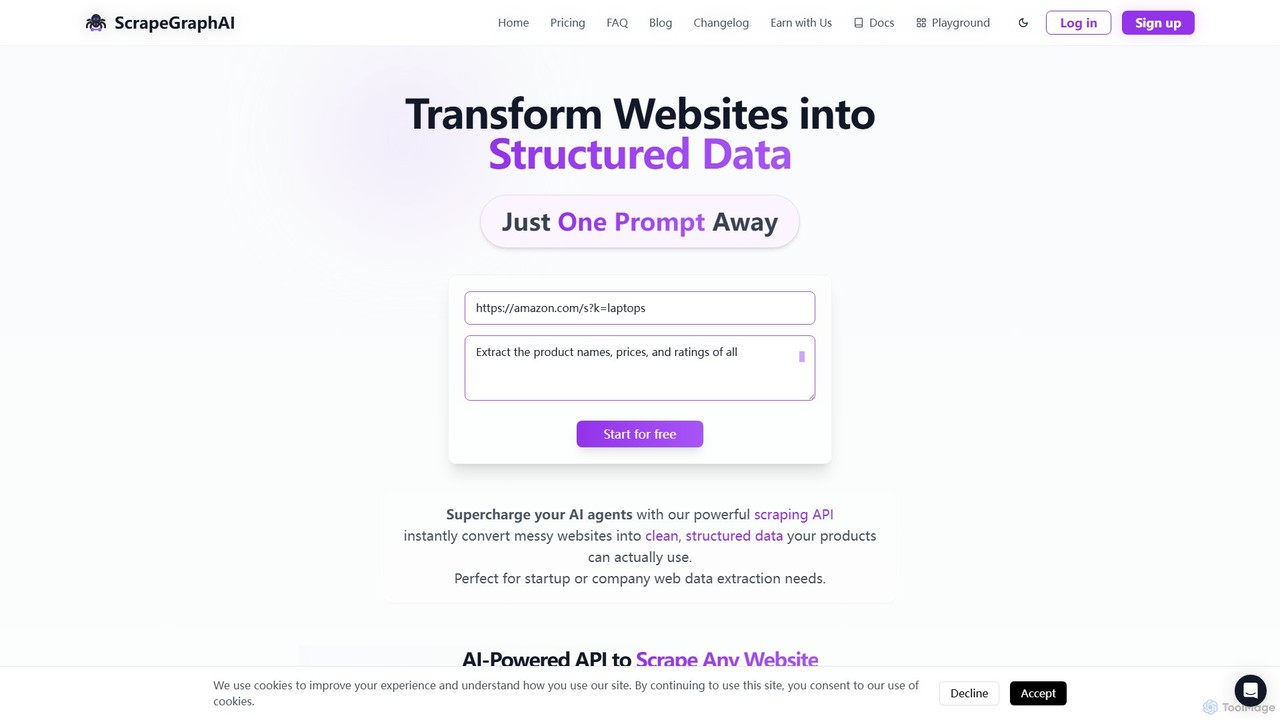
ScrapeGraphAI

ScrapeGraphAI

ScrapeGraphAI is an AI-powered web scraping API that transforms unstructured websites into clean, structured JSON data using simple …

80.4K

About Data Extraction

AI Data Extraction tools are specialized applications that automatically identify, parse, and pull structured information from unstructured or semi-structured sources like documents, websites, and images. These tools leverage technologies such as Optical Character Recognition (OCR) and Natural Language Processing (NLP) to understand the context and layout of the data, going beyond simple text copying. Their primary value lies in automating laborious data entry tasks, reducing human error, and accelerating the process of feeding accurate data into business systems like CRMs or ERPs. As a key component within Developer Tools, they provide APIs for seamless integration into custom workflows.

Core Features

  • Template-Free Extraction: Intelligently identifies and extracts data fields like names, dates, and amounts without requiring pre-configured templates for each document layout.
  • Multi-Format Support: Processes a wide range of file types, including PDF, DOCX, XLSX, JPG, PNG, and HTML web pages.
  • Structured Data Output: Converts extracted information into organized, machine-readable formats such as JSON, CSV, or XML for easy use in other applications.
  • Data Validation: Automatically checks extracted data against predefined rules or formats to ensure accuracy and consistency.

Use Cases

These tools are widely adopted in industries like finance for invoice and receipt processing, healthcare for digitizing patient records, logistics for parsing bills of lading, and e-commerce for aggregating product information from supplier catalogs. Any business process that involves manual data transfer from documents to digital systems is a prime candidate for automation.

How to Choose

When selecting a Data Extraction tool, evaluate its accuracy on your specific document types. Consider the range of supported file formats and languages. Assess the quality and ease of use of its API for integration. Finally, compare pricing models, which may be based on per-page processing, monthly subscriptions, or API call volume, to find the most cost-effective solution for your needs.

Data ExtractionUse Cases

1

Automate Invoice Processing for Accounts Payable

An accounts payable specialist in a medium-sized company receives hundreds of PDF invoices from various suppliers each week. Instead of manually typing invoice numbers, due dates, and line-item amounts into the accounting software, they use an AI Data Extraction tool. The tool automatically processes each incoming invoice email attachment, accurately extracts the required fields, and validates the data. The structured output is then fed directly into the ERP system via an API, reducing processing time per invoice from minutes to seconds and minimizing costly data entry errors.

2

Parse Resumes to Streamline Recruitment

A corporate recruiter needs to screen dozens of resumes daily for a new job opening. Manually reviewing each one and entering candidate details into the Applicant Tracking System (ATS) is time-consuming. By integrating a Data Extraction API, every resume submitted through the career portal is automatically parsed. The tool extracts key information like contact details, work experience, education, and skills, and populates the candidate's profile in the ATS with structured data. This allows the recruiter to focus on evaluating qualifications rather than on data entry, accelerating the hiring pipeline.

3

Extract Product Data for Market Analysis

A market research analyst is tasked with comparing product features and pricing across dozens of competitor websites. Manually visiting each site and copying data into a spreadsheet is inefficient and prone to errors. Using a data extraction tool configured for web data, the analyst can automate the collection process. The tool navigates to specified product pages, identifies and extracts fields like product name, price, specifications, and customer ratings, and then compiles the information into a single, structured CSV file. This provides a clean dataset for analysis, enabling faster and more accurate competitive insights.

4

Digitize Receipts for Expense Management

A sales team on the road accumulates numerous paper receipts for travel, meals, and client entertainment. Manually entering each expense into a reporting system is tedious. Team members now use a mobile app powered by a data extraction tool. They simply take a photo of a receipt, and the tool's OCR and NLP capabilities identify and extract the merchant name, date, total amount, and tax. This structured data is then used to automatically create an expense entry, requiring only a quick review and submission. This process saves significant time and improves the accuracy of expense reporting.

5

Extract Key Data from Legal Contracts

A paralegal at a law firm needs to review dozens of contracts to identify key clauses, effective dates, and party names for a due diligence project. Reading through each document is a slow and meticulous process. By using an AI data extraction tool trained on legal documents, they can upload a batch of contracts and automatically extract this critical information. The tool highlights relevant sections and outputs the data into a structured summary table. This not only accelerates the review process by over 70% but also reduces the risk of overlooking important details, ensuring a more thorough analysis.

6

Automate Data Entry from Medical Forms

A healthcare administrator is responsible for digitizing patient intake forms, lab results, and insurance claims. This manual data entry is repetitive and carries a high risk of error, which can impact patient care and billing. The clinic implements a data extraction solution that is HIPAA-compliant. The system scans paper forms or processes digital PDFs, accurately extracting patient demographics, medical history, and insurance details. The structured data is then securely integrated with the Electronic Health Record (EHR) system, ensuring data integrity, freeing up staff time for patient-facing activities, and improving operational efficiency.

Data ExtractionFrequently Asked Questions