ToolMage
Sign in

Best 2 Database Management AI tools for Developer Tools

Popular Database Management AI tools in Developer Tools include SolarWinds and Reindeer, helping you work more efficiently.

Reindeer

Reindeer

Reindeer is an AI-powered cursor for databases that integrates directly into your IDE. It understands your database schema, generates production-ready SQL, provides real-time autocomplete, and automatically fixes errors, significantly enhancing developer productivity.

Code Generation
Visits 6.5KFavorites 177Likes 164
SolarWinds
Freemium

SolarWinds

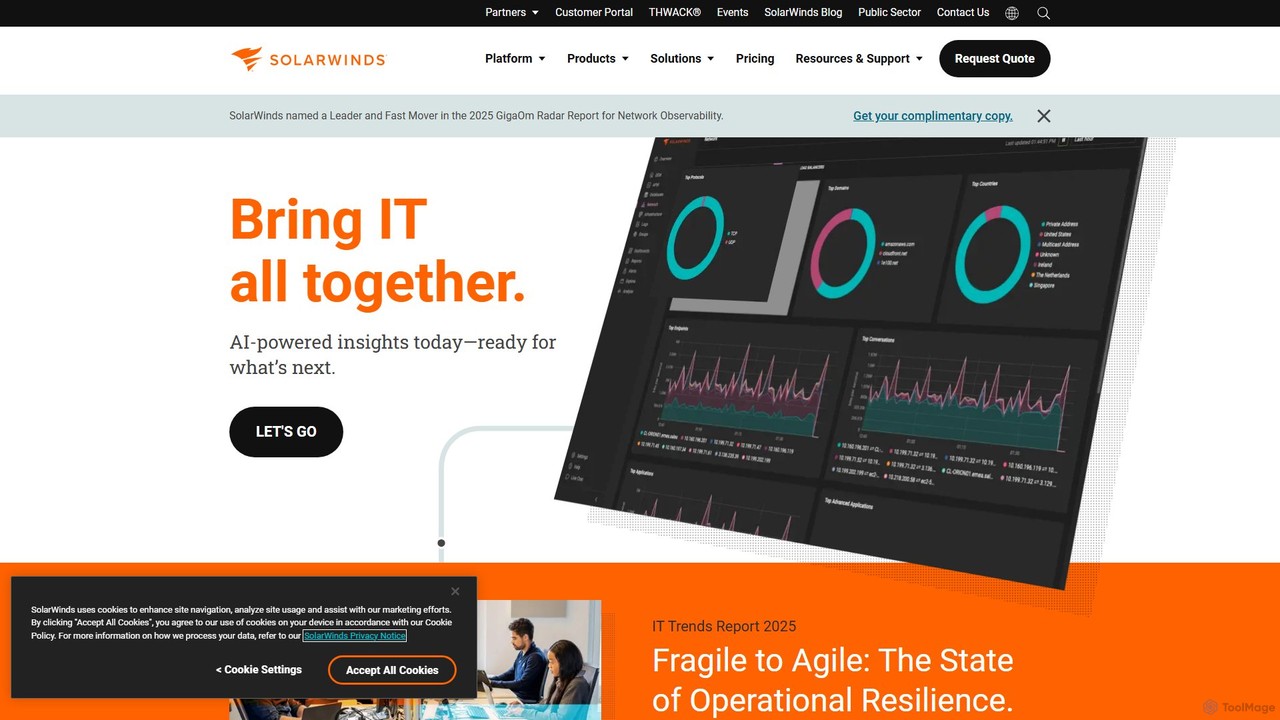
SolarWinds offers a comprehensive suite of IT management tools powered by AI for full-stack observability, database performance monitoring, and IT service management (ITSM). It helps businesses manage complex on-prem, hybrid, and cloud environments, providing AI-driven insights to accelerate issue resolution, enhance operational resilience, and optimize performance across networks, applications, and databases.

Service Desk
Visits 785.7KFavorites 148Likes 169

About Database Management

AI Database Management tools are a class of software that leverages artificial intelligence to automate and optimize the administration, monitoring, and querying of databases. These tools utilize machine learning and natural language processing to translate plain language into complex queries, predict performance bottlenecks, and suggest schema improvements. Their primary value lies in simplifying complex database operations, enabling developers and analysts to interact with data more efficiently and allowing administrators to manage systems proactively. This intelligent automation significantly reduces manual effort and the technical barrier to accessing data insights.

Core Features

  • Natural Language Querying: Translates human language questions into executable database queries (e.g., SQL), making data accessible to non-technical users.
  • Automated Performance Tuning: Analyzes database workloads and automatically recommends or applies optimizations like index creation or configuration adjustments.
  • Predictive Monitoring & Anomaly Detection: Uses machine learning to learn normal operational patterns and proactively alerts on potential issues or security threats.
  • Intelligent Schema Optimization: Suggests improvements to database structure, data types, and relationships based on query patterns and application needs.

Use Cases

These tools are ideal for developers building data-intensive applications, data analysts seeking faster insights without writing complex code, and database administrators (DBAs) managing large-scale or complex database environments. They are particularly effective in agile development teams for accelerating backend tasks and in data-driven organizations aiming to democratize data access.

How to Choose

When selecting an AI Database Management tool, consider its compatibility with your existing database systems (e.g., PostgreSQL, MySQL, MongoDB). Evaluate the sophistication of its AI features, such as the accuracy of its natural language processing or the effectiveness of its tuning recommendations. Also, assess its integration capabilities with your development workflow (IDEs, CI/CD) and the level of control it provides over automated actions.

Database Management use cases

1

Natural Language Data Exploration for Analysts

A business analyst, who lacks deep SQL expertise, needs to understand quarterly sales trends. Instead of waiting for a data engineer, they use an AI database tool to ask in plain English: 'Compare sales of our top 3 products in North America vs. Europe for the last two quarters.' The tool instantly translates this into a complex SQL query, executes it, and returns a summarized table or even a chart. This empowers the analyst to conduct self-service analytics, drastically reducing the time from question to insight.

2

Automated Database Performance Optimization

A DevOps engineer at a fast-growing e-commerce company notices website slowdowns during peak traffic. Instead of manually analyzing query logs, they deploy an AI database management tool. The tool continuously monitors the database, identifies inefficient queries under heavy load, and automatically recommends creating specific indexes. The engineer reviews and approves the suggestions, and the tool applies the changes without downtime. This proactive tuning prevents performance degradation and ensures a smooth user experience during sales events.

3

Accelerating Application Development Cycles

A backend developer is building a new feature for a SaaS application. Using an AI database tool integrated into their IDE, they can describe the data they need in a comment, and the tool generates the optimal SQL query. It also provides intelligent code completion for queries and suggests schema improvements on the fly. This eliminates the need to switch contexts to a separate database client and reduces time spent on writing and debugging boilerplate data access code, allowing the developer to focus on business logic and ship features faster.

4

Proactive Security Threat Detection

A database administrator (DBA) for a financial services company is responsible for protecting sensitive customer data. They use an AI-powered monitoring tool that establishes a baseline of normal query patterns and user behaviors. One day, the tool detects an unusual number of data export queries originating from a developer's account outside of business hours. It immediately flags this as an anomaly and sends an alert to the security team. This allows for a rapid investigation into a potential insider threat or compromised account before a major data breach occurs.

5

Simplifying Database Migration and Modernization

A systems architect is tasked with migrating a legacy on-premise SQL Server database to a cloud-native PostgreSQL instance. The process is complex due to differences in data types and syntax. They use an AI database management tool that analyzes the source schema, automatically maps it to the target database, and generates the necessary data definition language (DDL) scripts. The tool also identifies potential performance issues in the new environment and suggests schema optimizations, significantly reducing the manual effort and risk associated with the migration project.

6

Intelligent Data Indexing for Large-Scale Applications

A data engineer manages a massive database for a social media platform with billions of records. Manually determining the right indexes is nearly impossible. They use an AI tool that analyzes historical and real-time query logs to understand access patterns. Based on this analysis, the AI predicts which queries will be most frequent and recommends creating or dropping specific indexes to optimize overall performance. This data-driven approach ensures the database remains highly performant as it scales, without requiring constant manual intervention and guesswork.

Database Management FAQ

What are AI Database Management tools?

AI Database Management tools are software applications that use artificial intelligence, particularly machine learning and natural language processing, to automate and enhance database operations. Unlike traditional tools that require manual commands, these tools can understand plain language queries, proactively optimize performance, and detect anomalies in database activity. Their main purpose is to make database interaction more intuitive, efficient, and secure for both technical and non-technical users.

How to choose the right AI Database Management tool?

Choosing the right tool depends on your specific needs. Consider the following factors:

  • Database Compatibility: Ensure the tool supports your database technology (e.g., PostgreSQL, MySQL, NoSQL).
  • Core Features: Determine if you need natural language querying for analysts, automated tuning for DBAs, or AI-assisted coding for developers.
  • Integration: Check if it integrates with your existing workflow, such as IDEs (like VS Code), BI tools, or CI/CD pipelines.
  • Deployment Model: Decide between a cloud-based (SaaS) solution for ease of use or a self-hosted option for greater control and security.
What's the difference between AI Database Management tools and traditional Database IDEs?

The key difference is automation and intelligence. A traditional Database IDE (like DBeaver or DataGrip) is a workbench; it provides an interface for developers to manually write and execute queries, manage schemas, and browse data. An AI Database Management tool is an intelligent assistant; it automates these tasks. It can write the query for you from a natural language prompt, automatically find and fix performance issues, and proactively monitor for problems. In short, an IDE is for doing the work, while an AI tool helps get the work done for you.

Who can benefit from using these tools?

A wide range of roles can benefit:

  • Developers: By automating query writing and schema suggestions, these tools accelerate development cycles and reduce bugs.
  • Data Analysts & Business Users: Natural language querying empowers them to get answers from data directly, without needing to learn SQL or wait for technical teams.
  • Database Administrators (DBAs): AI-powered monitoring and automated tuning free them from routine tasks to focus on strategic initiatives like data architecture and security.
  • Product Managers: They can quickly query usage data and user behavior to make faster, data-informed product decisions.
Do these tools replace Database Administrators (DBAs)?

No, these tools are designed to augment, not replace, Database Administrators. They automate the repetitive and time-consuming aspects of a DBA's job, such as routine performance checks and index management. This frees up DBAs to focus on higher-value, strategic tasks that require human expertise, such as database architecture design, capacity planning, implementing security policies, and disaster recovery strategies. The tools act as a powerful assistant, allowing a single DBA to manage a larger and more complex environment more effectively.