themebutler
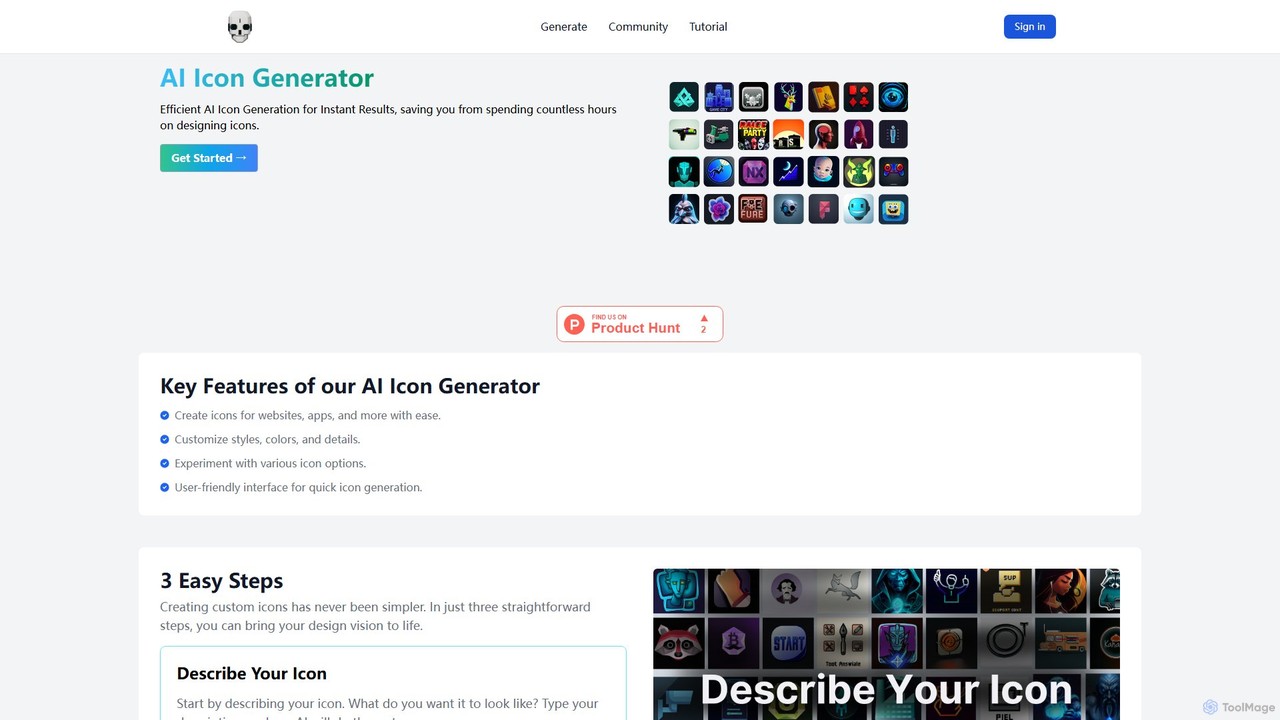
themebutler is an AI-powered icon generator that creates unique, custom icons from text descriptions in seconds. It offers …
themebutler is an AI-powered icon generator that creates unique, custom icons from text descriptions in seconds. It offers a wide range of styles, colors, and sizes, making it ideal for developers, designers, and businesses to enhance their websites, apps, and branding materials effortlessly.
About Graphics
AI Graphics tools are developer-focused libraries, APIs, and SDKs that use artificial intelligence to programmatically generate, manipulate, and optimize visual assets. These tools leverage models like GANs and transformers to automate complex graphical tasks that traditionally required manual artistry or intricate algorithms. They enable developers to integrate advanced visual content creation and processing capabilities directly into applications, from games to data analysis platforms. This approach significantly accelerates development cycles and opens up new possibilities for dynamic and procedural content.
Core Features
- Procedural Content Generation (PCG): Automatically creates textures, 3D models, and environments based on rules and parameters.
- AI-Powered Rendering: Utilizes techniques like deep learning super sampling (DLSS) to enhance real-time rendering performance and quality.
- Programmatic Image Manipulation: Offers API access to advanced functions like style transfer, super-resolution, and smart cropping.
- Synthetic Data Creation: Generates realistic visual data for training computer vision models without relying on real-world datasets.
- Asset Optimization: Intelligently compresses and reformats images and models to improve application performance and loading times.
Use Cases
These tools are primarily used in game development for generating vast, unique worlds and assets. They are also crucial in machine learning for creating synthetic training data, in web development for automating image optimization pipelines, and in scientific visualization for rendering complex datasets into understandable graphics.
How to Choose
When selecting an AI Graphics tool, consider its integration method (API, SDK, or library), performance characteristics (real-time vs. offline processing), and platform compatibility (web, desktop, mobile). Also, evaluate the level of control and customization offered over the AI's output and review the licensing and pricing model to ensure it aligns with your project's budget and distribution plan.

GraphicsUse Cases
Procedural Texture Generation for Game Development
A game developer working on an open-world RPG needs to create thousands of unique environmental textures for materials like rock, wood, and soil. Instead of manually creating each one, they integrate an AI Graphics library into their development pipeline. By defining parameters such as color palettes, patterns, and roughness, the developer can programmatically generate vast sets of high-resolution, non-repeating textures. This not only saves hundreds of hours of manual art creation but also allows for dynamic texture generation in-game, creating a more varied and immersive world for players.
Automated Image Optimization for Web Applications
A backend developer for a large e-commerce platform is tasked with improving site performance. They use an AI Graphics API to build an automated image processing pipeline. When a vendor uploads a product image, the API automatically detects the main subject for smart cropping, applies super-resolution to enhance low-quality uploads, and compresses the image to the optimal format and size for web delivery without perceptible quality loss. This server-side process ensures fast page load times and a consistent user experience, directly impacting conversion rates and SEO ranking, without requiring manual intervention from the development team.
Generating Synthetic Data for ML Model Training
A machine learning engineer is developing a computer vision model to detect defects in manufacturing parts, but real-world data is scarce and expensive to label. They use an AI Graphics SDK to generate a large, diverse dataset of synthetic 3D models of the parts with various types of defects. The SDK allows them to programmatically control lighting conditions, camera angles, and material properties. This creates thousands of perfectly labeled training images, enabling the engineer to train a more robust and accurate model than would be possible with the limited real-world data alone.
Real-time Rendering Enhancement in Simulations
A developer creating a high-fidelity flight simulator needs to maintain a high frame rate at 4K resolution without requiring top-of-the-line hardware. They integrate an AI rendering SDK that features a technology similar to DLSS (Deep Learning Super Sampling). The simulator internally renders the scene at a lower resolution (e.g., 1080p) and the AI model intelligently upscales it to 4K in real-time. The AI reconstructs high-quality details, resulting in an image that is visually comparable to native 4K rendering but with a significantly higher frame rate. This makes the simulation accessible to a wider range of users and hardware configurations.
Programmatic Generation of Data Visualizations
A data scientist working for a financial firm needs to create dynamic, multi-dimensional visualizations for complex market data. Using a traditional charting library is too restrictive. They opt for an AI Graphics library that can interpret data structures and suggest optimal visualization types. The developer can programmatically describe the desired output, such as 'a 3D heat map of trading volumes across sectors and time', and the AI generates the corresponding interactive graphic. This allows for rapid prototyping of complex data dashboards and enables analysts to uncover insights that would be hidden in standard 2D charts.
Generating 3D Models from Text Descriptions
A developer building a rapid prototyping tool for architects wants to allow users to generate 3D assets from simple text. They integrate a text-to-3D AI Graphics API. An architect can type a prompt like 'a modern armchair with a chrome frame and blue fabric'. The API processes this request and returns a 3D model file (e.g., in glTF format) that matches the description. This model can then be immediately placed into a virtual scene. This feature dramatically speeds up the conceptual design phase by eliminating the need for manual 3D modeling for every single asset, allowing for faster iteration on design ideas.