Olive
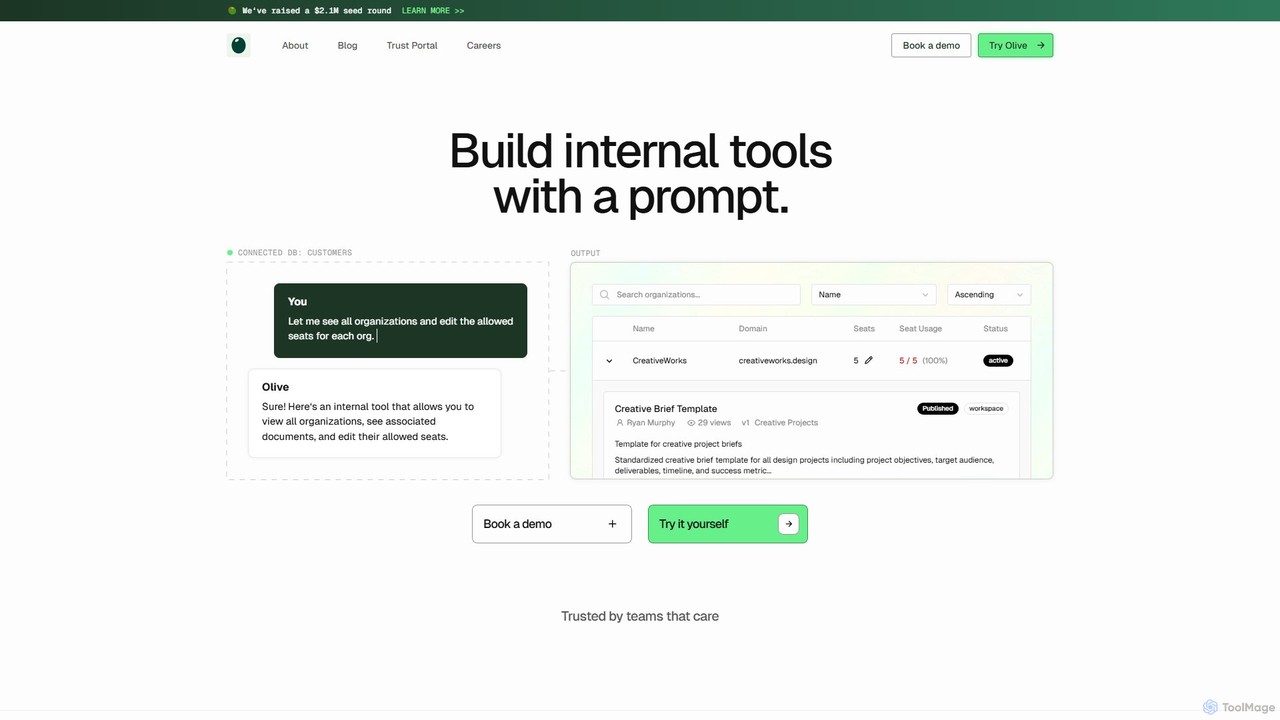
Olive is an AI-powered platform that enables teams to build and deploy internal tools, dashboards, and admin panels …
Olive is an AI-powered platform that enables teams to build and deploy internal tools, dashboards, and admin panels using simple natural language prompts. By securely connecting to your database, Olive understands your data schema and generates production-ready applications in minutes, freeing up engineering resources to focus on core product development.
About Internal Tool Builder
Internal Tool Builders are platforms that empower businesses to rapidly create custom internal applications, dashboards, and workflows with minimal coding. These tools leverage visual interfaces, drag-and-drop components, and robust integrations with existing data sources like databases and APIs. They significantly accelerate the development of tailored solutions for operations, sales, and support teams, enhancing efficiency and reducing reliance on extensive developer resources.
Core Features
- Visual Interface Builder: Design user interfaces with drag-and-drop components and pre-built templates.
- Extensive Data Integrations: Connect seamlessly to various databases, APIs, cloud services, and spreadsheets.
- Custom Logic & Workflows: Define business rules, automate tasks, and create multi-step processes.
- Granular Access Control: Manage user permissions and roles to ensure data security and compliance.
- Extensibility with Code: Allow developers to add custom components or logic for advanced requirements.
Use Cases
Internal Tool Builders are ideal for companies needing bespoke solutions without the overhead of traditional software development. They are used to build admin panels for customer relationship management, create internal dashboards for tracking key performance indicators, and develop custom approval systems for HR or finance departments.
How to Choose
When selecting an Internal Tool Builder, consider its integration capabilities with your existing tech stack, the flexibility it offers for UI/UX customization, and its scalability to handle future growth. Evaluate the ease of use for both technical and non-technical users, and compare pricing models based on features, users, or usage volume to find the best fit for your organization's specific needs.
Internal Tool BuilderUse Cases
Build Custom CRM Admin Panels
Sales and support teams can utilize Internal Tool Builders to create bespoke administration panels for managing customer data. This allows them to view customer history, update profiles, track interactions, and manage support tickets efficiently, all within a tailored interface that integrates with existing CRM systems and databases, streamlining customer service operations.
Create Operational Data Dashboards
Operations and marketing teams can leverage Internal Tool Builders to design custom dashboards that visualize key performance indicators (KPIs) from various data sources. This enables them to track campaign performance, monitor website traffic, analyze sales trends, and gain real-time insights into business operations, facilitating data-driven decision-making without relying on complex BI tools.
Develop Custom Approval Workflows
HR and finance departments can build tailored approval systems for various internal processes using Internal Tool Builders. This includes automating leave requests, expense report approvals, contract reviews, and procurement workflows. By digitizing and standardizing these processes, organizations can reduce manual errors, accelerate approval times, and ensure compliance with internal policies.
Streamline Inventory Management Systems
Logistics and warehouse teams can utilize Internal Tool Builders to create custom inventory management systems. These tools allow for real-time tracking of stock levels, management of incoming and outgoing orders, updating product information, and generating reports. This leads to improved accuracy, reduced stockouts, and more efficient warehouse operations, tailored to specific business needs.
Facilitate Efficient Data Entry Interfaces
Data entry personnel can benefit from custom interfaces built with Internal Tool Builders, designed specifically for their tasks. These interfaces can simplify complex forms, validate data in real-time, and integrate with backend databases to ensure accuracy and consistency. This significantly reduces manual errors and accelerates the data input process, improving overall data quality and operational efficiency.
Automate Internal Report Generation
Managers and analysts can use Internal Tool Builders to create custom applications for automating the generation of internal reports. By connecting to various data sources, these tools can compile, analyze, and present data in a desired format with a few clicks. This saves significant time spent on manual report compilation, ensures data consistency, and provides timely insights for strategic planning.