n8n Builder
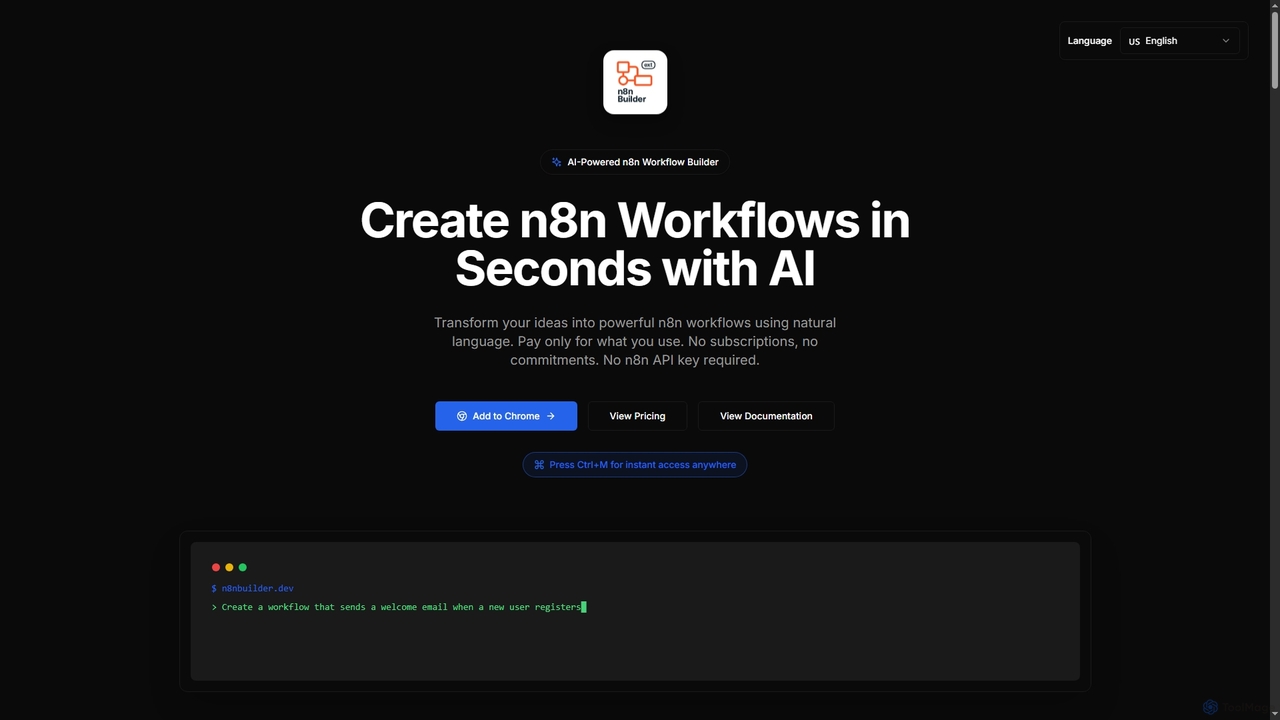
n8n Builder is an AI-powered Chrome extension that transforms natural language descriptions into ready-to-import n8n workflows in seconds. …
n8n Builder is an AI-powered Chrome extension that transforms natural language descriptions into ready-to-import n8n workflows in seconds. It accelerates automation for freelancers, developers, and teams with features like API reference research, instant export, and flexible workflow enhancement modes, all on a transparent pay-as-you-go model.
Atom
Atom is an AI agent for Adobe After Effects that allows motion designers to create advanced rigs, expressions, …
Atom is an AI agent for Adobe After Effects that allows motion designers to create advanced rigs, expressions, and complex setups using natural language. It streamlines workflows by translating plain English commands into scripts and actions, eliminating the need for manual coding.

Spreadsheet Daddy
Spreadsheet Daddy is an advanced AI-driven add-on for Google Sheets that automates complex tasks. It allows users to …
Spreadsheet Daddy is an advanced AI-driven add-on for Google Sheets that automates complex tasks. It allows users to generate formulas, Apps Script, and regular expressions from simple text prompts. The tool also excels at bulk content generation, data analysis, and even allows for the creation of custom AI models, transforming your spreadsheet into a powerful productivity hub.
Codespell
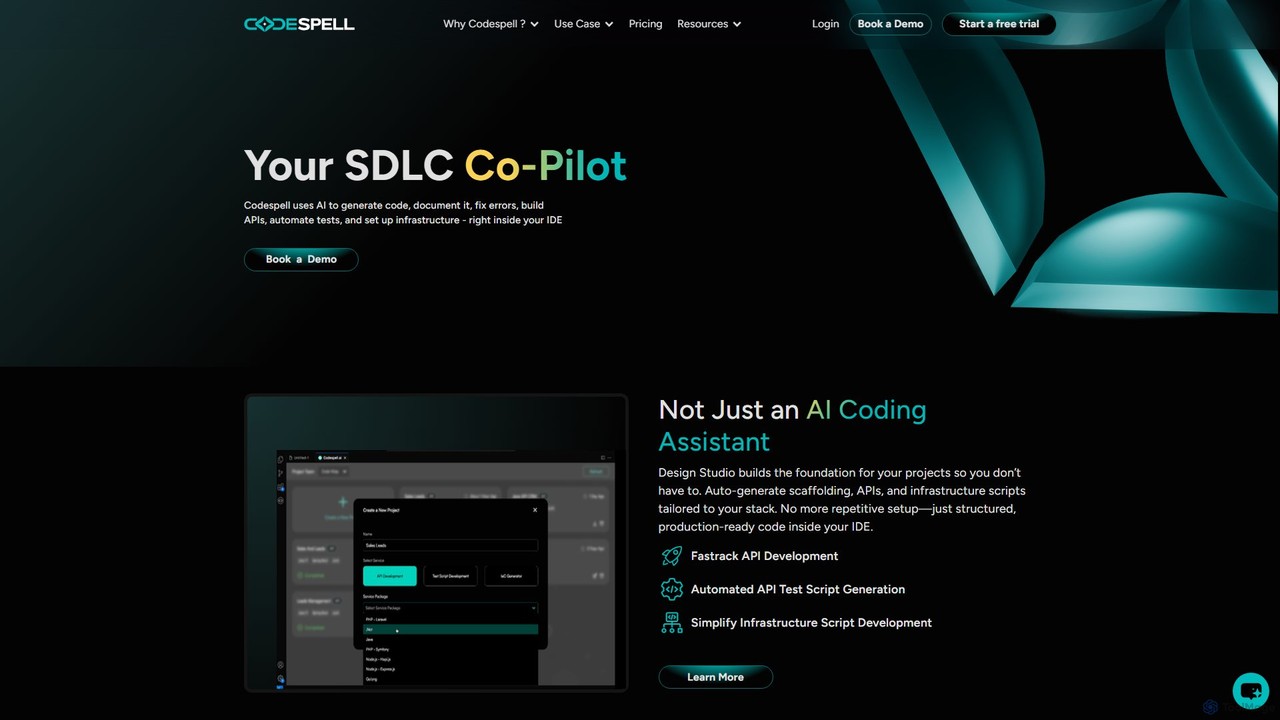
Codespell is an AI-powered SDLC co-pilot that integrates into your IDE to accelerate software development. It goes beyond …
Codespell is an AI-powered SDLC co-pilot that integrates into your IDE to accelerate software development. It goes beyond code completion, helping generate code, create APIs, automate tests, document logic, and fix errors, streamlining the entire development lifecycle.
PixieBrix
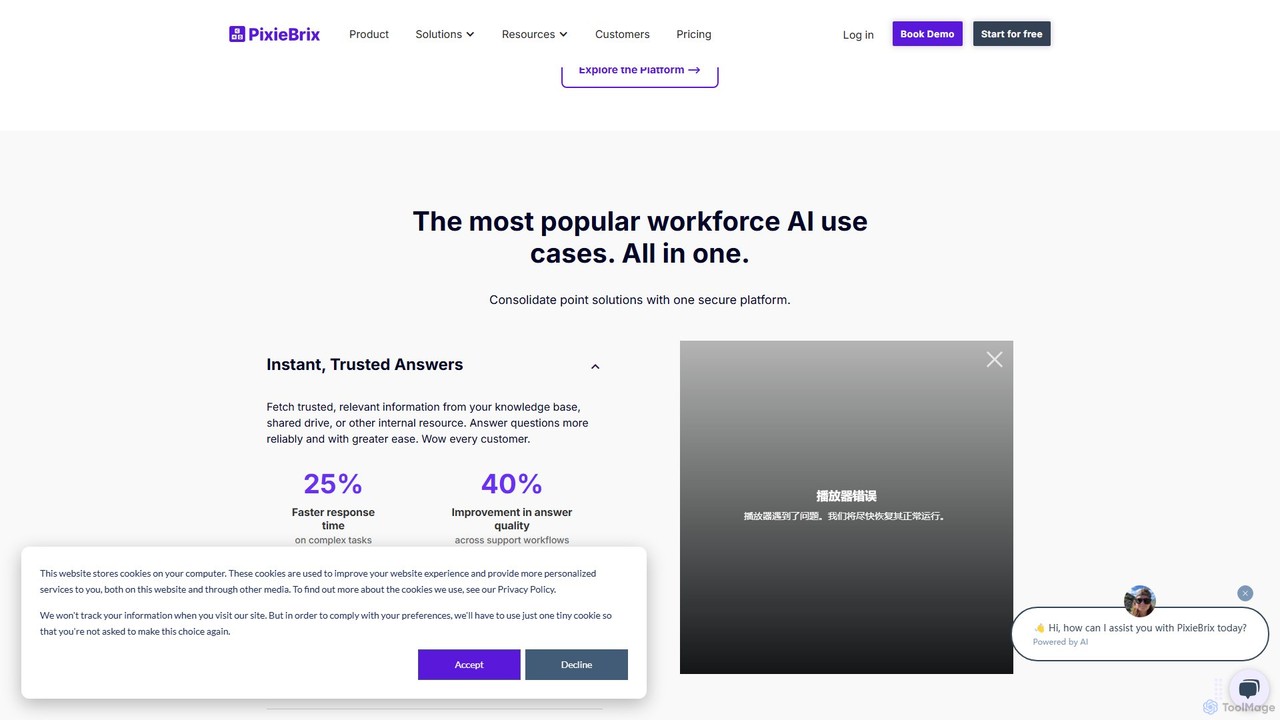
PixieBrix is a low-code browser extension that allows you to automate tasks, customize any website, and integrate AI …
PixieBrix is a low-code browser extension that allows you to automate tasks, customize any website, and integrate AI tools directly into your workflow. Enhance your productivity by creating custom modifications, or "mods," to streamline processes, eliminate repetitive work, and connect your web applications without writing any code.
gocodeo
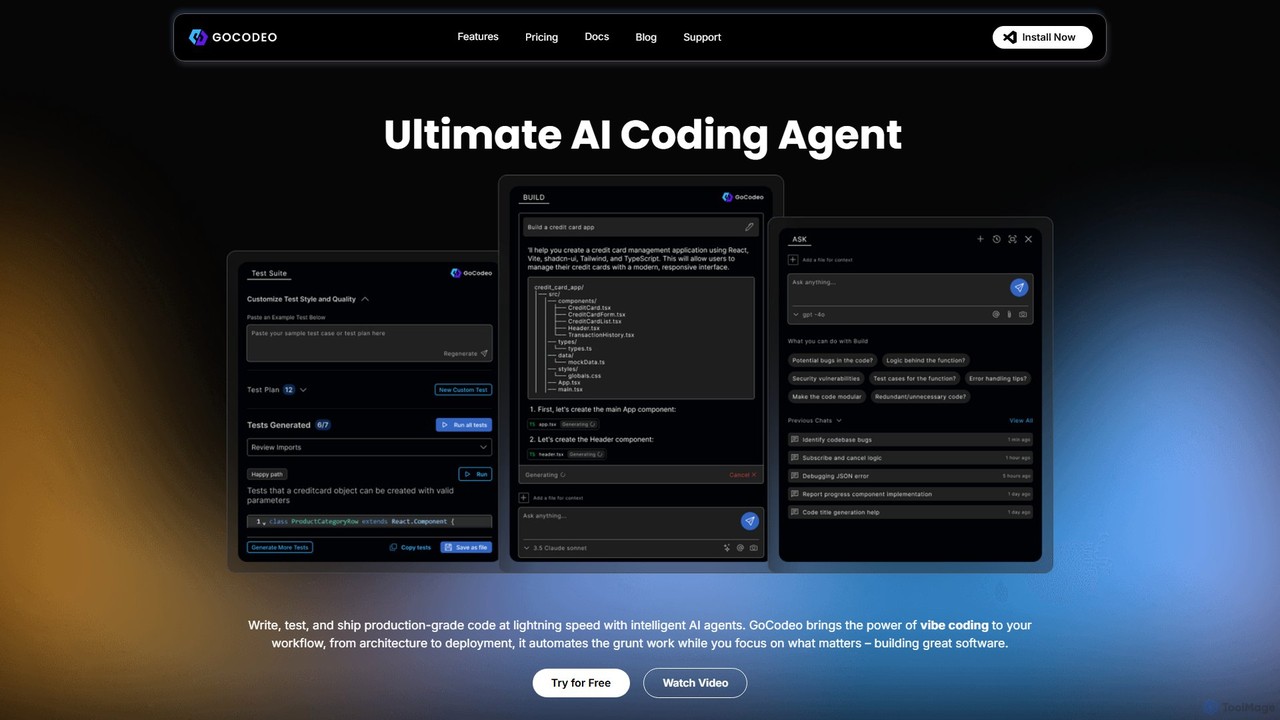
gocodeo is an AI coding agent integrated directly into your IDE (VS Code, IntelliJ) to accelerate the entire …
gocodeo is an AI coding agent integrated directly into your IDE (VS Code, IntelliJ) to accelerate the entire software development lifecycle. It helps developers build, test, and deploy projects faster through real-time code generation, automated testing, and seamless integrations. Supporting over 25 frameworks and 100+ tools, it transforms your IDE into an intelligent, context-aware workspace.
Typper
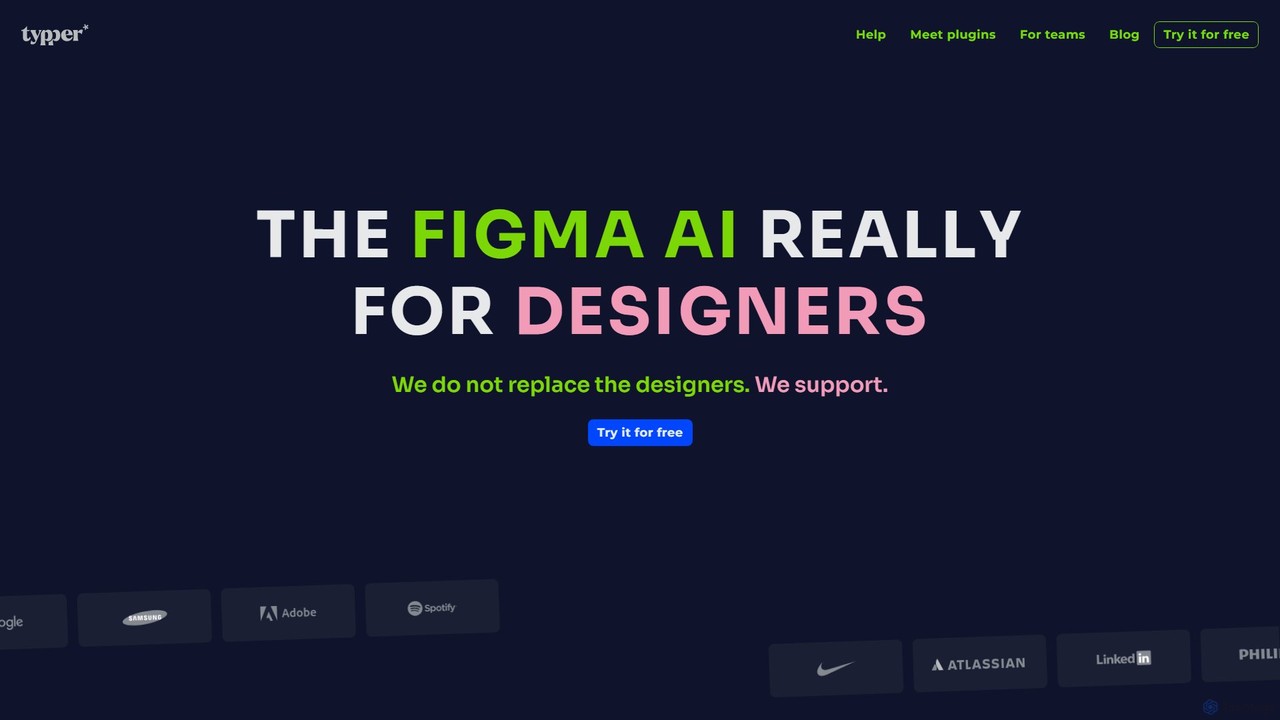
Typper is an all-in-one AI plugin suite for Figma that accelerates the design workflow. It integrates powerful AI …
Typper is an all-in-one AI plugin suite for Figma that accelerates the design workflow. It integrates powerful AI tools to generate and edit images, write and manage text content in bulk, and convert Figma designs into functional code, all within a single, unified interface.
n8nChat
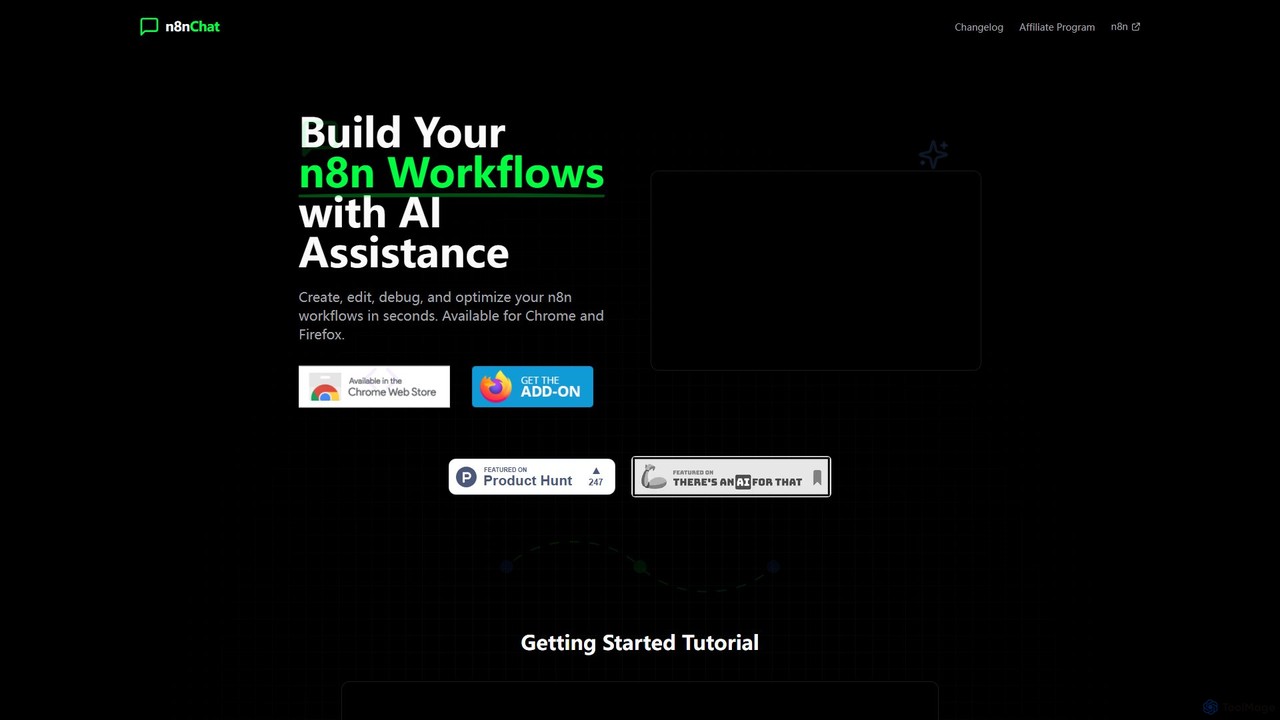
n8nChat is an AI-powered browser extension for Chrome and Firefox that accelerates n8n workflow creation. Describe your desired …
n8nChat is an AI-powered browser extension for Chrome and Firefox that accelerates n8n workflow creation. Describe your desired automation in natural language, and the AI will build, edit, debug, and optimize your workflows. It even generates custom JavaScript for Code nodes, making powerful automation accessible to everyone.
About Low Code No Code
Low Code No Code (LCNC) platforms are a category of developer tools that enable users to build applications and automate processes with minimal or no traditional programming. These tools leverage visual interfaces, drag-and-drop functionality, and pre-built components, significantly accelerating development cycles. LCNC empowers both professional developers and citizen developers to create custom software solutions, enhancing agility and reducing reliance on extensive coding expertise.
Core Features
- Visual Development Interface: Provides intuitive drag-and-drop editors for designing user interfaces and application logic.
- Pre-built Components & Templates: Offers ready-to-use modules, widgets, and templates for common functionalities and industry-specific solutions.
- Workflow Automation: Enables the creation of automated business processes and data flows without writing code.
- Data Integration: Facilitates seamless connection with various databases, APIs, and third-party services.
- Deployment & Hosting: Simplifies the process of publishing and managing applications across different environments.
Applicable Scenarios
LCNC tools are ideal for businesses seeking rapid digital transformation, allowing them to quickly respond to market changes and internal needs. They are widely adopted for automating repetitive tasks, building custom internal tools, and developing customer-facing applications. From small startups to large enterprises, LCNC accelerates innovation across various departments.
How to Choose
When selecting an LCNC platform, consider its scalability for future growth, the breadth of its integration ecosystem with existing systems, and the level of customization it allows. Evaluate the learning curve for your team, the vendor's support and community, and the overall pricing model, including licensing and deployment costs, to ensure it aligns with your project's complexity and budget.
Low Code No CodeUse Cases
Automating Internal Business Processes
An HR manager needs to streamline the employee onboarding process, which involves multiple forms, approvals, and system updates. Using an LCNC platform, they can visually design a workflow that automatically sends welcome emails, triggers IT provisioning requests, collects necessary documents, and updates employee records across different systems, reducing manual effort and errors.
Developing Custom Departmental Applications
A marketing team requires a simple project tracking tool tailored to their specific campaign stages and reporting needs, which off-the-shelf solutions don't fully meet. With an LCNC tool, a citizen developer within the team can quickly build a custom application with drag-and-drop components, enabling them to manage tasks, track progress, and generate reports without relying on IT resources.
Creating Customer Self-Service Portals
A small e-commerce business wants to offer customers a portal to track orders, manage subscriptions, and access FAQs without overwhelming their support team. An LCNC platform allows them to rapidly develop a secure, user-friendly web portal with pre-built components for user authentication, order display, and knowledge base integration, significantly improving customer experience.
Rapid Prototyping and MVP Development
A startup founder has an innovative app idea but needs to validate it quickly with potential users before investing heavily in full-stack development. Leveraging an LCNC platform, they can build a functional Minimum Viable Product (MVP) or prototype in days or weeks, allowing them to gather early feedback, iterate rapidly, and secure funding with a tangible product.
Building Data Collection and Reporting Tools
A field sales team needs a mobile application to efficiently collect customer feedback and sales data during visits, which then feeds into a central dashboard. An LCNC tool enables the creation of custom mobile forms with offline capabilities and automated data synchronization, providing real-time insights for management and eliminating manual data entry.
Integrating Disparate SaaS Applications
An operations team uses several SaaS tools (e.g., CRM, ERP, project management) that don't natively communicate, leading to data silos and manual data transfer. An LCNC integration platform allows them to visually connect these applications, creating automated data flows and synchronizations between them, ensuring data consistency and eliminating repetitive tasks without custom API coding.