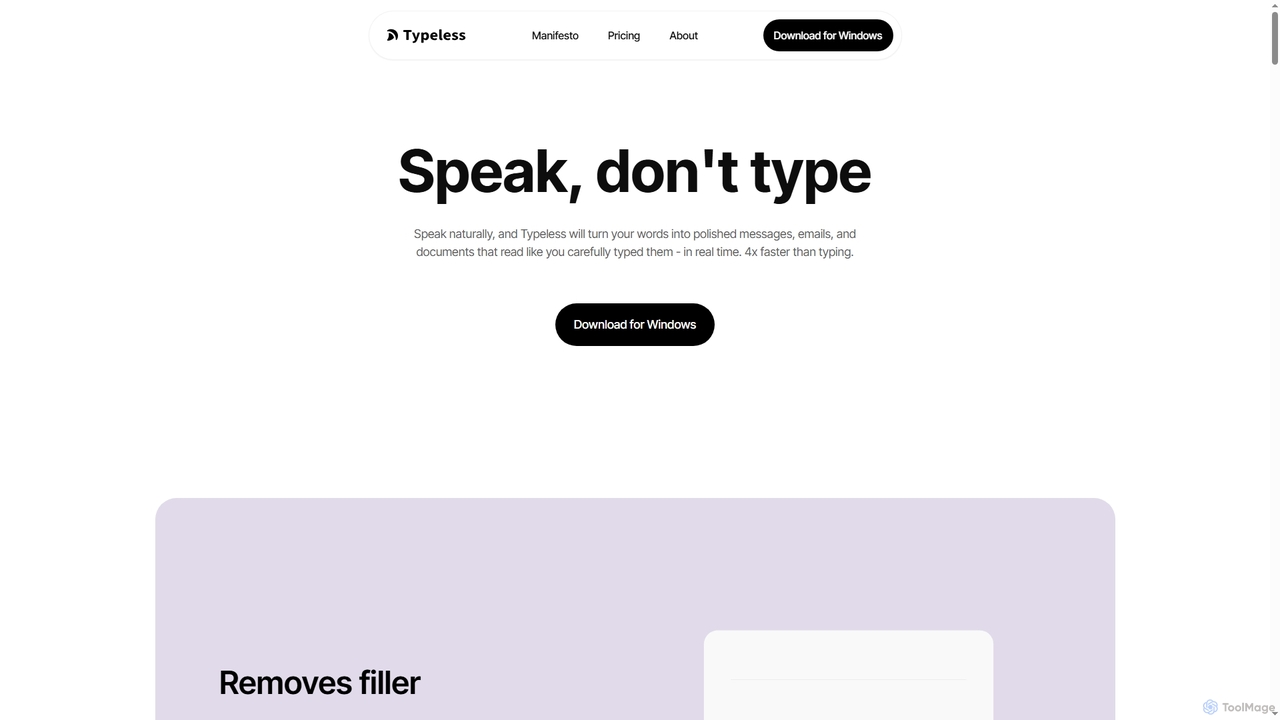
Productivity tools are AI-powered solutions designed to significantly enhance the efficiency and output of developers and technical teams. These tools leverage advanced artificial intelligence, including machine learning and natural language processing, to automate repetitive tasks, provide intelligent assistance, and optimize various stages of the software development lifecycle. By streamlining workflows from coding and debugging to testing and documentation, AI productivity tools enable developers to focus on complex problem-solving, innovation, and delivering high-quality software faster.
Core Features
- Intelligent Code Completion: Suggests relevant code snippets, functions, and syntax based on context and common patterns, accelerating coding.
- Automated Debugging Assistance: Identifies potential errors, suggests fixes, and helps pinpoint root causes in code, reducing debugging time.
- Smart Documentation Generation: Automatically creates or updates technical documentation, API references, and user guides from codebases.
- Task Automation & Workflow Optimization: Automates routine development tasks like code reviews, deployment checks, and environment setup.
- Project Insights & Analytics: Provides data-driven insights into project progress, code quality, and team performance to identify bottlenecks.
Use Cases
Developers utilize these tools to accelerate coding, reduce errors, and manage projects more effectively. For instance, a software engineer might use an AI code assistant to quickly generate boilerplate code or refactor existing modules. DevOps teams can automate deployment pipelines and monitor system health with AI-driven insights, ensuring smoother operations and faster releases. Technical writers leverage AI to draft and maintain up-to-date documentation directly from source code, saving significant manual effort.
How to Choose
When selecting AI productivity tools, consider their integration capabilities with your existing IDEs and development platforms, ensuring a seamless workflow. Evaluate the specific features offered, such as the accuracy of code suggestions or the depth of debugging assistance, to match your team's needs. Assess the learning curve and ease of use, as well as the vendor's commitment to data privacy and security. Finally, compare pricing models and scalability to ensure the tool can grow with your project and team requirements.