Emdash
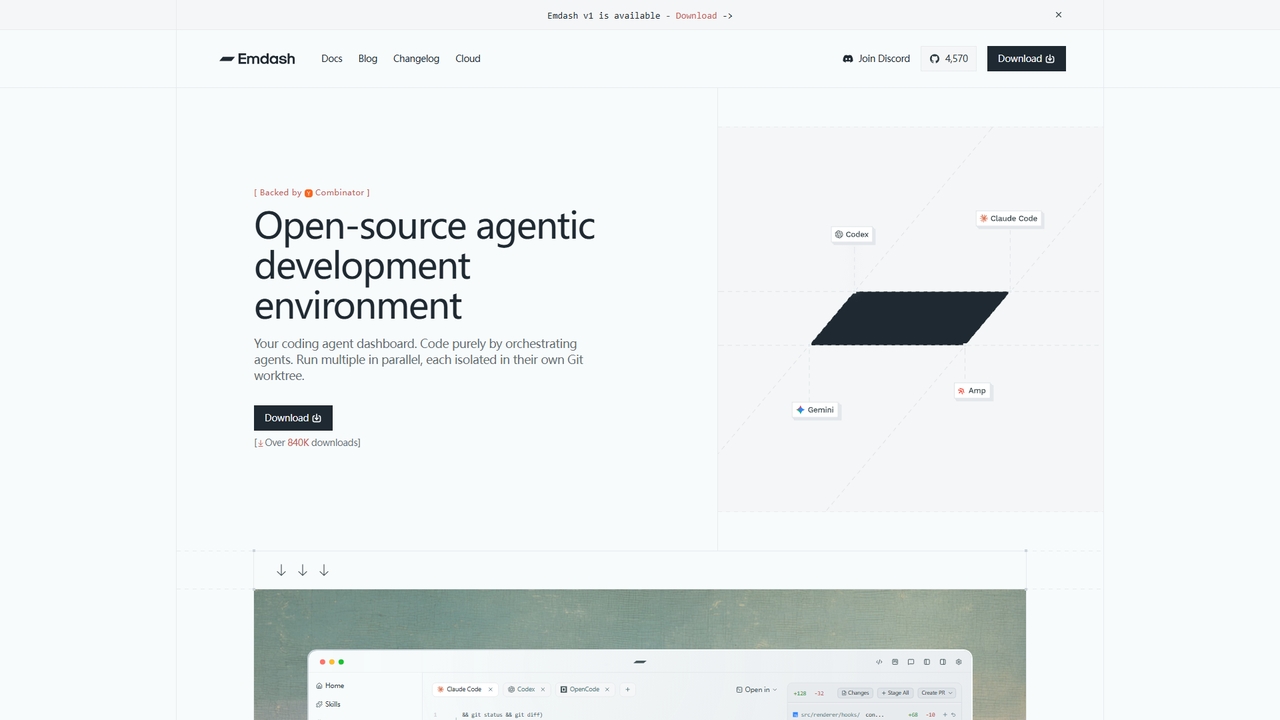
An open-source desktop application for developers to run and orchestrate multiple coding agents (like Codex, Cursor, Claude Code) …
An open-source desktop application for developers to run and orchestrate multiple coding agents (like Codex, Cursor, Claude Code) in parallel, each within its own isolated Git worktree.
Conductor
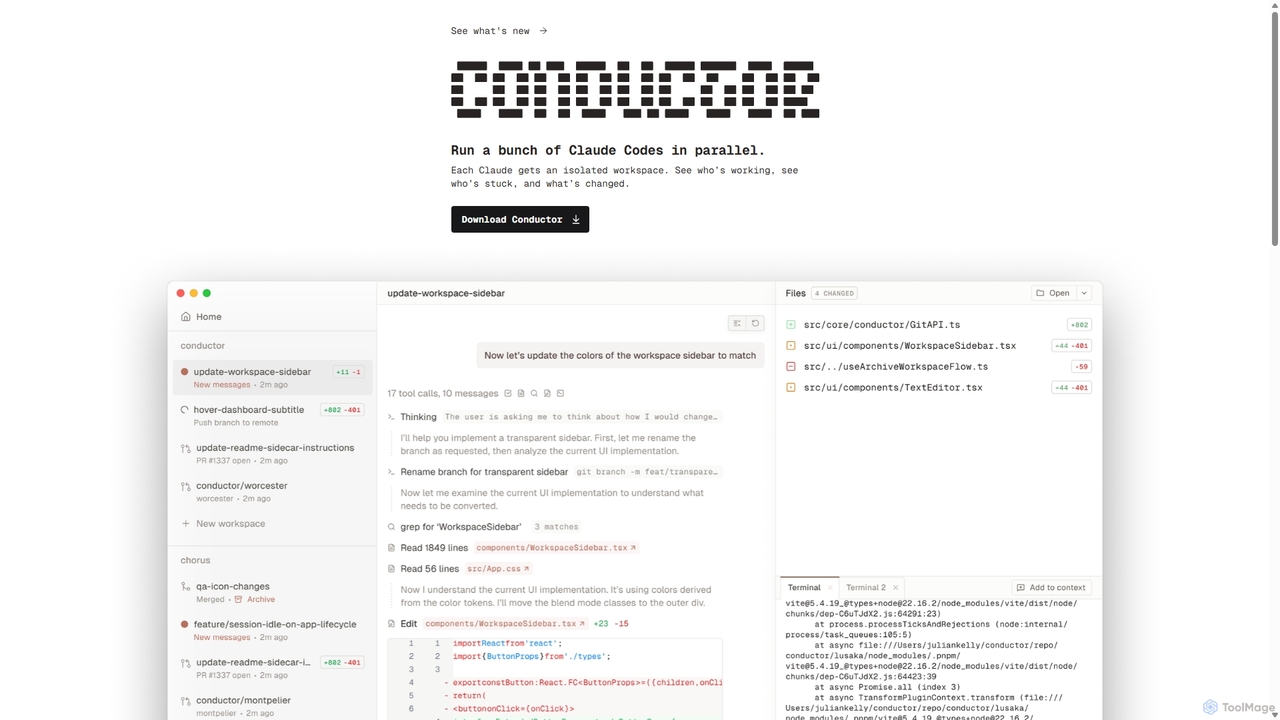
A powerful Mac application for orchestrating multiple AI coding agents. Run parallel instances of Claude Code in isolated …
A powerful Mac application for orchestrating multiple AI coding agents. Run parallel instances of Claude Code in isolated workspaces to accelerate software development, monitor progress, and review code through a beautiful, intuitive UI.
GitBrain
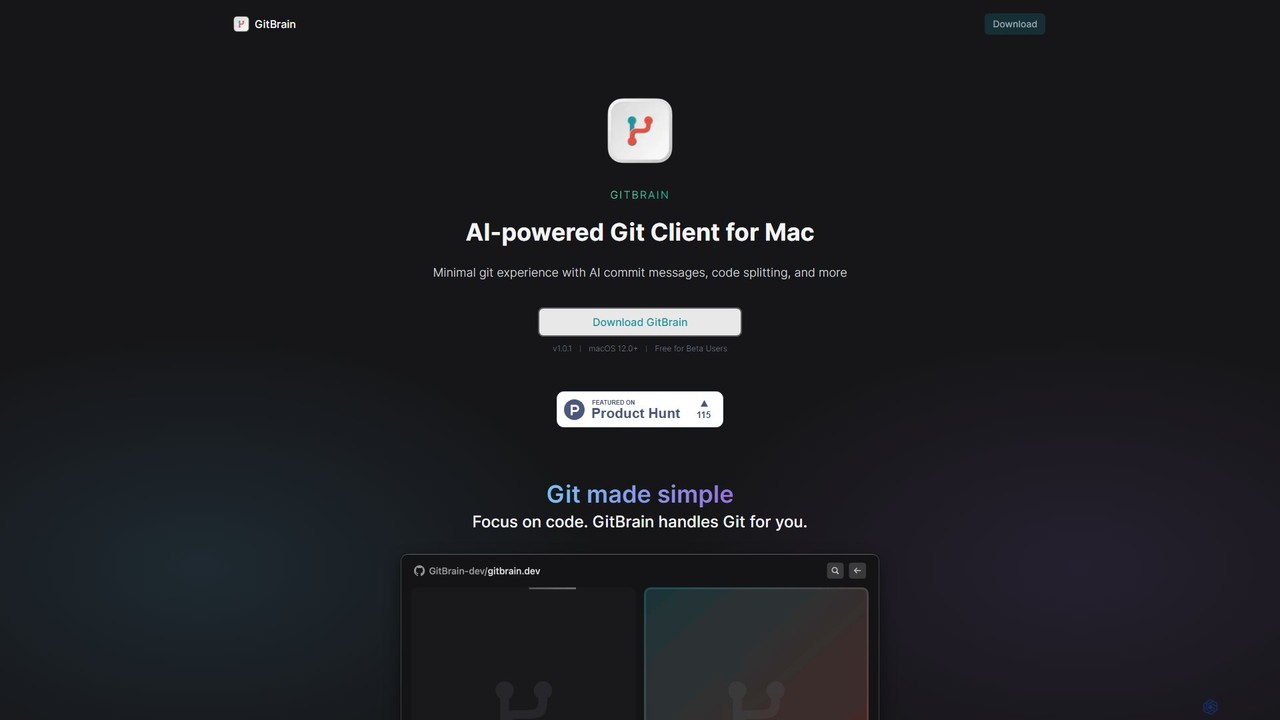
GitBrain is an AI-powered Git client for Mac designed to streamline your workflow. It automatically splits code changes …
GitBrain is an AI-powered Git client for Mac designed to streamline your workflow. It automatically splits code changes into logical commits, generates clear commit messages, and provides AI-powered code summaries for self-review. With a native macOS interface, IDE integration, and a keyboard-first design, GitBrain simplifies Git management, allowing developers to focus on coding.
GitKraken
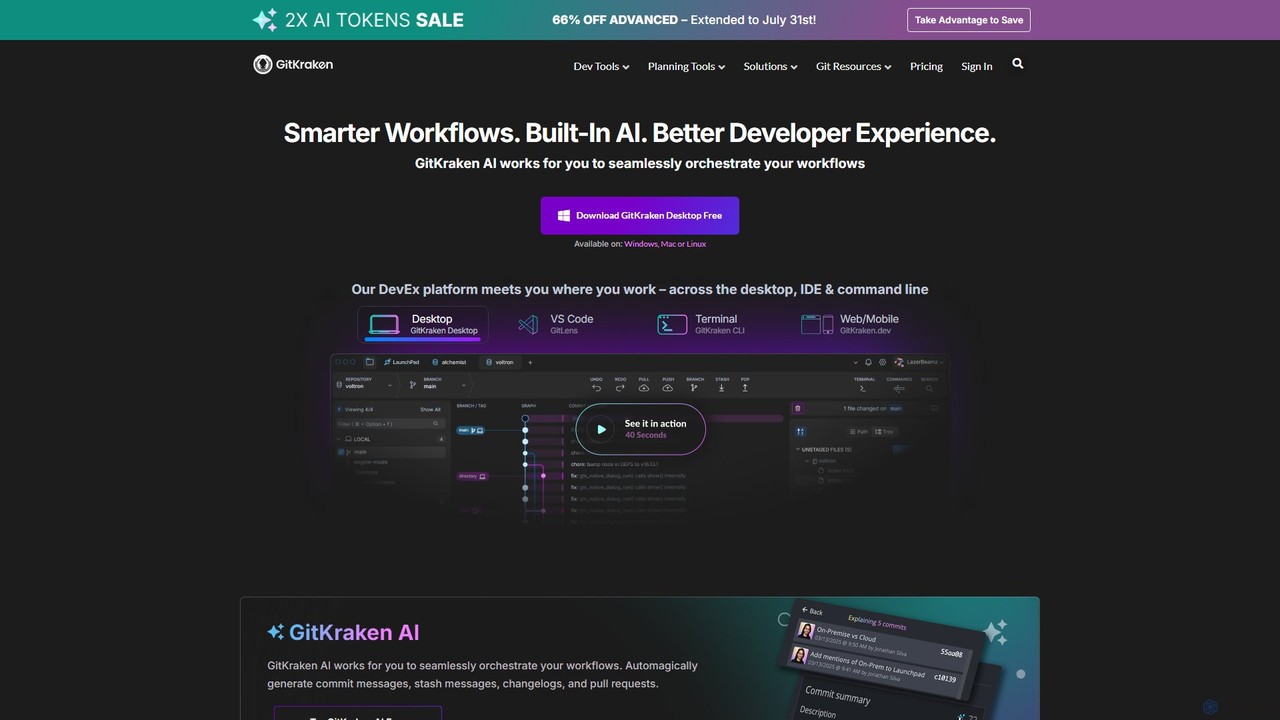
GitKraken is a legendary suite of Git tools designed to enhance the developer experience. Featuring a visual Git …
GitKraken is a legendary suite of Git tools designed to enhance the developer experience. Featuring a visual Git GUI, a powerful CLI, and IDE integrations, it leverages built-in AI to automate tasks like generating commit messages and pull requests. It streamlines workflows, improves team collaboration, and provides powerful visualization for complex repositories.

GitButler
GitButler is a next-generation version control client that allows developers to organize their work into multiple virtual branches …
GitButler is a next-generation version control client that allows developers to organize their work into multiple virtual branches simultaneously. It automates the process of managing changes, enabling parallel work on different features and bug fixes without the overhead of traditional Git branches, streamlining the entire development workflow.
About Version Control
Version Control systems are essential developer tools for tracking and managing changes to source code and other files over time. These systems record modifications in a repository, creating a detailed history that allows developers to recall specific versions later. This functionality is crucial for collaborative projects, enabling multiple developers to work concurrently on the same codebase without conflicts. Modern AI integrations are beginning to enhance these systems by automating commit message generation, suggesting optimal merge strategies, and proactively identifying potential code conflicts.
Core Features
- Change History Tracking: Records every modification to files, including who made the change, when, and why.
- Branching and Merging: Allows developers to work on different features or fixes in isolated lines of development (branches) and later integrate them back into the main project.
- Conflict Resolution: Provides mechanisms to identify and resolve discrepancies when merging changes from different sources.
- Distributed Workflow Support: Enables every developer to have a full copy of the project history, facilitating offline work and robust collaboration.
Use Cases
Version Control is fundamental in software development for teams of any size, from solo developers to large enterprises. It is also widely used in DevOps for managing infrastructure as code (IaC), by technical writers for versioning documentation, and by data scientists for tracking changes in machine learning models and datasets.
How to Choose
When selecting a Version Control tool, consider the model (distributed like Git vs. centralized like SVN), the hosting platform's ecosystem (e.g., GitHub, GitLab, Bitbucket), integration with CI/CD pipelines, team workflow preferences, and the learning curve for new users. The choice often depends on project complexity and collaboration needs.
Version ControlUse Cases
Collaborative Feature Development
A software development team is tasked with building a new user authentication module. Using a version control system like Git, the lead developer creates a main 'develop' branch. Each developer then creates their own feature branch (e.g., 'feature/login-page', 'feature/password-reset') from 'develop'. They work independently on their tasks, committing changes locally. Once a feature is complete, they push their branch to a remote repository like GitHub and open a pull request. This allows for code review and automated testing before the feature is safely merged back into the 'develop' branch, ensuring code quality and preventing conflicts.
Managing Infrastructure as Code (IaC)
A DevOps team manages their cloud infrastructure using Terraform scripts. All configuration files (.tf files) are stored in a Git repository. When a change is needed, such as scaling up a server cluster, an engineer creates a new branch. They modify the configuration files and commit the changes with a descriptive message. This commit triggers a CI/CD pipeline that runs 'terraform plan' to show the expected changes. After team review and approval via a pull request, the changes are merged to the main branch, and the pipeline automatically applies the new configuration. This provides a complete, auditable history of all infrastructure changes.
Bug Fixing and Release Management
A critical bug is reported in the production version (v1.2.0) of an application. A developer creates a 'hotfix/bug-123' branch directly from the 'v1.2.0' tag in the repository. They implement the fix, commit it, and push the branch. This hotfix undergoes expedited review and testing. Once approved, it's merged into both the 'main' branch (for production) and the 'develop' branch (to ensure the fix is in future releases). A new tag, 'v1.2.1', is created from the 'main' branch, triggering a deployment. This structured process ensures that urgent fixes don't interfere with ongoing new feature development.
Versioning Technical Documentation
A team of technical writers maintains the official documentation for a software product. They use a Git repository to store all Markdown files. When a new product version is released, they create a new branch named after the version (e.g., 'release/v3.0'). Writers work on this branch to update articles, add new guides, and revise examples. Each change is a commit, providing a clear history. This allows them to manage documentation for multiple product versions simultaneously. Readers can easily switch between documentation for v2.0 and v3.0, and the team can backport critical documentation fixes to older versions if needed.
Experimenting with New Features
A product manager wants to test a new checkout flow for an e-commerce site. A developer creates an 'experiment/new-checkout' branch. On this branch, they implement the alternative design and logic. This work happens in isolation, without affecting the main codebase that powers the live site. The new branch can be deployed to a staging environment for A/B testing. Based on the results, the feature can be iterated upon, completely discarded by simply deleting the branch, or merged into the main development line if successful. This workflow encourages innovation by making it safe and easy to explore new ideas.
Tracking Data Science Experiments
A data scientist is developing a machine learning model to predict customer churn. They use a version control system to track not only the Python code but also the datasets, model parameters, and resulting performance metrics. Each experiment, such as trying a new algorithm or feature set, is conducted in a separate branch. They commit the code, a reference to the dataset version, and a summary of the results. This creates a reproducible and auditable record of their work, allowing them to easily compare different approaches and revert to the best-performing model configuration at any time.