Rune
Rune is a comprehensive online toolkit offering over 80 AI-powered tools for productivity, learning, and daily tasks. It …
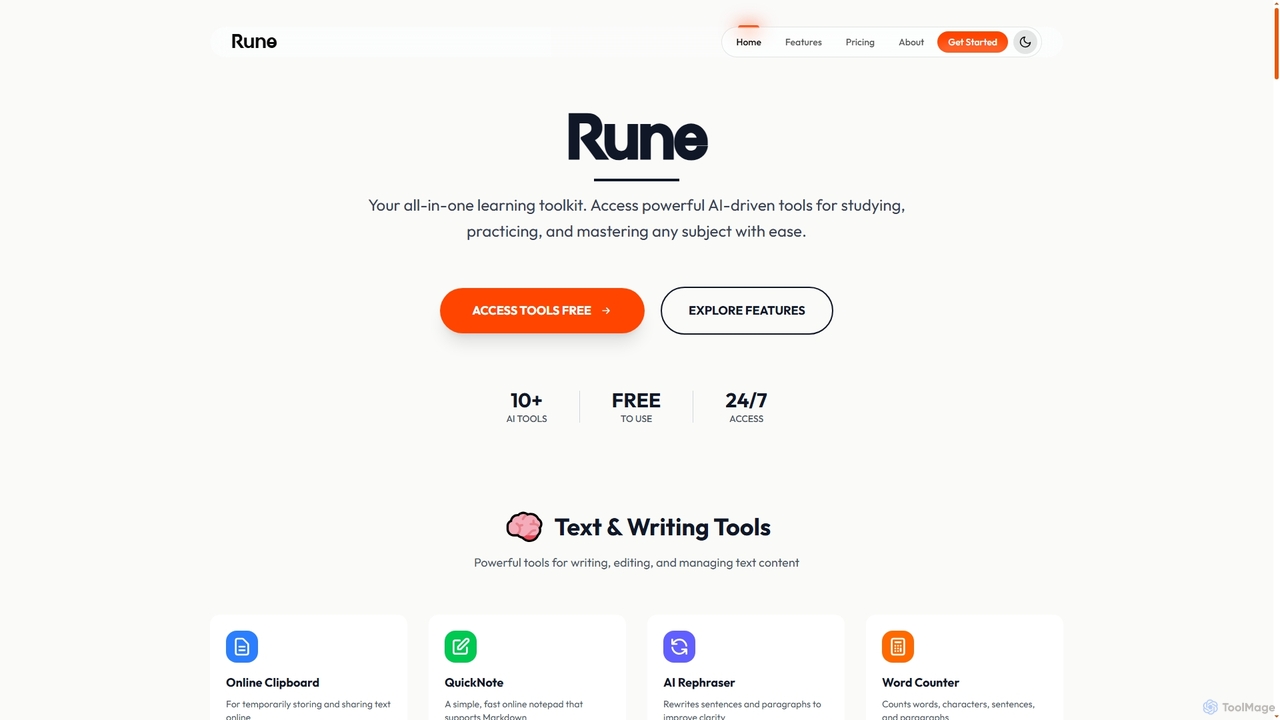
Rune is a comprehensive online toolkit offering over 80 AI-powered tools for productivity, learning, and daily tasks. It provides free utilities for PDF, image, text, video, and developer needs, designed for students, professionals, and institutions seeking efficient digital solutions.
About Web Utilities
Web Utilities are AI-powered tools designed to manage, optimize, and analyze websites and web applications, complementing traditional developer tools. These utilities leverage advanced algorithms and AI-driven insights to provide deep understanding into web performance, search engine optimization (SEO), security, and overall site health. They empower developers, webmasters, and digital marketers to enhance user experience, improve search rankings, and maintain robust, efficient online presences.
Core Features
- Performance Monitoring & Optimization: Analyze website load times, identify bottlenecks in code or assets using AI, and suggest actionable improvements for faster page rendering and user experience.
- SEO Analysis & Auditing: Evaluate on-page and technical SEO factors, track keyword rankings, identify broken links, and provide AI-driven recommendations to boost search engine visibility and organic traffic.
- Security Scanning & Vulnerability Detection: Automatically scan web applications for common vulnerabilities such as XSS, SQL injection, and misconfigurations, often using AI to detect novel threats and patterns.
- Website Uptime & Health Monitoring: Continuously track website availability, server response times, and critical service statuses, sending instant alerts and using AI for anomaly detection and predictive maintenance.
- Code & Asset Optimization: Automate the minification of CSS/JavaScript, compression of images, and optimization of content delivery, sometimes with AI-driven suggestions for optimal asset loading strategies.
Applicable Scenarios
Web Utilities are indispensable for various web-related tasks. They are crucial for web developers aiming to fine-tune site performance, ensuring fast load times and smooth user interactions by identifying and resolving issues with AI assistance. Digital marketing professionals rely on them to conduct comprehensive SEO audits, identify ranking opportunities, and monitor competitor strategies with data-driven insights. Furthermore, IT administrators and security teams utilize these tools for proactive security scanning and continuous uptime monitoring, safeguarding web assets against threats and ensuring uninterrupted service through intelligent automation.
How to Choose
When selecting a Web Utility, consider its specific feature set—whether it focuses on performance, SEO, security, or offers a comprehensive suite, and how AI enhances these capabilities. Evaluate its integration capabilities with your existing development workflows, CI/CD pipelines, or content management systems for seamless automation. Assess the clarity and actionability of its reporting and AI-driven analytics, looking for customizable dashboards and insightful, predictive recommendations. Finally, prioritize tools with an intuitive user interface and robust support, ensuring ease of use for both technical and non-technical team members.

Web UtilitiesUse Cases
Automating API Endpoint Validation
For backend developers, manually testing numerous API endpoints after each update is time-consuming. AI-powered Web Utilities can automatically send requests, validate responses against predefined schemas, and report discrepancies, significantly reducing testing cycles and ensuring API reliability before deployment.
Optimize Website Loading Speed
A web developer uses an AI-powered Web Utility to analyze their website's performance, identifying slow-loading scripts, large images, or inefficient CSS. The tool provides actionable recommendations, such as image compression or code minification, allowing the developer to implement changes that significantly reduce page load times and improve user experience.
Optimizing Website Load Speed
A web developer uses a Web Utility to pinpoint slow-loading scripts and oversized images on an e-commerce platform. By applying the tool's AI-driven suggested optimizations, such as code minification and image compression, they reduce the average page load time by 30%, significantly improving user retention and conversion rates.
Optimizing Website Loading Speed
A slow website negatively impacts user experience and SEO. Webmasters can use these utilities to analyze page assets, identify large images or inefficient scripts, and receive AI-driven recommendations for compression, lazy loading, or code splitting, leading to faster load times and improved search rankings.
Conduct Basic SEO Audits
A digital marketer or small business owner utilizes a Web Utility to perform quick SEO checks on their website. This includes analyzing meta titles, descriptions, heading structures, and identifying broken links or duplicate content. The tool helps them pinpoint areas for improvement to enhance search engine visibility and organic traffic without needing extensive SEO expertise.
Conducting Comprehensive SEO Audits
A digital marketing specialist employs a Web Utility to perform a thorough SEO audit for a client's corporate website. The AI-enhanced tool identifies critical issues like broken internal links, duplicate content, and missing meta descriptions, providing actionable insights that lead to a 15% increase in organic search traffic within three months.
Real-time Monitoring of SSL Certificate Expiry
For system administrators managing multiple domains, an expired SSL certificate can lead to security warnings and lost trust. Web Utilities can continuously monitor certificate validity across all registered domains, sending proactive alerts well before expiry, preventing service interruptions and maintaining secure connections.
Format and Minify Code for Deployment
A front-end developer uses a code optimization Web Utility to automatically format messy JavaScript or CSS files into a readable, consistent style. Before deployment, they use the same tool to minify these files, removing unnecessary characters and whitespace. This process ensures cleaner code for collaboration and significantly reduces file sizes, leading to faster website loading.
Monitoring Website Uptime and Performance
An IT administrator configures a Web Utility to continuously monitor their company's critical web applications for uptime and server response times. The AI-driven system automatically sends instant alerts via email and SMS whenever a service experiences downtime or performance degradation, enabling rapid incident response and minimizing service interruptions.
Streamlining Web Data Scraping for Market Research
Market researchers often need to collect large volumes of data from various websites. AI Web Utilities can be configured to intelligently extract specific data points (e.g., product prices, reviews, news articles) from complex web structures, automating data collection and providing clean, structured datasets for analysis.
Ensure Web Accessibility Compliance
A web designer or content manager uses an accessibility Web Utility to scan their website for compliance with WCAG (Web Content Accessibility Guidelines). The tool identifies issues such as insufficient color contrast, missing alt text for images, or improper heading structures. This enables them to make necessary adjustments, ensuring the website is usable and inclusive for individuals with disabilities, thereby expanding their audience reach.
Identifying and Fixing Security Vulnerabilities
A cybersecurity analyst integrates a Web Utility into the pre-deployment phase of a new web application. The utility automatically scans for common vulnerabilities like cross-site scripting (XSS), SQL injection, and insecure configurations, often leveraging AI to detect subtle or novel threats, allowing the development team to patch critical flaws before the application goes live, enhancing overall security posture.
Ensuring Cross-Browser Compatibility
Front-end developers face the challenge of ensuring their web applications render correctly across different browsers and devices. Certain Web Utilities can simulate various browser environments and screen sizes, automatically identifying layout issues or functional discrepancies, thus accelerating the debugging process.
Convert Data Formats for API Integration
A back-end developer frequently needs to convert data between different formats, such as JSON to YAML or XML to CSV, for various API integrations or data processing tasks. An AI-powered Web Utility automates these conversions, handling complex nested structures and ensuring data integrity. This saves significant manual effort and reduces errors, accelerating the development and testing cycles of web applications.
Automating Code Minification and Asset Compression
A front-end developer integrates a Web Utility into their automated build process. This AI-enhanced tool automatically minifies all JavaScript and CSS files and compresses images during deployment. This optimization significantly reduces the total page weight and bandwidth usage, leading to faster initial page rendering and a smoother user experience, often with AI suggesting optimal compression ratios.
Debugging Network Requests in Web Applications
QA engineers or developers often need to inspect network traffic to diagnose issues in web applications. Web Utilities provide detailed insights into HTTP/HTTPS requests and responses, allowing for easy identification of failed requests, incorrect data payloads, or performance bottlenecks, crucial for effective troubleshooting.
Generate Web Assets Like Favicons
A webmaster or designer needs to create various small web assets, such as favicons for different browser sizes or social media share images. An AI-powered Web Utility can take a single source image and automatically generate all necessary variations and sizes, ensuring optimal display across platforms. This eliminates tedious manual resizing and formatting, saving time and ensuring brand consistency.
Analyzing Competitor Website Strategies
A business analyst leverages a Web Utility to analyze the technical SEO and performance metrics of key competitor websites. By examining their keyword rankings, backlink profiles, and site speed, the analyst gains valuable AI-driven insights into market trends and competitor strengths, informing their own strategic adjustments for improved online presence and competitive advantage.