ToolMage
Sign in

Best 1 Application Development AI tools for Development

Popular Application Development AI tools in Development include Alan AI, helping you work more efficiently.

Alan AI
Freemium

Alan AI

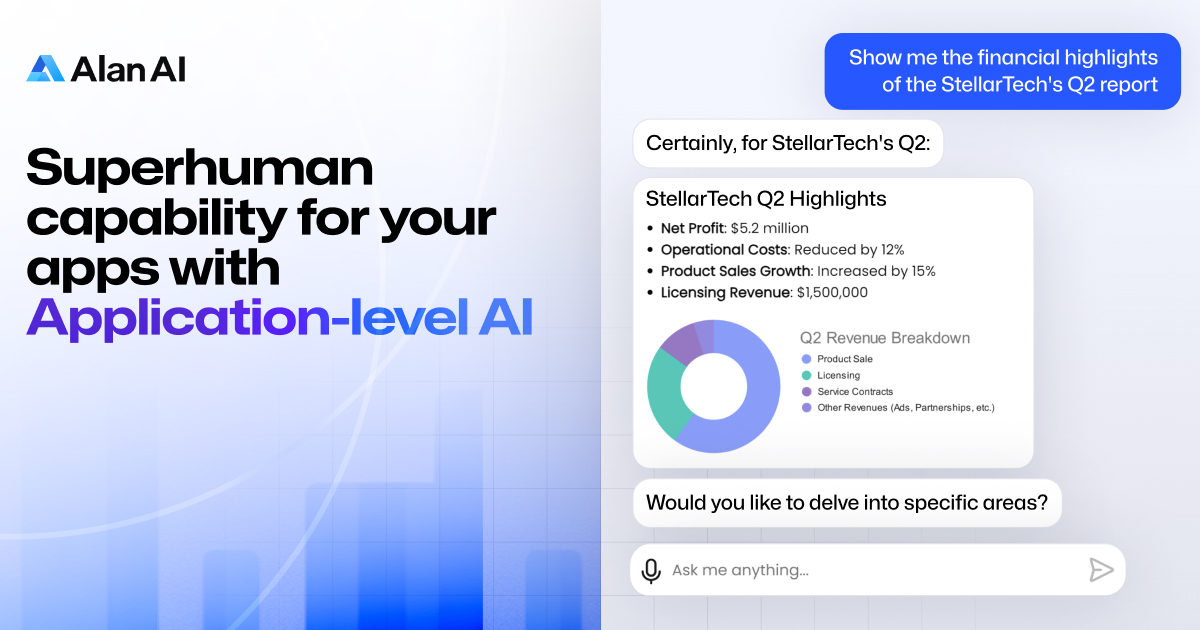
Alan AI is an intelligent app platform that embeds an agentic AI interface into existing web and mobile applications. It enables apps to become self-coding by understanding user requests to generate features, UI, and business logic on the fly, ensuring guaranteed accuracy within a secure, constrained environment. It's designed for enterprise-level deployment, offering rapid development, deep customization, and full control over AI behavior.

Agent Builder
Visits 23.8KFavorites 125Likes 136

About Application Development

AI Application Development tools are a class of software that uses artificial intelligence to accelerate the entire lifecycle of creating software applications. These tools leverage large language models and machine learning to automate tasks like code generation, UI design, testing, and debugging. Their primary value lies in reducing development time, lowering the technical barrier for new creators, and improving code quality. Many platforms integrate directly into existing IDEs or offer low-code/no-code environments for rapid prototyping and deployment.

Core Features

  • AI-Powered Code Generation: Automatically writes code snippets, functions, or entire modules from natural language prompts.
  • Automated Testing: Generates unit tests, integration tests, and end-to-end tests to ensure application reliability.
  • Intelligent Debugging: Analyzes code to identify bugs, suggest fixes, and explain complex errors.
  • UI/UX Prototyping: Creates user interface designs and front-end code from sketches, wireframes, or text descriptions.
  • Natural Language to Query: Translates plain language requests into database queries (e.g., SQL) or API calls.

Use Cases

These tools are widely used by software developers, product managers, and tech startups. For instance, a developer can use an AI assistant to refactor legacy code, while a product manager can build a functional prototype using a no-code AI platform without writing a single line of code. They are particularly effective in Agile development environments for speeding up sprints and iterating on features faster.

How to Choose

When selecting an AI Application Development tool, consider its integration capabilities with your current tech stack (e.g., IDEs, version control). Evaluate the scope of its features—does it focus solely on code completion or offer a full-cycle platform? Also, assess the supported programming languages and frameworks, as well as the pricing model, which can range from per-user subscriptions to usage-based fees.

Featured tool rankings

Application Development use cases

1

Rapid Prototyping for a New App Idea

A product manager without a deep coding background needs to validate a new mobile app concept with stakeholders. Instead of waiting for the engineering team, they use a no-code AI application development platform. They describe the app's core features, user flow, and desired look in plain English. The AI generates a functional, interactive prototype with a user interface, database schema, and basic logic. This allows the manager to present a tangible product for feedback within hours, not weeks, significantly accelerating the validation cycle and reducing initial development costs.

2

Automating Unit Test Generation

A software development team is struggling to maintain high test coverage for a complex application due to tight deadlines. A developer integrates an AI code assistant into their IDE. For each new function they write, they prompt the AI to generate a comprehensive set of unit tests covering edge cases, valid inputs, and error conditions. The AI produces ready-to-use test code in the team's preferred testing framework. This practice increases test coverage from 60% to over 90% and allows developers to catch bugs earlier in the development cycle, improving overall code quality and stability.

3

Refactoring Legacy Codebases

A maintenance engineer is tasked with modernizing a large, outdated codebase written in an older framework. The code is poorly documented and difficult to understand. The engineer uses an AI development tool that specializes in code analysis and refactoring. They feed sections of the legacy code to the AI, which then explains the logic, identifies performance bottlenecks, and suggests modern equivalents using current best practices and design patterns. This reduces the time required to understand and update the code by over 50%, minimizes the risk of introducing new bugs, and improves the application's long-term maintainability.

4

Generating UI from a Design Mockup

A front-end developer receives a high-fidelity design mockup from a UI/UX designer. To speed up development, they use an AI tool that converts design files (like Figma or Sketch) into code. They upload the mockup, and the AI analyzes the layout, components, colors, and fonts, then generates clean, responsive HTML, CSS, and JavaScript/React code. The developer can then fine-tune the generated code instead of building the entire interface from scratch. This process transforms a multi-day task into a task of a few hours, ensuring pixel-perfect implementation of the design and freeing up developer time for more complex logic.

5

Intelligent Debugging and Error Resolution

A junior developer encounters a cryptic error message in their application that they can't solve after hours of searching online. They paste the error message and the relevant code snippet into an AI debugging tool. The AI not only identifies the root cause of the error but also explains the underlying concept in simple terms and provides several corrected code options. This interactive process helps the developer fix the bug quickly and learn from the mistake, effectively acting as an on-demand senior developer mentor. It reduces debugging time and accelerates the learning curve for less experienced team members.

6

Natural Language to Database Query Conversion

A business analyst needs to pull a specific dataset for a report but is not proficient in SQL. They use an AI application tool with a natural language interface connected to the company's database. The analyst types a request like, "Show me the total sales for all new customers in the western region for the last quarter, grouped by product category." The AI translates this request into an optimized SQL query, executes it, and returns the data in a formatted table. This empowers non-technical users to perform complex data analysis independently, freeing up data engineers from writing routine queries.

Application Development FAQ

What are AI Application Development tools?

AI Application Development tools are software that uses artificial intelligence to assist and automate various stages of the software creation process. They go beyond simple code completion by offering features like generating entire code blocks from natural language, creating UI designs from sketches, automating test script writing, and providing intelligent debugging suggestions. The goal is to make development faster, more accessible to non-coders, and less prone to human error.

How to choose the right AI Application Development tool?

Choosing the right tool depends on your specific needs. Consider the following factors:

  • Integration: Does it work with your existing Integrated Development Environment (IDE), version control system (like Git), and project management tools?
  • Scope: Do you need a simple code assistant for autocompletion, or a full-fledged platform that handles everything from design to deployment?
  • Language & Framework Support: Ensure the tool supports the programming languages (e.g., Python, JavaScript) and frameworks (e.g., React, Django) you use.
  • Use Case: Are you focused on front-end UI generation, back-end logic, database management, or automated testing? Choose a tool that excels in your primary area of need.
What's the difference between an AI code assistant and a no-code AI platform?

An AI code assistant (like GitHub Copilot) is designed for developers. It integrates into a code editor to suggest code, complete functions, and find bugs, augmenting a developer's workflow but still requiring coding knowledge. In contrast, a no-code AI platform is designed for non-technical users, like business analysts or entrepreneurs. It allows users to build entire applications by describing requirements in natural language or using a visual drag-and-drop interface, with the AI handling all the underlying code generation.

Can AI completely replace human developers in application development?

Currently, AI tools act as powerful assistants rather than complete replacements for human developers. While AI excels at automating repetitive tasks, generating boilerplate code, and solving well-defined problems, it often lacks the creativity, critical thinking, and deep contextual understanding required for complex architectural decisions, novel problem-solving, and user experience design. The most effective approach combines human expertise for strategy and creativity with AI for accelerating execution and improving quality.

Who benefits most from AI Application Development tools?

A wide range of users benefit, but in different ways. Senior developers benefit by automating tedious tasks like writing tests or boilerplate code, allowing them to focus on high-level architecture. Junior developers benefit from intelligent suggestions and error explanations, accelerating their learning process. Product managers and entrepreneurs with limited coding skills can use no-code platforms to build prototypes and MVPs (Minimum Viable Products) quickly. Finally, development teams as a whole benefit from increased velocity, better code consistency, and improved quality assurance.