
ToolMage
Sign in

Best 1 Browser Extensions AI tools for Development

Popular Browser Extensions AI tools in Development include Picture Picker, helping you work more efficiently.

Picture Picker
Freemium

Picture Picker

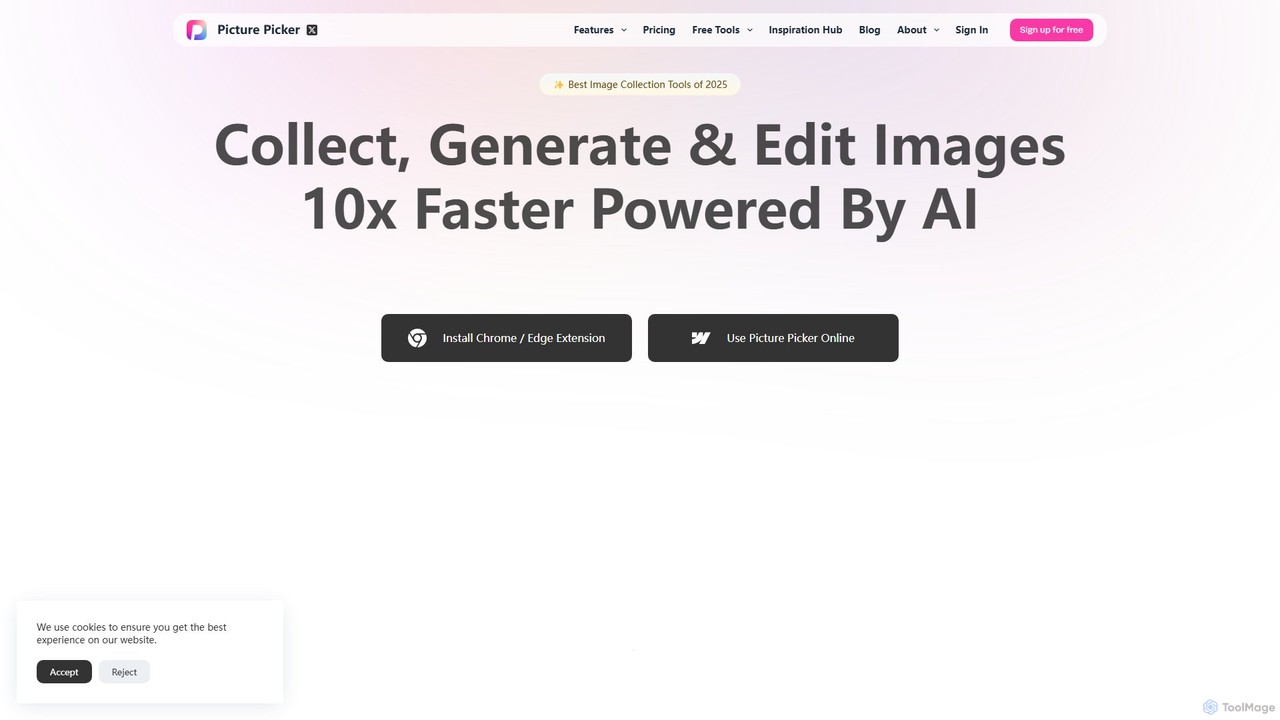
Picture Picker is an AI-powered tool designed for creatives to collect, organize, and search for images 10x faster. With a browser extension for one-click collection, it automatically categorizes images using AI, allows for natural language search, and generates color palettes. It centralizes all your visual inspiration in a smart, accessible cloud library, streamlining the entire creative workflow from discovery to execution.

Inspiration
Visits 11.9KFavorites 91Likes 106

About Browser Extensions

AI Browser Extensions are intelligent tools that integrate artificial intelligence capabilities directly into your web browser. These extensions leverage advanced AI models to enhance browsing, automate tasks, and provide real-time insights, transforming how users interact with online content and applications. They significantly boost productivity and streamline workflows by bringing AI functionalities to the point of interaction.

Core Features

  • Content Summarization: Automatically condenses long articles, reports, or videos into concise summaries.
  • Writing Assistance: Offers real-time grammar checks, style suggestions, rephrasing, and content generation for emails, social media, or documents.
  • Data Extraction & Analysis: Intelligently extracts specific information from web pages and provides basic analysis or organization.
  • Real-time Translation: Translates web pages, selected text, or even live conversations within the browser.
  • Productivity Automation: Automates repetitive browser-based tasks, such as form filling, scheduling, or data synchronization.

Use Cases

These extensions are invaluable for professionals across various fields. Content creators use them for rapid research and drafting, while marketers leverage them for competitive analysis and social media management. Developers can benefit from quick code lookups and documentation summarization directly within their browser-based development environments.

How to Choose

When selecting an AI browser extension, consider its compatibility with your browser and operating system, the quality and accuracy of its underlying AI model, and its privacy policy regarding data handling. Evaluate its specific feature set against your daily tasks, look for robust integration capabilities with other tools, and assess user reviews for reliability and performance.

Featured tool rankings

Browser Extensions use cases

1

Summarizing Complex Research Papers

Academics and students use AI extensions to quickly generate concise summaries of lengthy scientific articles or reports, saving hours of reading time and aiding in literature reviews. This allows them to grasp key findings and arguments without having to read every word, significantly accelerating their research process.

2

Enhancing Real-time Content Creation

Content creators and marketers utilize these extensions for instant grammar, spelling, and style corrections, as well as generating creative text variations directly within their CMS, email client, or social media platforms. This ensures high-quality, engaging content is produced efficiently across all digital channels.

3

Automating Repetitive Data Entry

Sales and customer support professionals employ AI extensions to automatically fill out forms, update CRM records, or extract specific customer information from web pages, reducing manual effort and errors. This frees up valuable time, allowing them to focus on more strategic customer interactions rather than tedious administrative tasks.

4

Competitive Market Analysis

E-commerce managers and business analysts use extensions to scrape and analyze product details, pricing, and customer reviews from competitor websites, gaining insights for strategic decision-making. This enables them to monitor market trends, identify pricing opportunities, and understand customer sentiment more effectively.

5

Personalized Language Learning Support

Language learners leverage AI extensions to translate unfamiliar words or phrases in real-time, get contextual explanations, and practice vocabulary directly while browsing foreign language websites. This immersive learning approach makes acquiring new languages more engaging and efficient by providing immediate linguistic assistance.

6

Streamlining Developer Workflow

Developers integrate AI extensions into their browser to quickly look up API documentation, generate boilerplate code snippets, or get explanations for complex code directly from online repositories or tutorials. This accelerates coding, debugging, and learning, making development tasks more efficient and less prone to errors.

Browser Extensions FAQ

What are AI Browser Extensions?

AI Browser Extensions are software add-ons that embed artificial intelligence functionalities directly into your web browser. They enhance your browsing experience by automating tasks, providing intelligent assistance, and offering real-time insights, often leveraging large language models or specialized AI algorithms to process web content.

How do AI Browser Extensions differ from regular browser extensions?

The key difference lies in their intelligence. Regular extensions typically perform rule-based actions or simple automations. AI Browser Extensions, however, use machine learning to understand context, generate content, summarize information, or make predictions, offering more dynamic and adaptive functionalities beyond predefined rules.

What are the main benefits of using AI Browser Extensions?

Using AI browser extensions significantly boosts productivity by automating repetitive tasks like summarization and data entry. They improve accuracy in writing and translation, offer personalized assistance, and provide instant access to information and insights, ultimately streamlining various online activities and decision-making processes.

How can I choose a secure and effective AI Browser Extension?

To choose a secure and effective AI browser extension, prioritize those with transparent privacy policies, strong encryption, and minimal permission requests. Evaluate the quality of its AI model through user reviews and demos, ensure compatibility with your browser, and check for regular updates and developer support to maintain security and functionality.

Can AI Browser Extensions integrate with other AI tools or web services?

Many advanced AI browser extensions offer integration capabilities, allowing them to connect with other AI tools, cloud services, or web applications via APIs. This enables seamless data exchange, synchronized workflows, and extended functionalities, creating a more cohesive and powerful digital ecosystem for users.