

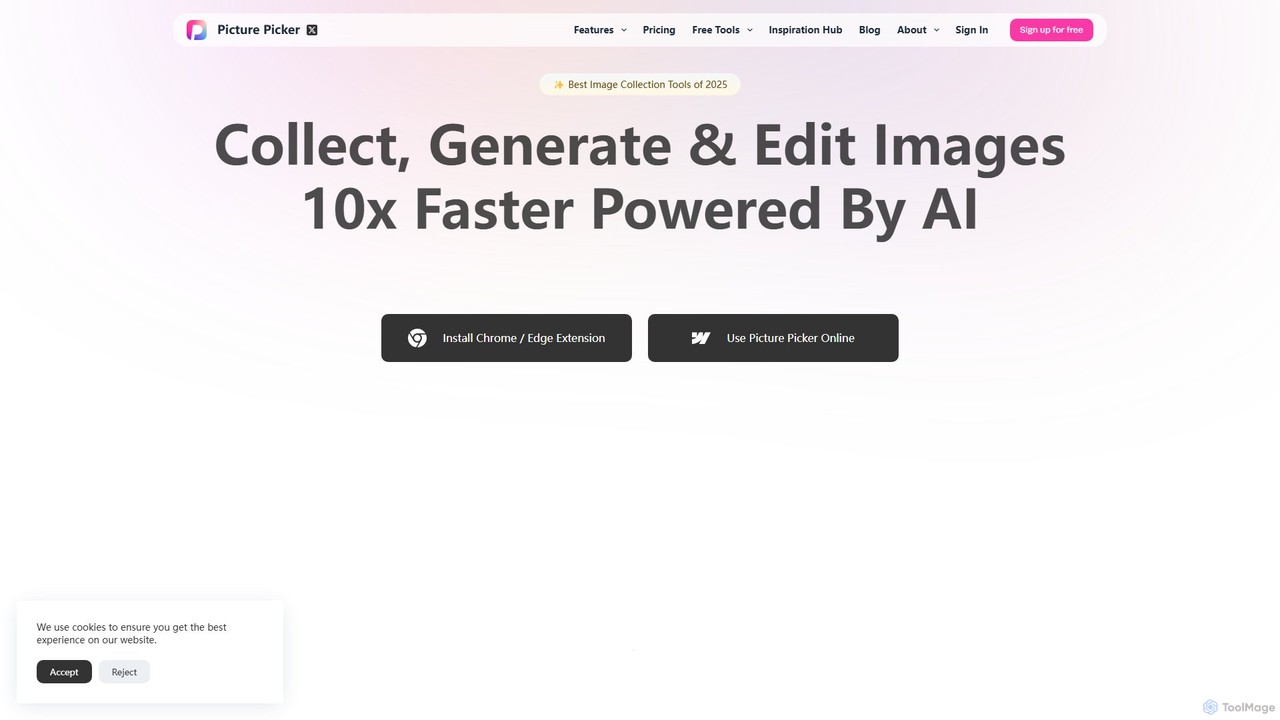
Picture Picker Overview
Picture Picker is a revolutionary AI-driven platform designed to transform how creative professionals, including designers, illustrators, and marketers, manage their visual assets. It addresses the common challenge of disorganized inspiration folders and time-consuming image collection by offering a seamless, intelligent workflow. By integrating a powerful browser extension with a smart cloud library, Picture Picker allows users to capture visual ideas from anywhere on the web with a single click, eliminating the need for manual downloads and folder organization.
The core of Picture Picker lies in its advanced AI capabilities. Once an image is collected, the AI engine instantly analyzes its content, automatically assigning relevant categories and tags. This means your library of landscapes, user interfaces, product shots, and typographic examples is always perfectly organized without any manual effort. This intelligent organization is complemented by a groundbreaking natural language search feature, allowing you to find images by describing them conversationally—for example, searching for "moody autumn forest scenes" or "minimalist Scandinavian interior design"—instead of relying on rigid keywords.
How to use Picture Picker
Getting started with Picture Picker is designed to be intuitive and integrate smoothly into your existing workflow:
- Install the Extension: Begin by adding the Picture Picker extension to your Chrome or Edge browser.
- Collect with One Click: As you browse the web, hover over any image you find inspiring. Click the "Pick up" button that appears. The image is instantly saved to your personal Picture Picker library without interrupting your flow.
- Access Your Library: Navigate to the Picture Picker website to view your centralized image library. All your collected visuals are accessible from any device with an internet connection.
- Search with Natural Language: Use the search bar to find specific images. Type in descriptive phrases like "vibrant street art" or "serene beach sunset" to let the AI find the most relevant visuals.
- Explore AI Features: Browse the automatically generated categories to see how your images have been sorted. Click on any image to view the AI-generated color palette, perfect for kickstarting a new design project.
- Create & Collaborate: (On applicable plans) Group images into mood boards, add notes, and share them with team members or clients to collaborate on creative direction.
Core Features of Picture Picker
- One-Click Image Collection: A browser extension for Chrome and Edge that lets you save any image from the web to your library instantly.
- AI-Powered Auto-Categorization: Sophisticated AI analyzes image content to automatically sort them into logical categories like 'Architecture', 'Nature', 'UI/UX', and more.
- Natural Language Semantic Search: Go beyond keywords. Search your library using descriptive, conversational phrases to find exactly what you need.
- Automatic Color Palette Generation: The AI extracts a harmonious color palette from every image you collect, providing instant color inspiration for your projects.
- Centralized Cloud Library: Access your entire collection of images from any device, anywhere in the world. Your inspiration is always synced and secure.
- Mood Board Creation & Sharing: Organize selected images into beautiful mood boards to visualize concepts and share them with colleagues or clients for feedback.
Use Cases for Picture Picker
Picture Picker is a versatile tool for various creative roles:
- UI/UX Designers: Quickly gather examples of effective user interfaces, button styles, and app layouts to build comprehensive mood boards for new projects.
- Graphic Designers & Illustrators: Curate a vast library of inspiration for branding, logos, posters, and illustrations. Use the color palette generator to establish a consistent visual identity.
- Interior Designers: Collect images of furniture, textures, lighting, and room layouts from different sources to create compelling design concepts for clients.
- Marketers & Content Creators: Amass a bank of on-brand imagery for social media campaigns, blog posts, and advertisements, and find the right visual quickly with natural language search.
- Architects & Landscape Designers: Organize visual references for building materials, structural designs, and plant arrangements.
Advantages of Picture Picker
The primary advantage of Picture Picker is its ability to dramatically accelerate the creative process. By automating the tedious tasks of downloading, naming, and organizing files, it frees up valuable time for creativity. The natural language search is a game-changer, making your library more intuitive and useful than a traditional folder system. The automatic color palette generation provides immediate, actionable inspiration, bridging the gap between an idea and its execution. Its cloud-based nature ensures that your entire inspiration library is always at your fingertips, fostering a more fluid and continuous creative workflow.
Pricing and Plans
Picture Picker offers a flexible pricing structure to suit different needs, from individual freelancers to large design teams. (Note: This is a representative pricing model, as specific details were not available on the website).
- Free Plan: Ideal for getting started. Includes the browser extension, collection of up to 100 images, and basic AI categorization and search.
- Pro Plan ($10/month): Designed for individual professionals. Offers unlimited image collection, advanced search filters, unlimited color palette generation, and the ability to create up to 20 mood boards.
- Team Plan ($25/month per user): Perfect for agencies and collaborative teams. Includes all Pro features plus shared team libraries, collaborative mood boards with commenting, and priority support.
Traffic
Latest traffic
Status
Monthly traffic trend
- 2025-9: 448
- 2026-1: 16.3K
- 2026-2: 9.1K
- 2026-3: 9.6K
- 2026-4: 6.9K
- 2026-5: 7.5K
Geography
Top 5 countries / regions
- 🇺🇸United States46.5%
- 🇮🇳India18.0%
- 🇮🇹Italy13.8%
- 🇧🇷Brazil11.8%
- 🇳🇱Netherlands9.8%
Top keywords
| Keyword | Cost per click |
|---|---|
| best image downloader for mac pro | $0.00 |
| getty images downloader 4k | $0.00 |
| getty images downloader without watermark | $0.00 |
| imagefap download | $0.00 |
| imago-images downloader | $0.00 |
Picture Picker Alternatives
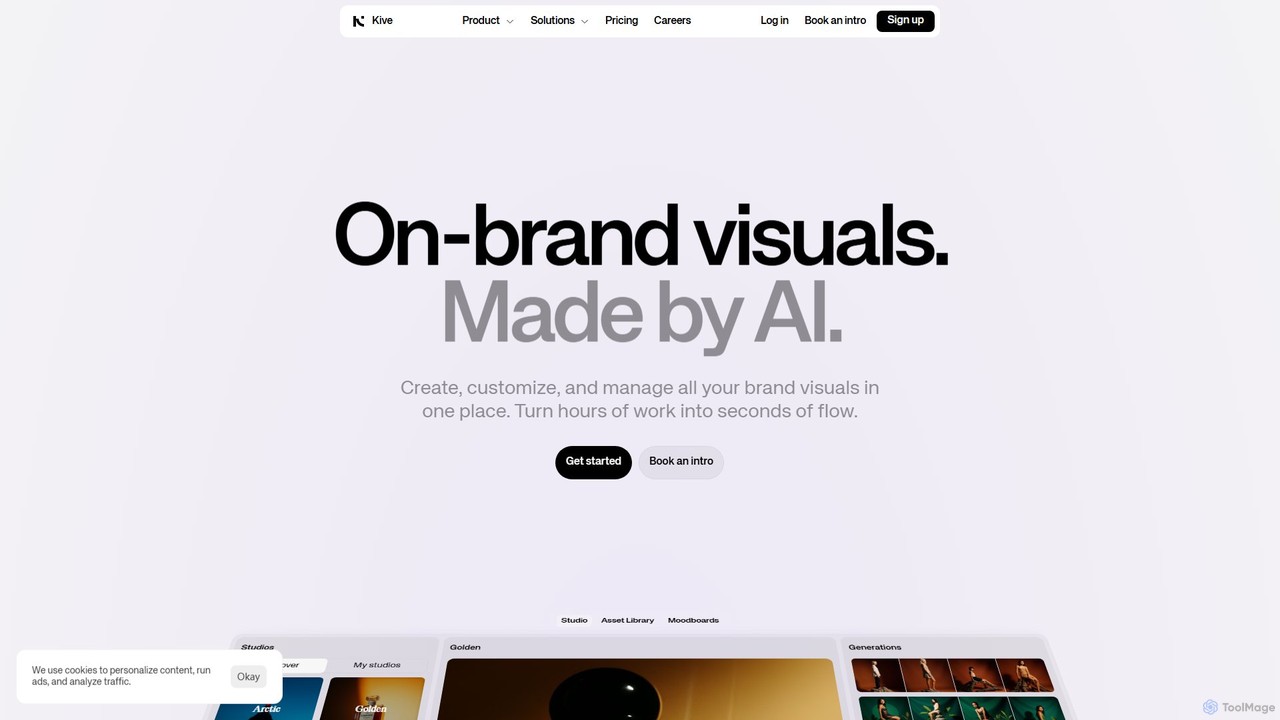
Kive
Kive is an all-in-one AI-powered platform designed for brands, agencies, and creatives to generate, manage, and scale on-brand visual content. It combines AI image and video generation with a smart creative asset management system. Users can create professional product shots, lifestyle images, and videos from text prompts, integrate real products into AI scenes, and organize everything in a searchable library without manual tagging.
Image Generator
istockphoto
iStockphoto is a leading royalty-free stock media platform, offering millions of human-created photos, videos, and illustrations. It now integrates a powerful suite of AI tools, allowing users to generate unique, commercially safe images and perform advanced edits like background replacement, object removal, and image extension directly on the platform. This hybrid approach combines high-quality, legally-protected assets with the speed and flexibility of AI.
Image Generation
Gumlet
Gumlet is an all-in-one media delivery platform that provides AI-powered video and image optimization, hosting, and streaming services. It helps businesses deliver high-quality, fast-loading media content to a global audience, improving user engagement, SEO, and reducing bandwidth costs. With features like one-click DRM, a customizable player, and robust developer APIs, Gumlet simplifies complex media workflows for creators, developers, and enterprises.
Api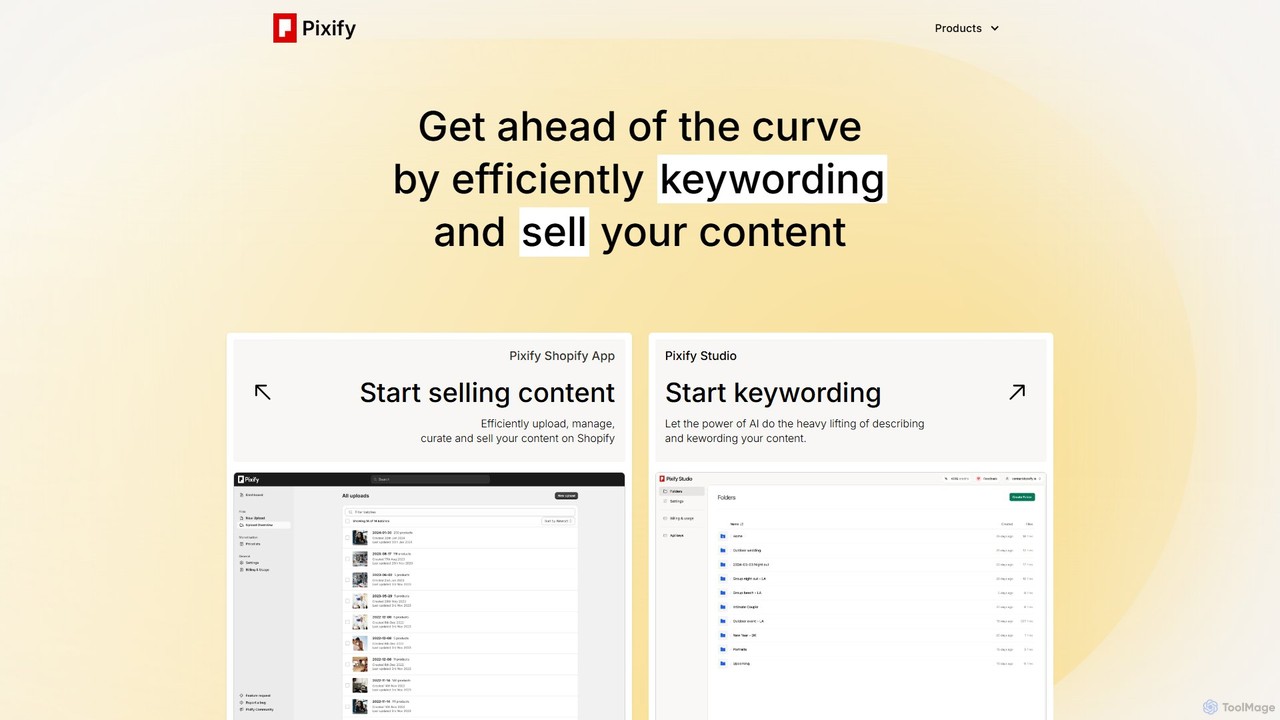
Pixify
Pixify is an AI-powered platform designed for content creators to automate metadata generation. It efficiently creates titles, descriptions, and keywords for images and videos, saving hours of manual work. It also offers a Shopify app to help creators sell their digital content directly.
Shopify Apps
QuickSight
QuickSight is an AI-powered video intelligence platform for creative teams. It uses proprietary multimodal large language models to make video libraries instantly searchable via natural language. It combines AI search, frame-perfect review, and high-speed storage into a single, cost-effective solution. Users can find specific moments, transcribe content, and collaborate on video reviews with unparalleled speed and accuracy, streamlining the entire video workflow.
Content CreationPicture Picker Categories
Picture Picker Embed Widget
Copy this embed code to place the badge on your blog, article, or product site and send readers directly to this ToolMage detail page.

Related AI tools
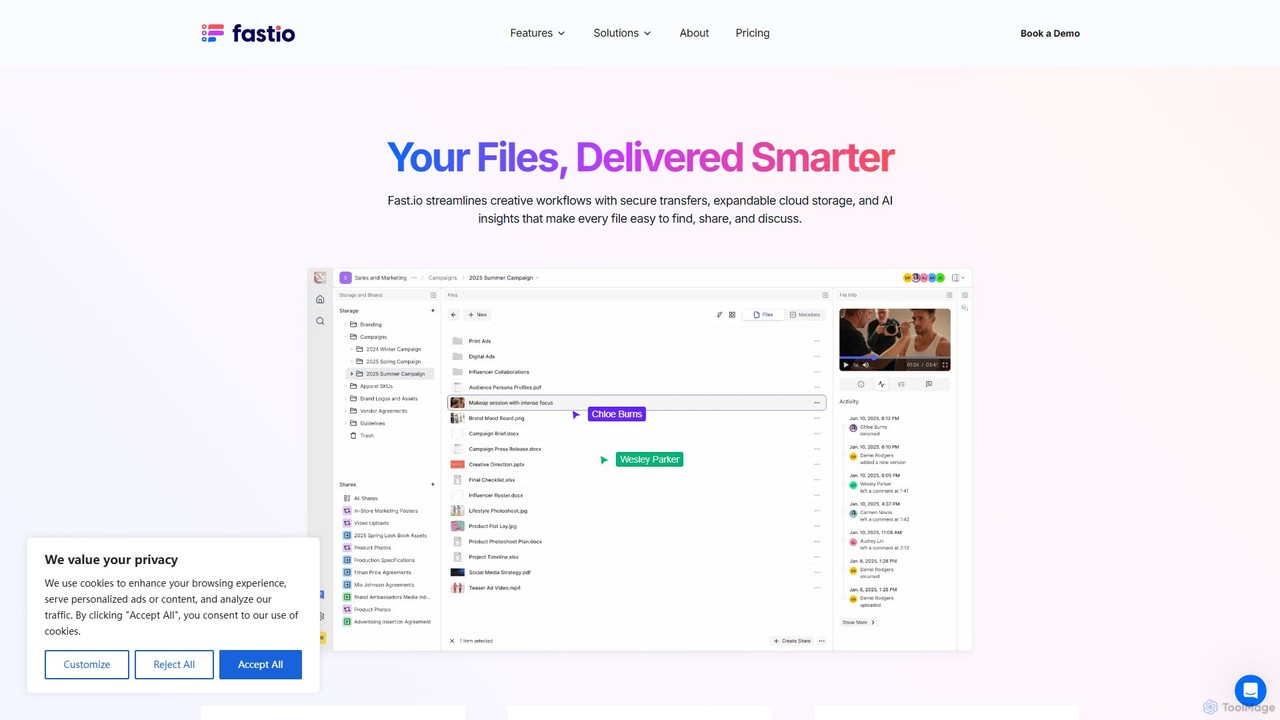
Fast.io
Fast.io is an intelligent file management platform that streamlines creative workflows. It offers secure file transfers, expandable cloud storage, and powerful AI insights to help teams find, share, and collaborate on digital assets effortlessly.
Digital Asset Management
Media Vault AI
Media Vault AI is an intelligent cloud storage and curation platform designed for generative AI content. It automatically organizes your AI-generated media, prompts, and metadata from tools like Midjourney into a single, searchable library, providing powerful analytics to refine your creative process.
File Management
Playbook
Playbook is an AI-powered visual cloud storage and digital asset management (DAM) platform designed for creatives, teams, and enterprises. It replaces traditional file storage with a dynamic, searchable workspace for images, videos, and design files. Featuring GPT-4 powered search, seamless collaboration tools, one-click publishing for portfolios, and integrated mini-apps for quick edits, Playbook streamlines the entire creative workflow from storage to delivery.
Asset Management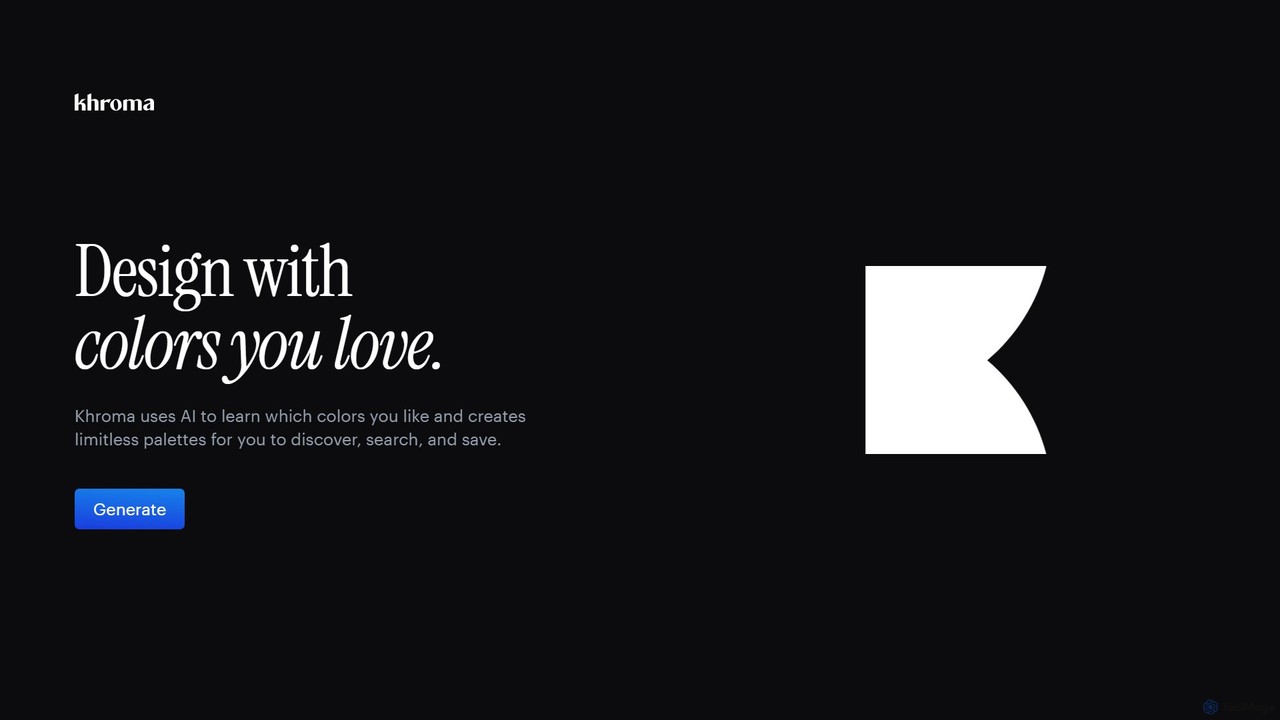
Khroma
Khroma is an AI-powered color tool for designers that learns your personal aesthetic preferences. By training a neural network with colors you like, it generates an infinite number of unique and beautiful color palettes, which can be viewed as typography, gradients, or on custom images. It's a powerful assistant for discovering, searching, and saving color combinations for any design project.
Generative Art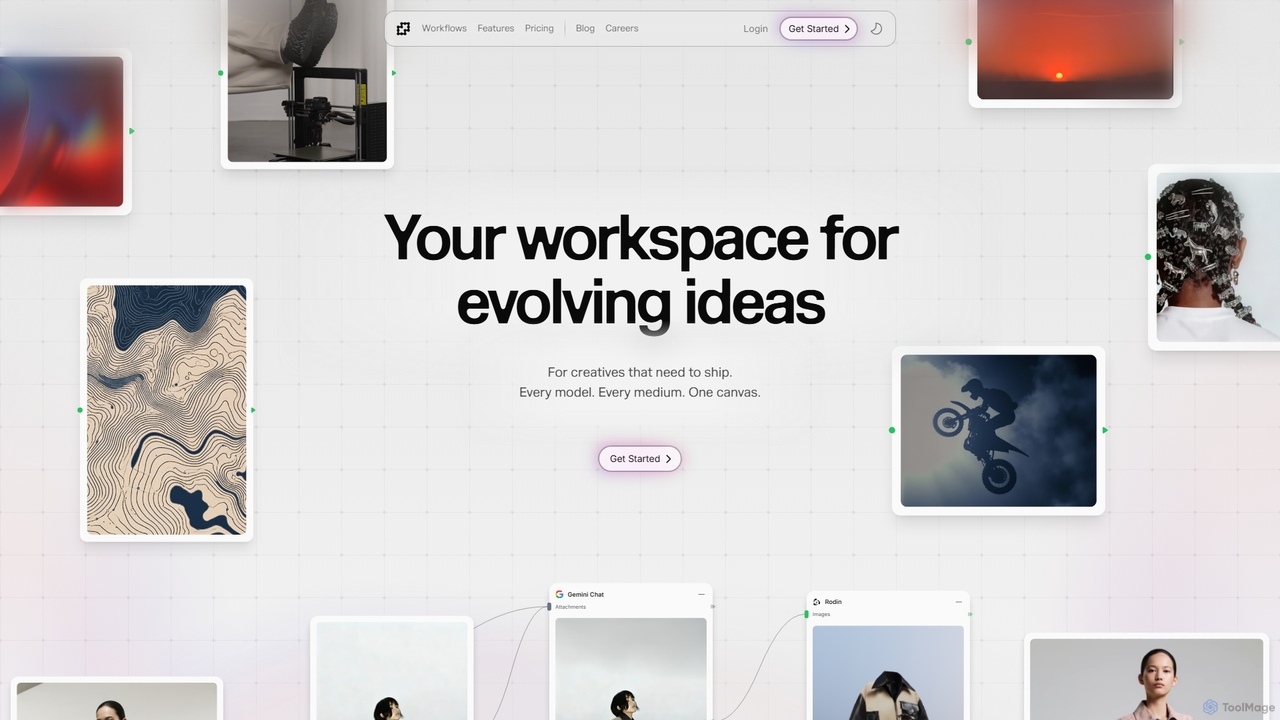
Fuser
Fuser is an innovative AI workspace designed for creatives to evolve ideas across various mediums. It offers a unified canvas to integrate over 160 models and 300 LLMs, facilitating iterative design for text, images, videos, audio, and 3D. Emphasizing process over output, Fuser empowers users to build tailored workflows, manage assets, and connect API keys for seamless creative exploration and production.
Modeling
TinaMind
TinaMind is an AI-powered browser extension that enhances your productivity with GPT-4/4o. It acts as an all-in-one assistant for intelligent web search, document and YouTube summarization, content writing, high-quality translation, and efficient prompt management. Seamlessly integrated into your browser, it streamlines your workflow for both personal and business use.
Browser Extension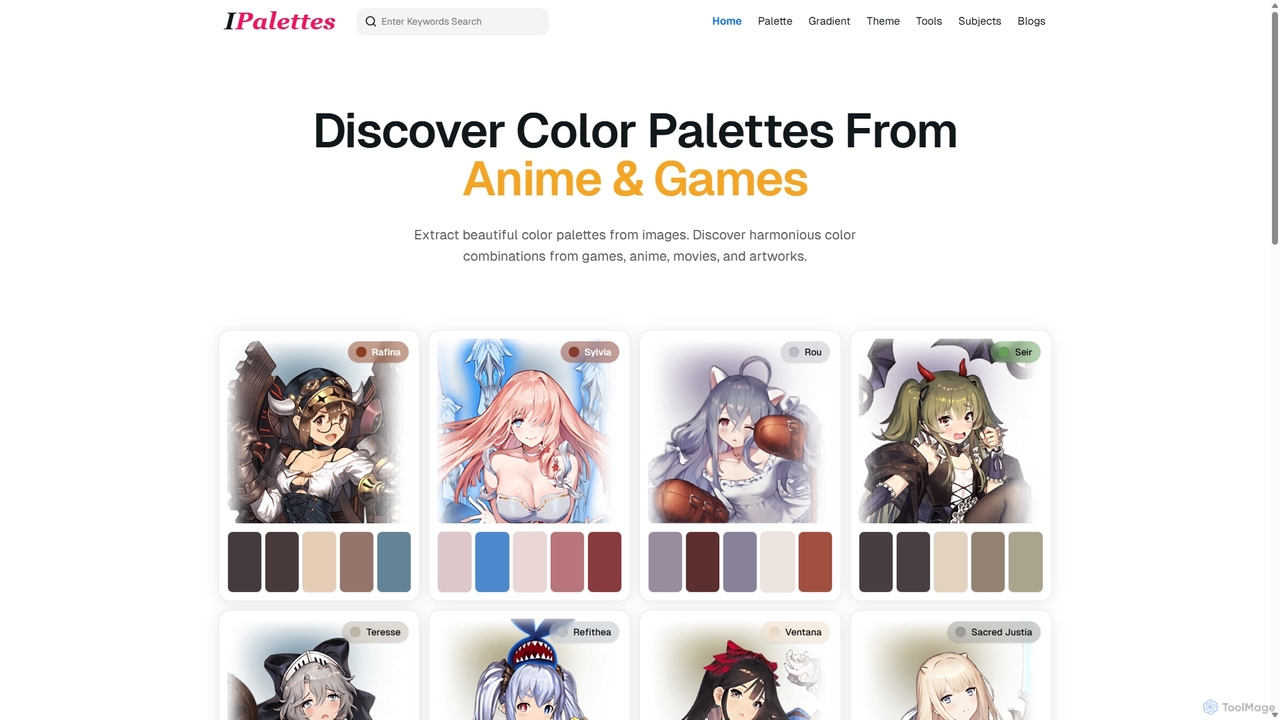
Ipalettes
Ipalettes is an AI-powered suite of tools for designers and developers, offering instant generation of color palettes, gradients, and shadcn/ui themes from simple text prompts. Discover unique color combinations and draw inspiration from a vast library derived from games, anime, and art.
Color Palette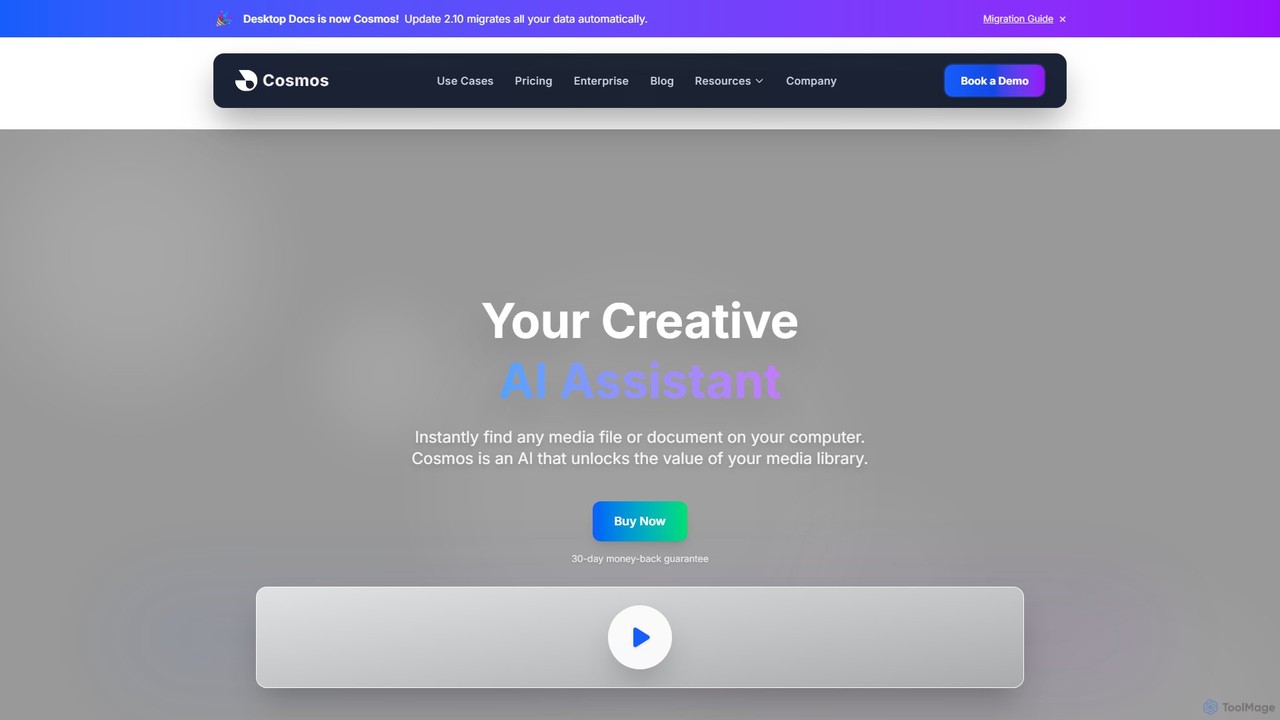
Cosmos
Cosmos is an AI-powered desktop assistant that revolutionizes how you find files. It runs locally on your computer, indexing your media and documents to enable natural language search. Instead of remembering file names, you can search for content like "photo of a red car" or "presentation with charts." Designed for creative professionals and teams, it ensures 100% privacy, works offline, and dramatically speeds up your workflow by eliminating the hunt for files.
Asset Management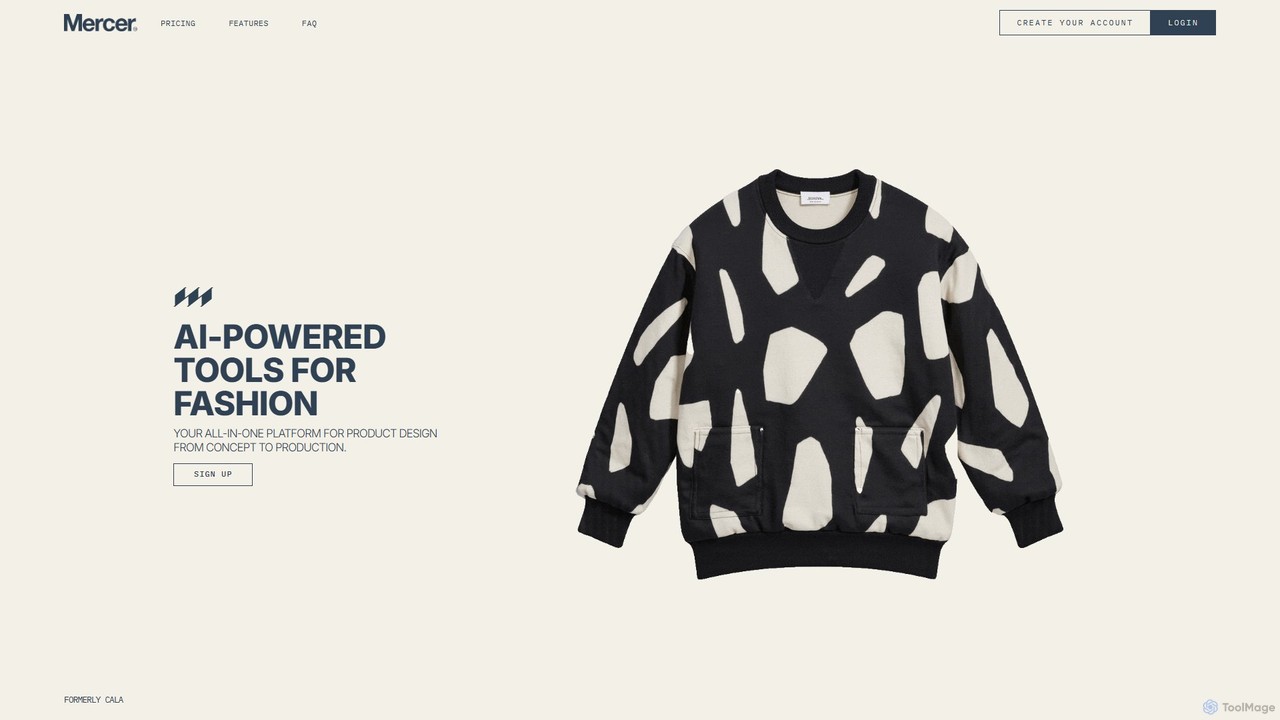
Mercer
Mercer is an AI-powered platform designed for the fashion industry, enabling brands to centralize their design process, maintain brand consistency, and accelerate product development. It features tools for text-to-image creation, product variations, and AI-powered editing, all trained on your brand's unique aesthetic.
Fashion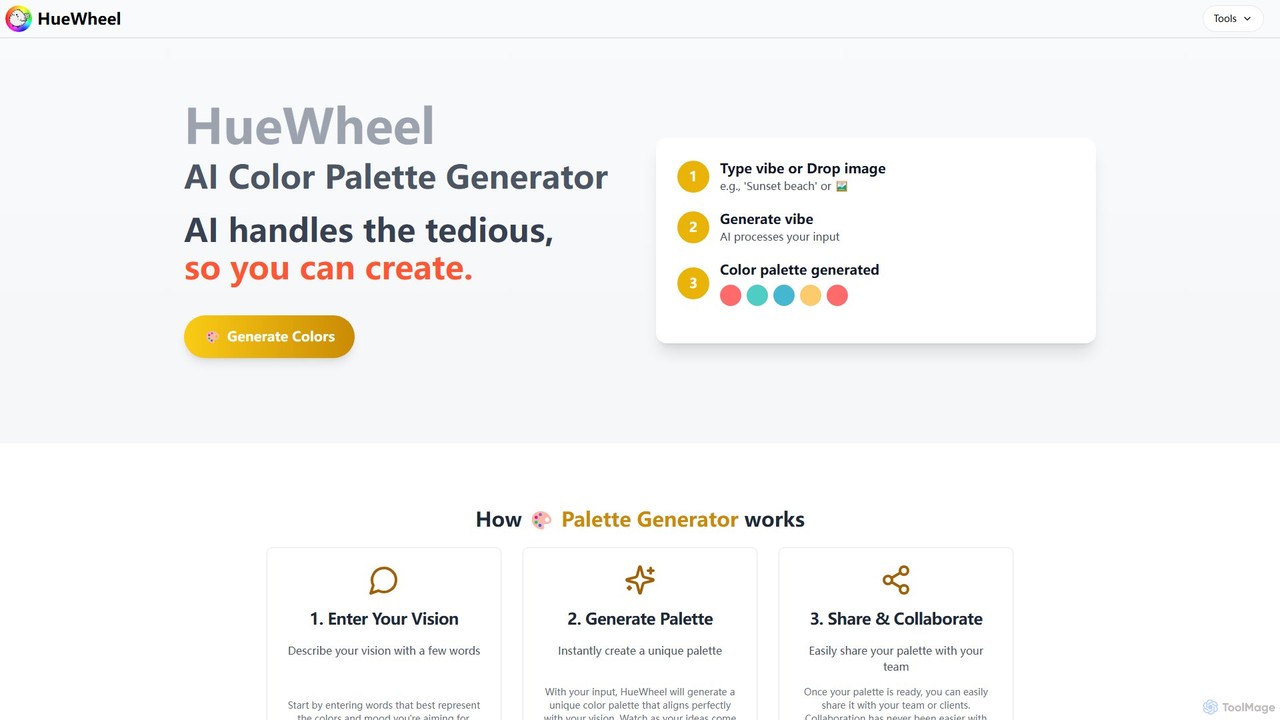
huewheel
huewheel is an AI-powered color palette generator that creates stunning color combinations from natural language descriptions or image uploads. It's designed for designers, developers, and creatives to quickly find harmonious and trending palettes. The platform includes a comprehensive Color Studio for fine-tuning, a Mockup Generator for previews, and a community gallery for endless inspiration.
Inspiration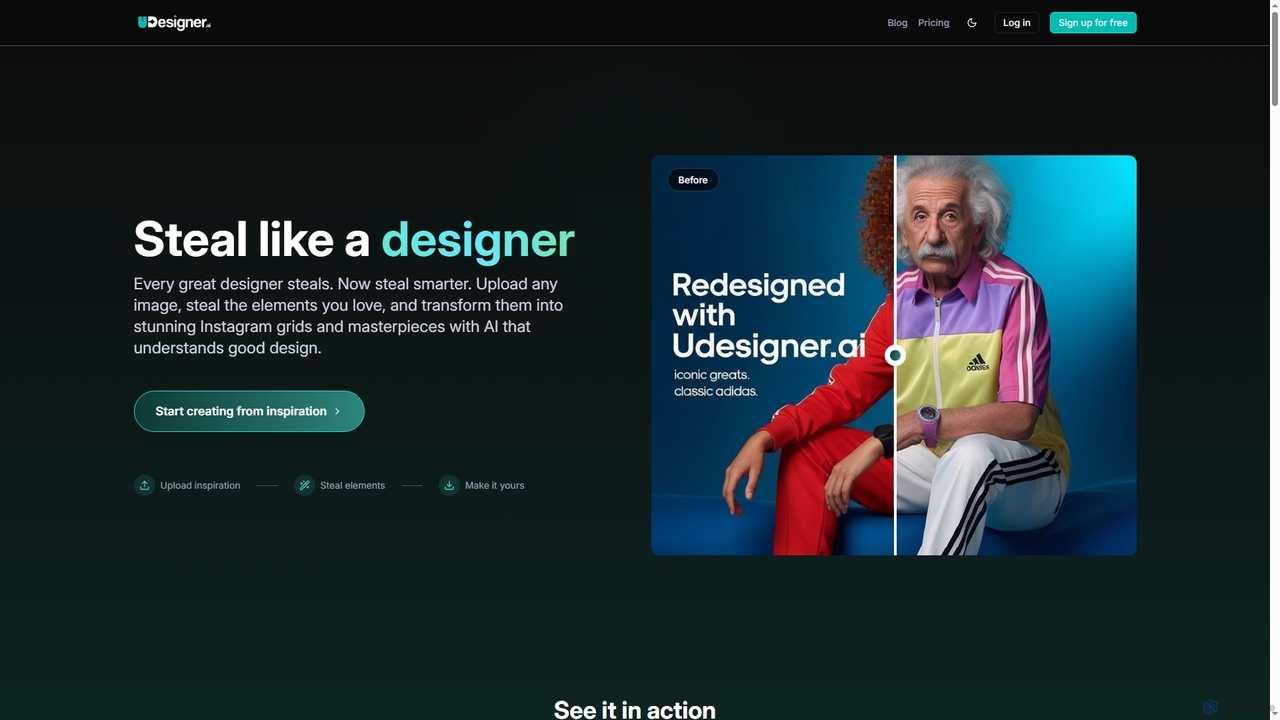
Udesigner.ai
Udesigner.ai is an AI-powered design tool that analyzes any image to extract elements like colors, objects, and styles. It specializes in transforming inspiration into stunning visual content, most notably creating perfectly coordinated 3x3 Instagram grids in a single click. Ideal for designers, marketers, and social media managers looking to streamline their creative workflow and enhance their brand's visual storytelling.
Image Editing
Locus
Locus is an AI-powered browser extension that reimagines the Ctrl+F function. It allows you to use natural language to search web pages and PDFs, instantly finding relevant information without needing exact keywords. Locus also offers AI assistance to summarize content, brainstorm ideas, and create study notes, significantly boosting your research and reading productivity.
Search
QuickSearchPlus
QuickSearchPlus is an AI-powered productivity suite designed to revolutionize your browsing experience. It functions as a browser extension and web platform, offering intelligent search, advanced bookmark management, web page summarization, secure file storage with CloudDrive, and built-in privacy features like a VPN and incognito mode. Ideal for researchers, students, and professionals, it streamlines workflows, saves time, and keeps your digital life organized and secure across all devices.
Bookmark Manager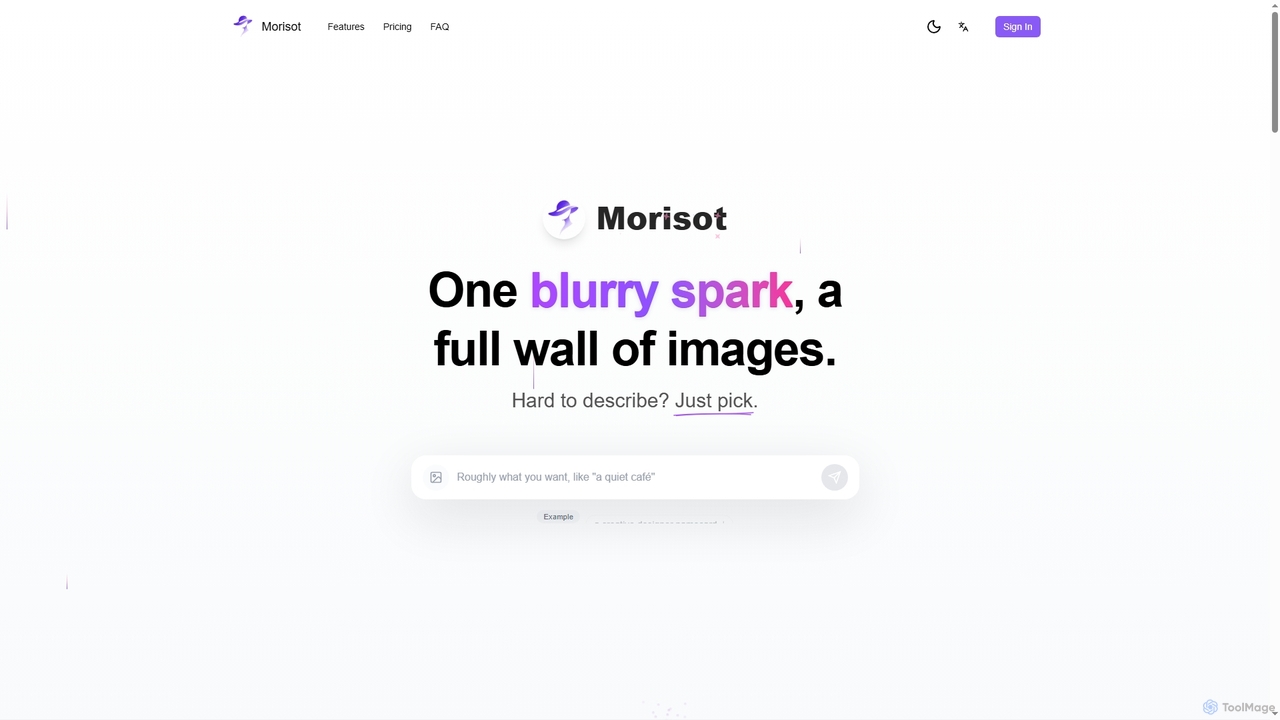
Morisot
Morisot is a promptless AI image generator that transforms vague ideas into professional visual moodboards. Instead of complex prompting, users simply provide a rough sentence or reference image and pick from a full screen of diverse, style-coherent outputs. It's designed for creative ideation, allowing users to select, edit, and evolve images seamlessly on an infinite canvas.
Visual Ideation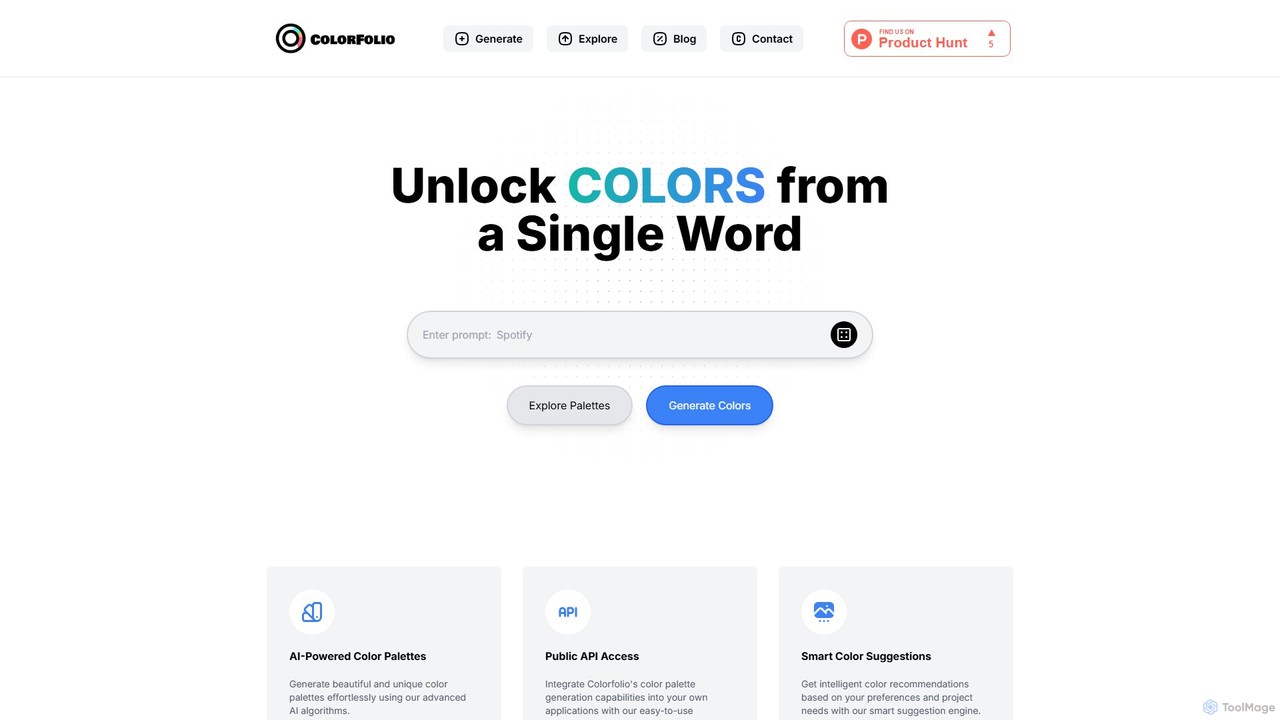
Colorfolio
Colorfolio is an AI-powered color palette generator that creates beautiful and unique color schemes from a single word or text prompt. Ideal for designers, developers, and brand managers, it simplifies the color selection process with smart suggestions and offers a public API for integration.
Color Palette
Picture Picker Comments (0)
Sign in to comment.
Sign inNo comments yet.