

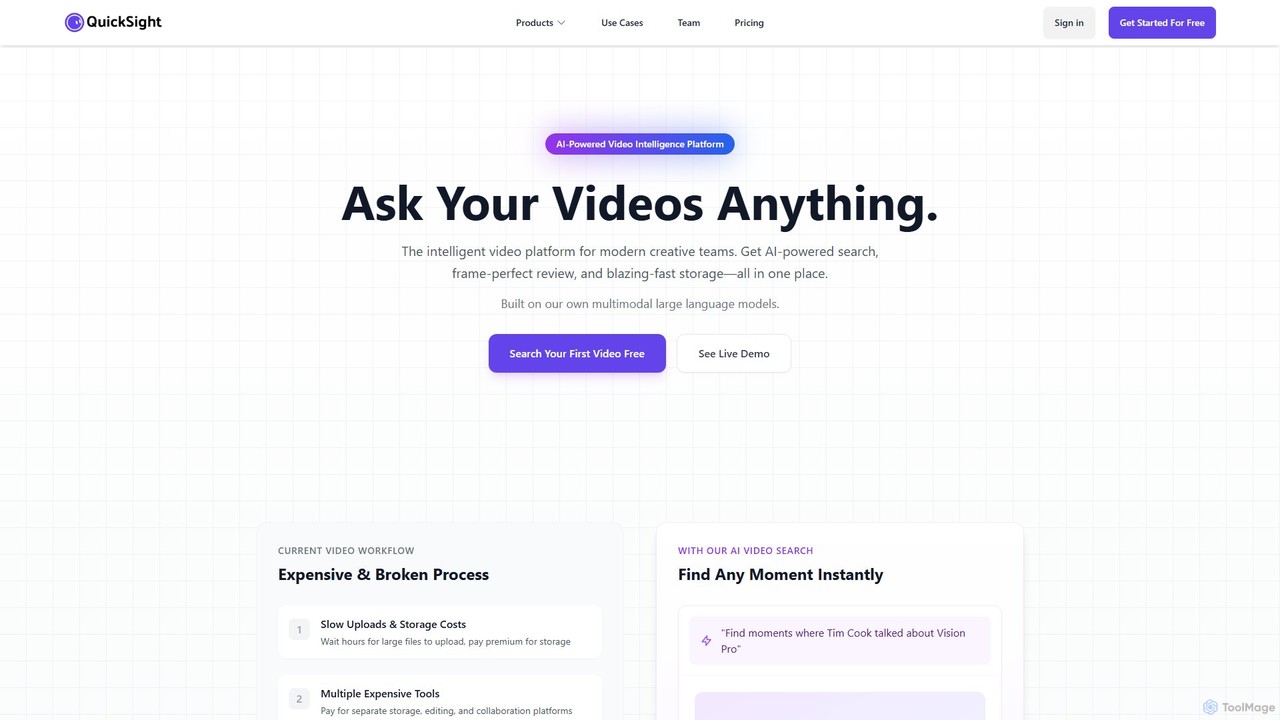
QuickSight Overview
QuickSight is a revolutionary AI-powered video intelligence platform designed to transform the way modern creative teams work with video content. It addresses the common challenges of fragmented, expensive, and slow video workflows by integrating powerful AI capabilities into a single, unified system. Built on proprietary in-house multimodal large language models, QuickSight offers a comprehensive suite of tools for video search, review, and asset management, with a future-facing AI video generation feature on the horizon.
The platform's core mission is to eliminate manual chaos and unlock the full potential of your video library. Instead of spending hours manually tagging, organizing, and scrubbing through footage, teams can now ask complex questions in plain English and receive instant, frame-accurate results. This turns vast, unstructured video archives into searchable, intelligent knowledge bases, boosting productivity and creativity.
How to use QuickSight
QuickSight simplifies complex video processing into a seamless, three-step user experience:
- Upload Your Videos: Securely upload any video file, regardless of size. The platform is optimized for large files like 4K footage, featuring blazing-fast transfer speeds and CDN optimization to get your content into the system quickly.
- AI Does The Magic: Once uploaded, QuickSight's advanced AI gets to work. It meticulously analyzes every frame for visual elements, objects, and on-screen text, while simultaneously transcribing all spoken words. This process automatically creates a rich, searchable index for your entire library without any manual input.
- Find Any Moment: Interact with your video library using natural language. Ask questions like "Find all scenes where a product is being demonstrated" or "Show me the moment Tim Cook talked about the Vision Pro." The AI understands context and delivers the exact moments you need instantly. For reviews, you can add comments directly on the video timeline with frame-perfect precision.
Core Features of QuickSight
- AI Video Search (QuickSearch): Search your entire video library using everyday language. The AI understands visual content, spoken words, and on-screen text simultaneously for comprehensive results. It supports over 100 languages with automatic translation capabilities.
- Collaborative Video Review (QuickReview): Streamline feedback with frame-perfect commenting and on-frame drawing tools. Get word-level accurate AI transcriptions that highlight in real-time as the video plays. Share projects securely with customizable access levels, password protection, and anonymous commenting options.
- High-Speed Asset Management: A unified platform that replaces separate, expensive tools for storage, editing, and collaboration. Experience lightning-fast uploads and a centralized, intelligent library for all your video assets.
- AI Video Generation (QuickGen - Coming Soon): A future feature that will allow users to transform raw footage into professionally crafted videos simply by describing their vision in text.
- Enterprise-Grade Performance: Built on a foundation of speed, security, and scalability, ensuring reliable performance for teams of all sizes.
Use Cases for QuickSight
QuickSight is versatile and valuable across various industries:
- Content Creation & Post-Production: Video editors, producers, and marketers can instantly find specific B-roll, interview segments, or product shots from terabytes of footage, accelerating the editing process.
- Education & Corporate Training: Educational institutions and businesses can make lecture archives and training videos fully searchable, allowing students and employees to find specific topics or step-by-step demonstrations in seconds.
- Media & Entertainment: Journalists and documentary filmmakers can efficiently manage vast media archives, quickly locating relevant historical clips or interview soundbites for their stories.
- User Research & Market Analysis: Product and marketing teams can analyze hours of user interview recordings to pinpoint key feedback, reactions, and insights without manual review.
Advantages of QuickSight
- Unified All-in-One Platform: Consolidates storage, search, and review tools, eliminating tool fragmentation and simplifying workflows.
- Significant Cost Savings: Reduces expenses by up to 80% by replacing multiple subscriptions for storage, transcription, and collaboration software.
- Unprecedented Speed & Efficiency: Delivers a 10x faster search and feedback cycle compared to manual methods, freeing up valuable creative time.
- Proprietary AI Technology: Utilizes in-house multimodal large language models, offering deeper contextual understanding and superior performance compared to tools relying on third-party API wrappers.
- Enhanced Collaboration: Fosters seamless teamwork with precise, contextual feedback tools and flexible sharing options.
Pricing and Plans
QuickSight operates on a freemium model, making it accessible for individuals and teams to get started. A free trial is available, allowing users to search their first videos and experience the core functionalities of the platform. For professional teams and enterprises with larger storage needs and advanced feature requirements, QuickSight offers custom paid plans. These plans provide expanded capacity, enterprise-grade security, and dedicated support. Interested parties are encouraged to book a demo for a personalized consultation and detailed pricing information.
Traffic
Latest traffic
Status
Monthly traffic trend
- 2025-9: 1.8K
- 2026-1: 1.4K
- 2026-2: 1.6K
- 2026-3: 1.5K
- 2026-4: 2.0K
- 2026-5: 1.2K
Geography
Top 5 countries / regions
- 🇮🇳India100.0%
Top keywords
| Keyword | Cost per click |
|---|---|
| quick1site | $0.00 |
| quicksight | $5.89 |
| quicksights | $1.69 |
| quick site | $0.00 |
| quicksite | $3.84 |
QuickSight Alternatives

VideoTap
VideoTap is an AI-powered platform that transforms long-form videos into a wide range of marketing content. Simply upload a video, and the AI automatically generates SEO-optimized blog posts, viral social media clips, podcast show notes, email copy, transcripts, and more. It's designed to save creators and marketing teams hours of manual work, maximizing the value of every video.
Content Creation
Video Tap
Video Tap is an AI-powered platform that transforms a single video into over 10 different types of marketing content. It automatically generates SEO-optimized blog posts, viral social media clips, transcripts, summaries, emails, and more, saving creators and marketers hours of manual work.
Content Creation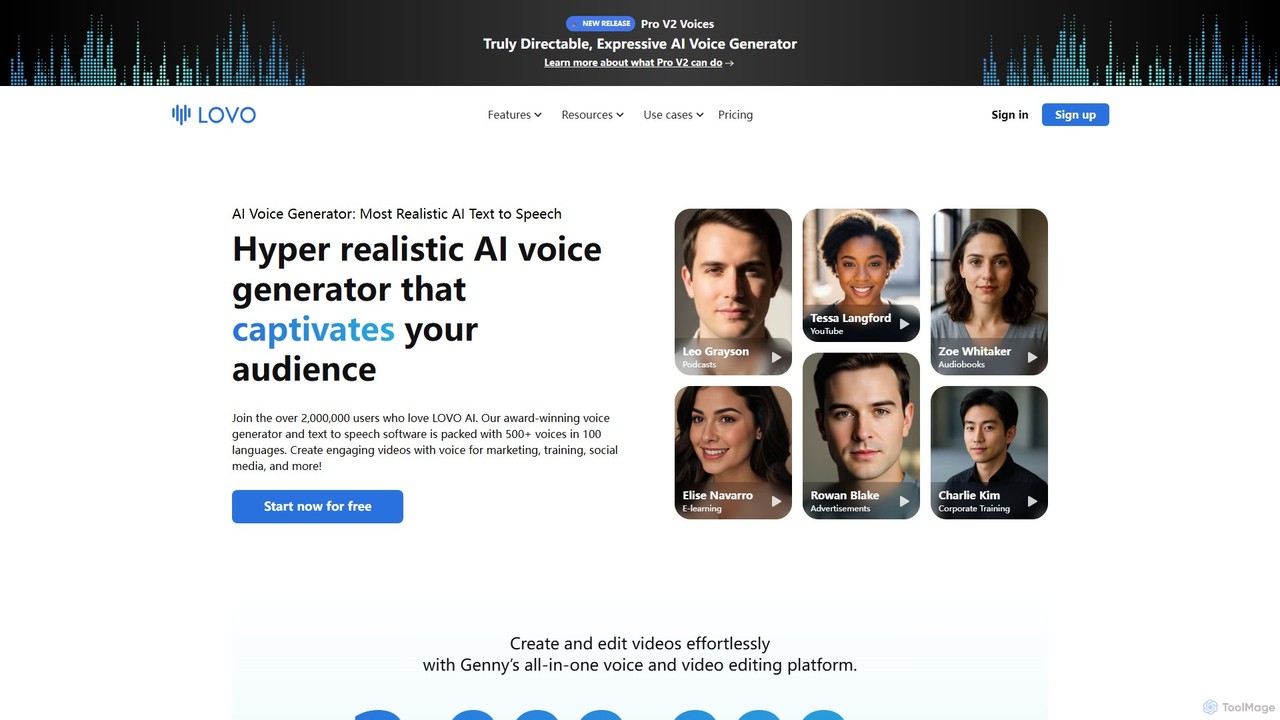
LOVO
LOVO is an award-winning AI voice generator and text-to-speech platform featuring over 500 hyper-realistic voices in 100+ languages. Its all-in-one tool, Genny, combines voice generation with a powerful online video editor, AI writer, and art generator, enabling users to create engaging content for marketing, training, and social media efficiently.
Text To Speech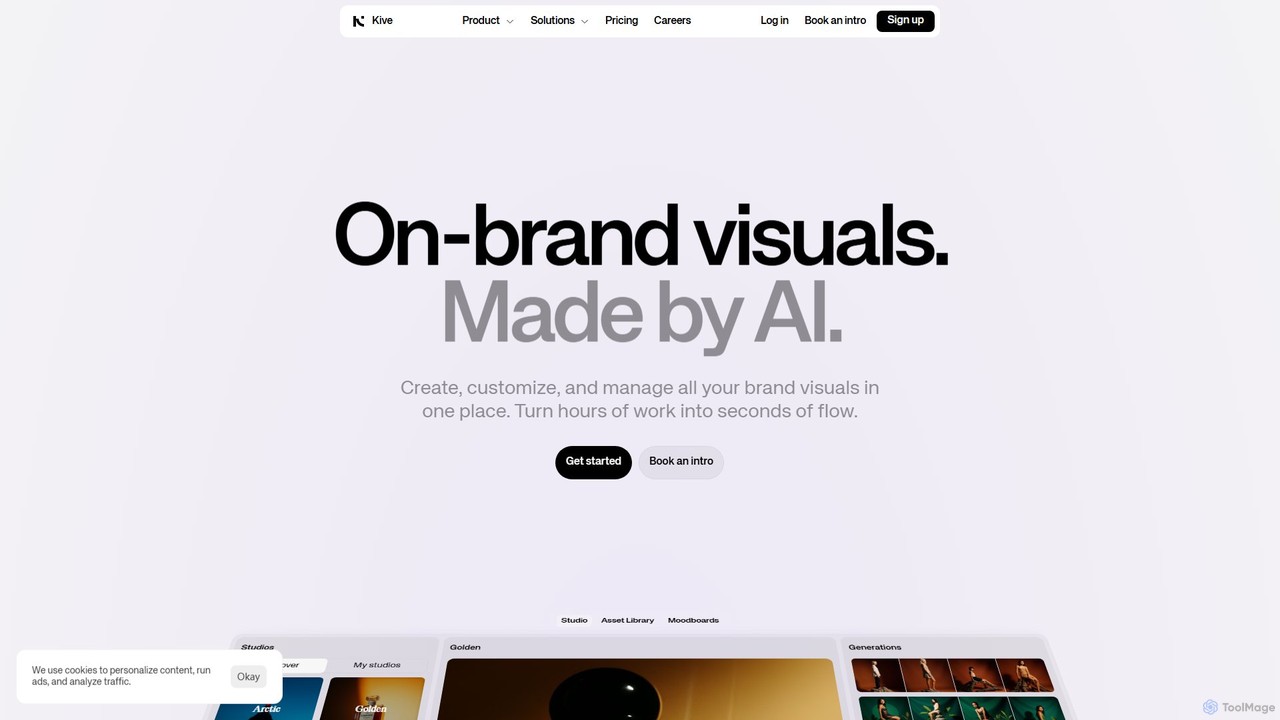
Kive
Kive is an all-in-one AI-powered platform designed for brands, agencies, and creatives to generate, manage, and scale on-brand visual content. It combines AI image and video generation with a smart creative asset management system. Users can create professional product shots, lifestyle images, and videos from text prompts, integrate real products into AI scenes, and organize everything in a searchable library without manual tagging.
Image Generator
Reka
Reka provides a suite of powerful, multimodal AI models and solutions designed for real-world impact. From the ultra-compact Spark to the frontier-level Core model, Reka's technology understands and processes text, images, audio, and video. It powers applications like Reka Vision for intelligent video analysis and Reka for Creators for automated social media clip generation, serving developers, enterprises, and content creators.
TranscriptionQuickSight Categories
QuickSight Embed Widget
Copy this embed code to place the badge on your blog, article, or product site and send readers directly to this ToolMage detail page.

Related AI tools
Reka
Reka provides a suite of powerful, multimodal AI models and solutions designed for real-world impact. From the ultra-compact Spark to the frontier-level Core model, Reka's technology understands and processes text, images, audio, and video. It powers applications like Reka Vision for intelligent video analysis and Reka for Creators for automated social media clip generation, serving developers, enterprises, and content creators.
Transcription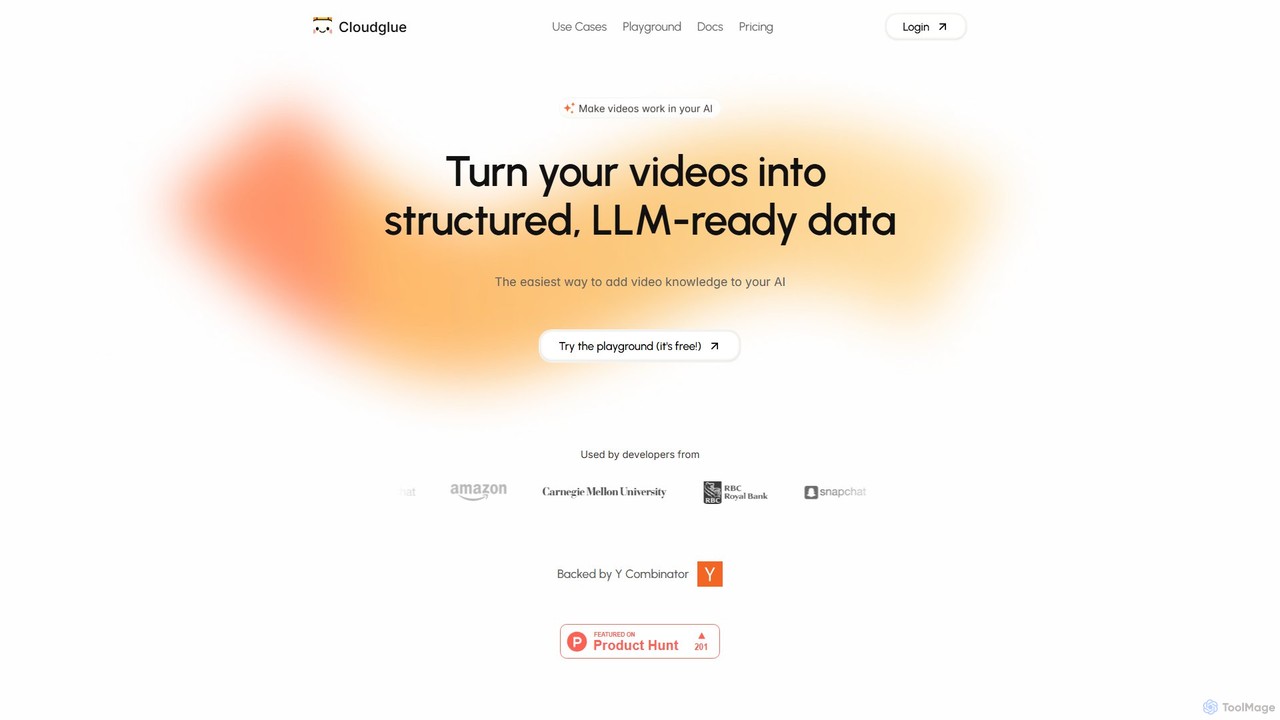
Cloudglue
Cloudglue is a developer-focused AI platform that transforms video files into structured, LLM-ready data. It enables the creation of powerful AI applications like video-based RAG systems, chatbots, and insightful analytics. With a simple API, it handles video processing, transcription, and multimodal analysis, allowing developers to easily integrate video knowledge into their products.
Data ProcessingVideoTap
VideoTap is an AI-powered platform that transforms long-form videos into a wide range of marketing content. Simply upload a video, and the AI automatically generates SEO-optimized blog posts, viral social media clips, podcast show notes, email copy, transcripts, and more. It's designed to save creators and marketing teams hours of manual work, maximizing the value of every video.
Content Creation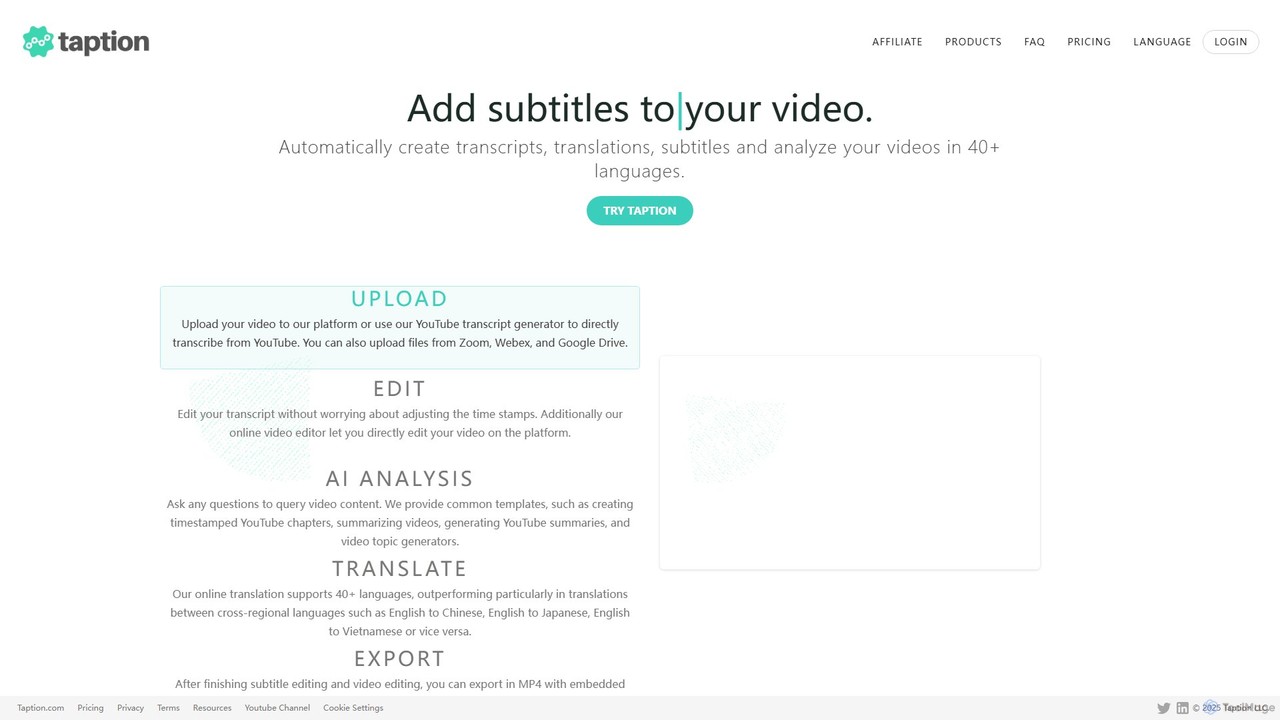
Taption
Taption is an AI-powered platform that automatically generates transcripts, translations, and subtitles for video and audio content. It supports over 50 languages and integrates with platforms like YouTube, Zoom, and Google Drive. Key features include an online video editor, AI-driven content analysis for summaries and chapter creation, and collaborative tools for teams, making it ideal for content creators, marketers, and educators.
Content Creation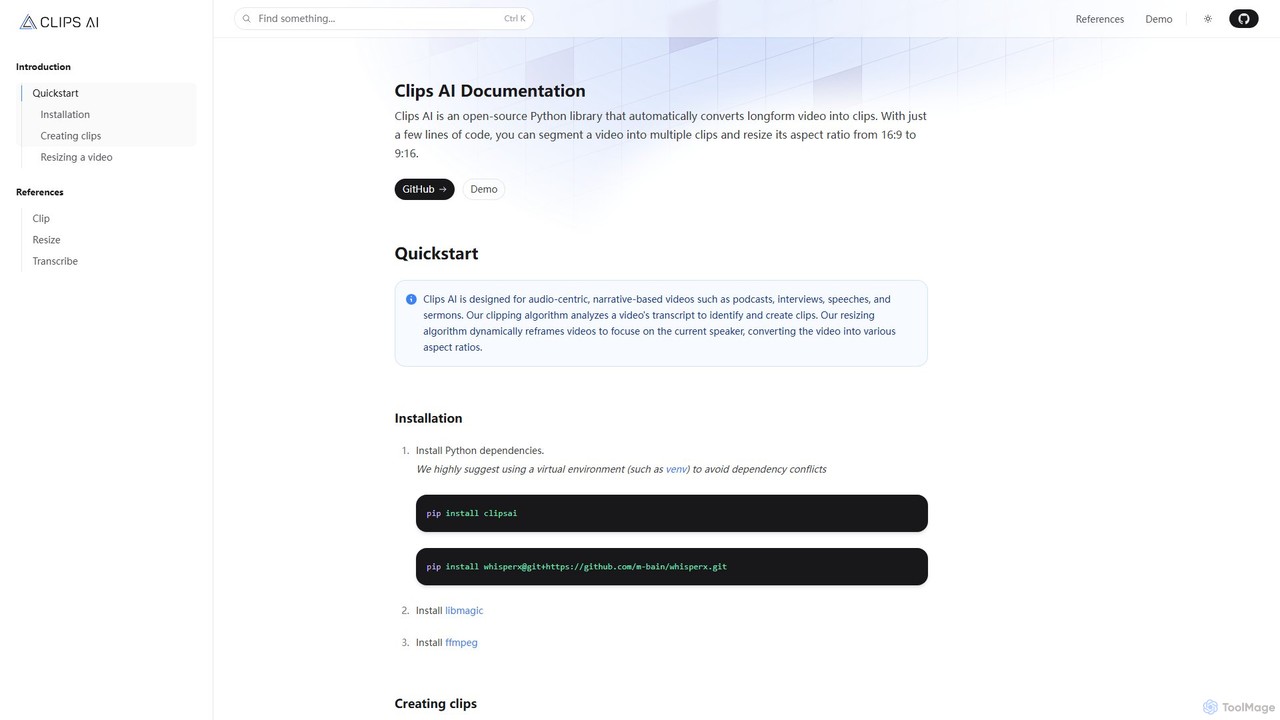
Clips AI
Clips AI is an open-source Python library for developers that automates the conversion of long-form videos into short, shareable clips. It uses AI to transcribe content, identify key moments, and dynamically resize videos for social media platforms, making it ideal for repurposing podcasts, interviews, and speeches.
Video Processing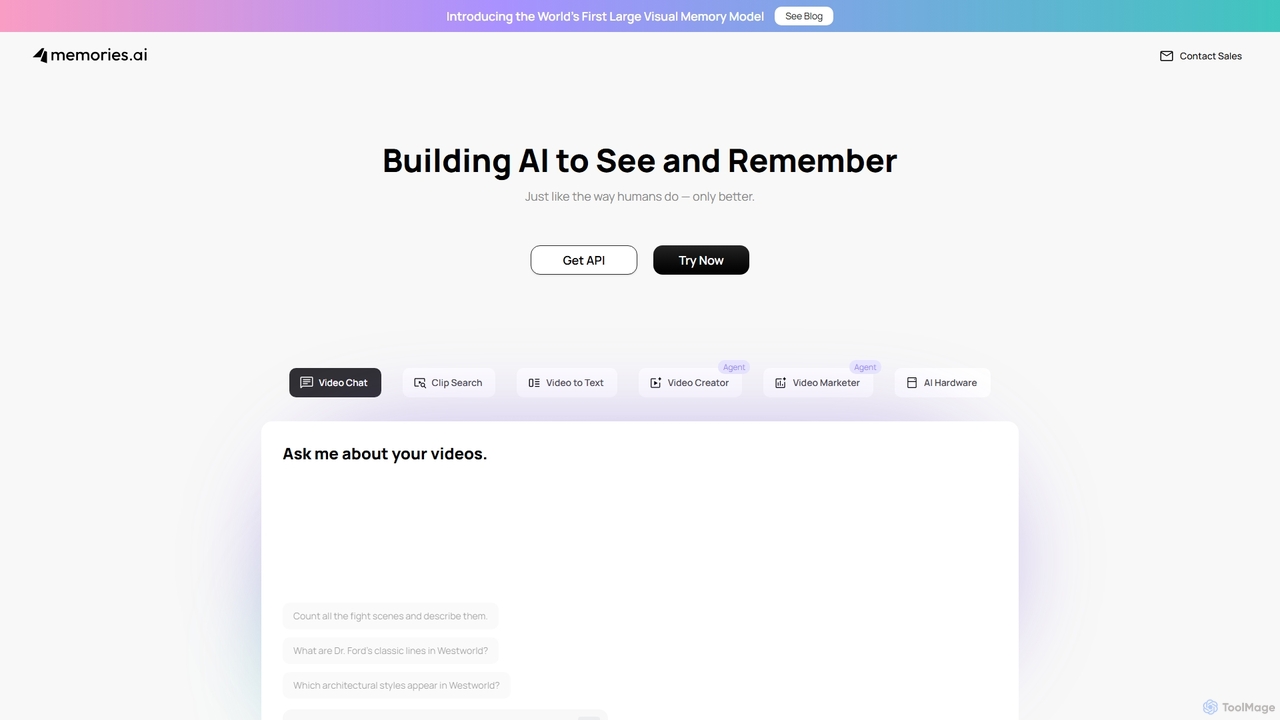
Memories.ai
Memories.ai is an advanced AI video analysis platform that transforms raw video footage into searchable, actionable insights. It leverages computer vision and machine learning to automate tasks like object detection, transcription, and content tagging. Ideal for businesses, marketers, and content creators, it provides tools for security monitoring, campaign analysis, and efficient video data management, effectively creating a "human-like visual memory" for your content archives.
Api
Jyek
Jyek is an AI agent platform that understands objectives, creates execution plans, uses tools, and delivers verifiable results for complex, multi-step tasks.
Automation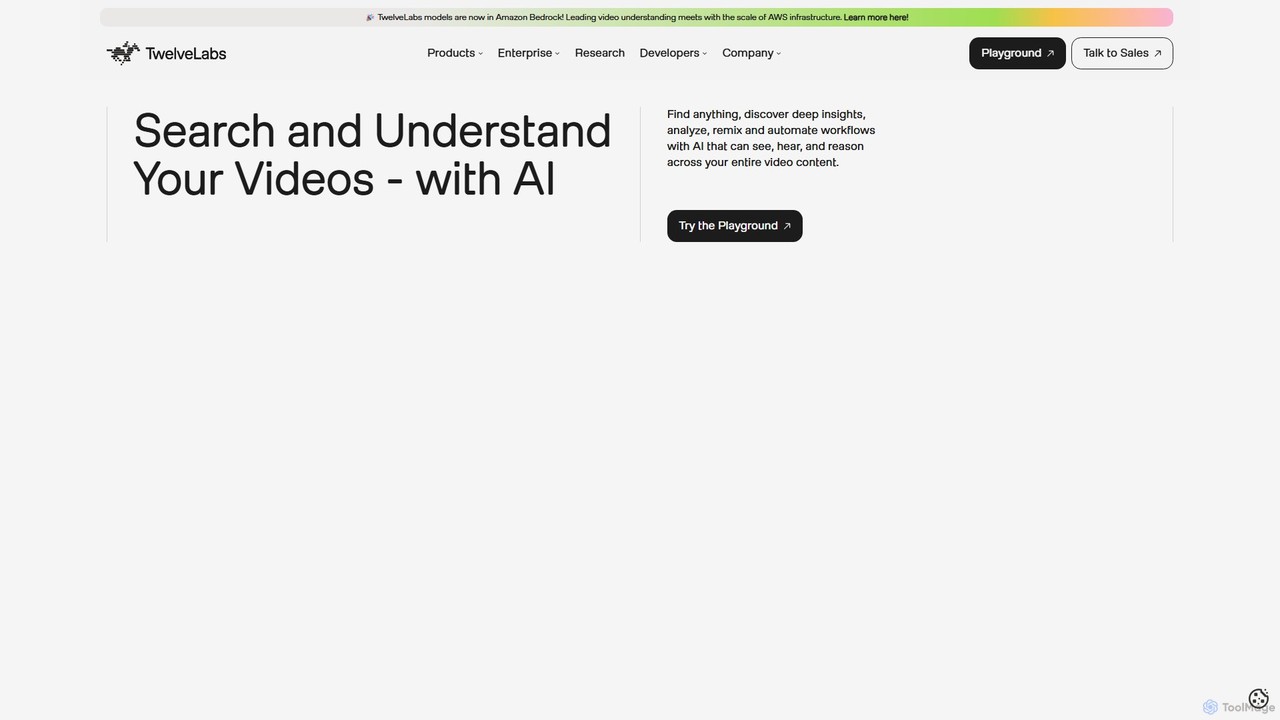
TwelveLabs
TwelveLabs is a powerful multimodal AI platform for video understanding. It provides APIs and SDKs for developers to build applications that can search, analyze, and generate text from video content. By understanding visuals, audio, and speech, it unlocks deep insights from large video libraries.
Api & Sdk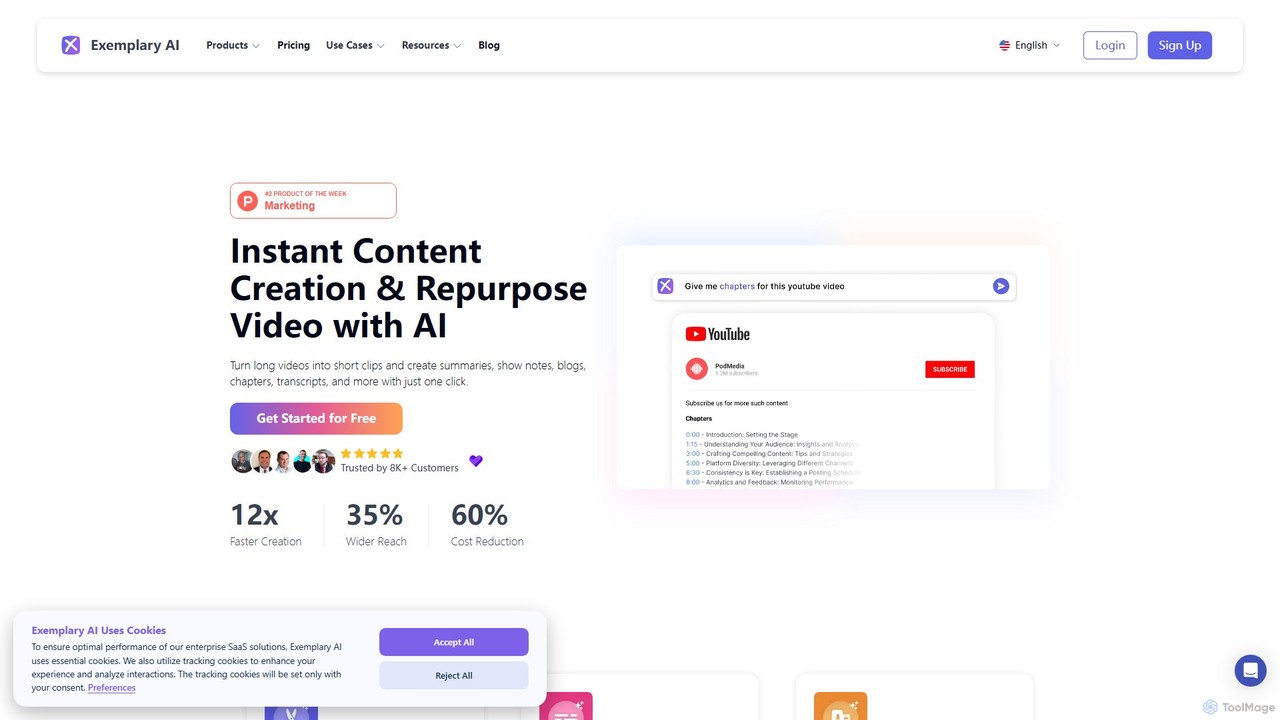
Exemplary AI
Exemplary AI is an all-in-one content repurposing toolkit designed for creators, marketers, and businesses. It uses AI to automatically transcribe, translate, and summarize audio and video content. Key features include a video clip generator, text-based video editing, and automatic subtitle creation, enabling users to effortlessly transform long-form content into engaging social media posts, blogs, and more in over 120 languages.
Repurposing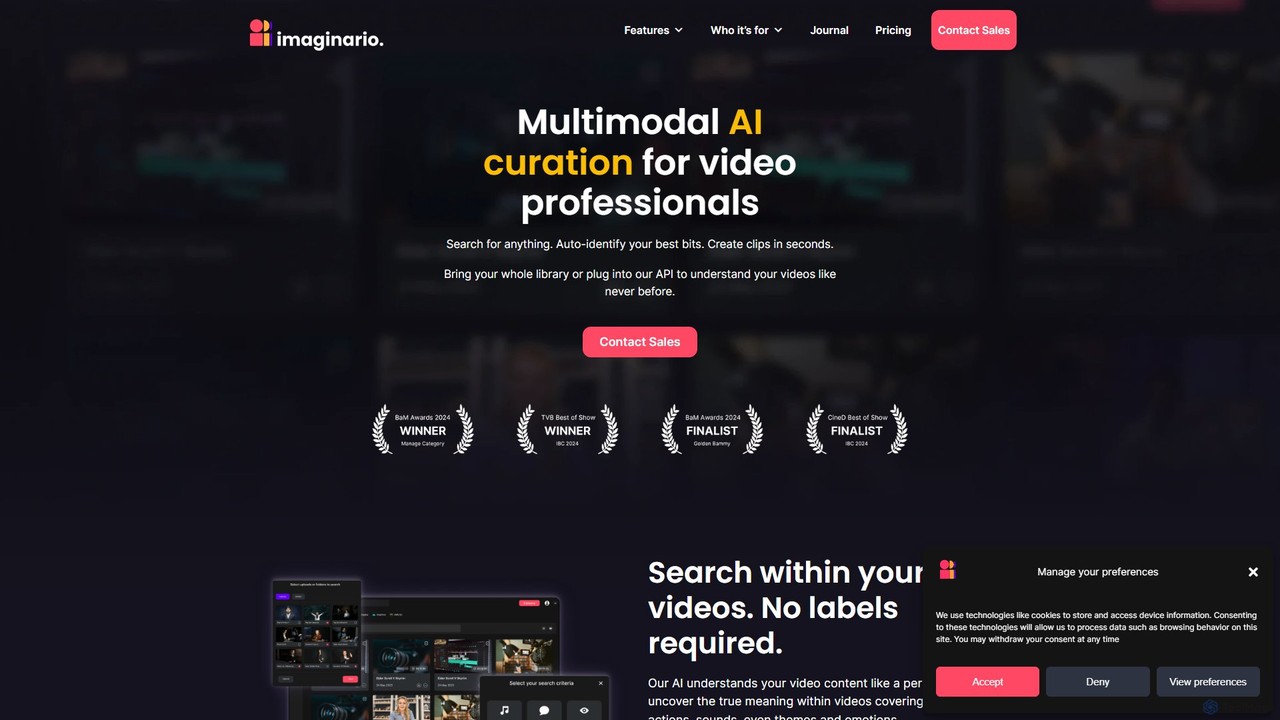
imaginario.ai
imaginario.ai is a multimodal AI platform for video professionals, enabling them to search, clip, and manage video content as easily as text. It uses AI to analyze dialogue, actions, sounds, and emotions, automatically identifying key moments and generating shareable clips, significantly reducing editing time and enhancing productivity.
Social Media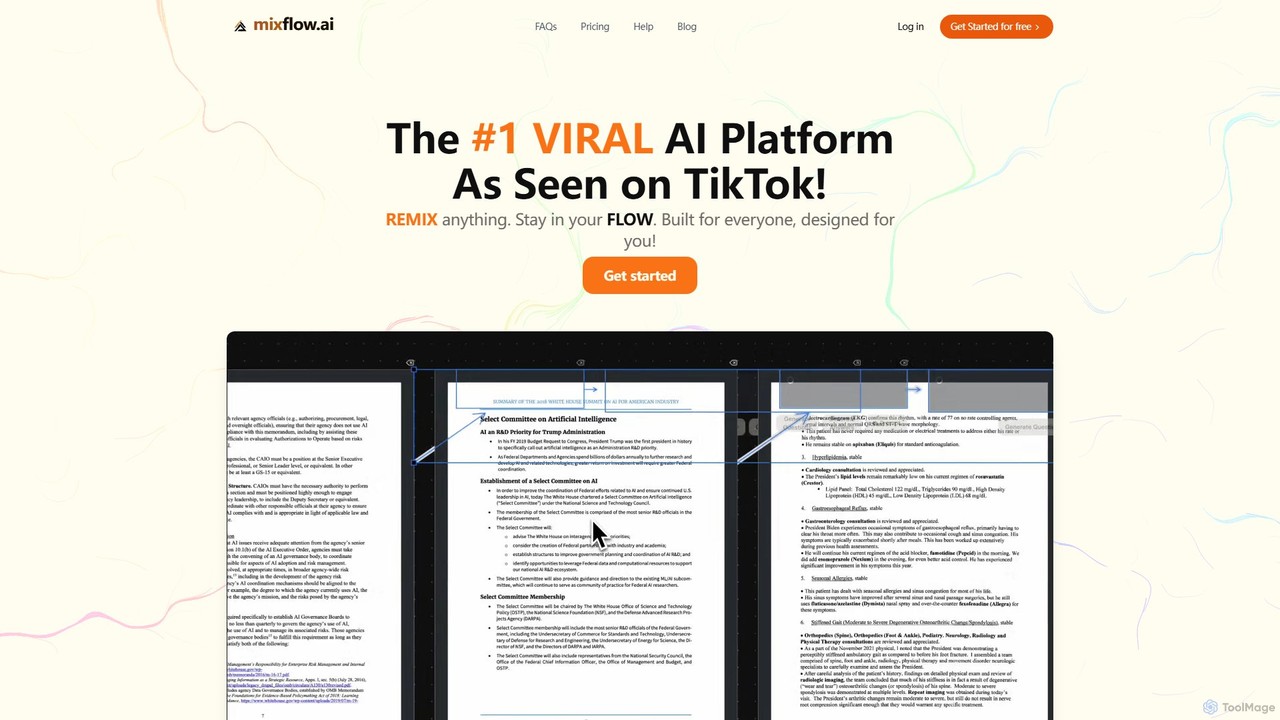
Mixflow.ai
Mixflow.ai is an all-in-one AI workspace featuring an infinite canvas. It allows users to manage, analyze, and create content from various file types like documents, videos, audio, and images. With features for real-time collaboration, chatting with data sources, and multimodal content generation, it's designed to boost productivity for individuals and teams across various professions.
Transcription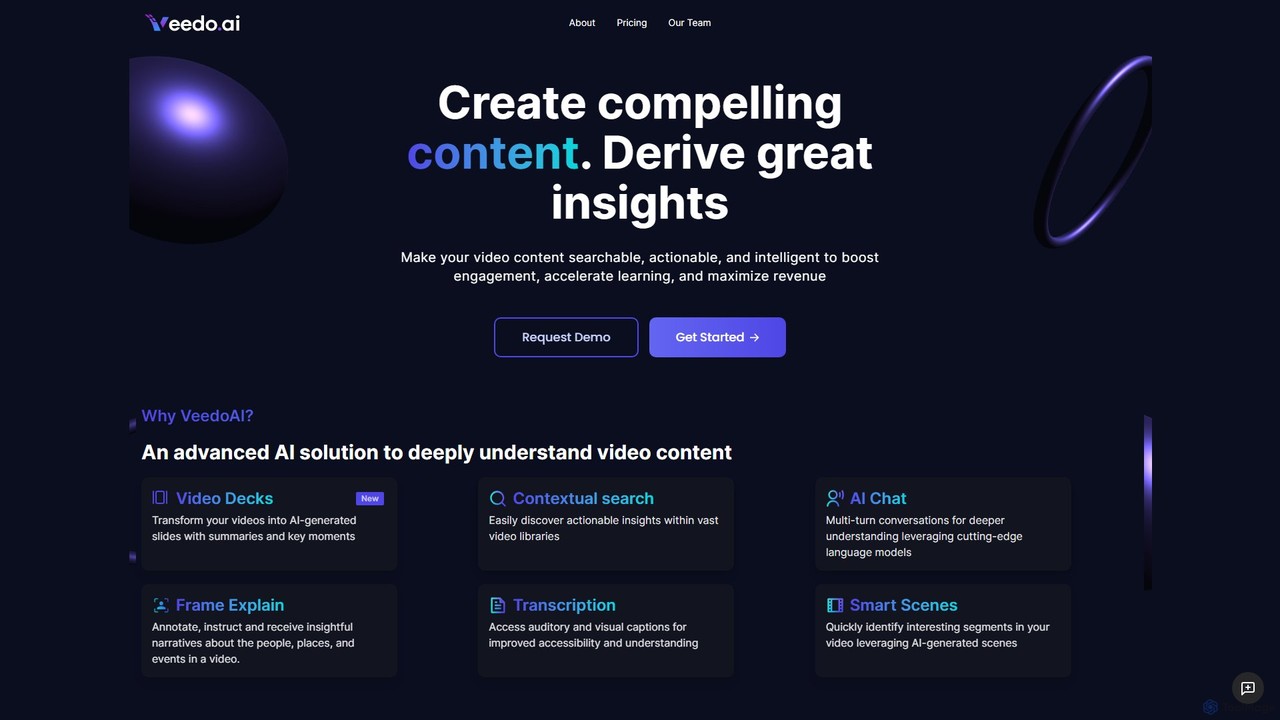
VeedoAI
VeedoAI is an advanced AI platform that transforms video content into searchable, actionable, and intelligent assets. It uses cutting-edge models to provide features like AI-generated slide decks, contextual search, interactive AI chat, and detailed transcriptions. Designed for creators, educators, and businesses, VeedoAI helps boost engagement, accelerate learning, and maximize the value of video libraries by making them easily navigable and insightful.
LearningVideo Tap
Video Tap is an AI-powered platform that transforms a single video into over 10 different types of marketing content. It automatically generates SEO-optimized blog posts, viral social media clips, transcripts, summaries, emails, and more, saving creators and marketers hours of manual work.
Content Creation
Clipchamp
Clipchamp is a user-friendly, AI-powered online video editor from Microsoft. It enables everyone, from beginners to professionals, to create stunning videos with features like AI-driven text-to-speech, automatic subtitles, and smart editing tools. Available on browsers, Windows, and iOS, it's an all-in-one solution for content creators, businesses, and educators.
Text To Speech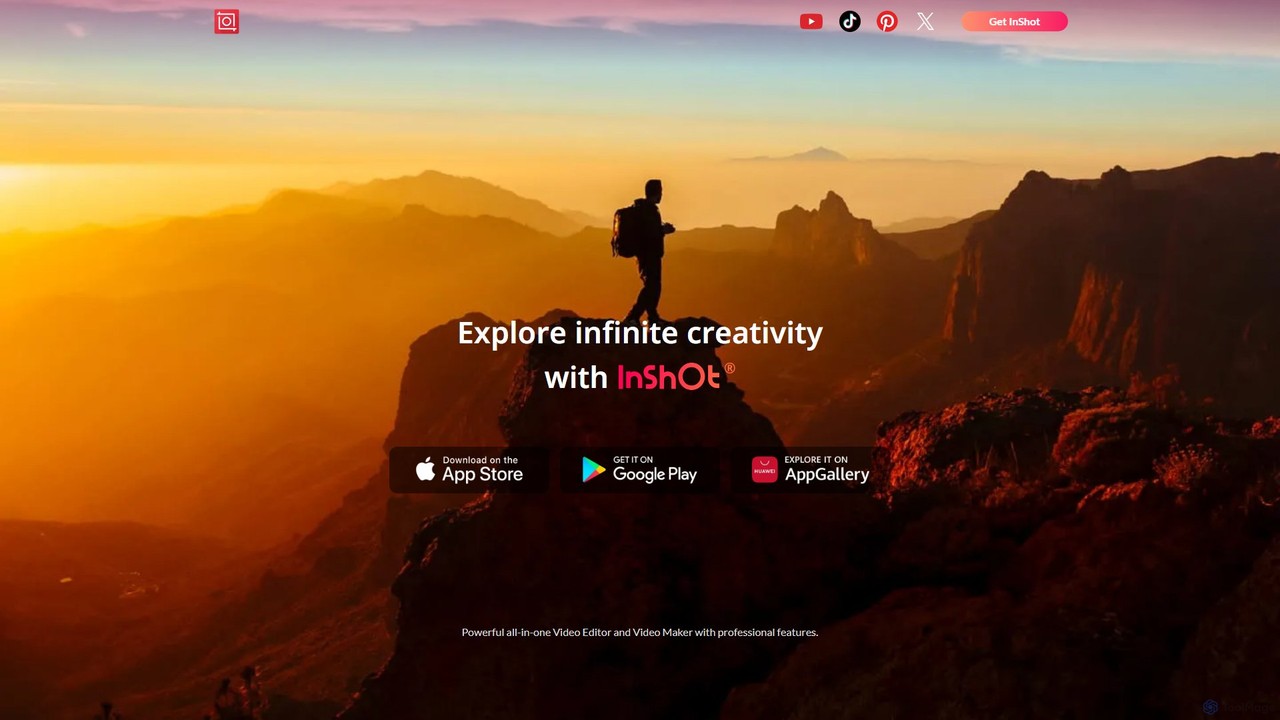
InShot
InShot is a powerful all-in-one video and photo editor for mobile devices, packed with professional-grade features and AI-powered tools. It's designed for everyone from social media creators to beginners, offering an intuitive interface for easy editing, trimming, and enhancing videos. With features like AI auto-captions, advanced effects, a rich music library, and 4K export, InShot makes creating high-quality content for platforms like YouTube, Instagram, and TikTok simple and accessible.
Photo Editing
QuickSight Comments (0)
Sign in to comment.
Sign inNo comments yet.