ToolMage
Sign in

Best 4 Code Quality AI tools for Development

Popular Code Quality AI tools in Development include Sauce Labs, Digma, Coderbuds, and Regent, helping you work more efficiently.

Digma
Freemium

Digma

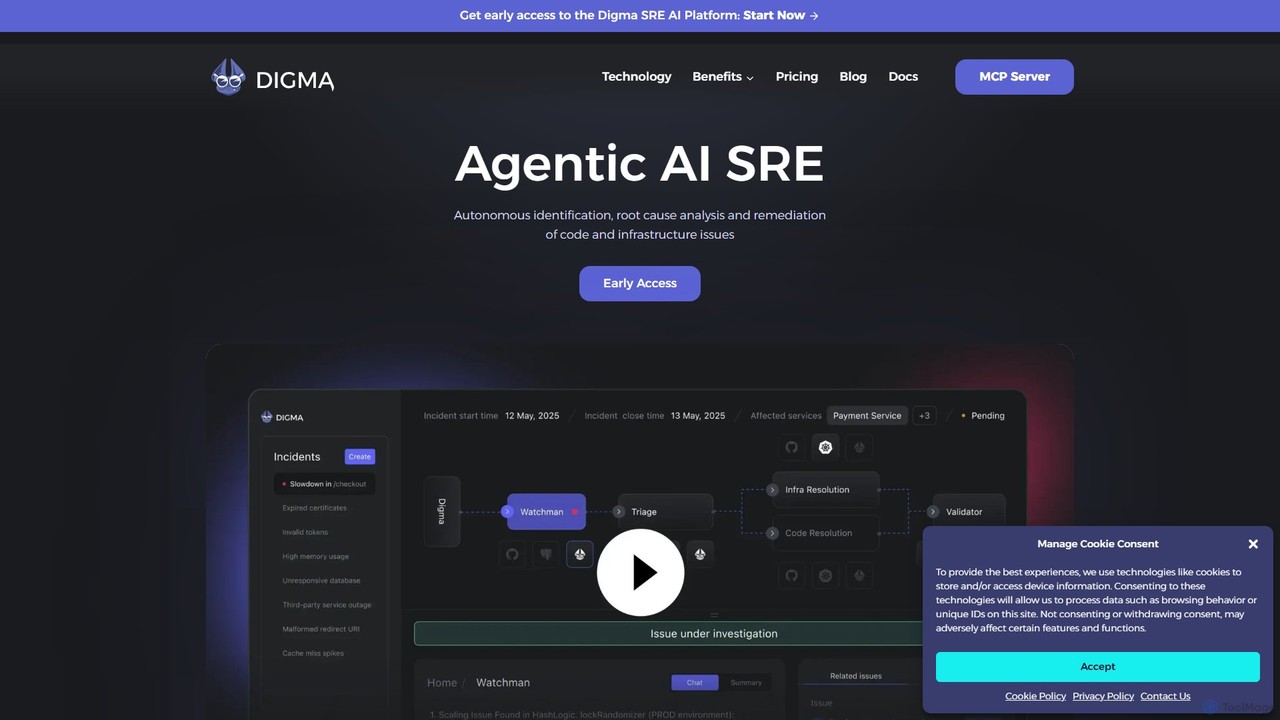
Digma is an agentic AI SRE platform that uses Dynamic Code Analysis (DCA) to autonomously identify, analyze, and remediate code and infrastructure issues before they reach production. It integrates with your observability stack to provide real-time insights, prevent breaking changes, and optimize application performance, significantly reducing resolution time and engineering effort.

Code Quality
Visits 16KFavorites 110Likes 118
Sauce Labs
Freemium

Sauce Labs

Sauce Labs is an AI-powered, all-in-one platform for continuous software quality testing. It enables DevOps teams to accelerate development by providing a comprehensive suite for web and mobile app testing, including cross-browser, real device, and visual testing. With AI-driven insights, error reporting, and seamless CI/CD integration, Sauce Labs helps businesses deliver flawless digital experiences faster and more efficiently, eliminating testing bottlenecks and improving overall product quality.

Code Quality
Visits 201.1KFavorites 105Likes 120
Coderbuds
Paid

Coderbuds

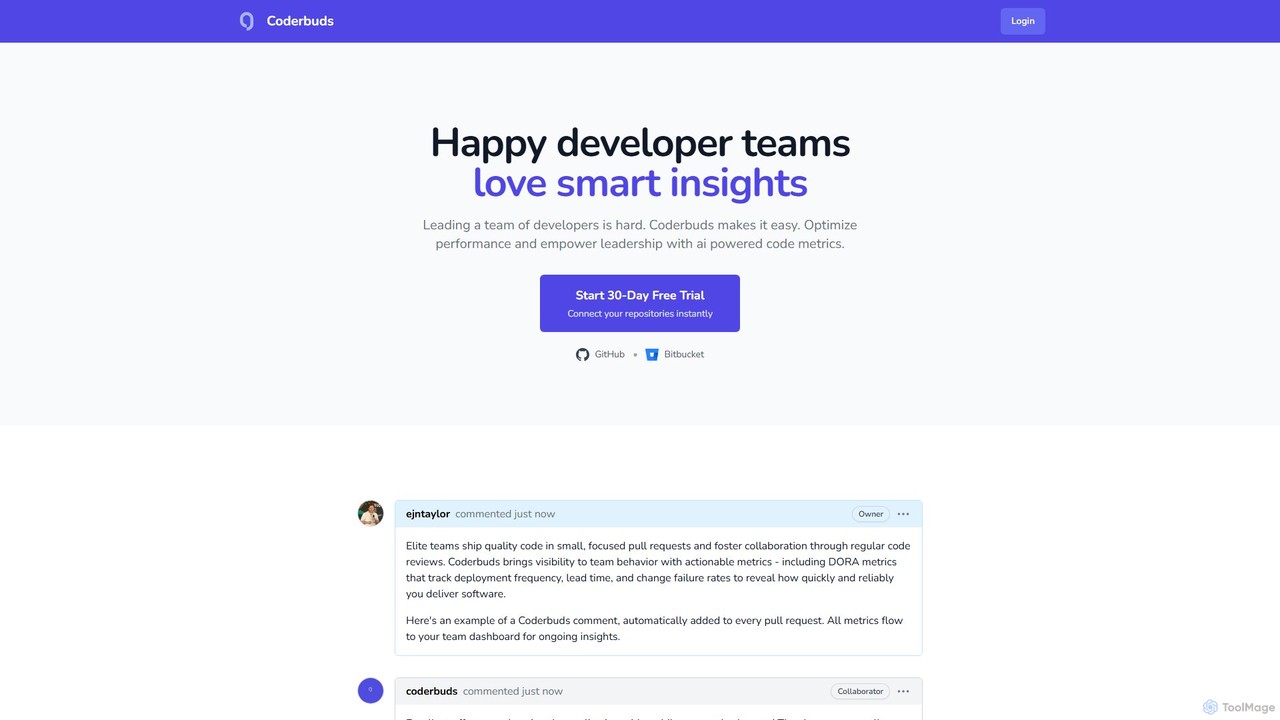
Coderbuds is an AI-powered analytics platform for developer teams. It provides smart insights, automated code reviews, and tracks industry-standard DORA metrics to optimize performance, improve code quality, and foster collaboration. Integrates seamlessly with GitHub and Bitbucket.

Performance Metrics
Visits 5.2KFavorites 66Likes 72

About Code Quality

Code Quality tools are AI-powered solutions designed to analyze source code for potential issues, enforce coding standards, and identify areas for improvement. These tools leverage advanced algorithms, including machine learning, to automate the detection of bugs, security vulnerabilities, code smells, and complexity, significantly enhancing the reliability and maintainability of software projects within the broader development lifecycle.

Core Features

  • Static Analysis: Automatically scans code without execution to find errors, bugs, and vulnerabilities.
  • Code Style Enforcement: Ensures adherence to predefined coding standards and best practices across a codebase.
  • Security Vulnerability Detection: Identifies common security flaws like SQL injection or cross-site scripting.
  • Complexity Measurement: Calculates metrics like cyclomatic complexity to highlight hard-to-maintain code.
  • Refactoring Suggestions: Provides AI-driven recommendations for improving code structure and readability.

Use Cases

Software development teams integrate Code Quality tools into their CI/CD pipelines to ensure every code commit meets quality gates. They are also used by individual developers for real-time feedback during coding, by security auditors to scan large codebases for vulnerabilities, and by engineering managers to track and improve overall code health metrics across projects.

How to Choose

When selecting an AI Code Quality tool, consider its language support, integration capabilities with your existing development environment and CI/CD, the depth and accuracy of its analysis, customization options for rulesets, and the clarity of its reporting. Evaluate its ability to provide actionable insights and its impact on developer workflow.

Featured tool rankings

Code Quality use cases

1

Automated Pre-Commit Code Review

Developers integrate Code Quality tools into their IDEs to get instant feedback on code quality, style, and potential bugs before committing. This proactive approach significantly reduces the need for extensive manual review cycles, allowing developers to catch and fix issues early, ensuring higher initial code quality and faster development iterations.

2

Continuous Security Scanning in CI/CD

DevOps teams embed Code Quality tools into their continuous integration/continuous deployment (CI/CD) pipelines to automatically scan every new build for security vulnerabilities. This ensures that insecure code is identified and addressed before it can reach production environments, significantly enhancing the overall security posture of the application.

3

Enforcing Enterprise Coding Standards

Large organizations use Code Quality tools to define and enforce consistent coding standards and architectural patterns across multiple development teams and projects. This ensures uniformity in code style, naming conventions, and best practices, leading to easier collaboration, improved readability, and reduced onboarding time for new developers.

4

Identifying Technical Debt in Legacy Systems

Engineering managers and architects utilize Code Quality tools to analyze existing large or legacy codebases, pinpointing areas of high complexity, duplication, or poor design that contribute to technical debt. This helps in prioritizing refactoring efforts, planning future development, and making informed decisions about system maintenance and evolution.

5

Onboarding New Developers with Quality Gates

Project leads configure Code Quality tools to provide new team members with immediate, automated feedback on their code submissions. This helps new hires quickly adapt to project-specific coding conventions and quality expectations, reducing the learning curve and ensuring that all contributions meet the established standards from day one.

6

Optimizing Performance and Resource Usage

Developers employ advanced Code Quality tools to detect inefficient algorithms, memory leaks, or suboptimal resource handling patterns that could impact application performance and stability. These tools provide actionable insights and suggestions, guiding optimization efforts to create more efficient and robust software.

Code Quality FAQ

What are AI Code Quality tools?

AI Code Quality tools are software solutions that use artificial intelligence, including machine learning and natural language processing, to automatically analyze source code. They identify issues such as bugs, security vulnerabilities, code smells, and deviations from coding standards, aiming to improve the overall reliability, maintainability, and performance of software. They act as an intelligent assistant in the software development lifecycle.

How do AI Code Quality tools differ from traditional linters?

Traditional linters primarily focus on enforcing stylistic conventions and detecting simple syntax errors based on predefined rules. AI Code Quality tools go further by using advanced algorithms to understand code context, identify complex logical flaws, predict potential runtime errors, and even suggest refactoring improvements, offering deeper insights beyond mere stylistic checks. They can learn from vast codebases to find subtle patterns.

What specific issues can AI Code Quality tools detect?

These tools can detect a wide range of issues, including: common programming errors (bugs), security vulnerabilities (e.g., injection flaws, insecure configurations), code smells (e.g., duplicated code, overly complex functions), performance bottlenecks, resource leaks, and violations of coding standards. Some advanced tools can also identify architectural issues and provide suggestions for design improvements.

How do AI Code Quality tools improve the development workflow?

AI Code Quality tools streamline the development workflow by automating repetitive code review tasks, providing instant feedback to developers, and catching issues early in the development cycle. This reduces the time spent on manual debugging and code reviews, improves code consistency, and allows developers to focus on more complex problem-solving, ultimately leading to faster delivery of higher-quality software.

What should I consider when integrating an AI Code Quality tool into my CI/CD pipeline?

When integrating, consider the tool's compatibility with your programming languages and frameworks, its ease of integration with your CI/CD platform (e.g., Jenkins, GitLab CI), the flexibility to customize rulesets to match your project's needs, and its reporting capabilities. Ensure it provides clear, actionable feedback that can be easily understood and addressed by your development team without causing pipeline bottlenecks.