Development Best in category 2 results Collaboration AI Tool

Popular AI tools in the Collaboration field of Development include CodeBanana、Gitmore, etc., helping you quickly improve efficiency.

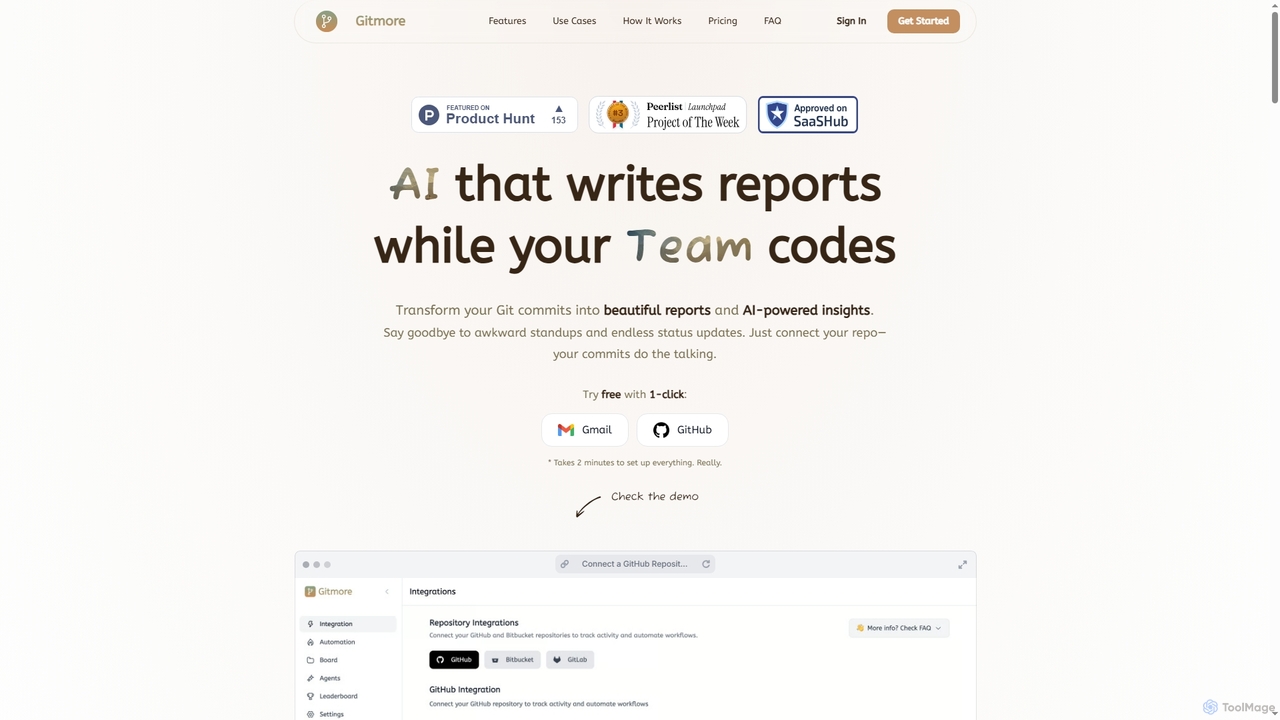
Gitmore

Gitmore

Gitmore is an AI-powered tool that automates technical team reporting and engineering updates. It transforms Git commits into …

7.7K
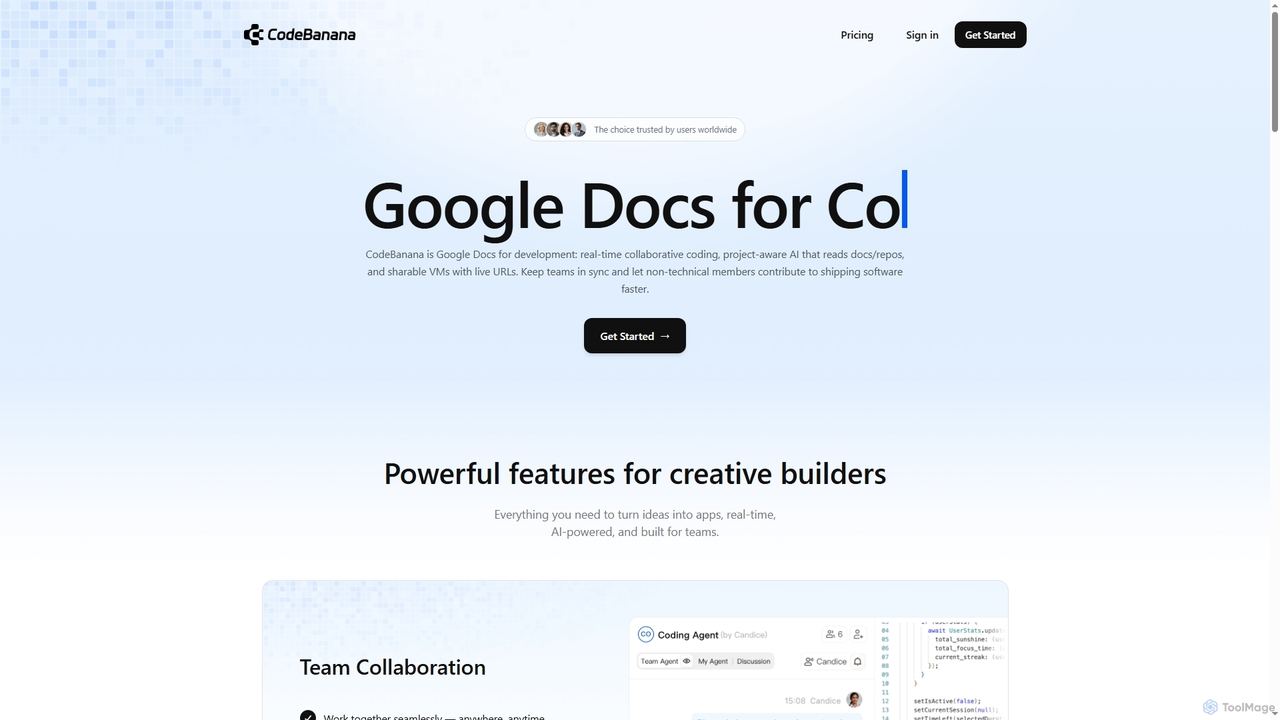
CodeBanana

CodeBanana

CodeBanana is an AI-powered collaborative coding platform designed as "Google Docs for development." It offers real-time team collaboration, …

17.3K

About Collaboration

AI Collaboration tools are a specialized category of software within development that uses artificial intelligence to streamline teamwork and accelerate coding workflows. These platforms analyze code, automate communication tasks, and provide intelligent assistance directly within the development environment. They help teams improve code quality, reduce review times, and maintain better project velocity. Unlike general-purpose chat applications, these tools are deeply integrated with version control systems and IDEs to offer context-aware support.

Core Features

  • AI-Assisted Code Review: Automatically detects bugs, suggests style improvements, and summarizes changes in pull requests to speed up peer review.
  • Intelligent Task Management: Predicts task durations, suggests appropriate assignees based on codebase history, and identifies potential project bottlenecks.
  • Collaborative Coding Environments: Enables multiple developers to code in a shared, real-time environment with AI-powered autocompletion and debugging.
  • Automated Documentation: Generates and updates technical documentation, such as API specs and code comments, as the codebase evolves.
  • Context-Aware Communication: Links discussions directly to specific lines of code or commits, providing full context for every conversation.

Use Cases

These tools are primarily used by software development teams, especially those working in agile or remote environments. They are valuable for distributed engineering teams needing to maintain high levels of communication, open-source projects seeking to streamline contributor onboarding and code reviews, and large enterprises aiming to standardize development practices and improve code quality across multiple teams.

How to Choose

When selecting an AI Collaboration tool, first consider its integration capabilities with your existing development stack, including Git providers (GitHub, GitLab), IDEs (VS Code, JetBrains), and project management software (Jira). Evaluate the tool's support for your team's primary programming languages and frameworks. Security is also critical; review how the tool handles your source code and its data privacy policies. Finally, assess if its features align with your team's specific workflow, such as real-time pair programming or asynchronous code reviews.

CollaborationUse Cases

1

Automate Pull Request Summaries and Reviews

A development team lead often spends hours reviewing pull requests (PRs) from junior developers. By integrating an AI Collaboration tool with their GitHub repository, the process becomes significantly more efficient. When a new PR is submitted, the AI automatically generates a concise summary of the changes, highlighting the core logic modifications. It also performs an initial review, flagging potential bugs, code style violations, and areas lacking test coverage. This allows the team lead to focus their attention on architectural and logical soundness, reducing review time per PR by up to 50% and enabling faster feedback cycles for the entire team.

2

Facilitate Real-time Remote Pair Programming

Two engineers on different continents need to collaborate on a complex algorithm. Using an AI-powered collaborative IDE, they can work on the same file simultaneously. The tool provides shared cursors, synchronized scrolling, and a common terminal. More importantly, the integrated AI offers real-time code suggestions, autocompletion, and debugging hints to both developers. If one developer writes a function, the other can immediately see it and get AI-powered suggestions for how to use it. This eliminates the friction of screen sharing and creates a seamless, highly productive pair programming session despite the physical distance.

3

Streamline Onboarding for New Developers

A new engineer joins a team with a large, complex codebase. Instead of relying solely on documentation and senior engineers' time, they use an AI collaboration tool. The new hire can ask natural language questions like "Where is the authentication logic handled?" or "Show me examples of how to use the API client." The AI, having been trained on the repository, provides direct links to relevant code files, explains complex functions in simple terms, and points to related documentation. This self-service approach empowers the new developer to get up to speed faster, reduces the burden on senior team members, and accelerates their time to first contribution.

4

Generate and Maintain API Documentation Automatically

A team responsible for a public API struggles to keep their documentation up-to-date with frequent code changes. They implement an AI collaboration tool that integrates with their CI/CD pipeline. Whenever a developer modifies an endpoint or adds a new one, the tool analyzes the code comments, function signatures, and data models. It then automatically updates the corresponding API documentation, including parameter descriptions, example requests, and response schemas. This ensures the documentation is always accurate and synchronized with the production code, saving countless hours of manual work and improving the experience for external developers using the API.

5

Intelligently Assign Tasks in Agile Sprints

During sprint planning, a Scrum Master uses an AI collaboration tool to optimize task allocation. Instead of manually assigning tickets, the tool analyzes each task's description and requirements. By cross-referencing this with the codebase history, it identifies which developers have the most experience with the relevant parts of the code. The AI then suggests a primary assignee and potential collaborators for each ticket, along with an estimated completion time based on historical data. This data-driven approach leads to more accurate sprint forecasting, better workload distribution, and ensures that tasks are handled by the most qualified team members, increasing overall sprint velocity.

6

Resolve Production Incidents Faster with Context

When a critical bug is reported in production, an on-call engineer uses an AI collaboration tool to accelerate debugging. They paste the error message into the tool, which immediately searches the codebase and version control history. The AI identifies the exact commit that likely introduced the bug and suggests the developer who wrote that code as a point of contact. It also surfaces related logs and metrics from monitoring systems within the same interface. This provides the engineer with all the necessary context in one place, enabling them to diagnose the root cause and deploy a fix in minutes rather than hours.

CollaborationFrequently Asked Questions