Development Best in category 2 results Testing Tools AI Tool

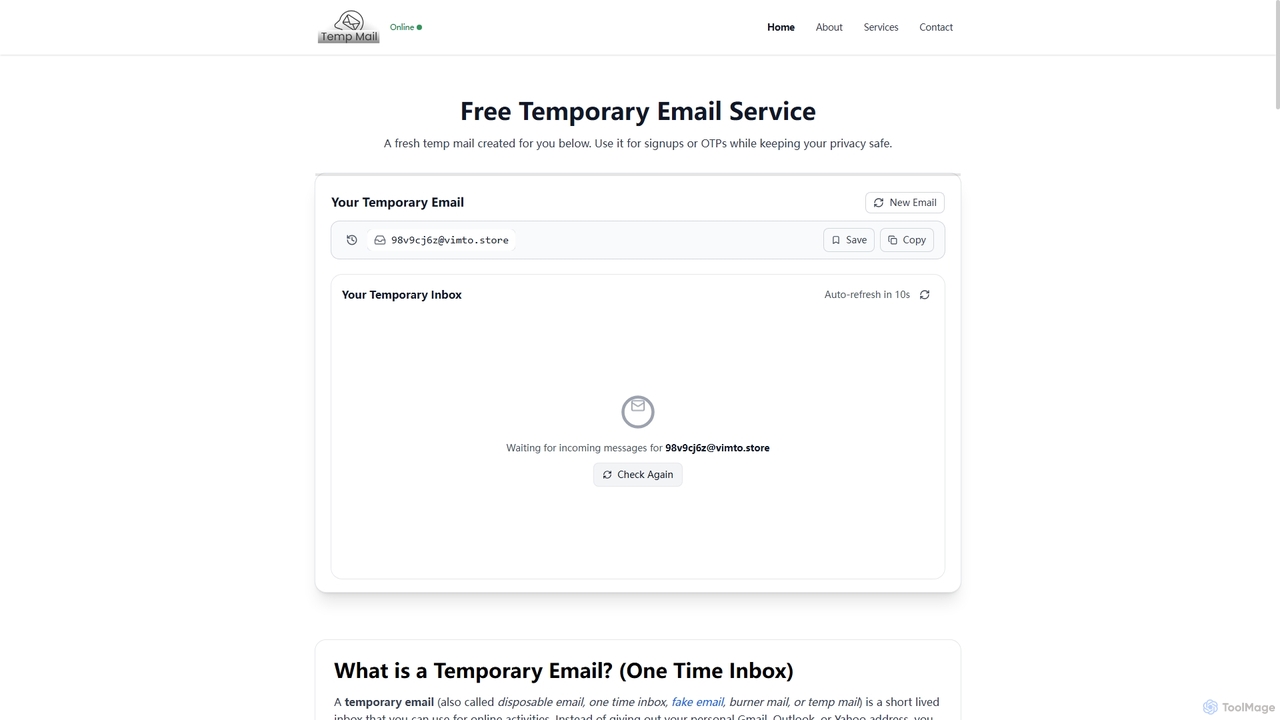
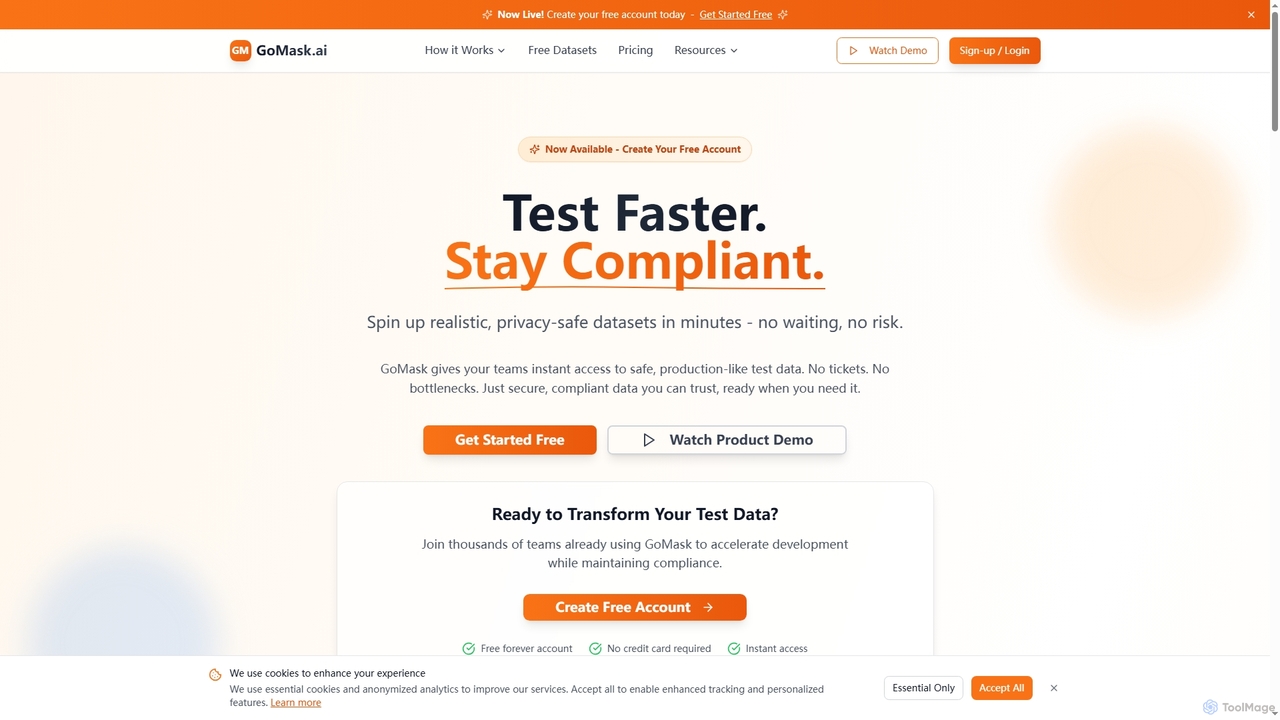
Popular AI tools in the Testing Tools field of Development include TempMail4U、GoMask, etc., helping you quickly improve efficiency.

GoMask

GoMask

GoMask is an AI-powered platform that accelerates software development by providing instant, compliant, and realistic test data through …

7.5K
Free
TempMail4U

TempMail4U

TempMail4U is a free, privacy-focused temporary email service that provides instant, disposable email addresses. It allows users to …

11.3K

About Testing Tools

AI Testing Tools are a specialized category of development software that leverage artificial intelligence and machine learning to automate and optimize the software testing lifecycle. These tools go beyond traditional script-based automation by intelligently generating test cases, identifying visual bugs, and automatically adapting to application changes. Their primary value lies in accelerating release cycles, increasing test coverage, and significantly reducing the manual effort required for test maintenance. This allows development and QA teams to detect complex bugs earlier and with greater efficiency.

Core Features

  • AI-Powered Test Generation: Automatically creates test cases from user requirements, application models, or user session data.
  • Self-Healing Scripts: Intelligently detects UI changes (e.g., element ID or path changes) and automatically updates test scripts to prevent failures.
  • Visual Regression Testing: Uses computer vision to compare UI snapshots and identify unintended visual changes, layout issues, or style inconsistencies.
  • Anomaly Detection: Analyzes application logs and performance data to uncover unusual patterns or potential bugs that rule-based checks might miss.
  • Predictive Test Selection: Prioritizes which tests to run based on recent code changes, optimizing the regression testing process for speed and relevance.

Use Cases

These tools are widely used in Agile and DevOps environments where rapid iteration is key. They are particularly effective for testing complex web applications, e-commerce platforms with dynamic UIs, and mobile apps across various devices. Teams responsible for large-scale enterprise software also use them to manage extensive regression suites and ensure stability.

How to Choose

When selecting an AI Testing Tool, consider its integration capabilities with your existing CI/CD pipeline (e.g., Jenkins, GitLab). Evaluate its support for your specific technology stack (web frameworks, mobile platforms). Assess the robustness of its self-healing and visual testing features, as these are key differentiators. Finally, consider the tool's learning curve and the quality of its reporting and analytics dashboards.

Testing ToolsUse Cases

1

Automating E-commerce Checkout Flow Testing

A QA engineer for an online retail company is tasked with ensuring the checkout process works flawlessly after every update. Manually testing every combination of payment methods, shipping options, and discount codes is time-consuming and prone to error. By using an AI Testing Tool, the engineer can record a single checkout journey. The AI then automatically generates hundreds of test variations, covering different data inputs and user paths. When developers update the UI, the tool's self-healing feature automatically adapts the test scripts, saving hours of manual maintenance and catching critical bugs before they impact sales.

2

Visual Validation for a Marketing Website

A front-end developer is refactoring the CSS for a large marketing website to improve performance. They need to ensure that these changes don't accidentally alter the layout or appearance on different browsers and screen sizes. Instead of manually taking and comparing screenshots, they use an AI visual testing tool. The tool crawls the website before and after the changes, using computer vision to highlight any pixel-level differences. This allows the developer to quickly spot and fix unintended visual regressions, such as a misaligned button or an incorrect font rendering, ensuring a consistent user experience across all platforms.

3

Reducing Mobile App Regression Test Time

A mobile development team for a popular social media app releases updates weekly. Their full regression test suite takes over three hours to run, delaying the release process. They integrate an AI Testing Tool into their CI/CD pipeline. The tool uses predictive analysis by looking at which parts of the code were changed in a commit. It then intelligently selects and runs only the most relevant subset of tests that are likely to be affected. This reduces the regression testing time from hours to under 20 minutes, allowing the team to get faster feedback and accelerate their release cadence without sacrificing quality.

4

Generating Unit Tests for Legacy Code

A software developer is tasked with modernizing a legacy system that has very low test coverage. Writing unit tests manually for thousands of lines of undocumented code is a daunting task. The developer uses an AI Testing Tool that specializes in code analysis. By pointing the tool at the existing codebase, the AI analyzes functions and methods, understands their logic and dependencies, and automatically generates a comprehensive suite of unit tests. This instantly increases test coverage from 5% to over 70%, giving the developer the confidence to refactor and add new features without breaking existing functionality.

5

API Performance Anomaly Detection

A DevOps engineer is responsible for maintaining the reliability of a microservices-based application. Manually setting thresholds for every API endpoint's response time and error rate is impractical. They integrate an AI Testing Tool that monitors API traffic in the staging environment. The tool learns the normal performance baseline for each service. When a new build is deployed, the AI automatically detects anomalies, such as a sudden spike in latency or an unusual increase in 500 errors for a specific endpoint, and alerts the team. This proactive detection helps catch performance regressions caused by code changes before they reach production.

6

Automating Accessibility Testing

A UX team wants to ensure their web application is compliant with WCAG (Web Content Accessibility Guidelines). Performing a full manual audit is a recurring, detailed process. They use an AI Testing Tool with accessibility features. The tool automatically scans web pages during the regular testing cycle. It identifies common issues like missing alt text for images, insufficient color contrast, and improper use of ARIA roles. The AI provides specific code-level recommendations for fixes. This automates a significant portion of the accessibility audit, allowing the team to catch and fix issues early in the development process, rather than as an expensive afterthought.

Testing ToolsFrequently Asked Questions