ToolMage
Sign in

Best 1 Tool Building AI tools for Development

Popular Tool Building AI tools in Development include TypeflowAI, helping you work more efficiently.

TypeflowAI
Freemium

TypeflowAI

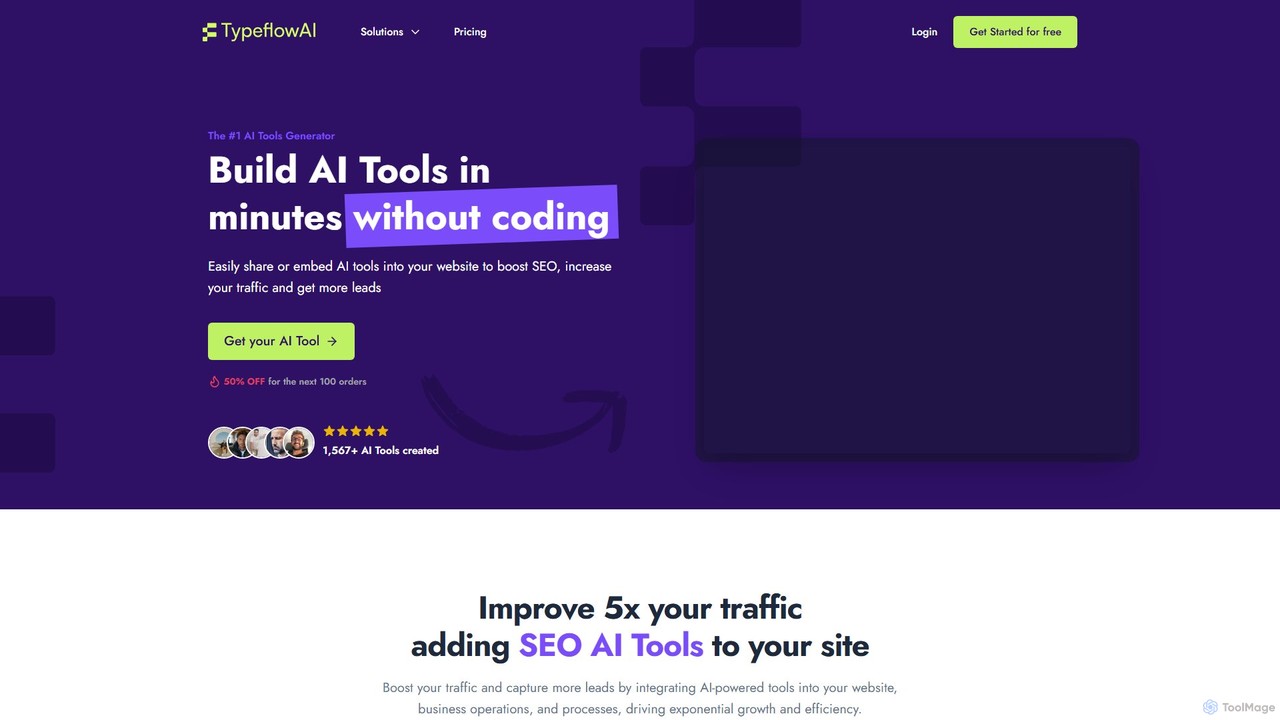
TypeflowAI is a no-code platform that enables users to create and embed custom AI tools, forms, quizzes, and lead magnets in minutes. It's designed to boost website traffic, improve SEO, and generate more leads by offering interactive, value-driven content. With extensive templates, powerful integrations, and support for various GPT models, it simplifies the creation of dynamic, brand-aligned AI applications for marketing, sales, and internal processes.

Surveys
Visits 6.4KFavorites 125Likes 133

About Tool Building

Tool Building refers to AI-powered platforms and frameworks designed to help users create, customize, and integrate AI applications, agents, or workflows without extensive coding. These tools leverage advanced AI models and intuitive interfaces to democratize the development of intelligent solutions. They empower individuals and organizations to rapidly prototype, deploy, and scale AI capabilities tailored to specific needs, bridging the gap between complex AI technologies and practical business applications.

Core Features

  • Visual Workflow Builders: Drag-and-drop interfaces for designing AI-driven processes and application logic.
  • API Integration & Orchestration: Seamlessly connect and manage various AI models and third-party services.
  • Custom Model Fine-tuning: Tools for adapting pre-trained AI models with proprietary data for specialized tasks.
  • Prompt Engineering & Management: Features to craft, test, and optimize prompts for large language models.
  • AI Agent Design: Frameworks for constructing autonomous AI agents capable of multi-step reasoning and action.

Applicable Scenarios

Tool Building AI is invaluable for rapid innovation and automation. It enables businesses to quickly develop internal AI assistants for data analysis, content creators to build personalized generation tools, and developers to prototype complex AI applications with reduced time and resources. This category supports a wide range of users in transforming ideas into functional AI solutions efficiently.

How to Choose

When selecting a Tool Building platform, consider its ease of use (no-code/low-code capabilities), the breadth of its integration ecosystem (compatible AI models, data sources, and third-party services), scalability for future growth, and the level of customization offered for fine-tuning models or controlling AI behavior. Evaluate the pricing model and community support to ensure it aligns with your project's technical requirements and budget.

Tool Building use cases

1

Building a Custom AI Chatbot for Customer Support

Customer service managers can utilize Tool Building platforms to design and deploy specialized AI chatbots. By integrating company knowledge bases and CRM data, these chatbots can provide instant, accurate answers to frequently asked questions, handle routine inquiries, and escalate complex issues to human agents, significantly reducing response times and improving customer satisfaction without requiring deep programming skills.

2

Automating Data Analysis Workflows

Business analysts and data scientists can leverage Tool Building tools to create automated AI workflows for data ingestion, cleaning, analysis, and report generation. For instance, an analyst might build a system that automatically extracts key insights from unstructured text data (e.g., customer feedback, market reports) and presents them in a digestible format, streamlining decision-making processes and freeing up time for strategic tasks.

3

Developing Personalized Content Generation Tools

Content creators and marketing teams can use Tool Building platforms to construct bespoke AI tools for generating specific types of content. This could involve building a tool that produces personalized email subject lines based on audience segments, generates social media captions for new product launches, or drafts blog post outlines tailored to specific SEO keywords, ensuring brand consistency and accelerating content production.

4

Creating AI-powered Internal Knowledge Bases

Enterprises can employ Tool Building solutions to develop intelligent internal knowledge bases or Q&A systems. Employees can query these systems using natural language to quickly find information on company policies, project details, or technical documentation. The AI can understand context and retrieve relevant information, enhancing internal communication and reducing the time spent searching for answers across disparate systems.

5

Rapid Prototyping of AI Applications

Software developers and innovation teams can use Tool Building platforms for rapid prototyping and validation of new AI application concepts. Instead of writing extensive code, they can quickly assemble AI components, test different model integrations, and iterate on user interfaces. This accelerates the experimentation phase, allowing for faster proof-of-concept development and more efficient resource allocation before committing to full-scale development.

6

Designing AI Agents for Task Automation

Operations managers or individual users can design sophisticated AI agents using Tool Building platforms to automate complex, multi-step tasks. For example, an agent could be built to monitor incoming emails, extract specific information, update a database, and then draft a response, all autonomously. This capability extends beyond simple automation, enabling intelligent decision-making and adaptive task execution across various business functions.

Tool Building FAQ

What are AI Tool Building platforms?

AI Tool Building platforms are specialized software environments that enable users to create, customize, and deploy AI-powered applications, agents, or automated workflows. Unlike traditional coding, these platforms often feature low-code or no-code interfaces, allowing individuals with varying technical backgrounds to leverage advanced AI models like large language models (LLMs) for specific tasks and business needs.

How do AI Tool Building platforms differ from traditional software development?

AI Tool Building platforms significantly reduce the need for extensive coding, focusing instead on visual interfaces, pre-built components, and API integrations. Traditional software development typically requires deep programming knowledge and manual coding for every feature. Tool Building accelerates the development cycle for AI-centric solutions, making AI accessible to a broader audience and enabling faster iteration and deployment compared to conventional methods.

Who can benefit from using AI Tool Building tools?

A wide range of users can benefit, including business analysts looking to automate data insights, marketing professionals creating personalized content, customer service teams building intelligent chatbots, and even non-technical entrepreneurs prototyping AI products. Developers also use them for rapid experimentation and integrating AI capabilities without starting from scratch, democratizing AI innovation across various roles and industries.

What are the key considerations when choosing an AI Tool Building platform?

When selecting a platform, consider its ease of use (e.g., drag-and-drop interface, pre-built templates), the range of AI models and APIs it supports for integration, its scalability to handle growing demands, and the level of customization it offers for fine-tuning AI behavior or integrating proprietary data. Additionally, evaluate the platform's security features, pricing structure, and the availability of community support or documentation.

Can I integrate my existing data sources with AI tools built using these platforms?

Yes, most AI Tool Building platforms are designed with integration capabilities in mind. They typically offer connectors or APIs to link with various external data sources such as databases, CRM systems, cloud storage, and other business applications. This allows the AI tools you build to access and process your proprietary data, ensuring that the generated insights or automated actions are relevant and contextually accurate for your specific operations.