Development Best in category 1 results Ui Frameworks AI Tool

Popular AI tools in the Ui Frameworks field of Development include DHTMLX, etc., helping you quickly improve efficiency.

DHTMLX

DHTMLX

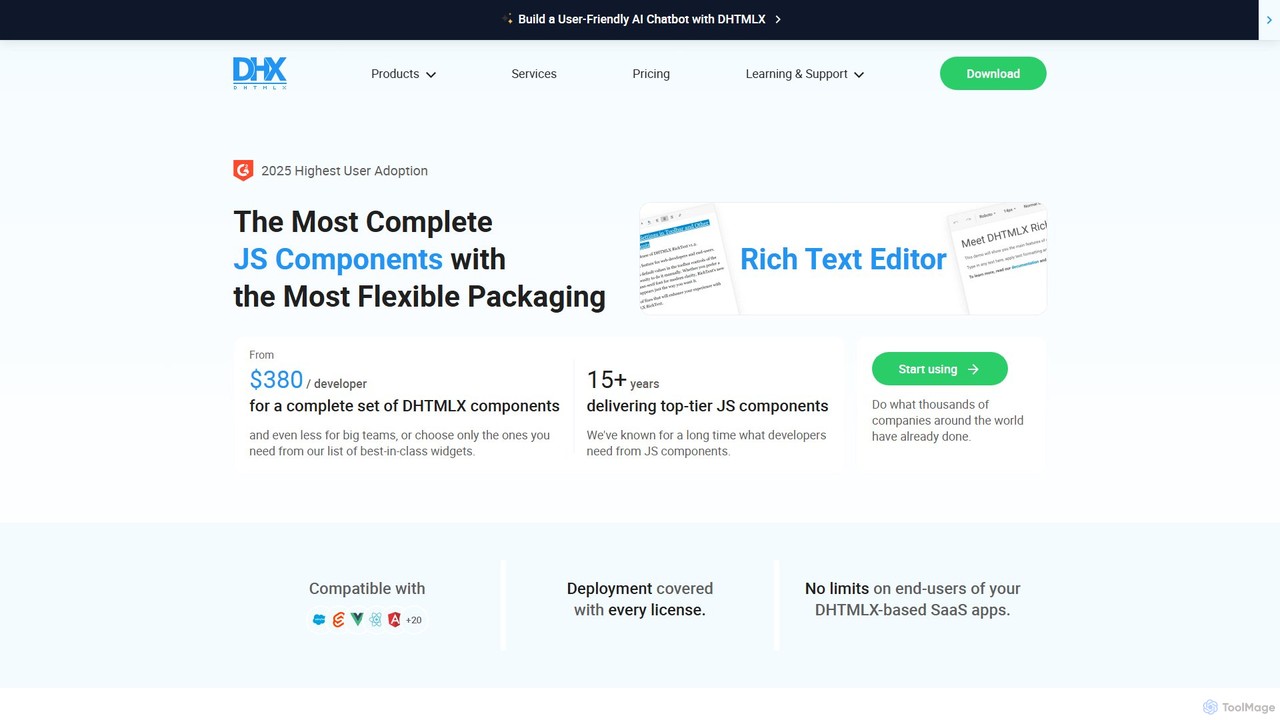
DHTMLX is a comprehensive JavaScript UI library for building feature-rich, high-performance web applications. It offers a wide range …

79.6K

About Ui Frameworks

AI UI Frameworks are development tools that use artificial intelligence to generate front-end code for popular frameworks like React, Vue, and Svelte. They translate natural language prompts, design files, or wireframes into structured, functional UI components. This approach dramatically accelerates the development lifecycle by bridging the gap between design concepts and live applications. These tools are particularly effective for rapid prototyping, building component libraries, and automating repetitive coding tasks.

Core Features

  • Text-to-Code Generation: Creates UI components and layouts directly from plain text descriptions.
  • Design-to-Code Conversion: Automatically transforms designs from tools like Figma into clean, usable code.
  • Component Reusability: Generates modular and reusable components that adhere to development best practices.
  • Responsive Design Automation: Intelligently creates layouts that adapt seamlessly across different screen sizes.
  • Code Refactoring Suggestions: Analyzes existing code and suggests AI-powered improvements for optimization and readability.

Use Cases

These tools are widely used by front-end developers, UI/UX designers, and product teams. They are ideal for startups needing to build Minimum Viable Products (MVPs) quickly, agencies creating prototypes for clients, and large enterprises looking to standardize their component libraries and accelerate internal tool development.

How to Choose

When selecting an AI UI Framework tool, consider the supported code frameworks (e.g., React, Vue, Angular), integration with your design tools (Figma, Sketch), the quality and customizability of the generated code, and the sophistication of its AI capabilities, such as understanding complex layout instructions.

Ui FrameworksUse Cases

1

Rapid Prototyping for a New Feature

A product manager at a startup needs to validate a new feature idea with stakeholders and potential users quickly. Instead of waiting for the development team, they use an AI UI Framework tool. They write a simple prompt like, 'Create a user dashboard with a sidebar navigation, a main content area showing key metrics cards, and a data table with sorting and filtering.' The AI generates a functional React prototype in minutes. This allows the team to gather feedback on a tangible interface almost instantly, reducing the feedback loop from weeks to hours and ensuring development resources are spent on validated designs.

2

Automated Design-to-Code Conversion

A UI/UX designer finalizes a high-fidelity mockup for a new mobile app screen in Figma. Historically, a front-end developer would spend days manually translating this design into pixel-perfect code. By using an AI UI Framework tool, the designer can directly export the Figma design. The AI analyzes the layout, components, styles, and assets, then generates clean, production-ready Vue.js code. The developer receives structured components that are already responsive, significantly reducing manual coding time and eliminating potential human errors in translation from design to code.

3

Building Internal Admin Panels Quickly

A backend developer is tasked with creating an admin dashboard for a new service. Their expertise is in databases and APIs, not front-end development. Using an AI UI Framework tool, they can describe the required interface: 'A page with a table to display user data from an API endpoint. The table needs columns for ID, Name, Email, and Status, with search and pagination.' The AI generates the necessary HTML, CSS, and JavaScript (or a specific framework's code), including the logic for fetching and displaying data. This empowers the developer to build a functional and professional-looking internal tool in a fraction of the time, without needing deep front-end knowledge.

4

Generating A/B Test Variants for Landing Pages

A marketing team wants to optimize a campaign landing page by testing different layouts and calls-to-action. Creating multiple distinct versions manually can be time-consuming. A marketer uses an AI UI tool and provides the base content along with prompts like 'Generate a version with the sign-up form on the right,' 'Create a version with a two-column feature list,' and 'Make a version with a darker theme.' The AI quickly produces several HTML/CSS variations. This enables the team to launch A/B tests faster, gather data on user preferences more efficiently, and ultimately improve conversion rates without extensive developer involvement for each variant.

5

Modernizing a Legacy Application's UI

A development team is tasked with updating an outdated desktop application to a modern, responsive web app. The backend logic is stable, but the UI needs a complete overhaul. Instead of redesigning from scratch, they take screenshots of the existing application's screens. They upload these images to an AI UI Framework tool, which analyzes the visual structure and generates equivalent modern web components in Angular. While the output requires refinement, it provides a solid foundation of layouts and components, saving hundreds of hours of initial development and allowing the team to focus on improving functionality and user experience rather than just replicating the old interface.

6

Generating a Consistent Component Library

A front-end lead wants to establish a new design system for their company. They define the core design tokens (colors, typography, spacing) in a configuration file. Using an AI UI Framework tool, they input these tokens and provide prompts for standard components like 'a primary button,' 'a text input with a label,' and 'a modal dialog with a header and footer.' The AI generates a complete library of Svelte components, all perfectly consistent with the defined design system. This automates the tedious process of creating each component variant by hand, ensures visual consistency across all future products, and provides a ready-to-use library for the entire development team.

Ui FrameworksFrequently Asked Questions