
ToolMage
Sign in

Best 1 Web Design AI tools for Development

Popular Web Design AI tools in Development include heroify, helping you work more efficiently.

Freemium

heroify

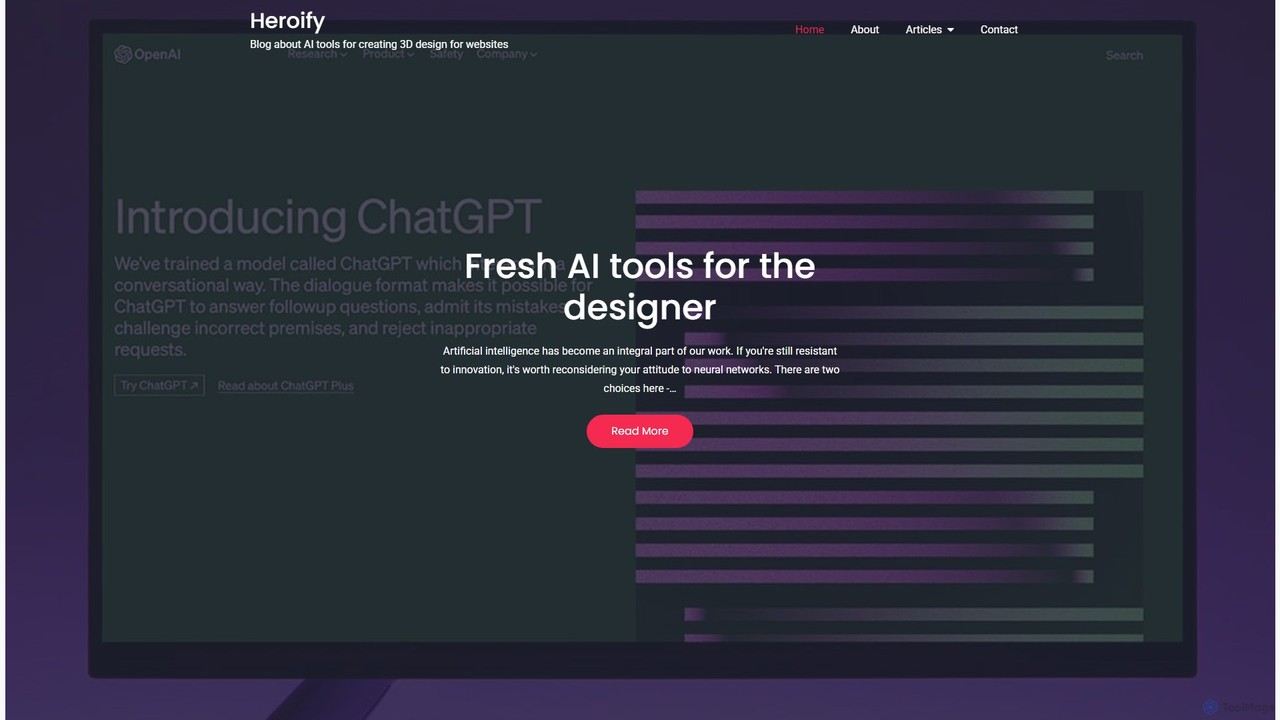
Heroify is an AI-powered platform for generating high-quality 3D models and design assets from 2D images and text prompts. It's designed for designers, developers, and creators to accelerate their workflow and bring creative visions to life with ease.

Image To 3D
Visits 5.3KFavorites 97Likes 97

About Web Design

AI Web Design tools are a class of software that leverages artificial intelligence to automate and enhance the process of creating websites. These tools utilize generative algorithms and machine learning to produce unique layouts, generate code, and optimize user interfaces based on user inputs and content. Their primary value lies in dramatically accelerating the design-to-development workflow, enabling users without coding skills to build professional, responsive websites. They also empower developers and designers by providing data-driven design suggestions and automating repetitive tasks.

Core Features

  • Generative Layout Design: Automatically creates multiple unique website layouts and design variations based on content and style preferences.
  • Automated Code Generation: Converts visual designs or mockups into clean, standards-compliant HTML, CSS, and sometimes JavaScript.
  • AI-Powered A/B Testing: Intelligently tests different design elements, such as headlines or button placements, to optimize for user engagement and conversion rates.
  • Content-Aware Adaptation: Dynamically adjusts the website layout to best fit the provided text and images, ensuring a balanced and professional appearance.
  • SEO Optimization Suggestions: Analyzes content and structure to provide recommendations for improving search engine visibility.

Use Cases

These tools are ideal for entrepreneurs, marketers, and small business owners who need to launch websites or landing pages quickly without hiring a dedicated development team. They are also valuable for professional web designers and developers looking to accelerate their prototyping process, generate boilerplate code, or explore creative design directions efficiently.

How to Choose

When selecting an AI Web Design tool, consider the level of design customization and control it offers. Evaluate the quality and exportability of the generated code, especially if you plan to modify it later. Check for integrations with content management systems (CMS) and other marketing tools. Finally, assess whether the tool is geared towards no-code users or developers to ensure it matches your technical skill level.

Featured tool rankings

Web Design use cases

1

Rapid Landing Page Prototyping for Startups

A startup founder needs to validate a new product idea quickly by launching a landing page. Instead of spending weeks and significant budget on a designer and developer, they use an AI web design tool. By providing a brief description of the product, target audience, and brand colors, the AI generates several professional, mobile-responsive landing page designs in minutes. The founder can then select the best option, connect it to a domain, and start collecting user feedback and sign-ups almost immediately, drastically reducing time-to-market.

2

Creating High-Converting Marketing Campaign Pages

A digital marketer is tasked with creating a dedicated landing page for an upcoming online advertising campaign. Their goal is to maximize conversions. Using an AI web design tool with built-in A/B testing, they generate three different layouts for the same ad copy and offer. The AI automatically directs traffic to each version, analyzes user behavior in real-time, and gradually shifts more traffic to the best-performing design. This data-driven approach helps the marketer achieve a higher conversion rate than they could by relying on intuition alone.

3

Modernizing a Small Business Website

A local restaurant owner has an outdated, non-mobile-friendly website that is hurting their business. Lacking the budget for a full redesign agency, they turn to an AI web design platform. The tool can analyze their existing content, such as menus and photos, and suggest modern, visually appealing templates. The AI ensures the new site is fully responsive, includes online ordering integration, and even suggests SEO-optimized text for dish descriptions. The result is a professional online presence, created in a single afternoon, that attracts more customers.

4

Automated Code Generation for Developers

A front-end developer is working on a tight deadline to build a multi-page corporate website. To speed up the process, they use an AI tool that converts Figma designs into code. Instead of manually writing HTML and CSS for each component, they import the design file, and the AI generates clean, structured code. This allows the developer to focus on more complex JavaScript functionality and interactions, rather than on tedious markup and styling. The process cuts down the initial development time by over 50%, enabling them to meet the project deadline.

5

Creating a Professional Portfolio for Freelancers

A freelance graphic designer needs a portfolio website to showcase their work to potential clients but lacks web development skills. They use an AI website builder specifically designed for creatives. By uploading their projects (images, videos, and case study text), the AI automatically arranges them into elegant, grid-based layouts. It suggests complementary color palettes and typography that match the designer's aesthetic. Within a few hours, the designer has a polished, professional portfolio site that looks custom-built, helping them attract higher-quality clients.

6

Generating E-commerce Product Page Variations

An e-commerce manager wants to optimize product pages for a new line of sneakers. Using an AI web design tool, they input the product images, descriptions, and specifications. The AI then generates multiple page layouts, some emphasizing lifestyle imagery, others focusing on technical details, and some highlighting customer reviews. The manager can then easily run tests to see which layout converts best for different customer segments, all without needing to manually design and code each variation. This leads to increased sales and a better understanding of customer preferences.

Web Design FAQ

What are AI Web Design tools?

AI Web Design tools are applications that use artificial intelligence to automate parts of the website creation process. Unlike traditional builders that rely on templates and manual drag-and-drop actions, these tools can generate unique designs, write code, and suggest layout improvements based on content and user goals. Key features often include generative layout creation, automated code conversion from design files, and AI-driven A/B testing for optimization.

How do AI Web Design tools differ from traditional website builders like Wix or Squarespace?

The main difference lies in the design process. Traditional builders are template-based; you choose a pre-made design and manually customize it. AI Web Design tools are generative; they create new, unique designs from scratch based on your inputs (e.g., industry, style preferences, content). This often results in more unique-looking websites. Additionally, some AI tools focus more on converting designs to developer-ready code, a feature less common in traditional no-code builders.

How should I choose the right AI Web Design tool?

Choosing the right tool depends on your specific needs. Consider the following factors:

  • Your Goal: Are you building a simple landing page, a complex e-commerce site, or just prototyping? Some tools excel at specific tasks.
  • Technical Skill: Do you need a completely no-code solution, or are you a developer looking for a tool that exports clean code?
  • Customization Needs: How much control do you want over the final design? Some AI tools offer more flexibility than others.
  • Integrations: Ensure the tool can connect with other services you use, such as CMS platforms, analytics tools, or marketing automation software.
Can AI Web Design tools create SEO-friendly websites?

Yes, many modern AI web design tools are built with SEO best practices in mind. They often generate clean, semantic HTML code, ensure mobile responsiveness, and optimize image sizes automatically. Some advanced tools can even suggest SEO-friendly headlines, meta descriptions, and alt text for images. However, while the tool provides a strong technical foundation, creating high-quality, relevant content remains the most critical factor for successful SEO.

Who are AI Web Design tools best suited for?

AI Web Design tools serve a broad audience. They are particularly beneficial for:

  • Entrepreneurs and Small Businesses: For quickly creating a professional web presence without a large budget.
  • Marketers: For rapidly building and testing landing pages for campaigns.
  • Designers: To accelerate brainstorming and prototyping by generating multiple design ideas instantly.
  • Developers: To automate the conversion of designs (e.g., from Figma) into boilerplate HTML/CSS, saving significant time on initial setup.