
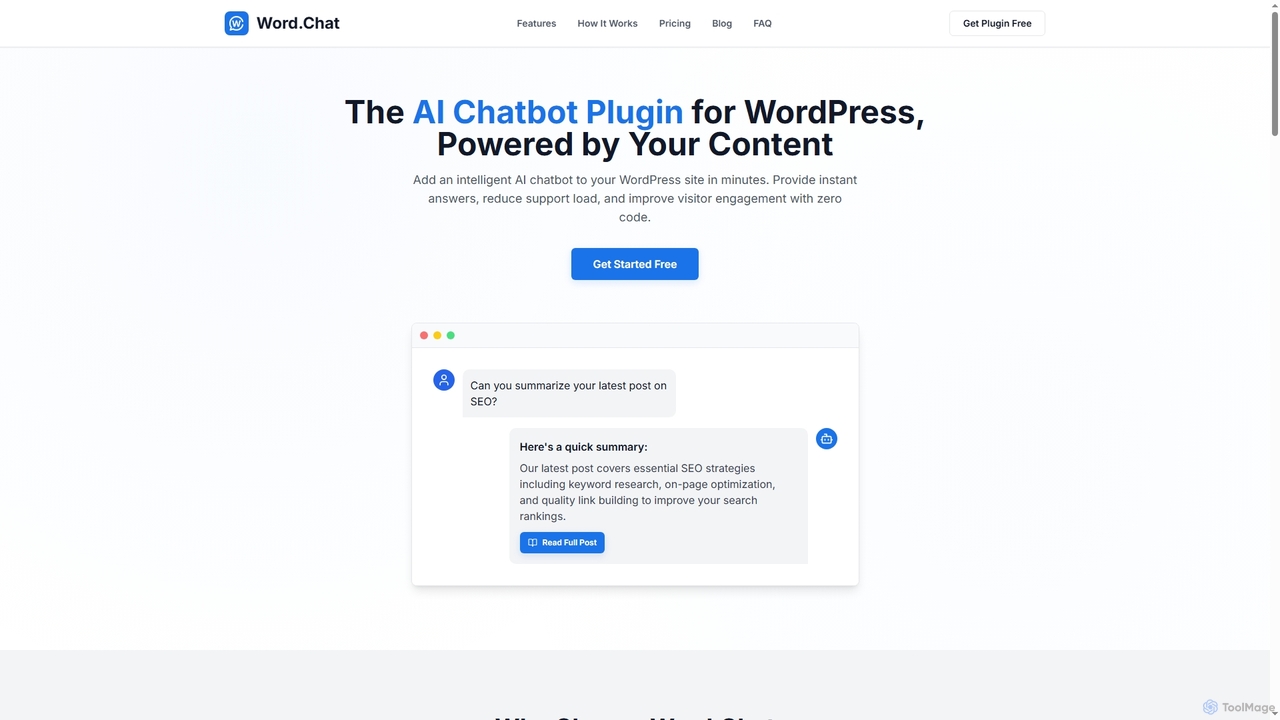
Development Best in category 1 results Wordpress Plugins AI Tool

Popular AI tools in the Wordpress Plugins field of Development include Word.Chat, etc., helping you quickly improve efficiency.

Word.Chat

Word.Chat

Word.Chat is an AI-powered WordPress plugin that integrates an intelligent chatbot directly into your website. It's trained on …

2.3K

About Wordpress Plugins

AI WordPress Plugins are extensions that integrate artificial intelligence capabilities directly into your WordPress website. These tools leverage machine learning, natural language processing (NLP), and generative AI to automate complex tasks. They empower users to create content, optimize for search engines, enhance user engagement, and manage site operations more efficiently, all from within the WordPress dashboard. This transforms a standard website into a smarter, more automated digital platform.

Core Features

  • AI Content Creation: Generates blog posts, product descriptions, and marketing copy based on simple prompts.
  • Intelligent SEO Analysis: Provides real-time suggestions for keyword optimization, readability, and meta tags.
  • Automated Image Optimization: Automatically generates alt text, compresses images, and can even create visuals from text.
  • AI-Powered Chatbots: Deploys conversational agents to handle customer support and lead generation 24/7.
  • Personalized Recommendations: Analyzes user behavior to display relevant content or products, increasing engagement.

Use Cases

These plugins are widely used by content creators and bloggers to accelerate article production and overcome writer's block. E-commerce businesses utilize them to generate unique product descriptions at scale and provide instant customer support. Digital marketing agencies also rely on AI WordPress plugins to streamline SEO workflows and manage content strategies for multiple clients efficiently.

How to Choose

When selecting an AI WordPress Plugin, first identify your primary need—whether it's content generation, SEO, or customer service. Evaluate its compatibility with your existing theme and plugins to avoid conflicts. Consider the pricing model, such as subscription fees versus pay-per-use API credits, and assess its impact on your site's performance, favoring plugins that process tasks on external servers.

Wordpress PluginsUse Cases

1

Automating Blog Post Creation

A content marketer managing a corporate blog needs to publish three new articles per week. Using an AI WordPress plugin, they input a target keyword and a brief outline for each article. The AI generates a well-structured draft, including headings, introductory paragraphs, and relevant points. The marketer then spends about 30% of their usual time editing and refining the content, rather than writing from scratch. This process allows them to consistently meet their content schedule, maintain quality, and focus more on strategy and promotion.

2

Enhancing E-commerce Product Descriptions

An e-commerce store owner with hundreds of products struggles to write unique, SEO-friendly descriptions for each item. By installing an AI plugin integrated with WooCommerce, they can automatically generate compelling descriptions. The owner provides key features and the product name, and the AI produces several variations of descriptive text. This not only saves countless hours of manual work but also improves product page SEO by avoiding duplicate content, leading to better search engine rankings and potentially higher conversion rates.

3

Implementing 24/7 AI Customer Support

A small business offering online services wants to provide round-the-clock support without hiring a large team. They install an AI chatbot plugin on their WordPress site. They train the chatbot with their FAQ documentation and product information. Now, the chatbot can instantly answer common customer questions, guide users through the website, and even collect lead information outside of business hours. This improves customer satisfaction by providing immediate assistance and frees up the human support team to handle more complex inquiries.

4

Optimizing SEO Content in Real-time

A freelance blogger wants to ensure every article is perfectly optimized for search engines before publishing. They use an AI SEO plugin that integrates directly into the WordPress editor. As they write, the plugin provides real-time feedback, suggesting better keywords, analyzing sentence structure for readability, and checking for an optimal keyword density. It also helps generate compelling meta titles and descriptions. This turns the writing process into an interactive optimization session, significantly improving the on-page SEO of each post and increasing its chances of ranking well on Google.

5

Automatically Generating Image Alt Text

A website administrator for a large news portal with thousands of images needs to ensure web accessibility and improve image SEO. Manually writing alt text for every image is an impossible task. They install an AI plugin that scans the WordPress media library. Using image recognition technology, the plugin automatically generates descriptive alt text for each image, such as 'a black dog catching a red frisbee in a park.' This bulk process saves hundreds of hours and ensures the site is more accessible to visually impaired users and better understood by search engine crawlers.

6

Creating Personalized Content Recommendations

An online learning platform built on WordPress wants to increase user engagement and course completion rates. They implement an AI recommendation plugin. The plugin analyzes a user's browsing history, completed courses, and topics of interest. Based on this data, it displays a personalized 'Recommended for You' widget on the user's dashboard and at the end of articles. This helps users discover relevant new content and courses, keeping them engaged with the platform for longer and encouraging them to continue their learning journey.

Wordpress PluginsFrequently Asked Questions