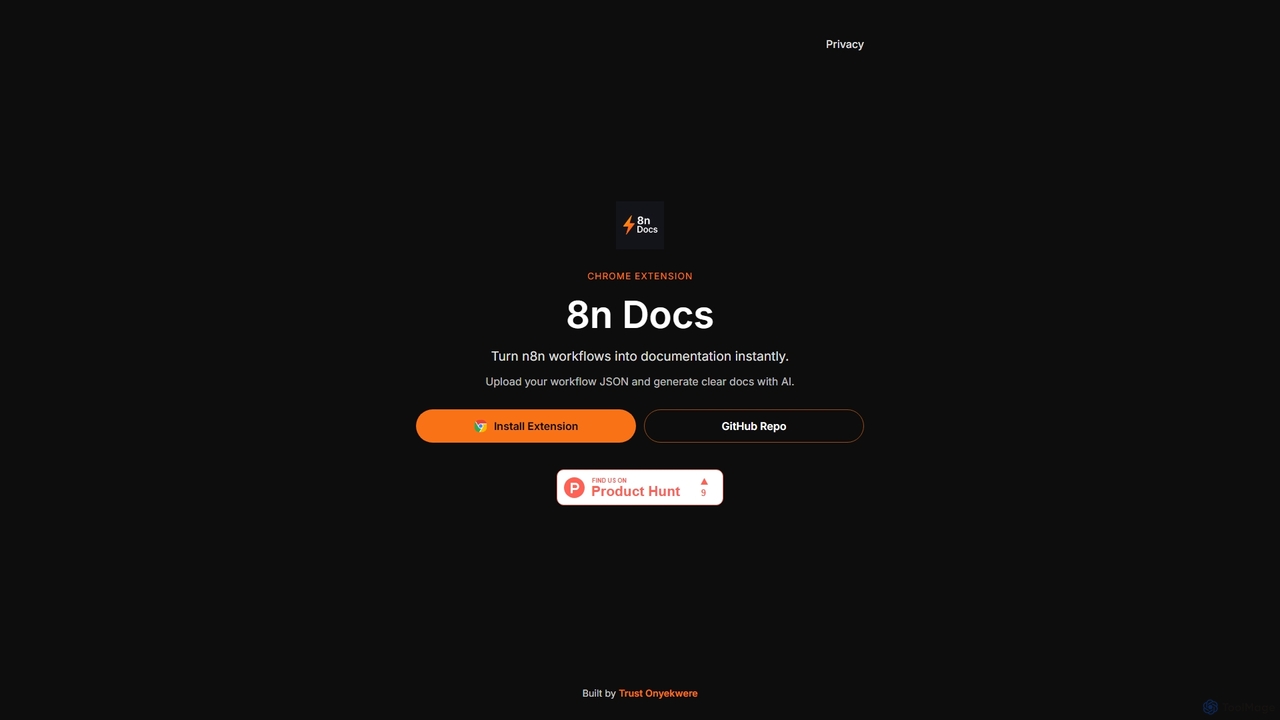
8n Docs
8n Docs is a Chrome Extension that instantly transforms n8n workflows into clear, AI-generated documentation. Simply upload your …
8n Docs is a Chrome Extension that instantly transforms n8n workflows into clear, AI-generated documentation. Simply upload your workflow JSON to get comprehensive and easy-to-understand documentation, streamlining your development and knowledge sharing processes.
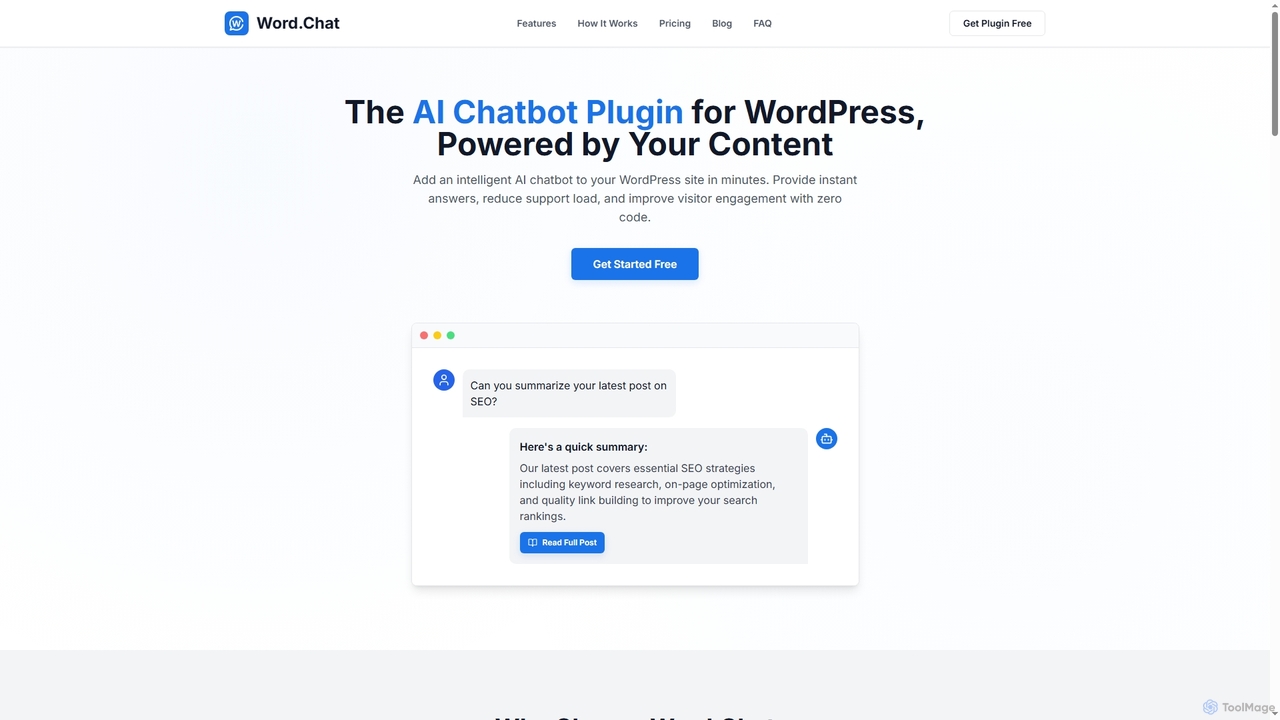
Word.Chat
Word.Chat is an AI-powered WordPress plugin that integrates an intelligent chatbot directly into your website. It's trained on …
Word.Chat is an AI-powered WordPress plugin that integrates an intelligent chatbot directly into your website. It's trained on your site's content to deliver instant, accurate answers, significantly reducing support load and enhancing visitor engagement with a zero-code setup.
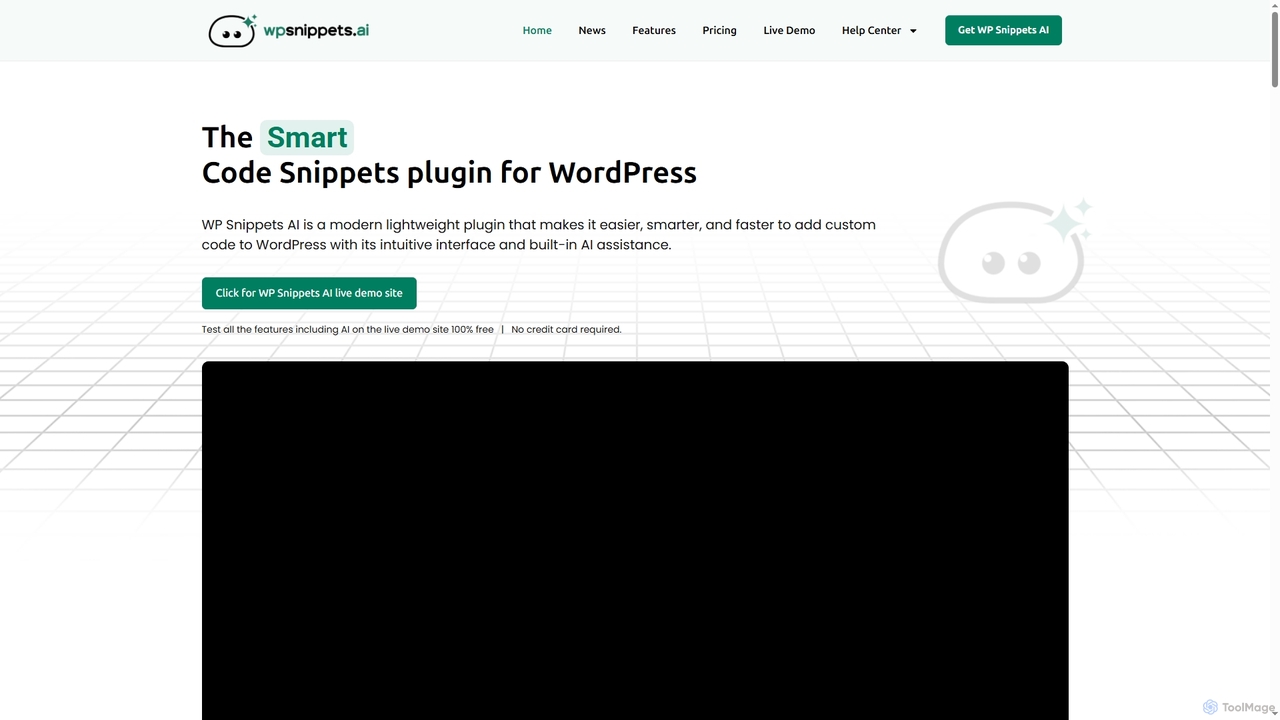
WP Snippets AI
WP Snippets AI is a fast, modern, and lightweight WordPress plugin designed to simplify custom code management. It …
WP Snippets AI is a fast, modern, and lightweight WordPress plugin designed to simplify custom code management. It features an intuitive interface and built-in AI assistance for generating, analyzing, and improving code snippets in HTML, CSS, JavaScript, and PHP, enhancing workflow for developers and site administrators.
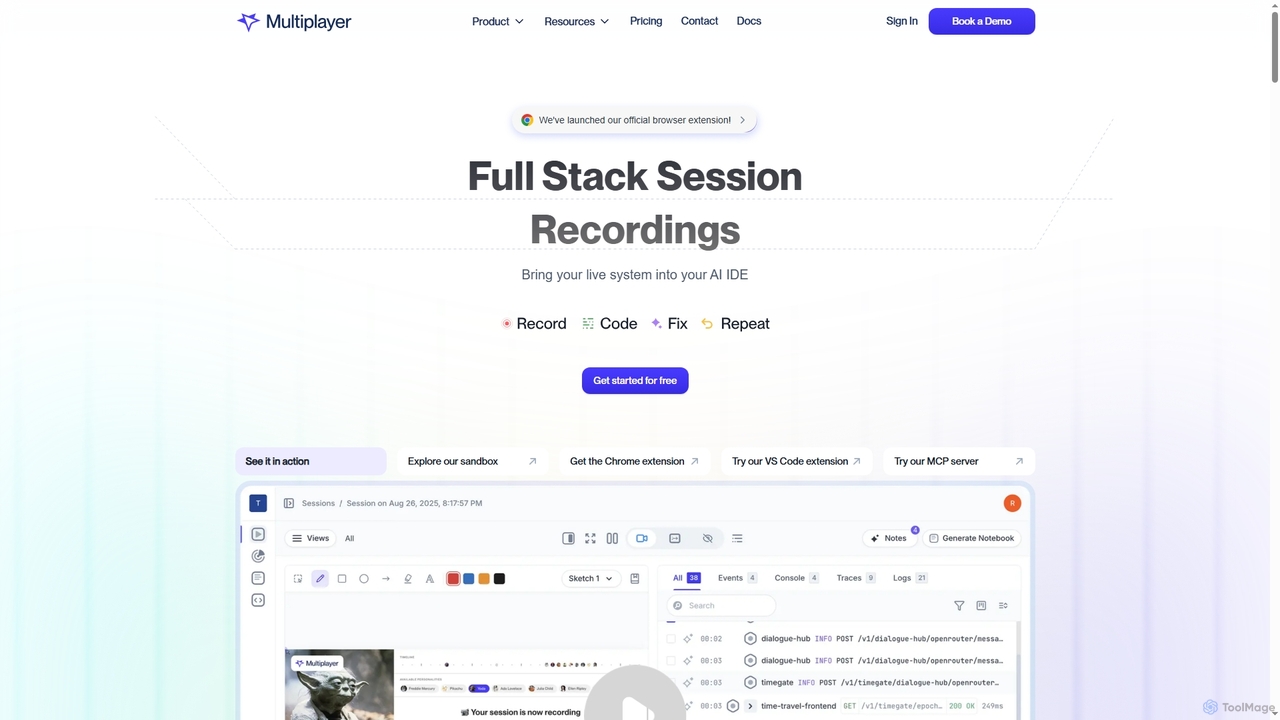
Multiplayer
Multiplayer is a full-stack session recording platform that captures frontend and backend data, providing complete context for debugging, …
Multiplayer is a full-stack session recording platform that captures frontend and backend data, providing complete context for debugging, testing, and AI-powered feature development. It integrates seamlessly with AI IDEs and engineering workflows to accelerate problem resolution and build new features with confidence.
framify
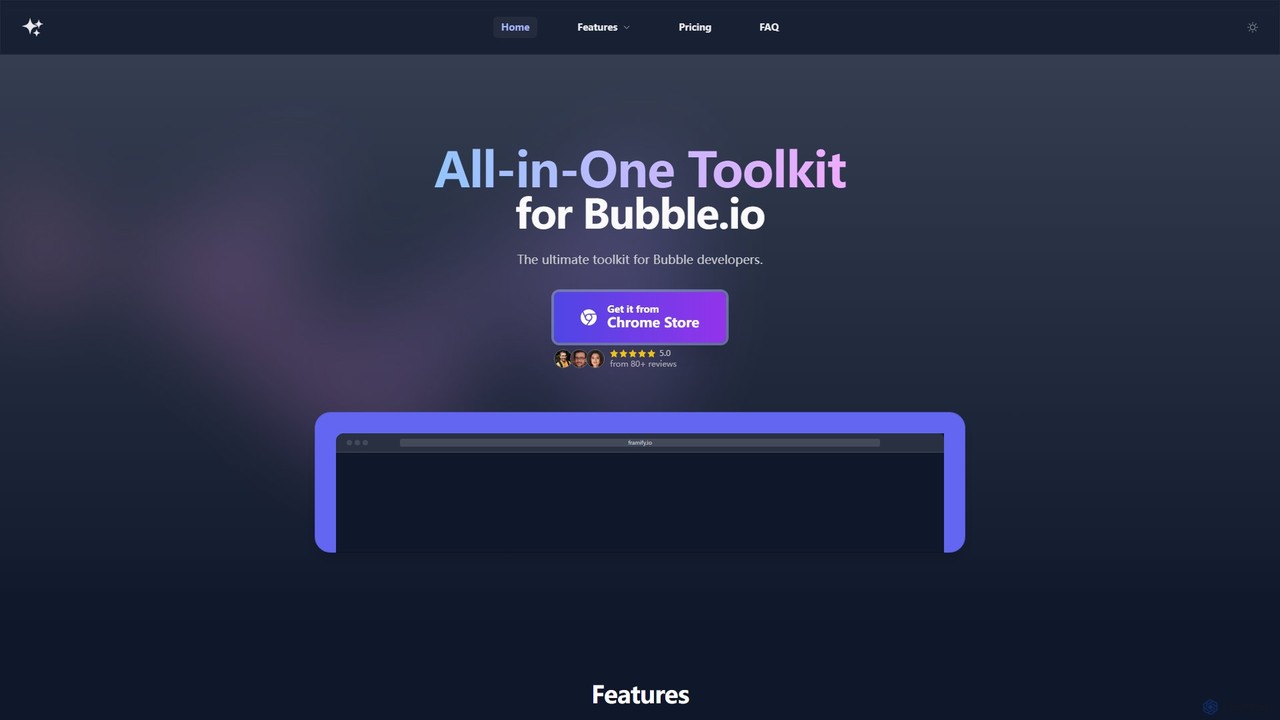
Framify is an all-in-one AI-powered toolkit and component library for Bubble.io and Webflow developers. It accelerates web development …
Framify is an all-in-one AI-powered toolkit and component library for Bubble.io and Webflow developers. It accelerates web development with a vast library of UI components, a Figma to Bubble converter, an AI site builder, and various productivity tools. It's designed to streamline workflows, enhance design, and reduce development time significantly.
Frontender
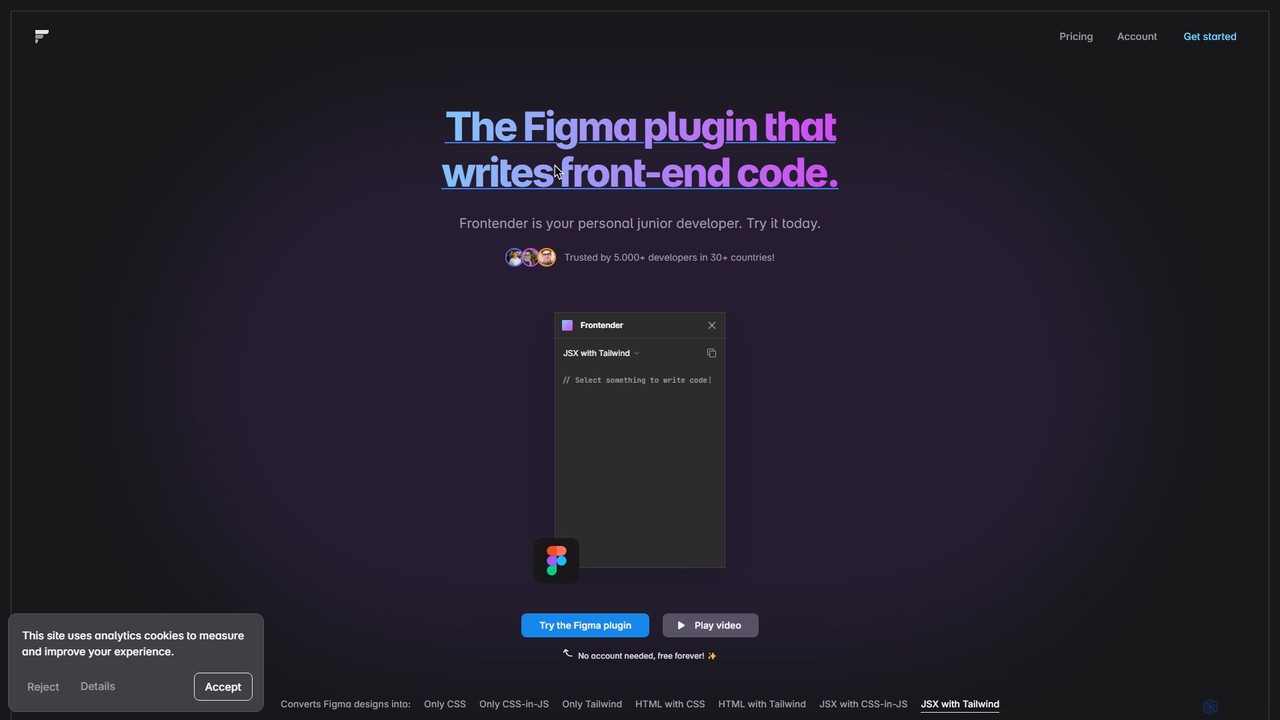
A powerful Figma plugin that acts as your personal junior developer, instantly converting Figma designs into clean, production-ready …
A powerful Figma plugin that acts as your personal junior developer, instantly converting Figma designs into clean, production-ready front-end code. It supports HTML, JSX, CSS, CSS-in-JS, and Tailwind CSS, and works seamlessly with frameworks like React, Vue, and Svelte, even with messy design files.
AppSec Assistant
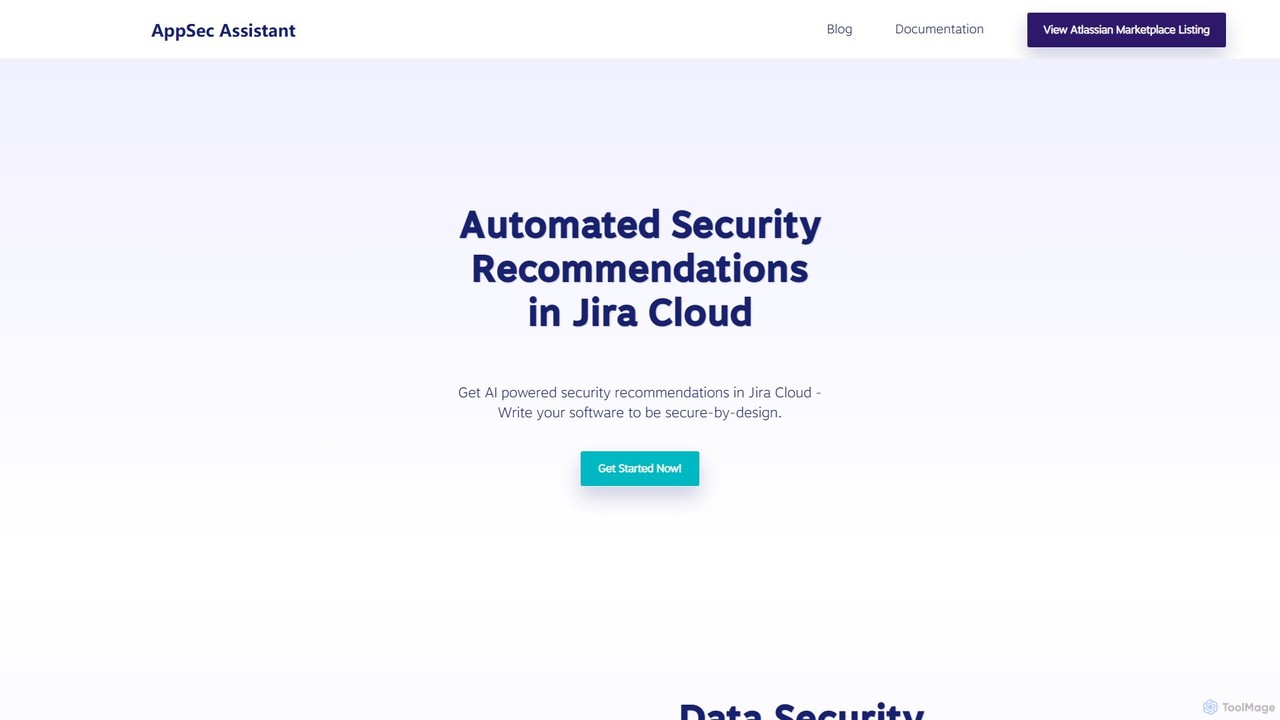
An AI-powered assistant integrated into Jira Cloud that provides automated security recommendations for software development. It helps developers …
An AI-powered assistant integrated into Jira Cloud that provides automated security recommendations for software development. It helps developers write secure-by-design code, streamlines AppSec reviews, and embeds security directly into the SDLC.
About Development
AI Development tools are a class of software that leverages artificial intelligence to automate, accelerate, and enhance the software development lifecycle. These tools utilize large language models (LLMs) and machine learning to assist with tasks like code generation, debugging, and automated testing. They empower developers to build applications faster, reduce human error, and focus on complex architectural challenges. By integrating directly into Integrated Development Environments (IDEs), they act as intelligent coding partners for programmers.
Core Features
- AI Code Completion & Generation: Suggests or writes entire code blocks, functions, and classes based on natural language prompts or existing code context.
- Automated Debugging & Error Analysis: Identifies bugs in real-time, suggests potential fixes, and explains complex errors to speed up troubleshooting.
- Code Refactoring & Optimization: Analyzes existing code and recommends improvements for better performance, readability, and maintainability.
- Natural Language to Code/SQL: Translates plain language descriptions into executable code, complex SQL queries, or shell commands.
- Automated Test Case Generation: Creates relevant unit tests and integration tests based on the code's logic and functional requirements.
Use Cases
AI Development tools are widely used by individual developers, agile teams, and large enterprises. They are applied in web development, mobile app creation, data science, and embedded systems. Common scenarios include rapid prototyping of new features, maintaining large and complex legacy codebases, and accelerating the onboarding process for new developers by providing contextual code explanations.
How to Choose
When selecting an AI Development tool, evaluate its integration with your preferred IDE (e.g., VS Code, JetBrains). Consider the programming languages it supports and the accuracy of its code suggestions. For enterprise use, critically assess its security and privacy policies regarding your codebase, and check for options like on-premise deployment or policies that prevent training on private data.
DevelopmentUse Cases
Accelerate API Endpoint Development
A backend developer is tasked with creating a new set of RESTful API endpoints for a user management module. Instead of writing all the boilerplate code manually, they use an AI development tool. By providing a natural language prompt like 'Create a POST endpoint for user registration with email, password, and name fields, including validation and database insertion', the tool generates the complete controller logic, data validation rules, and database model interaction code. This reduces initial development time by over 60%, allowing the developer to focus on business logic and security hardening.
Automate Code Review and Refactoring
A software team lead integrates an AI development tool into their CI/CD pipeline. When a developer submits a pull request, the AI tool automatically scans the new code. It identifies potential bugs, performance bottlenecks (like inefficient database queries), and deviations from coding standards. The tool leaves comments directly on the pull request with specific suggestions for refactoring, such as simplifying a complex function or using a more efficient algorithm. This automates the first pass of code review, saving senior developers' time and ensuring a consistent level of code quality across the team.
Debug Complex Legacy Code
A maintenance engineer needs to fix a critical bug in a large, poorly documented legacy system. The original developers are no longer with the company. The engineer uses an AI development tool to understand the codebase. By highlighting a complex function, the AI explains its purpose, inputs, outputs, and side effects in plain English. When an error occurs, the engineer feeds the stack trace to the AI, which analyzes it and pinpoints the likely root cause, suggesting specific lines of code to investigate. This transforms a multi-day investigation into a task that can be completed in a few hours.
Generate Comprehensive Unit Tests
A developer has just finished writing a new data processing function but needs to ensure its reliability by creating thorough unit tests. Using an AI development tool, they right-click the function and select 'Generate Tests'. The AI analyzes the function's logic, including its parameters, return types, and edge cases (e.g., null inputs, empty arrays). It then automatically generates a suite of unit tests covering successful paths, failure scenarios, and boundary conditions. The developer can review and refine these tests, achieving 90%+ code coverage in a fraction of the time it would take to write them manually.
Translate Natural Language to SQL Queries
A data analyst needs to pull a specific report from a complex database with dozens of interconnected tables. They are not an SQL expert and writing the query would be time-consuming and error-prone. Instead, they use an AI development tool and type a request in plain English: 'Show me the total sales revenue for each product category in the last quarter, sorted from highest to lowest, for customers in North America'. The tool instantly generates an optimized, multi-join SQL query that correctly retrieves the requested data, saving the analyst hours of work and potential errors.
Onboard New Developers Faster
A junior developer joins a team and is assigned to a project with a massive, complex codebase. To get up to speed, they use an AI development tool as a learning aid. When they encounter an unfamiliar section of code, they can ask the AI to 'explain this code'. The tool provides a step-by-step breakdown of the logic, defines variables, and clarifies the function's overall purpose within the application. This self-service learning process significantly reduces the amount of time they need to ask senior developers for help, allowing them to become productive contributors to the project much more quickly.