ToolMage
Sign in

Best 7 Document Processing AI tools

Popular Document Processing AI tools include CV Shortlist, OCR Arena, Bsub, Flippr, OfficeBot, Octro, and Imprint, helping you work more efficiently.

CV Shortlist
Freemium

CV Shortlist

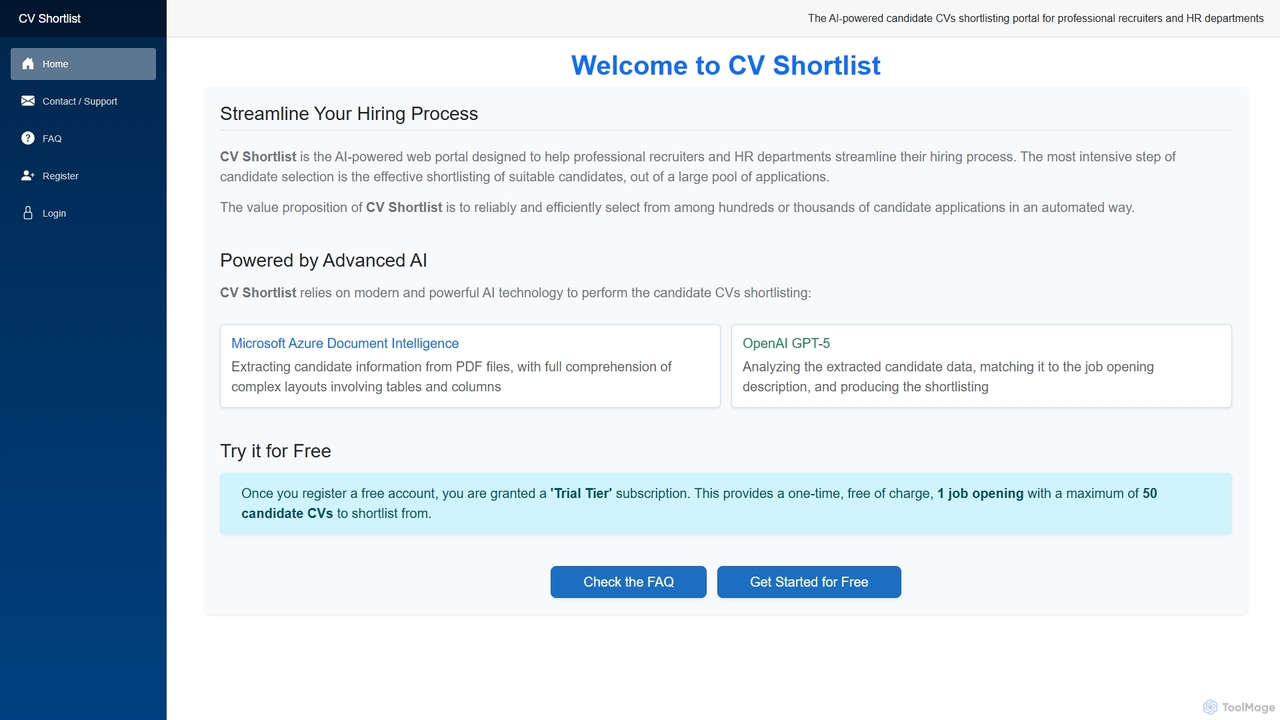
CV Shortlist is an AI-powered web portal designed to revolutionize the hiring process for professional recruiters and HR departments. It efficiently automates the intensive task of shortlisting suitable candidates from hundreds or thousands of applications, leveraging advanced AI to extract, analyze, and match CV data against job descriptions.

Candidate Screening
Visits 86.8KFavorites 45Likes 41
Imprint

Imprint

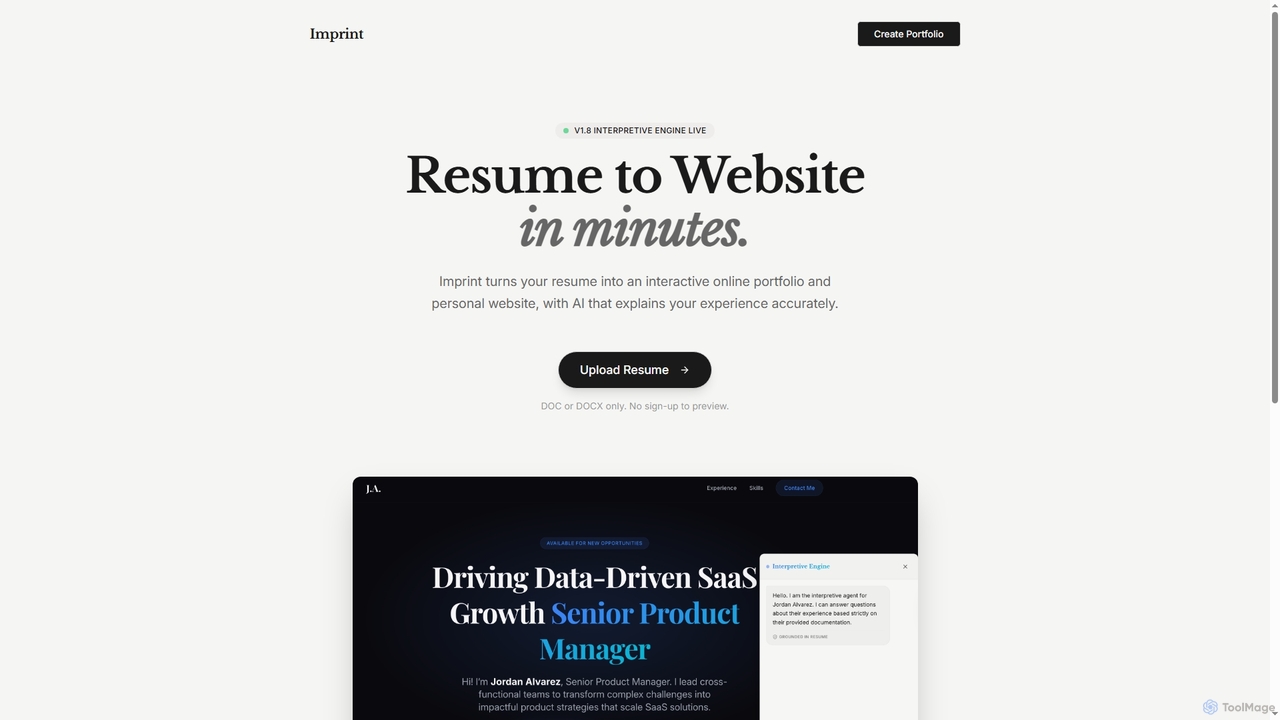
Imprint transforms your DOC/DOCX resume into an interactive online portfolio and personal website in minutes. Leveraging AI, it accurately explains your experience, making your professional story dynamic and responsive to recruiter inquiries without requiring a sign-up to preview.

Job Search
Visits 6.4KFavorites 45Likes 43
Flippr
Freemium

Flippr

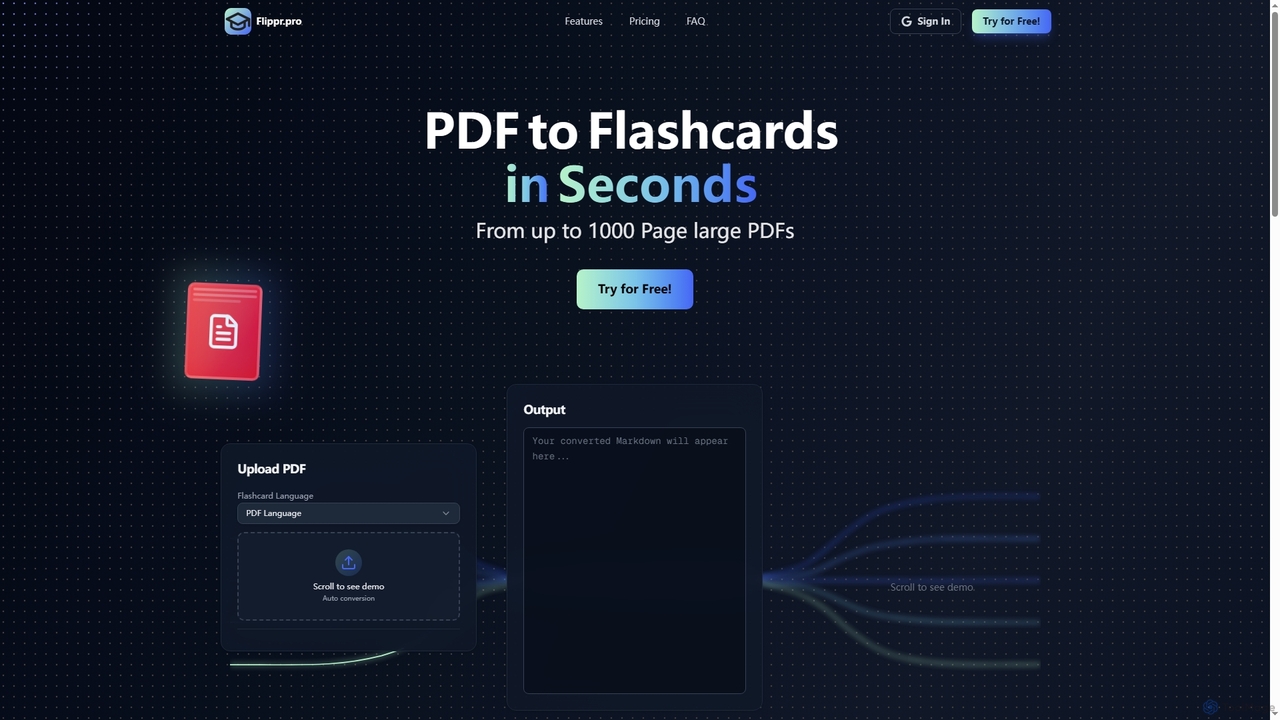
Flippr is an AI-powered study tool that rapidly converts PDF documents into interactive flashcards. Designed for students and professionals, it streamlines the learning process by transforming extensive study materials into digestible, easy-to-review formats in seconds.

Conversion
Visits 7KFavorites 80Likes 93
OCR Arena
Free

OCR Arena

OCR Arena is a free online platform designed for testing and evaluating leading foundation Vision-Language Models (VLMs) and open-source Optical Character Recognition (OCR) models. It allows users to upload documents, measure accuracy, and compare model performance on a public leaderboard.

Model Evaluation
Visits 18.5KFavorites 134Likes 140
Bsub
Paid

Bsub

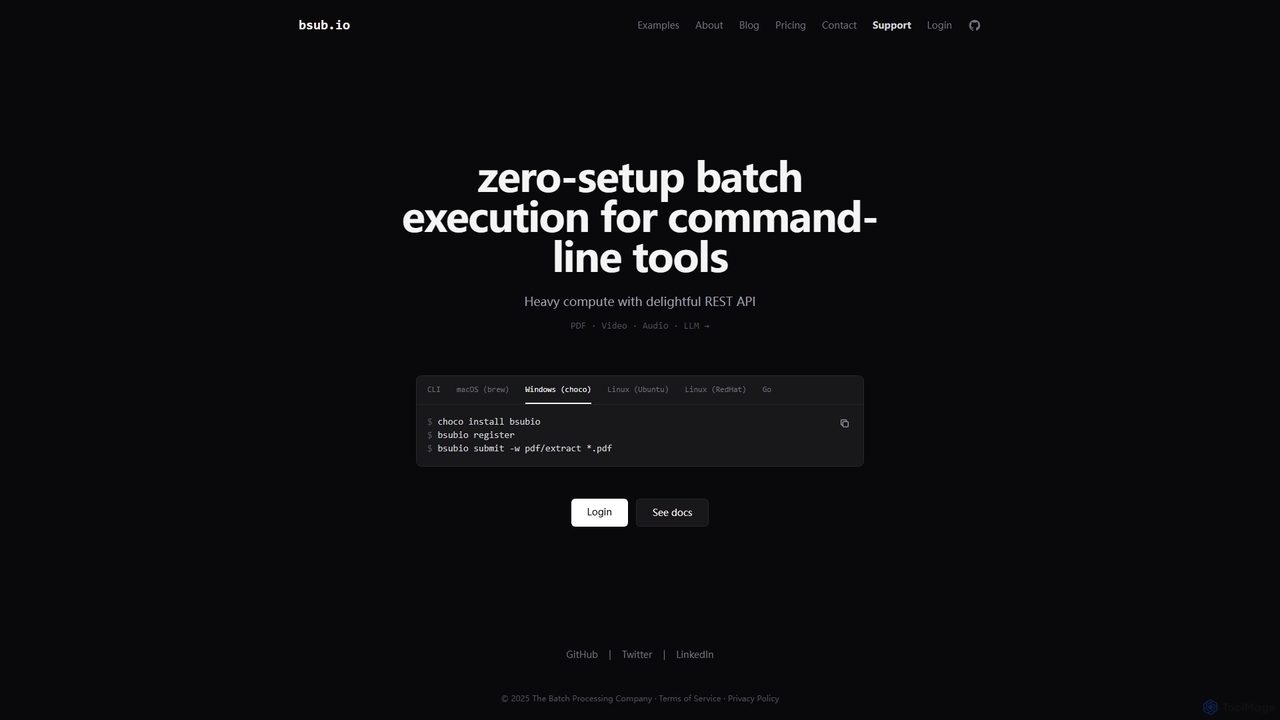
Bsub is a zero-setup batch processing platform designed for developers to execute command-line tools at scale. It simplifies heavy computational tasks like PDF extraction, video transcoding, audio transcription, and large language model (LLM) batch inference through a simple REST API, eliminating infrastructure management and scaling concerns.

Transcription
Visits 8.6KFavorites 124Likes 138
Octro
Freemium

Octro

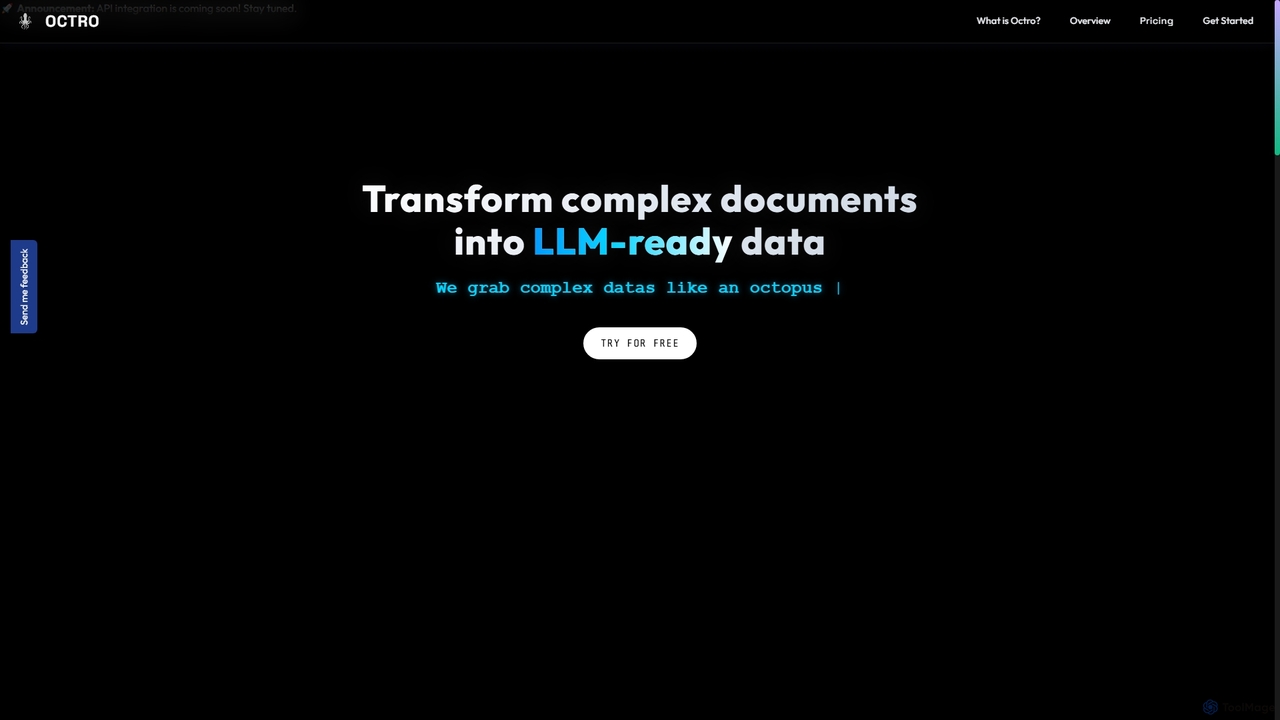
Octro is an AI-powered tool designed to transform complex documents, particularly PDFs, into structured, LLM-ready data formats like JSON and CSV. It specializes in accurate table extraction, enabling businesses across various industries to streamline data processing and enhance analytical workflows.

3D
Visits 6.5KFavorites 138Likes 130
OfficeBot
Paid

OfficeBot

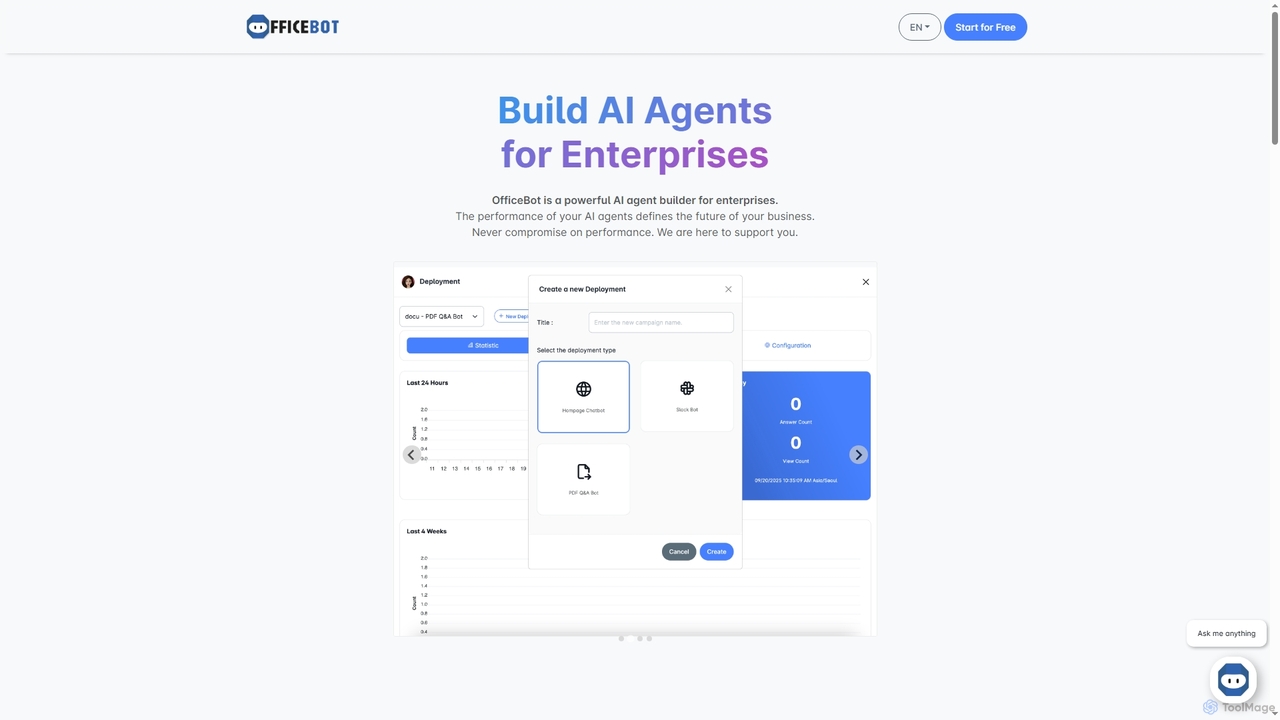
OfficeBot empowers enterprises to build custom AI agents for enhanced knowledge management and operational efficiency. It offers a platform to process documents, answer complex queries, and automate information retrieval, supported by flexible token-based pricing and expert developer assistance.

Enterprise Solutions
Visits 6.5KFavorites 138Likes 125

About Document Processing

Document Processing tools are AI-powered applications designed to automatically extract, analyze, and manage data from various documents. They leverage technologies like Optical Character Recognition (OCR) and Natural Language Processing (NLP) to interpret both structured and unstructured content. This automation streamlines workflows like invoice processing and contract analysis, significantly reducing manual effort and improving data accuracy. These tools transform static information from formats like PDFs and scanned images into actionable, structured data for business systems.

Core Features

  • Intelligent Data Extraction: Automatically identifies and extracts specific data points, such as names, dates, and amounts, from unstructured documents.
  • Document Classification: Sorts and categorizes incoming documents (e.g., invoices, contracts, receipts) based on their content and layout.
  • Natural Language Understanding: Analyzes text to comprehend context, sentiment, and key topics, enabling advanced search and summarization.
  • Automated Validation: Cross-references extracted information against existing databases or predefined rules to ensure data integrity.

Use Cases

These tools are widely used in industries like finance for accounts payable automation, legal for contract lifecycle management, and healthcare for digitizing patient records. Roles such as financial analysts, paralegals, and compliance officers use them to accelerate data-intensive tasks, minimize human error, and ensure information is readily accessible and compliant.

How to Choose

When selecting a tool, consider its accuracy rates for your specific document types. Evaluate its integration capabilities with your existing software (e.g., ERP, CRM) via APIs. Assess the level of customization available for training the model on unique document layouts. Finally, verify its security protocols and compliance with industry standards like GDPR or HIPAA.

Document Processing use cases

1

Automate Invoice Data Entry

An accounts payable specialist in a mid-sized company receives hundreds of invoices weekly in various formats like PDF and JPG. By using an AI Document Processing tool, they can upload all invoices in a single batch. The AI automatically extracts key fields such as vendor name, invoice number, due date, line items, and total amount with high accuracy. This data is then automatically populated into their accounting software, reducing manual entry time by over 90% and minimizing costly payment errors.

2

Accelerate Legal Contract Review

A corporate legal team needs to review a 100-page acquisition agreement for potential risks. Instead of spending days reading it manually, a paralegal uploads the document to an AI platform. The tool instantly identifies and extracts critical clauses, such as liability limitations, indemnification, and termination conditions. It can also compare these clauses against the company's standard templates, flagging any deviations. This allows the legal team to focus their attention on non-standard terms, completing the review in hours instead of days.

3

Streamline Customer Onboarding with ID Verification

A financial institution needs to verify customer identities during onboarding, a process that involves manually checking IDs and application forms. By implementing an AI document processing solution, customers can simply upload a photo of their driver's license and a utility bill. The AI performs OCR to extract personal details, validates the document's authenticity using fraud detection algorithms, and cross-references the information with the application form. This automates the Know Your Customer (KYC) process, reducing onboarding time from days to minutes and enhancing compliance.

4

Automate Resume Screening for HR

A human resources department is overwhelmed with hundreds of applications for a single job opening. Using an AI document processing tool, recruiters can automatically parse every resume submitted, regardless of its format. The system extracts key information like work experience, skills, education, and contact details, structuring it into a consistent format. Recruiters can then filter and rank candidates based on specific criteria (e.g., '5+ years of Python experience'), instantly identifying the most qualified applicants and saving dozens of hours per job posting.

5

Digitize and Analyze Medical Records

A healthcare research institution needs to analyze thousands of unstructured patient records, including physician notes and lab results, for a clinical study. An AI document processing tool can ingest these documents in various formats (scanned PDFs, faxes, EMR exports). It uses specialized medical NLP models to accurately identify and extract critical data points like diagnoses, medications, dosages, and lab values. This process transforms messy, unstructured text into a structured dataset, enabling researchers to perform large-scale analysis while maintaining patient privacy and HIPAA compliance.

6

Create a Searchable Knowledge Base from Internal Documents

A large enterprise has decades of internal reports, technical manuals, and project documents stored across various systems, making it difficult for employees to find information. By using a document processing tool, the company can create a centralized, intelligent knowledge base. The tool ingests all documents, uses OCR and NLP to make them fully searchable, and understands semantic queries. An employee can now ask a natural language question like 'What were the key findings of the Q4 2022 market research?' and receive a precise answer with links to the source documents, rather than just a list of keyword matches.

Document Processing FAQ

What is AI Document Processing?

AI Document Processing refers to the use of artificial intelligence technologies, primarily Optical Character Recognition (OCR) and Natural Language Processing (NLP), to automate the extraction, interpretation, and management of data from documents. Unlike simple scanning, these tools understand the context and structure of a document, allowing them to identify and pull specific information, classify documents by type, and make the content searchable and analyzable. The primary goal is to transform unstructured data from sources like PDFs, emails, and images into structured, actionable information.

How do I choose the right Document Processing tool?

To choose the right tool, consider these factors:

  • Accuracy: Evaluate the tool's claimed accuracy for the specific document types you work with (e.g., invoices, contracts). Request a demo with your own sample documents.
  • Document Support: Ensure it supports all the formats you need, including PDFs, scanned images, Word documents, and emails.
  • Integration: Check for pre-built integrations with your existing systems (like ERP, CRM, or cloud storage) or a robust API for custom connections.
  • Customization: Determine if you can train the AI model on your unique document layouts to improve accuracy over time.
  • Security and Compliance: Verify that the tool meets industry-specific security standards, such as GDPR for data privacy or HIPAA for healthcare information.
What's the difference between AI Document Processing and traditional OCR?

Traditional OCR (Optical Character Recognition) is a technology that converts images of text into machine-readable text data. It simply digitizes the characters but doesn't understand their meaning or context. AI Document Processing is a more advanced solution that uses OCR as a first step and then applies Natural Language Processing (NLP) and machine learning to interpret the text. This allows it to understand the document's structure, identify specific fields (like 'Invoice Number' vs. 'Total Amount'), classify the document type, and extract data in a structured format, providing much more value than raw text conversion.

What types of documents can these tools process?

AI Document Processing tools are versatile and can handle a wide range of document types, both structured and unstructured. Common examples include:

  • Financial Documents: Invoices, purchase orders, receipts, bank statements, and expense reports.
  • Legal Documents: Contracts, agreements, court filings, and deeds.
  • HR Documents: Resumes, employee contracts, and application forms.
  • Logistics and Supply Chain: Bills of lading, packing lists, and customs forms.
  • Healthcare Records: Patient intake forms, lab results, and insurance claims.

They can typically process files in various formats like PDF (including scanned), JPEG, PNG, TIFF, DOCX, and email bodies.

Who can benefit from using Document Processing tools?

A wide range of professionals and industries can benefit from automating document-heavy workflows. Key users include:

  • Finance and Accounting Teams: To automate accounts payable/receivable by processing invoices and purchase orders.
  • Legal Professionals: To accelerate contract review, due diligence, and discovery processes.
  • Human Resources Departments: To streamline resume screening and employee onboarding.
  • Healthcare Providers: To digitize patient records and process insurance claims efficiently.
  • Logistics Companies: To automate the processing of shipping and customs documents.

Essentially, any organization that deals with a high volume of documents and wants to reduce manual data entry, minimize errors, and speed up processes can gain significant value.