ToolMage
Sign in

Best 2 Automation AI tools for E Commerce

Popular Automation AI tools in E Commerce include Dashbe and ResponseCX, helping you work more efficiently.

Dashbe
Paid

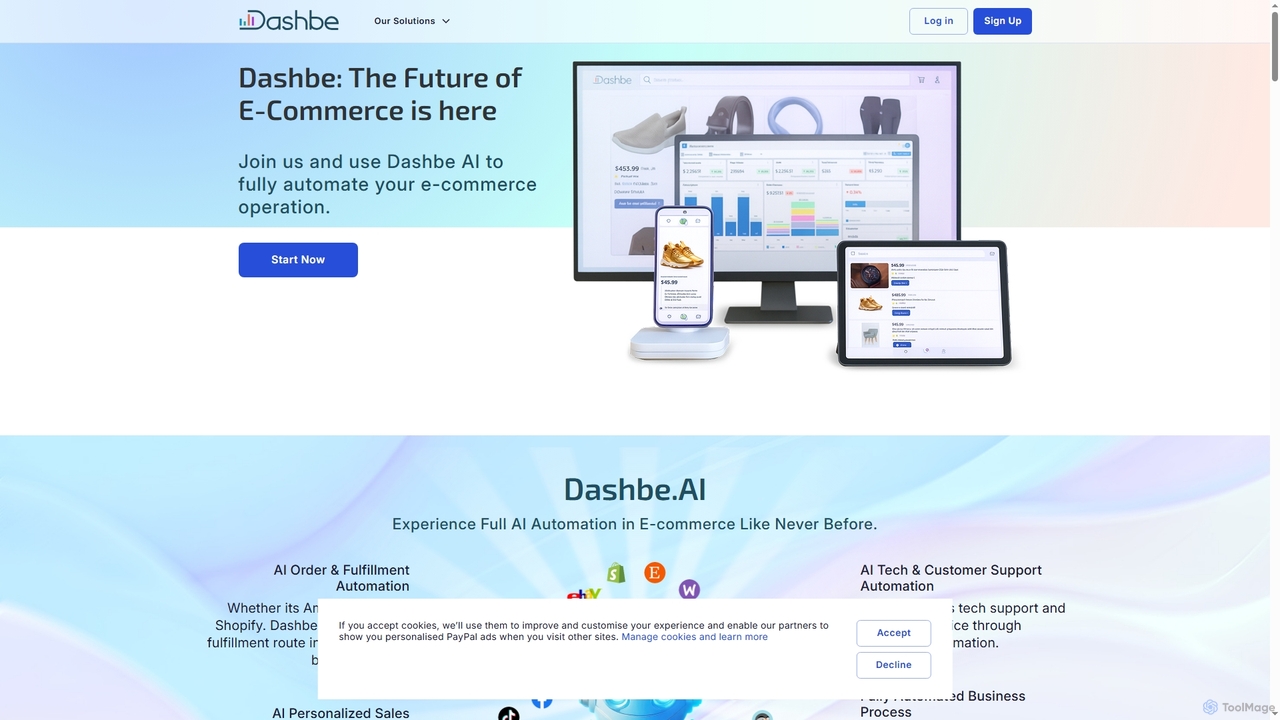
Dashbe

Dashbe is an AI-powered e-commerce automation platform designed to streamline and optimize online business operations. It offers comprehensive solutions for order fulfillment, personalized sales, marketing, customer support, inventory management, and multi-channel payment processing, empowering merchants to scale efficiently and enhance customer satisfaction.

Sales Management
Visits 6.4KFavorites 136Likes 141
ResponseCX
Paid

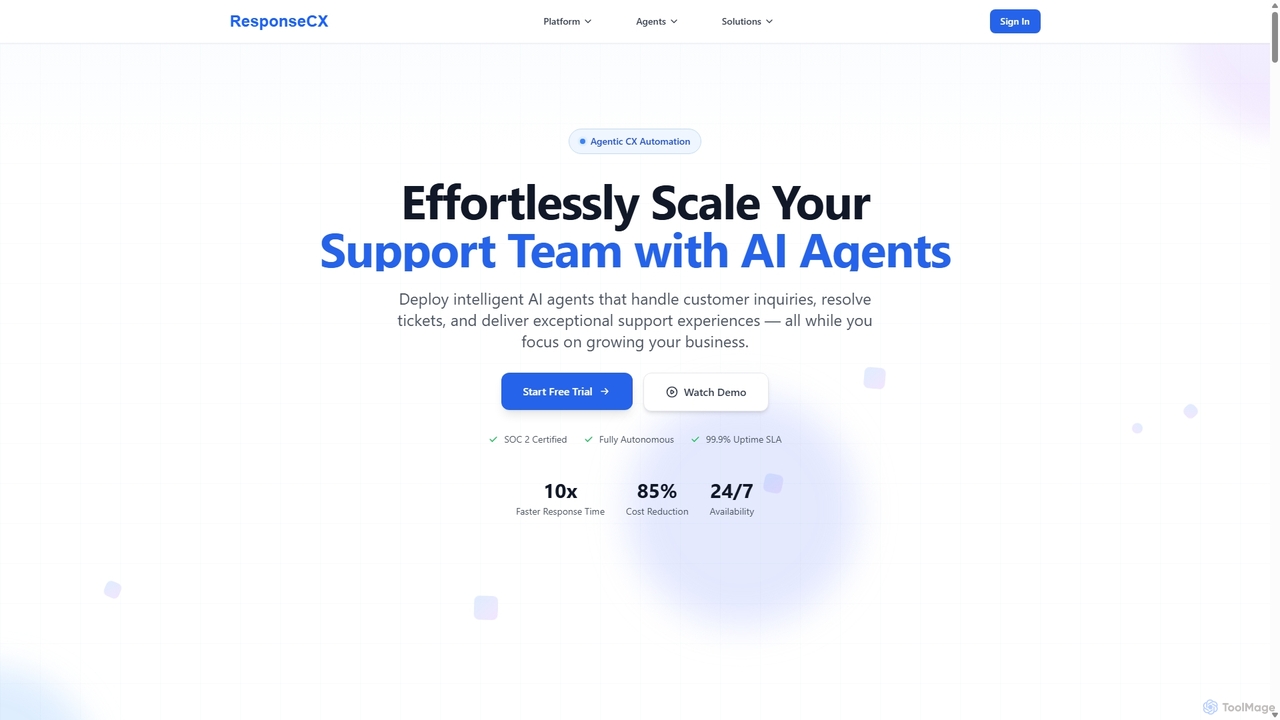
ResponseCX

ResponseCX is an agentic AI platform for Shopify brands, designed to automate customer support. It goes beyond traditional chatbots by autonomously resolving complex issues like order modifications, returns, and subscription management. It integrates deeply with your e-commerce stack to provide 24/7, on-brand customer service, significantly reducing ticket volume and operational costs.

Chatbots
Visits 6.2KFavorites 133Likes 155

About Automation

E-commerce Automation tools are a class of AI-powered software designed to streamline and automate repetitive tasks within online retail operations. These tools integrate with e-commerce platforms, marketplaces, and marketing channels to execute predefined workflows based on specific triggers and conditions. By automating processes like order fulfillment, inventory management, and customer communication, businesses can significantly reduce manual effort, minimize errors, and improve operational efficiency. This allows teams to focus on strategic activities such as product development and market expansion.

Core Features

  • Workflow Automation: Create multi-step, conditional workflows to automate tasks across different apps (e.g., when a new order is placed, create an invoice and send a notification).
  • Inventory Synchronization: Automatically update stock levels across multiple sales channels like Shopify, Amazon, and eBay to prevent overselling.
  • Automated Customer Communication: Send automated emails or messages for order confirmations, shipping updates, and abandoned cart reminders.
  • Data Integration & Reporting: Consolidate data from various sources into a central dashboard and automate the generation of sales or performance reports.

Use Cases

E-commerce Automation tools are essential for online store managers, marketplace sellers, and digital marketing teams. They are used to manage high-volume order processing, maintain consistent inventory levels across platforms, and execute personalized marketing campaigns at scale without constant manual oversight.

How to Choose

When selecting an E-commerce Automation tool, consider its integration capabilities with your existing platforms (e.g., Shopify, WooCommerce, Magento). Evaluate the flexibility of the workflow builder—can it handle your specific business logic? Also, assess the scalability of the platform to ensure it can grow with your order volume, and review the pricing model to understand costs based on task volume or connected apps.

Automation use cases

1

Automate Order Fulfillment and Shipping Notifications

An e-commerce store owner uses an automation tool to connect their Shopify store with their shipping provider's system. When a new order is marked as 'paid', a workflow is triggered. The tool automatically sends the order details to the fulfillment center, and once the shipping provider generates a tracking number, it updates the order in Shopify and sends a personalized shipping confirmation email to the customer. This eliminates manual data entry and keeps customers informed in real-time.

2

Sync Inventory Across Multiple Sales Channels

A business selling products on their own website, Amazon, and eBay uses an automation tool to manage inventory. When an item is sold on Amazon, the tool automatically reduces the stock count for that product on the website and eBay within minutes. This real-time synchronization prevents overselling the same item on different platforms, avoids customer dissatisfaction, and eliminates the need for manual daily stock checks, saving significant administrative time.

3

Execute Abandoned Cart Recovery Campaigns

A digital marketer for an online fashion brand sets up an automated workflow for abandoned carts. When a customer adds items to their cart but doesn't complete the purchase within an hour, the system automatically sends a reminder email. If the purchase is still not completed after 24 hours, a second email is sent with a 10% discount code. This automated sequence helps recover potentially lost sales and increases conversion rates without any manual intervention from the marketing team.

4

Automate Customer Support Responses for Common Queries

A customer service manager implements an automation tool that integrates with their helpdesk software. The tool is configured to automatically detect common questions in incoming support tickets, such as 'Where is my order?' or 'How do I make a return?'. It then replies instantly with a templated answer containing the customer's specific order status or a link to the return policy. This provides immediate support to customers and frees up human agents to focus on more complex issues.

5

Manage Product Review Requests and Social Proof

An e-commerce manager sets up a workflow that triggers 14 days after an order is delivered. The system automatically sends an email to the customer asking for a product review. If the customer leaves a 4 or 5-star review, another automation can post a thank-you message or even share the positive review on the company's social media channels. This process automates the collection of valuable social proof and user-generated content, enhancing brand trust.

6

Automate Supplier Purchase Orders Based on Stock Levels

An operations manager for an online retailer sets rules in their automation software to monitor inventory levels. When the stock for a popular product drops below a predefined threshold (e.g., 50 units), the system automatically generates a purchase order and emails it to the supplier. This ensures that popular items are restocked proactively, preventing stockouts and lost sales without requiring someone to manually track inventory and create POs.

Automation FAQ

What is E-commerce Automation?

E-commerce Automation refers to using software to perform repetitive tasks and workflows within an online retail business. Instead of manually processing orders, updating inventory, or sending marketing emails, these tools execute actions automatically based on predefined triggers and rules. Key applications include automating order fulfillment, synchronizing stock across multiple channels, and managing customer communications like abandoned cart reminders.

How to choose the right e-commerce automation tool?

To choose the right tool, consider these factors:

  • Integrations: Ensure it connects seamlessly with your e-commerce platform (Shopify, BigCommerce, etc.), marketing tools, and shipping carriers.
  • Workflow Flexibility: Check if the tool allows for complex, multi-step, and conditional logic to match your specific business processes.
  • Scalability: Select a platform that can handle your current task volume and grow with your business without significant price increases.
  • Ease of Use: Look for an intuitive interface that allows your team to build and manage automations without needing extensive technical knowledge.
What's the difference between e-commerce automation and a CRM?

While both can manage customer data, their primary focus differs. A CRM (Customer Relationship Management) is centered on managing interactions and relationships with customers throughout the sales funnel. E-commerce automation has a broader operational focus, connecting various systems (inventory, shipping, marketing, support) to automate entire business processes, not just customer interactions. An automation tool might use data from a CRM as a trigger, but its scope extends to back-end operations.

Is e-commerce automation suitable for small businesses?

Yes, e-commerce automation is highly suitable for small businesses. It allows small teams to manage a growing volume of orders and customer inquiries without needing to hire more staff. By automating routine tasks like sending order confirmations or updating inventory, small business owners can save significant time and reduce the risk of manual errors, freeing them up to focus on growth, marketing, and product development.

What are the main benefits of automating e-commerce operations?

The main benefits include:

  • Increased Efficiency: Automating repetitive tasks frees up human resources for more strategic work, allowing you to process more orders with the same team.
  • Reduced Errors: Automation minimizes the risk of human error in tasks like data entry for shipping addresses or updating stock levels.
  • Improved Customer Experience: Faster order processing, real-time shipping updates, and instant responses to common queries lead to higher customer satisfaction.
  • Better Scalability: Automated systems can handle sudden spikes in order volume (e.g., during sales events) much more effectively than manual processes.