Education Best in category 1 results Collaboration AI Tool

Popular AI tools in the Collaboration field of Education include Edraw.AI, etc., helping you quickly improve efficiency.

Edraw.AI

Edraw.AI

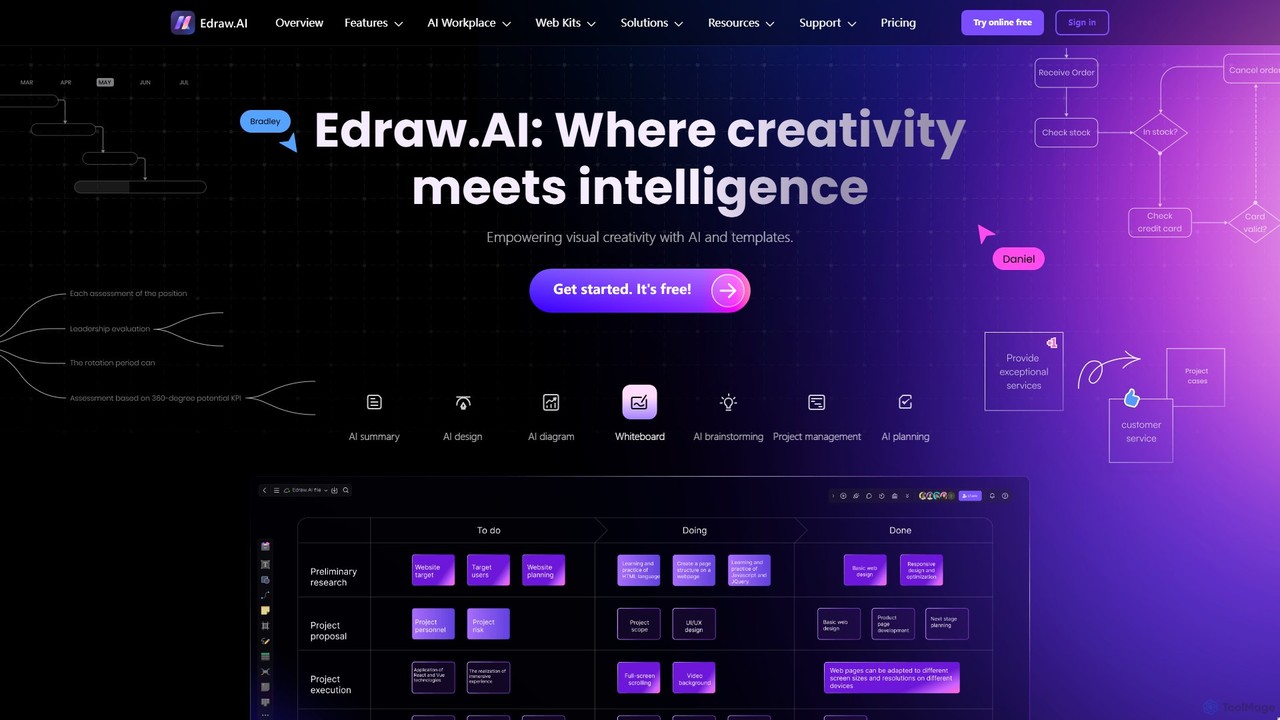
Edraw.AI is an AI-powered visual collaboration platform that enables users to create diagrams, mind maps, flowcharts, and other …

384.4K

About Collaboration

AI Collaboration tools for education are platforms that use artificial intelligence to enhance group learning, teaching, and research workflows. These tools leverage features like real-time translation, automated summarization, and intelligent task distribution to facilitate seamless interaction among students and educators. They are designed to break down communication barriers, streamline project management in academic settings, and provide data-driven insights into team dynamics. This fosters a more effective, inclusive, and efficient learning environment.

Core Features

  • Intelligent Task Management: Automatically suggests task assignments based on member skills and workload, and tracks project progress.
  • AI-Powered Whiteboards: Offers collaborative spaces where AI can help organize ideas, generate mind maps, and visualize data in real-time.
  • Real-time Translation & Transcription: Instantly translates spoken or written language during discussions, making collaboration accessible for multilingual teams.
  • Automated Summaries & Action Items: Generates concise summaries of meetings, lectures, or chat discussions and identifies key decisions and action items.

Use Cases

These tools are widely used in higher education for international student projects, in K-12 for interactive group assignments, and among faculty for collaborative curriculum development. Research institutions also use them to coordinate complex, multi-location studies, enabling seamless data sharing and co-authoring of papers.

How to Choose

When selecting an AI Collaboration tool for education, consider its integration capabilities with existing Learning Management Systems (LMS). Evaluate its data privacy and security policies, especially regarding student information. Assess the scalability for different class sizes and the relevance of its specific AI features to your pedagogical goals. User-friendliness for both students and educators is also a critical factor.

CollaborationUse Cases

1

Facilitating Multilingual Student Group Projects

An international university team is assigned a joint research project. Students from Japan, Germany, and Brazil use an AI collaboration platform to overcome language barriers. The tool's real-time translation feature allows them to communicate fluently in a shared chat space and during video calls. They use an AI-powered whiteboard to brainstorm ideas, which the AI helps structure into a coherent mind map. The platform automatically transcribes their meetings and generates a summary, ensuring no one misses key decisions, leading to a more inclusive and efficient project completion.

2

Streamlining Faculty Curriculum Co-Design

A committee of professors from different departments is tasked with designing a new interdisciplinary course. They use an AI collaboration tool to manage the entire process. The tool helps schedule meetings across their busy calendars and provides a shared digital space for curriculum documents. During brainstorming sessions, the AI assistant captures all ideas and organizes them by theme. It also helps find and summarize relevant academic papers for course material. The platform tracks action items, ensuring each professor completes their assigned sections on time, significantly accelerating the curriculum development cycle.

3

Automating the Peer Review Process for Assignments

In a large university course, a professor uses an AI collaboration tool to manage the peer review process for a major essay. Students submit their drafts to the platform. The AI then anonymizes the submissions and intelligently distributes them to classmates for review based on predefined criteria, ensuring a fair workload. The tool provides reviewers with a structured feedback template and AI-powered suggestions for constructive criticism. After reviews are complete, the AI compiles the feedback for each student, highlighting common themes and actionable advice, saving the professor hours of administrative work.

4

Enhancing Interactive Virtual Classroom Sessions

An online educator conducts a live virtual class with students from various time zones. They use an AI collaboration platform to make the session more engaging. The educator uses an AI-powered whiteboard to illustrate complex concepts, and the AI helps organize student contributions into a visual summary. The platform's real-time polling feature, with AI-analyzed results, allows the educator to quickly gauge comprehension. For students who missed the live session, the AI generates a searchable transcript and a concise video summary highlighting the most important moments, ensuring everyone stays on track.

5

Coordinating Multi-Institution Research Projects

Researchers from three different universities are collaborating on a grant-funded study. They use a centralized AI collaboration hub to manage all project assets, from datasets to draft manuscripts. The platform's AI helps tag and organize research files, making them easily searchable. It facilitates co-authoring by tracking changes and managing versions seamlessly. When preparing their findings for publication, the AI assists in summarizing large amounts of text and checking for consistency across sections, ensuring a high-quality, cohesive final paper while reducing the administrative burden on the research team.

6

Managing School Administrative Team Meetings

A school's administrative team, including the principal and department heads, uses an AI collaboration tool for their weekly planning meetings. Before the meeting, the AI helps generate a data-driven agenda by identifying pending action items from previous discussions. During the meeting, it provides real-time transcription. Immediately after, the tool sends out an automated summary to all attendees, clearly listing key decisions made and assigning new action items with deadlines to the responsible individuals. This ensures accountability and streamlines communication, allowing the team to focus on strategic educational goals rather than administrative follow-up.

CollaborationFrequently Asked Questions