
ToolMage
Sign in

Best 1 Creative AI tools for Education

Popular Creative AI tools in Education include venicemusic, helping you work more efficiently.

venicemusic
Paid

venicemusic

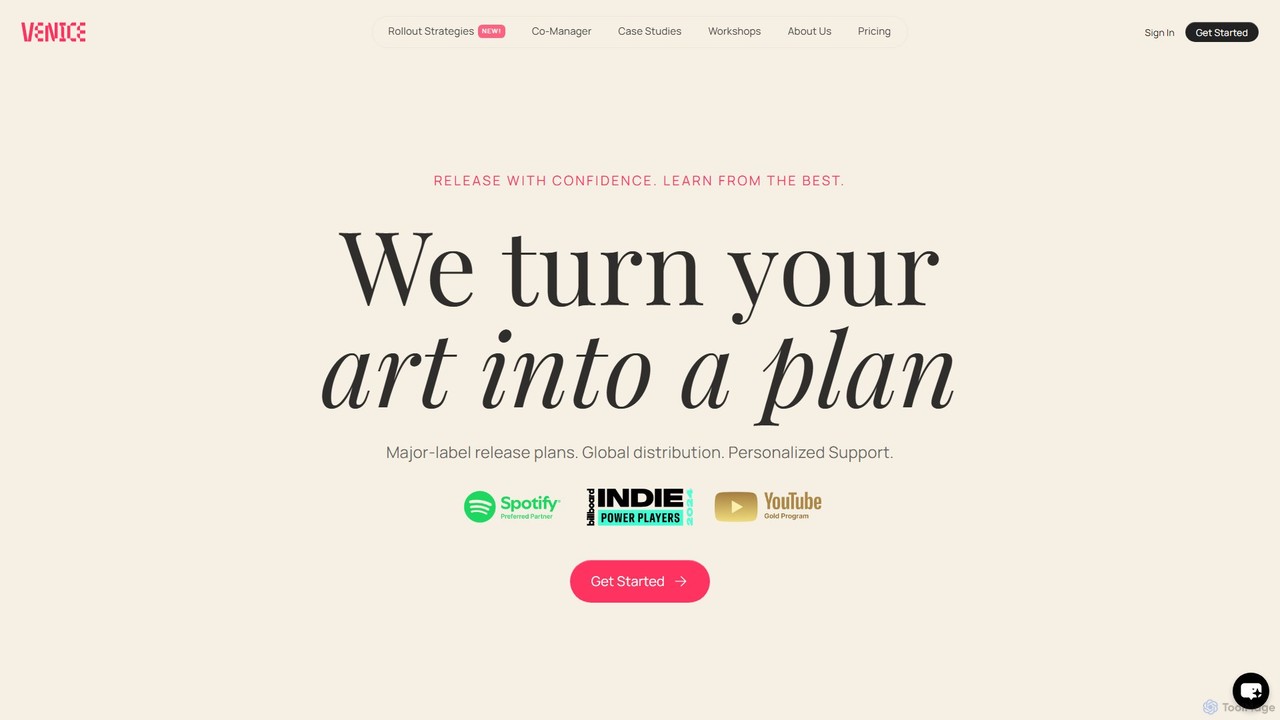
Venice Music is an all-in-one platform for artist development, combining unlimited music distribution with an AI Co-Manager, expert workshops, and a private community. It provides artists with major-label level strategies, personalized support, and tools to grow their careers.

Creative
Visits 24.8KFavorites 130Likes 145

About Creative

AI Creative tools for education are applications designed to foster students' imagination and expression through artificial intelligence. They utilize generative models to help users create stories, visualize concepts, compose music, or design presentations from simple prompts. The primary value of these tools lies in lowering the technical barrier to creation, allowing learners to focus on ideas and narrative development. They serve as powerful aids for project-based learning and developing digital literacy skills in a classroom setting.

Core Features

  • Guided Idea Generation: Provides intelligent prompts and suggestions to help students overcome creative blocks and explore new concepts.
  • Multimedia Content Creation: Seamlessly combines text, AI-generated images, audio, and video into cohesive projects like stories or presentations.
  • Concept Visualization: Transforms abstract text descriptions into diagrams, mind maps, or simple illustrations to aid understanding.
  • Safe & Controlled Environment: Includes content filters and classroom management features to ensure an age-appropriate and focused learning experience.

Use Cases

These tools are widely used in K-12 and higher education. For instance, a literature student can use them to generate alternative endings for a novel, while a science class can visualize complex biological processes. Educators also leverage them to create engaging, interactive lesson plans and custom learning materials that cater to diverse learning styles.

How to Choose

When selecting an AI Creative tool for education, consider its curriculum alignment and ease of use for the target age group. Evaluate the platform's collaboration features for group projects and its data privacy policies to ensure student safety. Finally, assess the quality and controllability of the AI-generated output to ensure it meets educational objectives.

Creative use cases

1

Creating Interactive History Presentations

A middle school student group is tasked with creating a presentation about Ancient Rome. Instead of static slides, they use an AI creative tool. They input prompts like 'a bustling Roman market scene' to generate unique illustrations for their backgrounds. They also use the tool's AI narrator to create a voice-over for their script, choosing different voices for historical figures. This process transforms a standard report into an engaging multimedia story, helping them better understand and retain historical information while developing digital storytelling skills.

2

Visualizing Complex Scientific Concepts

A high school biology teacher wants to explain the process of photosynthesis. They use an AI visualization tool in the classroom. By typing a description like 'An animation showing a plant cell taking in sunlight, water, and carbon dioxide to create glucose and oxygen,' the tool generates a simple, animated diagram. This visual aid makes an abstract concept tangible and easier for students to grasp compared to a textbook diagram. The teacher can also modify the animation in real-time to answer student questions, fostering a more dynamic and interactive learning environment.

3

Assisting Creative Writing and Storytelling

An elementary school teacher is conducting a creative writing workshop. To help students who are stuck, the teacher uses an AI story generator. A student provides a starting sentence like 'A brave knight found a mysterious map.' The AI then suggests several possible next sentences or plot twists, such as 'The map was written in a language of stars' or 'But the map was a trap set by a dragon.' This doesn't write the story for them, but acts as a brainstorming partner, helping students explore different narrative paths and develop their own unique stories with more confidence.

4

Designing Custom Learning Materials

An educator teaching a foreign language wants to create custom flashcards with memorable images. Using an AI creative tool, they can input a vocabulary word like 'el árbol' (the tree) along with a style descriptor like 'simple cartoon style for kids.' The AI generates several unique images of a tree in that style. The teacher can then select the best one to create a visually consistent and engaging set of learning materials. This process is significantly faster than searching for stock images and allows for highly customized content tailored to the specific lesson and student age group.

5

Generating Music for School Projects

A student is creating a short video documentary for a social studies class and needs background music. Instead of using copyrighted music, they use an AI music generator. They can specify the mood ('inspirational and hopeful'), genre ('orchestral'), and duration (2 minutes). The AI composes a unique, royalty-free music track that fits the video perfectly. This not only enhances the quality of their project but also teaches them about copyright, digital ethics, and the basics of how music composition relates to mood and tone in media.

6

Brainstorming Ideas with AI Mind Maps

A university student is starting a research paper and feels overwhelmed by the topic. They use an AI-powered mind mapping tool. They enter their central theme, 'The impact of renewable energy on urban planning.' The AI automatically generates related sub-topics like 'Smart Grids,' 'Green Building Codes,' and 'Public Transportation.' It also suggests potential connections between these ideas. This visual brainstorming process helps the student structure their thoughts, identify key areas for research, and build a coherent outline for their paper much more efficiently than starting with a blank page.

Creative FAQ

What are AI Creative tools for education?

AI Creative tools for education are software applications that use artificial intelligence to help students and teachers create original content. Unlike professional design software, their primary goal is to support the learning process. They achieve this by simplifying complex creative tasks, such as generating images from text, composing music, animating characters, or brainstorming ideas. These tools act as creative assistants, enabling students to express their understanding of a subject in diverse, multimedia formats without needing advanced technical skills.

How to choose an AI Creative tool for a classroom?

Choosing the right tool involves considering several educational factors. First, evaluate its ease of use and whether the interface is appropriate for your students' age group. Second, check for classroom-specific features like content filters, student account management, and assignment integration. Third, consider the curriculum alignment: does the tool support the learning objectives of your subjects? Finally, review the privacy policy to ensure it complies with school regulations and protects student data. It's often best to start with a tool that has a free trial to test its suitability in a real lesson.

What's the difference between educational AI Creative tools and professional design software?

The key difference lies in their purpose and target audience. Professional design software (like Adobe Photoshop or Blender) is built for experts, offering complex controls and a steep learning curve to achieve high-fidelity, commercial-grade output. Educational AI Creative tools, on the other hand, prioritize simplicity, safety, and learning. They are designed for students and teachers, featuring:

  • Simplified Interfaces: Easy to use without extensive training.
  • Guided Creativity: AI prompts and suggestions to help users start.
  • Focus on Process: The goal is learning and expression, not just the final product.
  • Classroom Safeguards: Content filters and controls for a safe environment.
In short, professional tools are for production, while educational tools are for pedagogy.

How can AI Creative tools support different learning styles?

AI Creative tools are versatile and can cater to a wide range of learning preferences. For visual learners, they can instantly turn text into diagrams, charts, and illustrations. For auditory learners, features like text-to-speech narration and AI music composition provide an engaging audio dimension to projects. Kinesthetic learners, who learn by doing, can actively experiment with different prompts and parameters to see immediate results, making learning a hands-on, interactive process. For reading/writing learners, AI can act as a brainstorming partner, helping to structure essays and generate outlines.

Are AI Creative tools safe for students to use?

Safety is a primary concern for educational technology. Reputable AI Creative tools designed for schools incorporate several safety measures. These often include:

  • Content Filtering: Automatically blocking the generation of inappropriate or harmful content.
  • Data Privacy: Adhering to strict student data privacy laws (like COPPA and GDPR) and not using student data for training models without consent.
  • No Personal Information Required: Allowing students to use the tool without creating personal accounts that require sensitive information.
  • Classroom Management: Giving teachers oversight and control over student activities and creations.
It is crucial for educators to choose tools from trusted developers who are transparent about their safety and privacy policies.