Education Best in category 2 results Knowledge Management AI Tool

Popular AI tools in the Knowledge Management field of Education include Everything AI Tool、lifesage, etc., helping you quickly improve efficiency.

Free
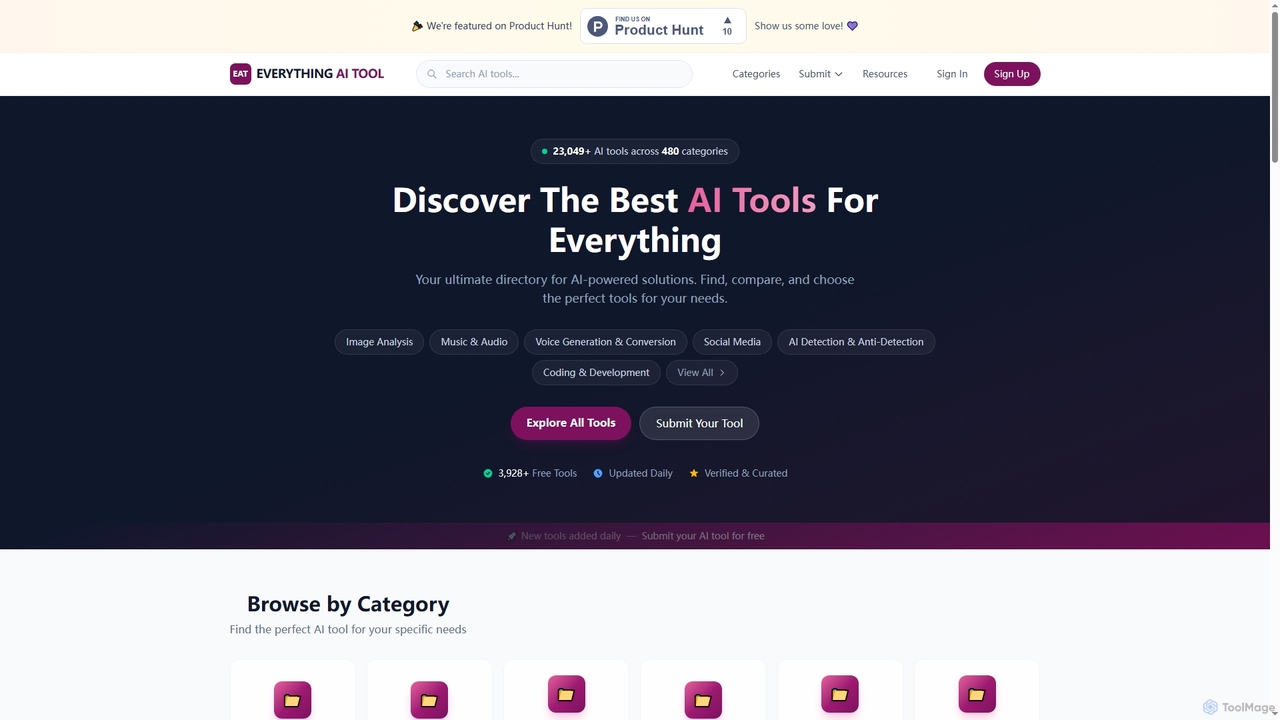
Everything AI Tool

Everything AI Tool

Everything AI Tool is a comprehensive online directory designed to help users discover, compare, and choose from over …

3.0K
lifesage

lifesage

LifeSage is an AI-powered life coach and knowledge management platform designed to help you achieve personal and professional …

2.5K

About Knowledge Management

AI Knowledge Management tools are intelligent systems designed to capture, organize, and retrieve information using artificial intelligence. They leverage technologies like Natural Language Processing (NLP) to understand the context and relationships within your data, going beyond simple keyword search. These tools create a centralized, searchable "second brain" for individuals or teams, making it easier to find answers, discover insights, and share knowledge efficiently. By automating tasks like tagging, summarizing, and linking related concepts, they transform scattered information into a structured and accessible asset.

Core Features

  • Semantic Search: Find information based on meaning and intent, not just exact keywords.
  • Automated Organization: AI automatically tags, categorizes, and links related documents and notes.
  • Knowledge Graph Visualization: Visually explore the connections and relationships between different pieces of information.
  • AI-Powered Q&A: Ask questions in natural language and get synthesized answers directly from your documents.
  • Content Summarization: Instantly generate concise summaries of long articles, reports, or meeting transcripts.

Use Cases

These tools are valuable across various sectors. Corporate teams use them to build internal wikis and onboarding portals for new employees. Researchers and students create powerful personal learning environments to manage academic papers and notes. Product and engineering teams centralize project documentation and technical specifications for easy access and consistency.

How to Choose

When selecting a tool, consider its integration capabilities with your existing apps like Slack or Google Drive. Evaluate the power of its search and Q&A features for your specific data types. For team use, assess collaboration features like access controls and shared spaces. Finally, review security policies to ensure data protection and compare pricing models based on your scale of use, from individual to enterprise.

Knowledge ManagementUse Cases

1

Building a Centralized Team Knowledge Base

A project manager for a remote software team needs to consolidate scattered documentation from Google Docs, Slack, and Confluence. Using an AI Knowledge Management tool, they connect these data sources. The tool automatically ingests, indexes, and categorizes all information. Now, when a developer needs to understand a feature's history, they can ask, "What was the final decision on the user authentication flow?" The AI synthesizes information from meeting notes and technical specs to provide a direct answer with source links, saving hours of searching and interrupting colleagues.

2

Accelerating Academic Research and Writing

A PhD student is working on their literature review, dealing with hundreds of academic papers. They upload all PDFs into an AI Knowledge Management tool. The tool not only makes all papers full-text searchable but also automatically summarizes each one and identifies key themes and authors. The student can ask complex questions like, "Compare the methodologies used by Smith (2020) and Jones (2022) for data analysis." The AI provides a synthesized comparison, highlighting similarities and differences, which drastically speeds up the process of synthesizing research and drafting the review.

3

Streamlining Customer Support Operations

A customer support manager wants to reduce response times and improve answer consistency. They use an AI Knowledge Management tool to create a unified knowledge base from help articles, past support tickets, and technical manuals. When a new ticket arrives, the system suggests relevant articles and snippets to the support agent. Furthermore, the knowledge base can be connected to a customer-facing chatbot, allowing users to get instant, accurate answers to common questions 24/7, freeing up human agents to handle more complex issues.

4

Creating a Personal 'Second Brain'

A content creator wants to organize their ideas, web clippings, book notes, and random thoughts into a cohesive system. They use an AI Knowledge Management tool as their personal 'second brain'. When they clip an article about productivity, the AI automatically tags it and links it to their existing notes on time management. Later, when planning a new video, they can simply search for "ideas for productivity videos" and the tool will surface not only the clipped article but also related book notes and shower thoughts, helping them see novel connections and generate creative content.

5

Analyzing Market Research and Competitor Data

A market analyst is tasked with understanding emerging trends in their industry. They feed dozens of industry reports, competitor press releases, and financial statements into an AI Knowledge Management platform. The analyst can then query the entire dataset with questions like, "What are the main strategic initiatives mentioned by our top three competitors this year?" The AI scans all documents, extracts the relevant information, and presents a summarized report, enabling the analyst to quickly identify patterns and strategic shifts without manually reading thousands of pages.

6

Onboarding New Employees Effectively

An HR department aims to improve the onboarding experience for new hires. They create a dedicated onboarding space within their AI Knowledge Management system, populating it with company policies, training videos, and departmental guides. New employees can ask natural language questions like "What is the process for requesting vacation days?" or "Who is the contact person for IT support?" and receive immediate, accurate answers. This self-service approach empowers new hires to find information independently, reduces repetitive questions to HR, and helps them integrate into the company culture more quickly.

Knowledge ManagementFrequently Asked Questions