
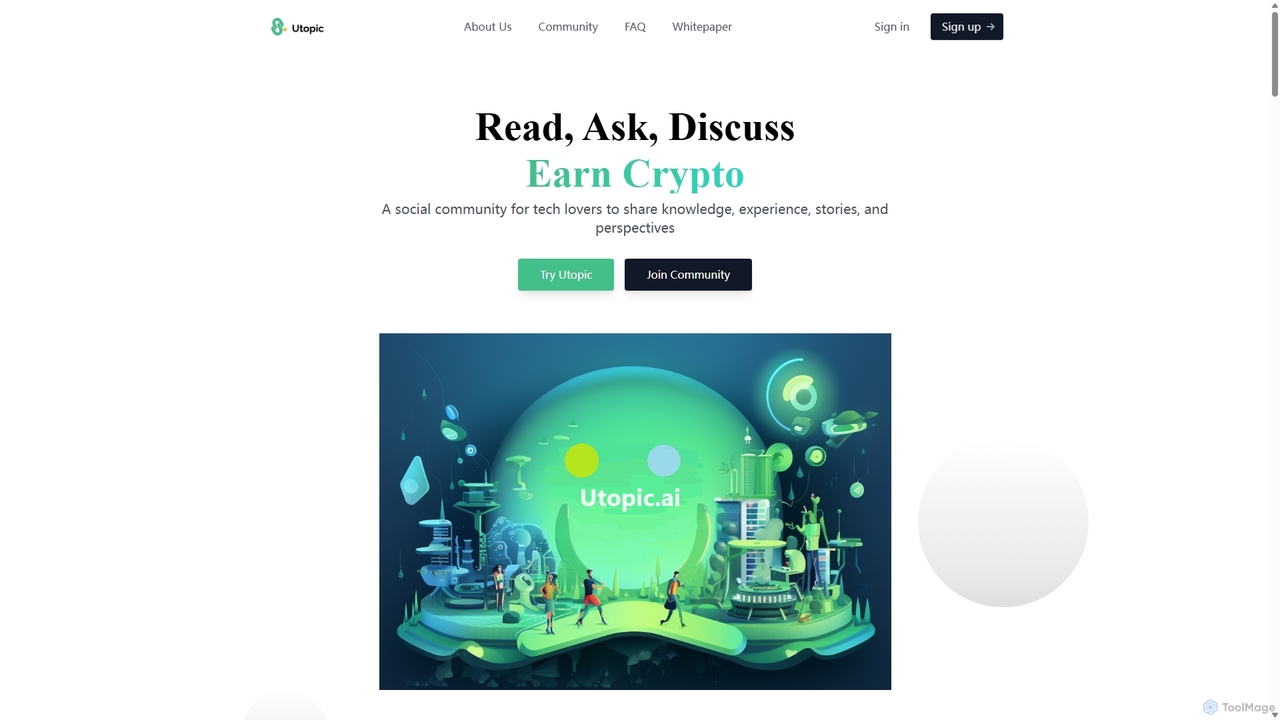
Utopic.ai
Utopic.ai is a Web3 social community platform where tech enthusiasts can earn cryptocurrency by creating and engaging with …
Utopic.ai is a Web3 social community platform where tech enthusiasts can earn cryptocurrency by creating and engaging with content. Users can read, write, ask questions, and discuss topics like Web3, AI, and science to earn UTOP tokens. The platform features an AIGC-powered editor, NFT integration for content ownership, and a decentralized reward system, fostering a knowledge-sharing ecosystem where contributions are tokenized and valued.
About Knowledge Sharing
AI Knowledge Sharing tools are platforms designed to centralize, organize, and distribute information within a group or organization. They leverage artificial intelligence to transform static documents into a dynamic, searchable knowledge base. This enables users to find accurate answers and relevant expertise quickly through features like semantic search and automated content tagging. These tools are crucial for preserving institutional knowledge, reducing redundant work, and fostering a culture of collaboration.
Core Features
- AI-Powered Search: Utilizes natural language processing (NLP) to understand user intent and deliver contextually relevant answers, not just keyword matches.
- Automated Content Organization: Automatically tags, categorizes, and links related documents, discussions, and media to build a structured knowledge graph.
- Expert Identification: Analyzes content contributions to identify and suggest subject matter experts within the organization for specific queries.
- Content Summarization: Generates concise summaries of long documents or discussion threads, allowing for rapid information consumption.
- Collaborative Workspaces: Provides shared spaces for teams to co-author documents, ask questions, and build a collective understanding in real-time.
Use Cases
These tools are widely adopted in corporate environments for creating internal wikis (e.g., for HR or IT policies), by customer support teams to build self-service help centers, and by product development teams for maintaining project documentation. They are also valuable in academic and research settings for managing and sharing collective findings.
How to Choose
When selecting a Knowledge Sharing tool, consider its search accuracy and speed, as this is a core function. Evaluate its integration capabilities with your existing workflow tools like Slack, Microsoft Teams, or Jira. Assess the granularity of access control and permissions to ensure information security. Finally, consider the user interface's intuitiveness for both content creators and consumers to ensure high adoption rates.
Knowledge SharingUse Cases
Building a Corporate Internal Knowledge Base
An HR manager uses an AI Knowledge Sharing tool to create a centralized hub for all company policies, onboarding materials, and benefits information. Instead of answering the same questions repeatedly, employees can now use a natural language search bar to ask 'What is the policy for parental leave?' or 'How do I set up my 401k?'. The AI understands the query and instantly pulls up the relevant documents or specific paragraphs, significantly reducing the HR team's administrative workload and empowering employees with immediate access to information.
Developing a Customer Self-Service Portal
A customer support team implements an AI Knowledge Sharing platform to power their public-facing help center. The tool automatically ingests and indexes support articles, FAQs, and community forum discussions. When a customer types a question like 'My device won't connect to Wi-Fi', the AI search doesn't just find articles with those keywords. It understands the user's problem and surfaces the most relevant troubleshooting guide, a video tutorial, and the top-rated community answer. This provides 24/7 support and deflects a high volume of common support tickets, freeing up agents to handle more complex issues.
Managing Project Documentation for a Development Team
A software development team uses a Knowledge Sharing tool as their project wiki. All technical specifications, meeting notes, architectural decisions, and code snippets are stored in one place. When a new developer joins the team, they can quickly get up to speed by searching for information on the project's tech stack or coding standards. The AI can also link related documents, so when viewing a technical spec, it automatically suggests relevant meeting notes where that feature was discussed. This prevents knowledge silos and ensures continuity even as team members change.
Facilitating Collaborative Academic Research
A university research group uses a knowledge sharing platform to manage their literature reviews, experimental data, and draft papers. Researchers can upload papers, and the AI automatically extracts key concepts, authors, and citations, creating a searchable database. When a member is writing a new paper, they can search for concepts like 'protein folding simulations' and the tool will surface all relevant internal notes, datasets, and published papers from their shared library. This accelerates the research process and prevents duplication of effort within the lab.
Powering a Community-Driven Q&A Platform
An online community for a software product uses a knowledge sharing tool as its Q&A forum. Members post questions, and other users provide answers. The AI assists by automatically suggesting relevant existing answers or documentation as someone types a new question, reducing duplicate posts. It also identifies emerging issues by clustering similar questions. Over time, the platform becomes a rich, community-curated knowledge base where the best answers are automatically surfaced by the AI based on user upvotes and verified solutions, improving the overall user experience.
Creating an On-Demand Training Resource Hub
A corporate training department uses a knowledge sharing platform to host all its training materials, including videos, slide decks, and interactive quizzes. Employees can access these resources on-demand to learn at their own pace. The AI enhances the experience by recommending personalized learning paths based on an employee's role and previously completed courses. It can also answer questions about the training content, for instance, a user can ask 'Summarize the key points of the cybersecurity module,' and the AI will provide a concise overview, reinforcing learning and making knowledge more accessible.