ToolMage
Sign in

Best 3 Paraphrasing AI tools for Education

Popular Paraphrasing AI tools in Education include Article Rewriter, aitohuman, and ai_humanizer, helping you work more efficiently.

ai_humanizer
Freemium

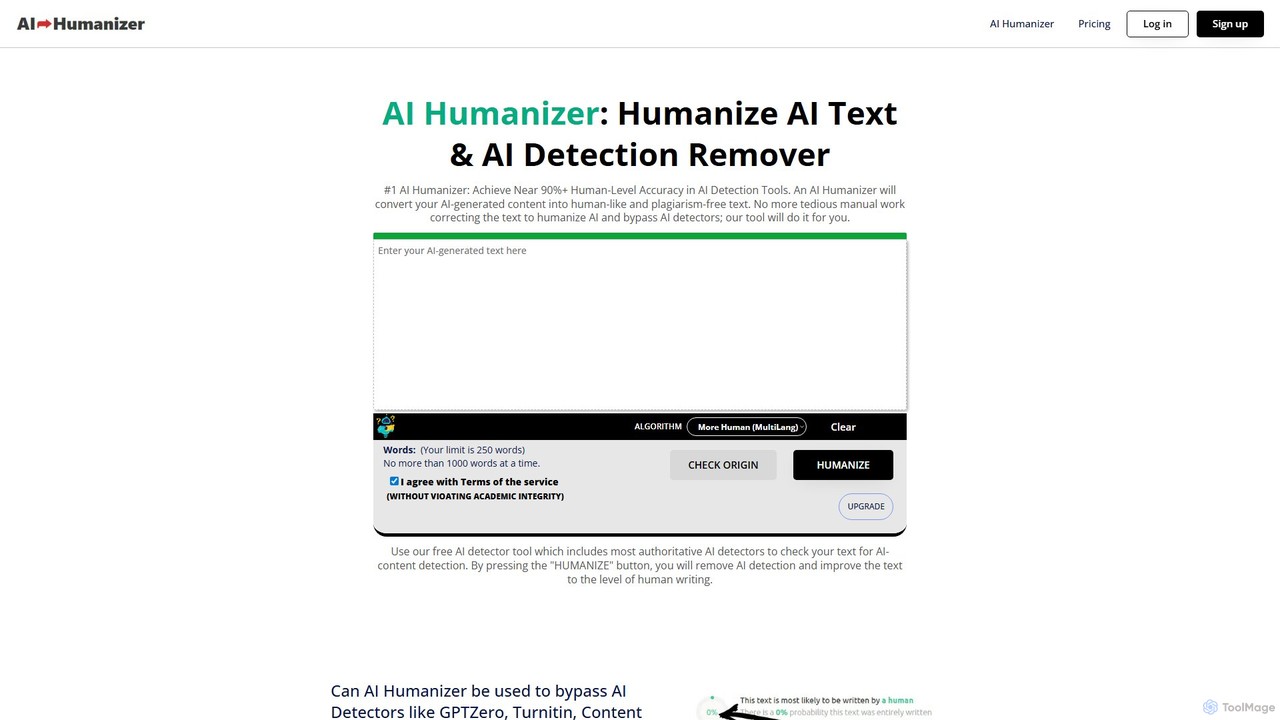
ai_humanizer

ai_humanizer is an advanced AI detection remover and text humanizer. It transforms AI-generated content from tools like ChatGPT into natural, human-like text that can bypass all major AI detectors, including Turnitin and GPTZero. It ensures the output is plagiarism-free, SEO-optimized, and achieves a 100% human score, making it ideal for writers, marketers, and students.

Paraphrasing
Visits 6.1KFavorites 142Likes 165
aitohuman
Free

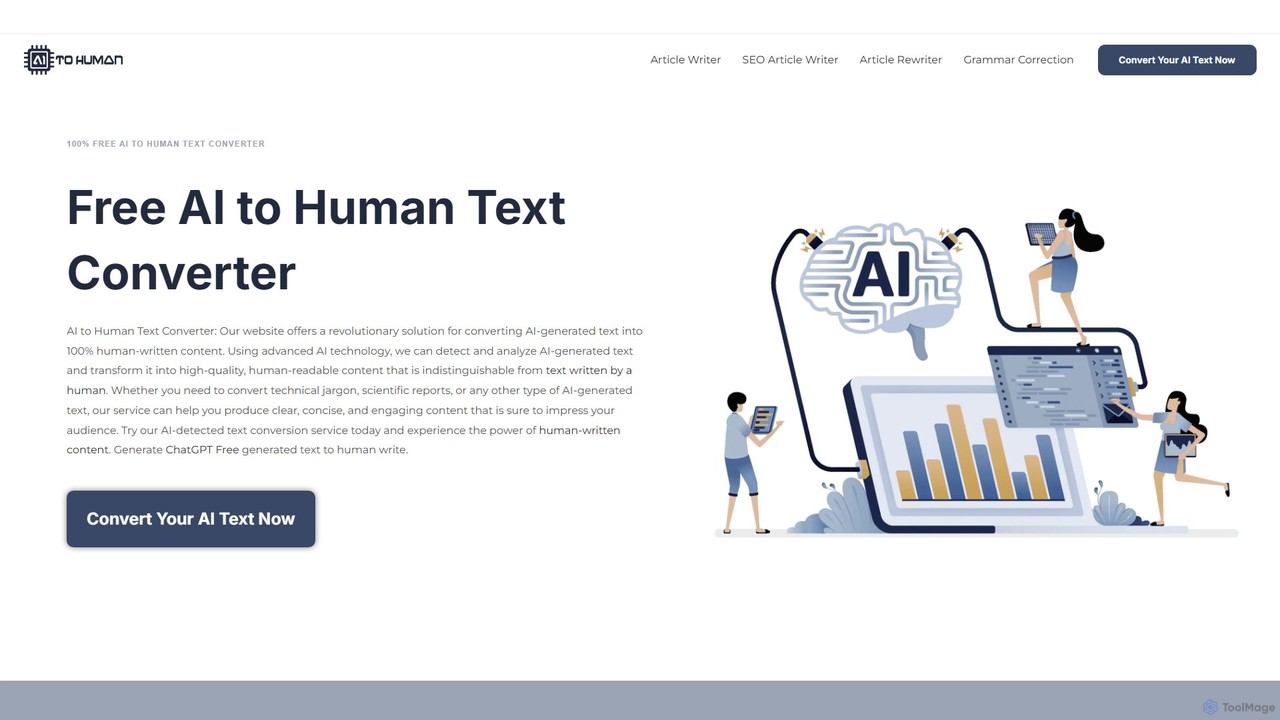
aitohuman

aitohuman is a free online tool that converts AI-generated text into 100% human-like content. Using advanced algorithms, it helps users bypass AI detectors by transforming robotic text from models like ChatGPT into natural, engaging, and high-quality writing. It offers multiple conversion modes, including one for SEO, and a suite of other free writing tools, making it ideal for bloggers, students, and marketers.

Paraphrasing
Visits 6.5KFavorites 128Likes 125
Article Rewriter
Free

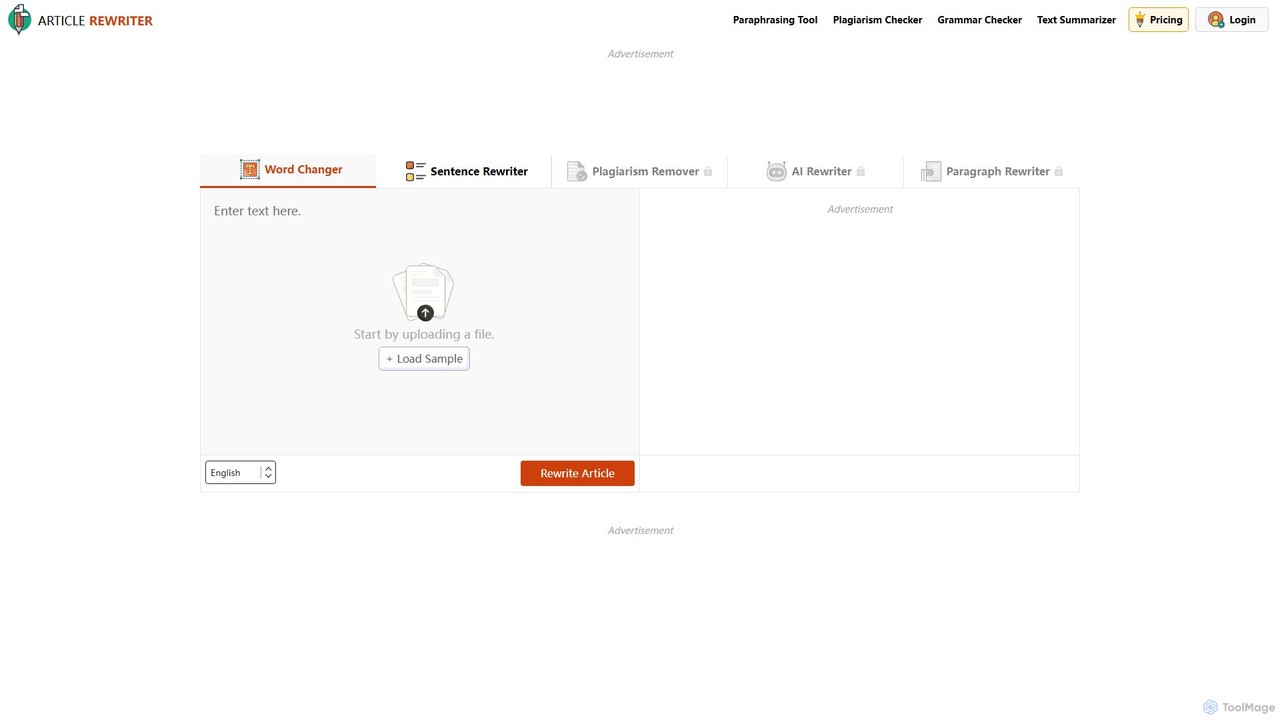
Article Rewriter

A powerful, free online tool that rewrites articles, essays, and other text using five distinct modes. It helps users paraphrase content, remove plagiarism, and improve writing clarity with options ranging from simple word replacement to advanced AI-powered sentence and paragraph restructuring.

Paraphrasing
Visits 32.8KFavorites 118Likes 122

About Paraphrasing

Paraphrasing tools are AI-powered applications designed to rewrite text while preserving its original meaning. These tools leverage advanced natural language processing (NLP) models to alter sentence structures, substitute context-aware synonyms, and adjust the overall tone. Their primary value lies in helping users avoid plagiarism, enhance clarity, and adapt content for different audiences or platforms. Unlike basic synonym finders, sophisticated paraphrasing tools understand context to generate fluent, coherent, and natural-sounding text.

Core Features

  • Contextual Rewriting: Alters sentence structure and vocabulary based on the text's original meaning, not just word-for-word replacement.
  • Tone Adjustment: Modifies the writing style to be more formal, casual, academic, or professional to suit different contexts.
  • Fluency & Clarity Enhancement: Simplifies complex sentences, corrects awkward phrasing, and improves the overall readability of the text.
  • Plagiarism Prevention: Generates a unique version of the source text, which is crucial for academic and content creation purposes.
  • Multiple Output Versions: Provides several alternative phrasings for a given text, allowing users to choose the best fit.

Applicable Scenarios

These tools are essential for students and academics who need to integrate source material into their work without plagiarizing. Content creators and marketers use them to repurpose articles for blogs, social media, and newsletters, maximizing content reach. Additionally, business professionals and non-native speakers utilize them to refine reports, emails, and presentations for greater clarity and professionalism.

Selection Criteria

When choosing a paraphrasing tool, evaluate the quality and naturalness of the generated text. Consider the variety of available modes (e.g., simple, creative, formal). Assess its integration capabilities with browsers or word processors like Google Docs. Finally, compare the limitations of free plans (e.g., character limits) with the features offered in paid subscriptions, such as unlimited usage and advanced modes.

Featured tool rankings

Paraphrasing use cases

1

Ensuring Academic Integrity in Research Papers

A university student is writing a literature review and needs to summarize findings from multiple academic journals. To avoid accidental plagiarism and demonstrate a deep understanding of the material, the student uses a paraphrasing tool. They input key paragraphs from their sources, and the tool generates several rephrased versions. The student then selects the clearest version, refines it with their own analysis, and properly cites the original source. This process helps them integrate evidence smoothly while maintaining their own academic voice and adhering to integrity standards.

2

Repurposing Blog Content for Social Media

A content marketer has written a comprehensive 2,000-word blog post. To maximize its reach, they need to create engaging posts for LinkedIn, Twitter, and Instagram. Using a paraphrasing tool, they paste the blog's introduction and key takeaways. They use a 'professional' tone for a LinkedIn summary, a 'concise' mode to generate a tweetable highlight, and a 'casual' tone for an engaging Instagram caption. This allows them to quickly generate platform-specific content from a single source, saving hours of manual rewriting and ensuring a consistent message across channels.

3

Improving Clarity in Business Communications

A project manager, who is not a native English speaker, needs to draft a critical project update email for international stakeholders. They write a draft but are concerned about clarity and tone. They use a paraphrasing tool with a 'Formal' or 'Business' setting. The tool helps rephrase complex sentences into simpler, more direct statements, corrects awkward phrasing, and ensures a professional tone throughout the email. The result is a clear, concise, and professional message that effectively communicates project status and next steps, reducing the risk of misinterpretation.

4

Overcoming Writer's Block and Finding New Phrasings

A novelist is struggling with a specific paragraph that feels repetitive and uninspired. They've rewritten a key sentence multiple times but can't find the right flow. To break the creative logjam, they input the sentence into a paraphrasing tool and set it to 'Creative' mode. The tool provides five distinct alternatives, using different vocabulary and sentence structures. While none are a perfect replacement, one of the suggestions sparks a new idea, helping the author re-approach the paragraph from a fresh perspective and continue writing with renewed momentum.

5

Creating Unique Product Descriptions for E-commerce

An e-commerce manager needs to write product descriptions for 50 similar items sourced from the same supplier. Using the manufacturer's generic description would result in duplicate content, harming SEO. They use a paraphrasing tool to quickly generate unique variations for each product. By inputting the base description and slightly tweaking keywords for each item, they can produce 50 distinct, readable, and SEO-friendly descriptions in a fraction of the time it would take to write each one from scratch. This improves their site's search engine ranking and provides a better user experience.

6

Simplifying Technical Jargon for a General Audience

A researcher needs to write a press release about their new scientific discovery. The original paper is filled with complex technical jargon that is inaccessible to the public. The researcher uses a paraphrasing tool's 'Simplify' mode to translate dense, academic language into plain English. They process key sections of their paper through the tool, which rephrases concepts like 'myocardial infarction' into 'heart attack' and clarifies complex processes. This helps them draft a press release that is accurate yet easily understandable for journalists and the general public, increasing the impact of their research.

Paraphrasing FAQ

What is an AI paraphrasing tool?

An AI paraphrasing tool is a software application that uses artificial intelligence, specifically natural language processing (NLP), to rewrite a piece of text in different words while retaining the original meaning. Unlike simple synonym replacers, these tools analyze the context of sentences to change structure, tone, and vocabulary. They are commonly used to improve writing clarity, avoid plagiarism, and repurpose content for various platforms.

How to choose the right paraphrasing tool?

Choosing the right tool depends on your specific needs. Consider the following factors:

  • Output Quality: Does the tool produce natural, grammatically correct, and contextually accurate text? Test it with a sample of your own writing.
  • Features and Modes: Look for tools that offer different modes like 'Formal,' 'Creative,' or 'Simple' to match your purpose. Features like a plagiarism checker or grammar correction are also valuable.
  • Integrations: Check if it integrates with your workflow, such as a browser extension or an add-on for Google Docs or Microsoft Word.
  • Usage Limits and Pricing: Compare the character or word limits of free plans versus the benefits and cost of a premium subscription.
Is using a paraphrasing tool considered plagiarism?

Using a paraphrasing tool is not inherently plagiarism, but it can be if used improperly. Plagiarism is presenting someone else's work or ideas as your own. If you use a tool to simply reword a source without providing proper citation, it is still plagiarism. However, when used ethically as a writing aid to rephrase your own thoughts, simplify complex ideas, or properly reword a cited source to fit your writing style, it is a legitimate academic and professional tool. Always remember to cite your sources, regardless of whether you use a paraphrasing tool.

What is the difference between a paraphraser and a grammar checker?

A paraphraser and a grammar checker serve different primary functions. A grammar checker focuses on correctness, identifying and suggesting fixes for spelling errors, punctuation mistakes, and grammatical issues. Its goal is to polish existing text. In contrast, a paraphraser focuses on transformation. It rewrites sentences or entire paragraphs to change the wording, structure, and tone while preserving the core meaning. While some advanced tools combine both functions, their core purposes are distinct: one corrects, the other rewrites.

Can paraphrasing tools work with different languages?

Yes, many advanced paraphrasing tools support multiple languages. They can paraphrase text within the same language (e.g., English to English) or, in some cases, combine paraphrasing with translation. For example, a user could input text in Spanish and ask the tool to provide a paraphrased version in English. The quality and availability of multi-language support vary significantly between tools, so it's an important feature to check if you work with international content or are a non-native speaker of a particular language.