ToolMage
Sign in

Best 3 Programming Learning AI tools for Education

Popular Programming Learning AI tools in Education include CodeHS, Syntara, and TechieLearns, helping you work more efficiently.

Syntara
Freemium

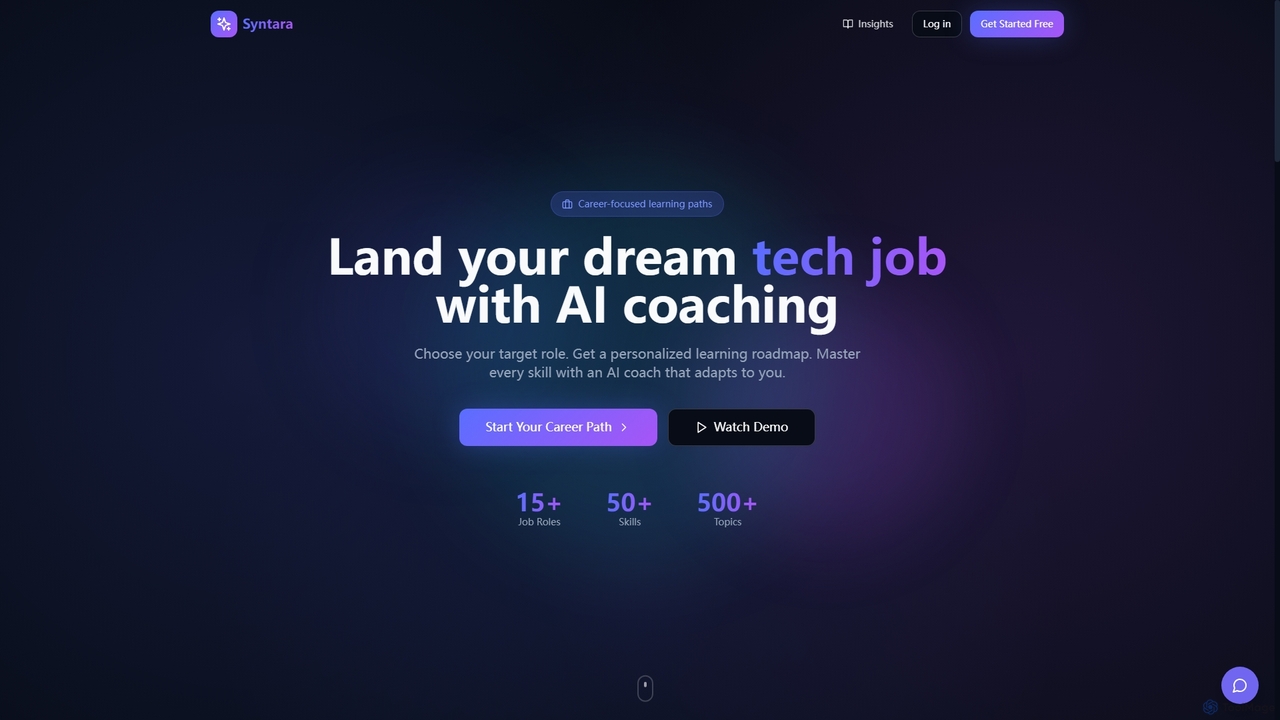
Syntara

Syntara is an AI-powered learning platform designed to accelerate tech careers. It offers personalized learning roadmaps, adaptive AI coaching, and structured skill paths to help individuals master in-demand tech skills like AI/ML, prompt engineering, and data science, and ultimately land their dream jobs.

Machine Learning Education
Visits 4KFavorites 44Likes 46
TechieLearns
Free

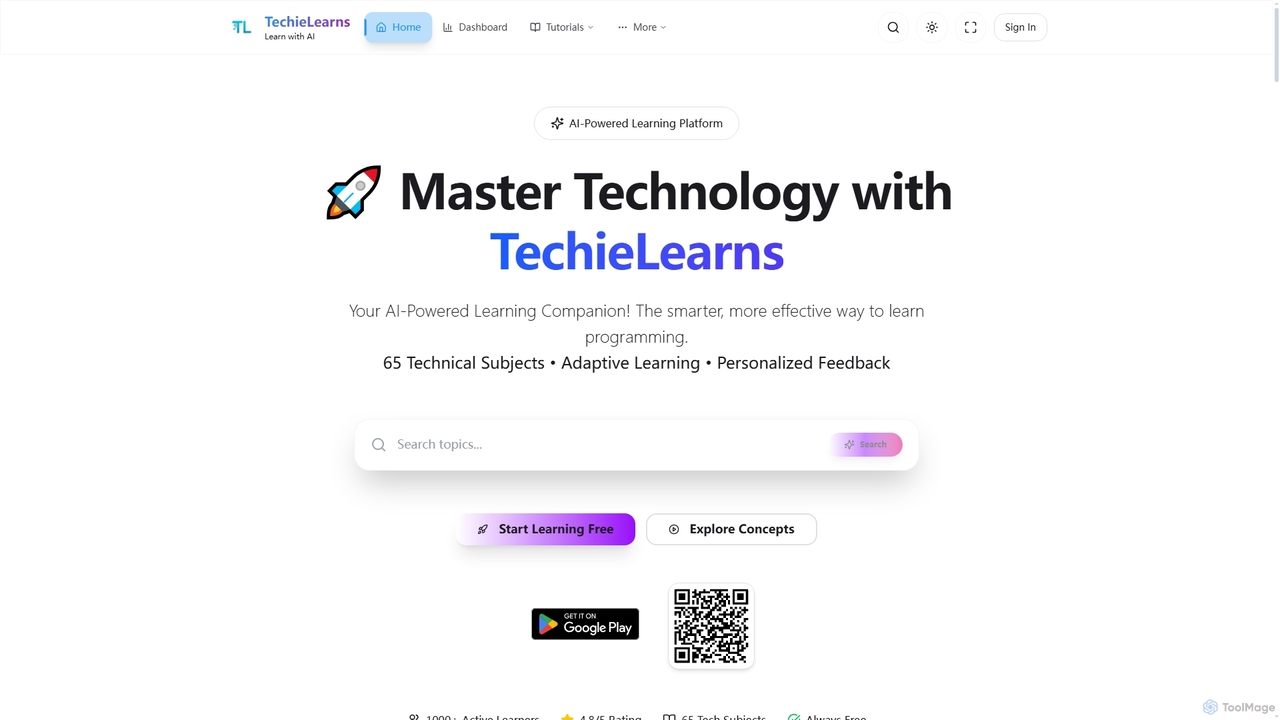
TechieLearns

TechieLearns is an AI-powered learning platform designed to help individuals master programming and various technical subjects through adaptive lessons, interactive coding practice, and personalized feedback. It offers a comprehensive, engaging, and always-free learning experience for all skill levels.

Personalized Learning
Visits 4KFavorites 116Likes 127
CodeHS
Freemium

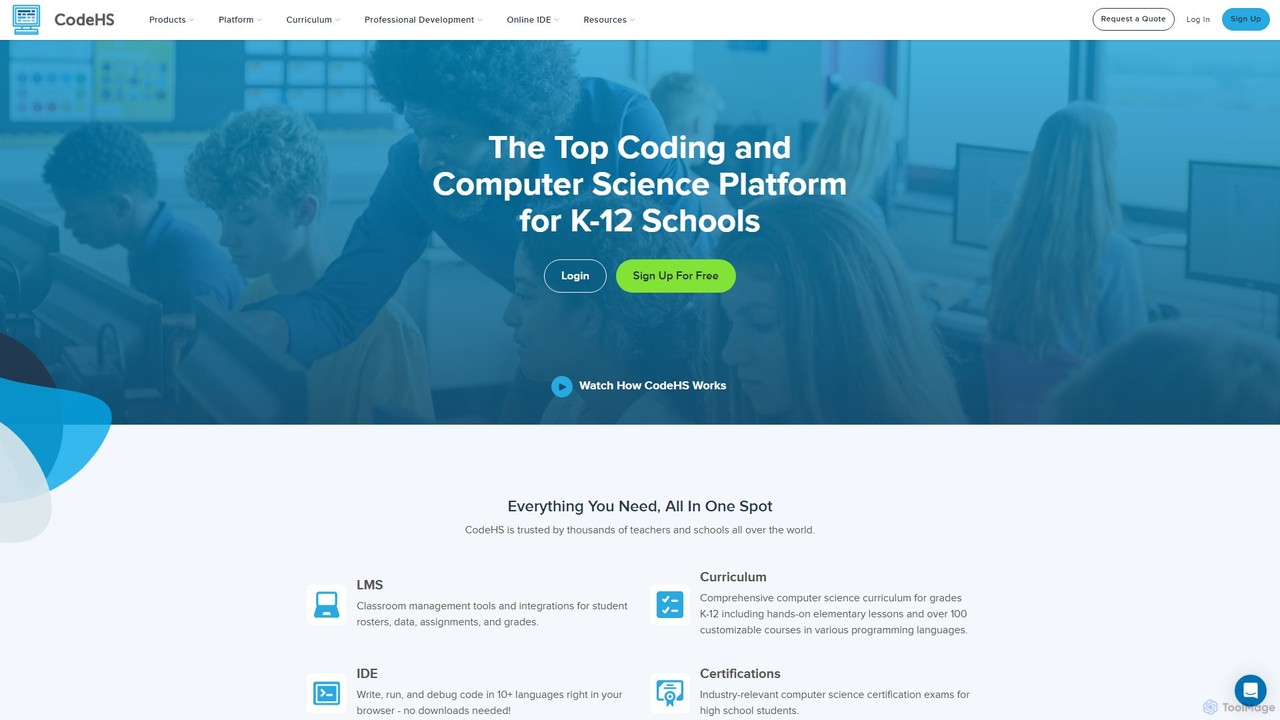
CodeHS

CodeHS is a comprehensive web-based platform for teaching computer science in K-12 schools. It provides an all-in-one solution with curriculum, an online IDE, classroom management tools, and professional development for teachers. It supports over 10 programming languages and includes modern topics like AI and cybersecurity.

Online Ide
Visits 1.4MFavorites 105Likes 94

About Programming Learning

AI Programming Learning tools are a specialized category of educational software that uses artificial intelligence to help users learn, practice, and master coding skills. These tools leverage large language models (LLMs) to provide real-time code analysis, generate explanations for complex algorithms, and offer personalized feedback on user-written code. This enables a dynamic and interactive learning experience, allowing beginners to overcome common hurdles and experienced developers to explore new languages more efficiently. Unlike traditional tutorials, these AI tools act as intelligent coding partners, adapting to individual learning paces and providing instant, contextual support.

Core Features

  • Interactive Code Generation: Creates code snippets or entire functions from natural language descriptions and explains the logic line by line.
  • Personalized Tutoring & Feedback: Analyzes user code to identify errors, suggest improvements, and provide tailored explanations to fill knowledge gaps.
  • Real-time Debugging Assistant: Helps locate and fix bugs by analyzing code context and error messages, often suggesting the correct code.
  • Algorithm & Concept Visualization: Simplifies complex topics like data structures by generating visual representations and step-by-step walkthroughs.
  • Customized Learning Paths: Recommends learning modules and exercises based on a user's current skill level and stated goals.

Use Cases

These tools are widely used by students in computer science programs, self-taught developers learning their first language, and professional engineers needing to quickly pick up a new framework or API. Educators also use them to create dynamic course materials and personalized exercises for their students. They are particularly effective for preparing for technical interviews by providing practice problems and instant feedback.

How to Choose

When selecting an AI Programming Learning tool, consider the range of supported programming languages and frameworks. Evaluate the quality and depth of the feedback and code explanations provided. Check for integrations with popular code editors like VS Code for a seamless workflow. Finally, consider whether you need a structured, course-based platform or a more flexible, on-demand coding assistant that fits your learning style.

Featured tool rankings

Programming Learning use cases

1

Beginner's First Steps in Python

A student with no prior coding experience wants to learn Python for data analysis. They use an AI tool to ask, 'How do I read a CSV file in Python?' The tool generates the necessary code using the pandas library, explains each line (e.g., 'import pandas as pd', 'pd.read_csv()'), and suggests a logical next step, like how to display the first few rows of data. This interactive process helps the beginner overcome the initial barrier of syntax and setup, allowing them to grasp core concepts much faster than by reading static documentation alone.

2

Debugging Complex JavaScript Code

A junior front-end developer is struggling with a subtle bug in an asynchronous JavaScript function. Instead of spending hours on manual debugging, they paste the problematic code into an AI assistant. The AI analyzes the code flow, identifies a potential race condition, and suggests using 'async/await' or Promises correctly to resolve it. It provides a corrected code snippet with an explanation, saving the developer significant time and teaching them a deeper concept about asynchronous programming in a practical context.

3

Mastering Data Structures for Interviews

A computer science student is preparing for technical interviews and needs to solidify their understanding of data structures. They use an AI learning tool to ask for a comparison between a hash map and a binary search tree. The AI provides a clear explanation of their time complexities, use cases, and implementation details. It then generates practice problems, such as 'Find the most frequent element in an array,' and evaluates the student's solution, offering feedback on efficiency and correctness, which is crucial for interview success.

4

Refactoring Legacy Code for Performance

A mid-level software engineer is tasked with optimizing an old, inefficient function. They provide the function to an AI tool and ask for refactoring suggestions. The AI analyzes the code, identifies redundant loops and inefficient data lookups, and suggests a more modern and performant approach. For example, it might recommend replacing a nested loop with a dictionary or hash map lookup to reduce complexity from O(n²) to O(n). This not only improves code quality but also serves as a practical learning opportunity for modern best practices.

5

Creating Personalized Coding Exercises

A programming instructor wants to create varied homework assignments for a class to prevent simple copying. They provide an AI tool with a base problem, such as 'Write a function to calculate the factorial of a number.' Then, they ask the AI to generate 10 slightly different variations with different constraints, edge cases, or output requirements. The tool quickly produces a diverse set of exercises, allowing the instructor to more effectively assess individual student understanding and save significant time on content creation.

6

Exploring a New API or Framework

An experienced developer needs to quickly learn a new third-party API for a project. Instead of reading extensive documentation from the start, they ask an AI tool for boilerplate code for common tasks, such as 'How to make a POST request with authentication to the Example API in Node.js'. The tool provides a working, annotated code snippet that serves as a practical starting point. This accelerates the integration process, allowing the developer to focus on the specific business logic rather than the initial setup and syntax.

Programming Learning FAQ

What are AI Programming Learning tools?

AI Programming Learning tools are software applications that use artificial intelligence to act as a personal coding tutor. Unlike static resources like books or video courses, they provide interactive, real-time assistance. Key features often include generating code from natural language, explaining complex concepts on demand, analyzing your code to find bugs, and offering personalized feedback for improvement. They are designed to accelerate the learning curve for both beginners and experienced developers.

How to choose the right AI programming learning tool?

To choose the right tool, consider these factors:

  • Supported Languages: Ensure it covers the programming languages and frameworks you want to learn (e.g., Python, JavaScript, React).
  • Feedback Quality: Look for tools that provide deep, contextual feedback and clear explanations, not just superficial error correction.
  • IDE Integration: A tool that integrates with your code editor (like a VS Code extension) offers a more seamless learning experience.
  • Learning Style: Decide if you prefer a structured, course-like platform or a flexible, on-demand assistant for asking questions as you code.
  • Cost: Compare pricing models, such as free tiers, subscriptions, or pay-per-use, to find one that fits your budget and usage needs.
What's the difference between an AI programming assistant and standard code completion?

Standard code completion (like IntelliSense) suggests code based on syntax, libraries, and variable names already in your file. It's a syntactic helper. An AI programming assistant, on the other hand, understands the context and intent behind your code. It can generate entire functions from a natural language comment, find logical errors (not just syntax errors), explain what a block of code does, and suggest ways to refactor it for better performance or readability. The AI acts as a conceptual partner, while code completion is a more limited, mechanical aid.

Who can benefit from using AI for programming learning?

A wide range of users can benefit:

  • Beginners: Get instant help to overcome initial hurdles and understand fundamental concepts without waiting for a human tutor.
  • Students: Supplement their coursework, get alternative explanations for complex topics, and prepare for exams and technical interviews.
  • Self-Taught Developers: Follow a more structured learning path and get feedback that is often missing in solo learning.
  • Experienced Developers: Quickly learn new languages, frameworks, or APIs, and get suggestions for optimizing existing code.
  • Educators: Create personalized learning materials and exercises for their students more efficiently.
Can AI programming tools replace human teachers or senior developers?

No, they are best viewed as powerful supplements, not replacements. AI tools excel at providing instant, scalable support for well-defined problems, such as explaining syntax or debugging a specific function. However, they lack the real-world project experience, architectural wisdom, and mentorship that human experts provide. A senior developer can guide you on project strategy, team collaboration, and career growth—areas where AI currently cannot compete. Use AI as a co-pilot to enhance your learning, not as your sole source of knowledge.