

Free
Popular Prompting AI tools in Education include Unprompted and Promptdle, helping you work more efficiently.
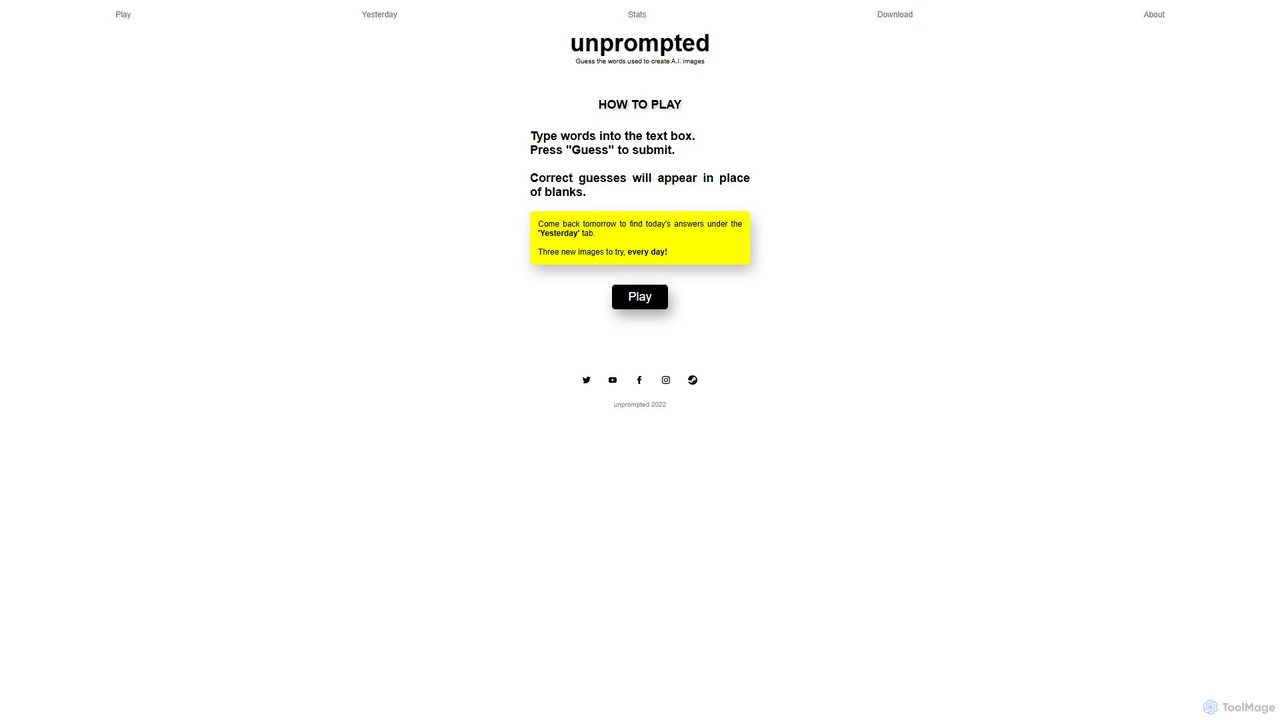
Unprompted is a daily AI image guessing game. Players are shown three AI-generated images and must guess the text prompts used to create them. It's a fun way to test your prompt engineering intuition and explore the creative capabilities of AI image generators.
PromptingPrompting tools are specialized platforms designed to help users create, optimize, and manage effective prompts for generative AI models. These tools often analyze prompts to suggest improvements, provide structured templates, and allow for the creation of reusable prompt libraries. Their primary value lies in bridging the gap between a user's intent and the AI's output, enabling more accurate, consistent, and creative results. By providing a structured environment for prompt engineering, they empower users to unlock the full potential of large language models and image generators.
These tools are essential for professionals who rely on consistent AI-generated outputs. This includes marketing teams creating campaign content, developers generating code snippets, customer support specialists designing chatbot dialogues, and researchers extracting structured data from text. They provide a systematic approach over simple trial-and-error.
When choosing a Prompting tool, evaluate the range of supported AI models (e.g., GPT-4, Claude, Stable Diffusion). Assess the sophistication of the prompt optimization features and the quality of the prompt library. For teams, collaboration and access control features are critical. Also, consider API access for integration into existing workflows and the tool's overall ease of use.
A marketing manager for an e-commerce brand needs to ensure all AI-generated content for a new product launch maintains a consistent brand voice. Using a prompting tool, the team collaborates to create a master prompt that defines the target audience, tone, key selling points, and negative constraints. This master prompt is then adapted for different channels like social media posts, email newsletters, and ad copy. The tool's version control allows them to track which prompt variations perform best, optimizing the campaign's effectiveness and saving hours of manual editing.
A software development team is building a new application and wants to use AI to generate boilerplate code, unit tests, and API documentation. A developer uses a prompting tool to create a library of highly specific prompts for these tasks. For example, a prompt for generating a Python Flask API endpoint includes placeholders for the route, request method, and data model. Other team members can then reuse these tested prompts, ensuring code consistency and adherence to best practices, which significantly reduces development time and minimizes errors.
A digital artist or game designer aims to create a series of concept art images with a unique, coherent style. They use a prompting tool to build complex, multi-part prompts for image generation models like Midjourney. The tool allows them to save and reuse specific components, such as 'cinematic lighting,' 'rendered in Octane,' or a particular artist's style. They can easily experiment by swapping these components and adjusting weights, systematically exploring creative variations instead of relying on random chance. The prompt history helps them trace back to the most successful combinations.
A university researcher needs to summarize findings from hundreds of scientific papers on a specific topic. Manually reading each one is impractical. Using a prompting tool, they design a precise prompt that instructs an LLM to extract the methodology, sample size, key findings, and limitations from each paper's abstract. The tool helps them refine the prompt through several iterations to maximize accuracy and ensure the output is in a consistent, structured format (e.g., JSON). This automates a significant portion of the literature review process, allowing the researcher to focus on analysis.
A customer support lead is responsible for improving their company's AI chatbot. They use a prompting tool to develop and manage the prompts that guide the chatbot's conversations. The team creates a structured library of prompts for different scenarios, such as handling refund requests, troubleshooting common issues, and escalating to a human agent. The platform allows them to A/B test different prompt phrasings to see which ones lead to higher customer satisfaction scores, creating a more effective and helpful automated support system.
A paralegal at a law firm needs to review dozens of contracts to identify specific clauses related to liability and termination. Using a prompting tool, they craft a highly detailed prompt that directs an AI model to scan documents and extract only the relevant clauses, ignoring boilerplate language. The prompt is refined to handle variations in legal terminology. The tool's workspace allows senior lawyers to review and approve the prompts before they are used in bulk, ensuring accuracy and creating a reliable, auditable workflow for contract analysis that drastically reduces manual review time.
Prompting tools, also known as prompt engineering platforms, are applications designed to help users write, manage, and optimize prompts for generative AI models. Unlike a basic chat interface, they provide a structured environment with features like version control, collaboration, reusable templates, and AI-powered suggestions. Their main purpose is to improve the quality, consistency, and reliability of AI-generated outputs by making the process of prompt creation more systematic and less reliant on trial and error.
To choose the right Prompting tool, consider these factors:
Using ChatGPT is like having a direct conversation, suitable for one-off tasks. A Prompting tool is a professional workbench for building and managing the instructions you give to an AI like ChatGPT. Key differences include features for scalability and consistency: Prompting tools offer prompt libraries for reuse, version control to track changes, collaboration for teams, and analytics to measure prompt performance. They are designed for users who need to produce reliable and high-quality AI outputs repeatedly, turning prompt creation from an art into an engineering discipline.
Prompting tools are for anyone who uses generative AI professionally and requires consistent, high-quality results. This includes a wide range of roles:
Learning prompt engineering is crucial because the output of a generative AI model is entirely dependent on the quality of its input prompt. A well-crafted prompt acts as a precise set of instructions, guiding the AI to produce the desired result by providing context, constraints, and a clear goal. Without effective prompting, AI outputs can be generic, inaccurate, or irrelevant. Mastering prompt engineering transforms AI from a novelty into a reliable tool, enabling users to control its behavior, minimize errors, and unlock its full creative and analytical capabilities.