ToolMage
Sign in

Best 27 Reading AI tools for Education

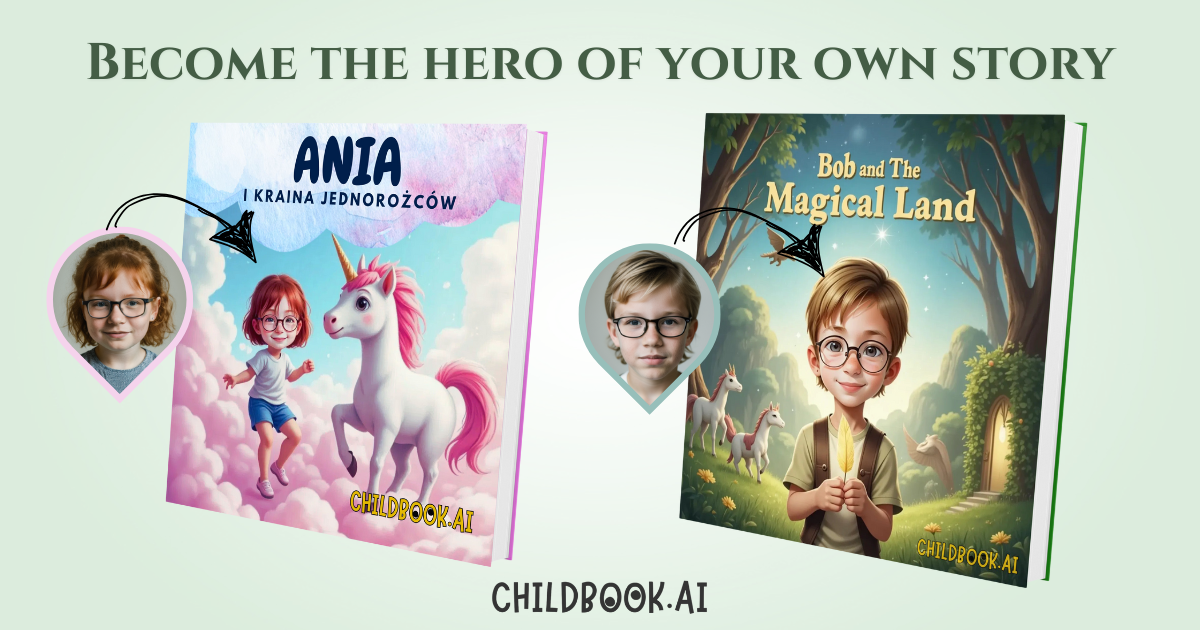
Popular Reading AI tools in Education include ReadTheory, meetnewbooks, mostrecommendedbooks, Smartick, Read This Twice, BookTranslator, childbook.ai, LibroMatch, joelbooks, and Snackz.ai, helping you work more efficiently.

BooSum
Freemium

BooSum

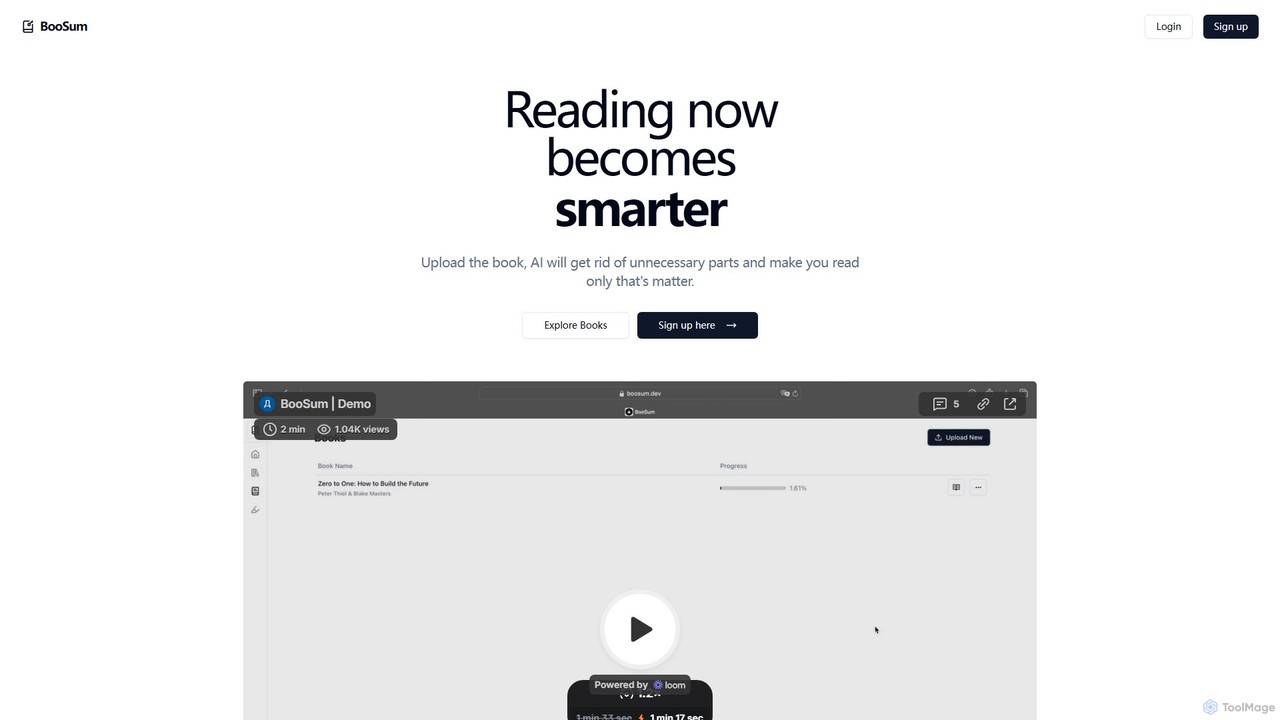
BooSum is an AI-powered reading platform that transforms your learning experience. Upload books in various formats (PDF, EPUB, etc.), and get intelligent summaries that distill key ideas. Chat with your books to ask questions, get instant explanations, and translate content into multiple languages. It's designed for students, professionals, and lifelong learners who want to read smarter, faster, and with deeper comprehension.

Analysis
Visits 5.9KFavorites 125Likes 134

Read This Twice
Free

Read This Twice

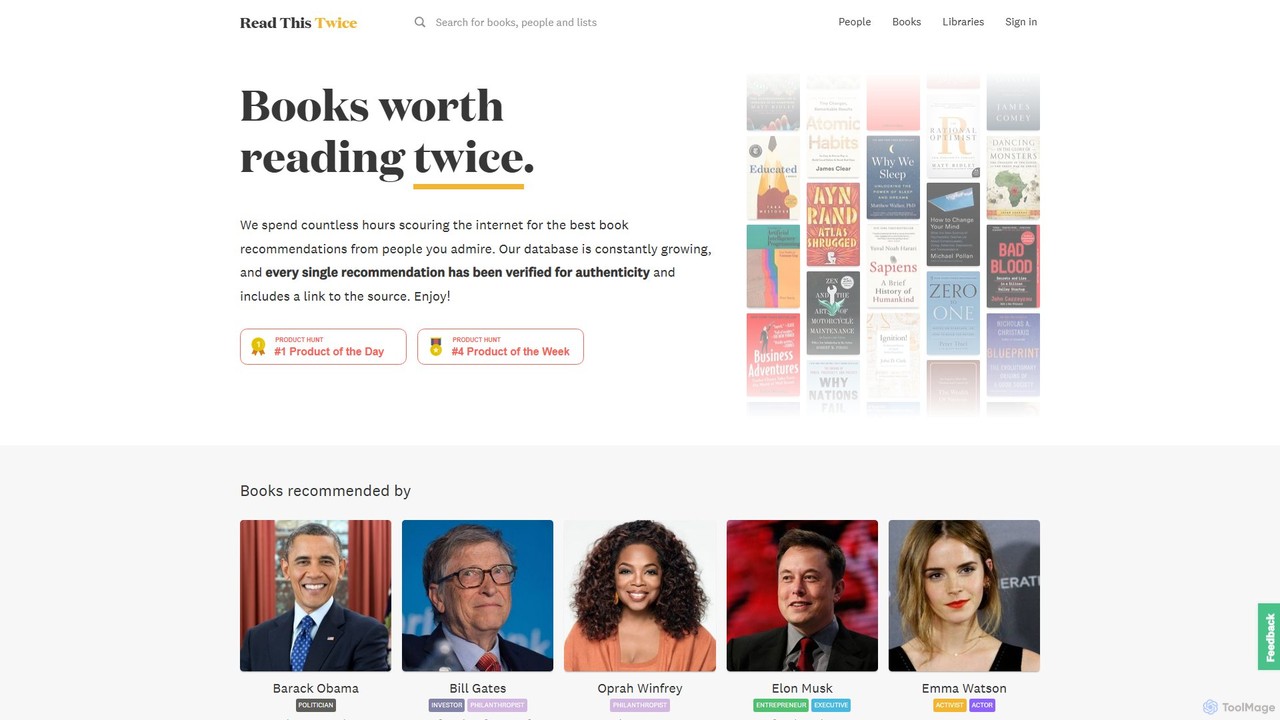
An online platform offering authentic book recommendations from over 3,000 influential figures and thought leaders. It features source-verified suggestions, curated reading lists, and an AI-powered assistant named "Sona" to provide personalized book discovery experiences for avid readers.

Reading
Visits 109.9KFavorites 109Likes 109
BookSlice
Freemium

BookSlice

BookSlice is an AI-powered reading assistant for Android designed to enhance your reading experience. It helps you digest books more efficiently by providing AI-generated summaries, extracting key insights, and allowing you to interact with texts through Q&A. Ideal for students, professionals, and avid readers.

Reading
Visits 5.8KFavorites 148Likes 132

About Reading

AI Reading tools are applications designed to enhance and assist the reading process using artificial intelligence. They leverage technologies like Natural Language Processing (NLP) and Text-to-Speech (TTS) to interact with digital text in dynamic ways. These tools help users comprehend complex documents, learn new languages, or provide crucial support for individuals with reading difficulties. Unlike simple e-readers, they offer interactive features such as intelligent summarization, real-time translation, and vocabulary building.

Core Features

  • Text-to-Speech (TTS): Converts written text into natural-sounding audio, allowing users to listen to articles, books, and documents.
  • Intelligent Summarization: Condenses long-form content into concise summaries, highlighting key points and main ideas.
  • Interactive Vocabulary Builder: Provides instant definitions, synonyms, and usage examples for words within the text.
  • Real-time Translation: Translates selected words, sentences, or entire documents into different languages on the fly.
  • Comprehension Analysis: Poses questions or identifies key concepts to help users verify their understanding of the material.

Use Cases

These tools are widely used by students and researchers to process large volumes of academic papers and textbooks. Language learners utilize them for immersive reading and pronunciation practice. They also serve as essential assistive technology for individuals with dyslexia, ADHD, or visual impairments, making digital content more accessible.

How to Choose

When selecting an AI Reading tool, consider the supported document formats (PDF, EPUB, web pages). Evaluate the quality and variety of the text-to-speech voices. Assess the accuracy of the summarization and translation features. Also, check for platform compatibility, such as browser extensions, mobile apps, or desktop software, to fit your workflow.

Featured tool rankings

Reading use cases

1

Accelerate Academic Research and Literature Review

A graduate student uses an AI reading tool to manage a heavy workload of academic papers. Instead of spending weeks manually reading, they upload dozens of PDFs to the tool. The AI generates concise summaries for each paper, allowing the student to quickly identify the most relevant research. They also use the text-to-speech feature to listen to articles during their commute, maximizing their study time and significantly speeding up the literature review process.

2

Enhance Language Learning with Interactive Reading

An individual learning French uses an AI reading tool to immerse themselves in the language. They read French news websites using a browser extension. When they encounter an unfamiliar word, they can get an instant translation and definition without leaving the page. The tool's text-to-speech function helps them master pronunciation by reading sentences aloud. This interactive process turns passive reading into an active learning session, effectively building vocabulary and comprehension skills.

3

Provide Reading Support for Individuals with Dyslexia

A student with dyslexia utilizes an AI reading tool as an assistive technology to overcome reading challenges. The software reads digital textbooks and online materials aloud, highlighting words as they are spoken. This multi-sensory approach improves focus and word recognition. The ability to adjust the reading speed and choose dyslexia-friendly fonts further customizes the experience, empowering the student to keep pace with coursework and engage with content more confidently.

4

Quickly Digest Business Reports and Documents

A business analyst is tasked with reviewing a dense, 100-page market analysis report. Using an AI reading tool, they first generate a one-page executive summary to grasp the main conclusions. The tool helps them search for specific keywords and concepts within the document, instantly navigating to relevant sections. This allows the analyst to extract critical data and insights in a fraction of the time it would take to read the entire report manually, improving productivity and decision-making speed.

5

Listen to Web Articles and News on the Go

A busy professional wants to stay informed but lacks the time to sit and read. They use an AI reading tool's browser extension to convert long articles, newsletters, and blog posts into an audio playlist. This effectively creates a personal podcast from any text-based content. They can listen to this playlist during their commute, while exercising, or during breaks, allowing them to consume valuable information hands-free and multitask efficiently.

6

Improve Children's Reading Comprehension

A parent uses an AI reading app to make reading more engaging for their child. The app reads stories aloud with expressive voices, capturing the child's attention. After each chapter, the tool generates simple comprehension questions about the plot and characters, reinforcing what was just read. When the child taps on a difficult word, a simple, age-appropriate definition pops up. This transforms reading from a solitary activity into an interactive and supportive educational experience.

Reading FAQ

What are AI Reading tools?

AI Reading tools are software applications that use artificial intelligence to help users read and understand text more effectively. They employ technologies like text-to-speech (TTS), natural language processing (NLP), and machine learning to offer features beyond simple text display. Key functions include reading text aloud, summarizing long documents, translating languages, and providing definitions for words in context.

How do I choose the right AI Reading tool?

To choose the right tool, consider these factors:

  • Functionality: Determine if you need text-to-speech, summarization, translation, or all of these features.
  • Voice Quality: For TTS, listen to voice samples to ensure they sound natural and clear.
  • Supported Formats: Check if the tool works with your required file types, such as PDFs, EPUBs, or web pages via a browser extension.
  • Ease of Use: The interface should be intuitive and not disrupt your reading flow.
  • Cost: Compare pricing models, from free versions with basic features to subscription plans for advanced capabilities.
What is the difference between an AI Reading tool and a standard e-reader?

A standard e-reader (like the Kindle app or Apple Books) is primarily designed for displaying digital books and documents, focusing on the reading experience with features like font adjustment and bookmarking. An AI Reading tool, on the other hand, is an interactive assistant. It actively processes the text to provide services like reading aloud (TTS), creating summaries, translating content, and defining words, aiming to enhance comprehension and accessibility rather than just displaying content.

Who can benefit from using AI Reading tools?

A wide range of users can benefit from AI Reading tools. This includes:

  • Students and Researchers: To quickly process dense academic material and research papers.
  • Professionals: To stay on top of industry reports, emails, and long documents.
  • Language Learners: To improve pronunciation and build vocabulary through immersive reading.
  • Individuals with Reading Difficulties: Such as dyslexia, ADHD, or visual impairments, who use the tools as assistive technology.
  • Casual Readers: Who want to listen to articles and books while multitasking.
Can AI Reading tools handle complex technical or scientific documents?

Yes, many advanced AI Reading tools are specifically trained to handle complex and technical content. They can parse scientific papers, legal documents, and financial reports. Their summarization algorithms are often capable of identifying key hypotheses, methodologies, and conclusions in research articles. Furthermore, their vocabulary builders can provide definitions for specialized jargon, making dense, domain-specific material more accessible to a broader audience.