ToolMage
Sign in

Best 2 Technical Writing AI tools for Education

Popular Technical Writing AI tools in Education include vinish and aispaceship, helping you work more efficiently.

vinish
Free

vinish

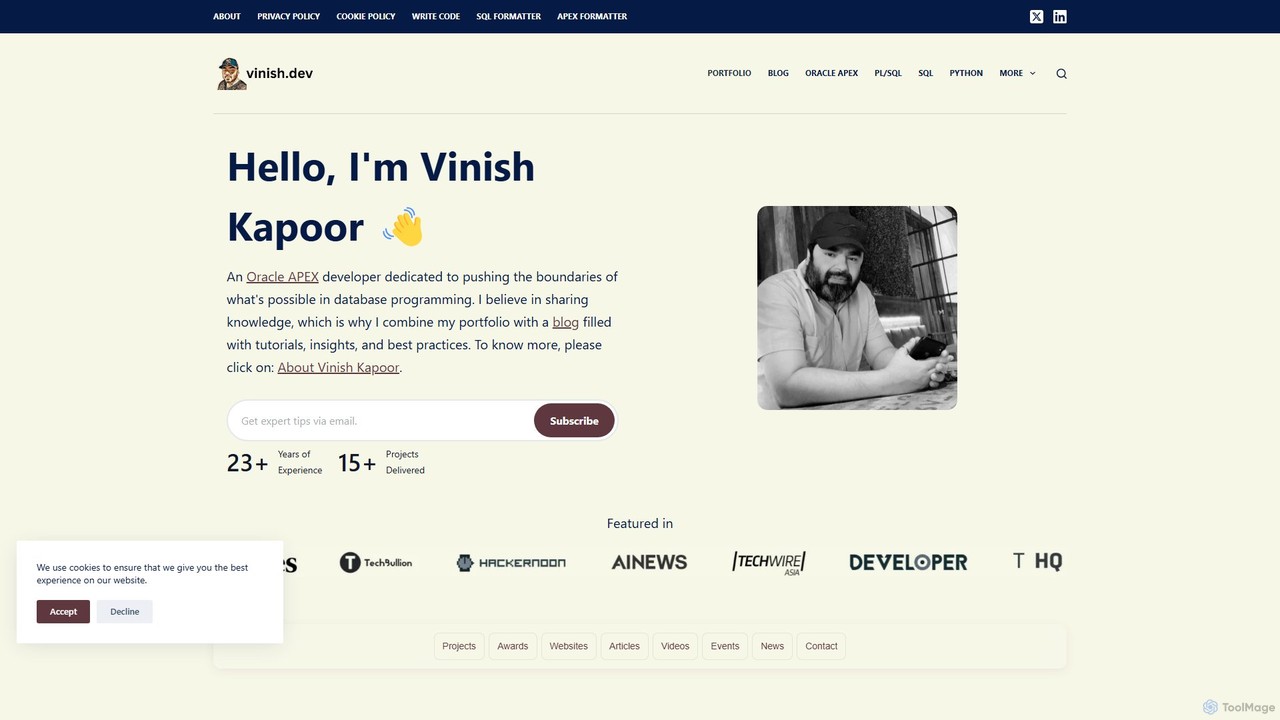
A suite of free, specialized AI and developer tools created by Oracle ACE Pro Vinish Kapoor. The platform offers an AI-powered Hate Speech Detector, an Image Anomaly Detector, and a variety of powerful utilities for Oracle SQL developers, all accessible directly through the web.

Image Analysis
Visits 159.1KFavorites 123Likes 118
aispaceship
Free

aispaceship

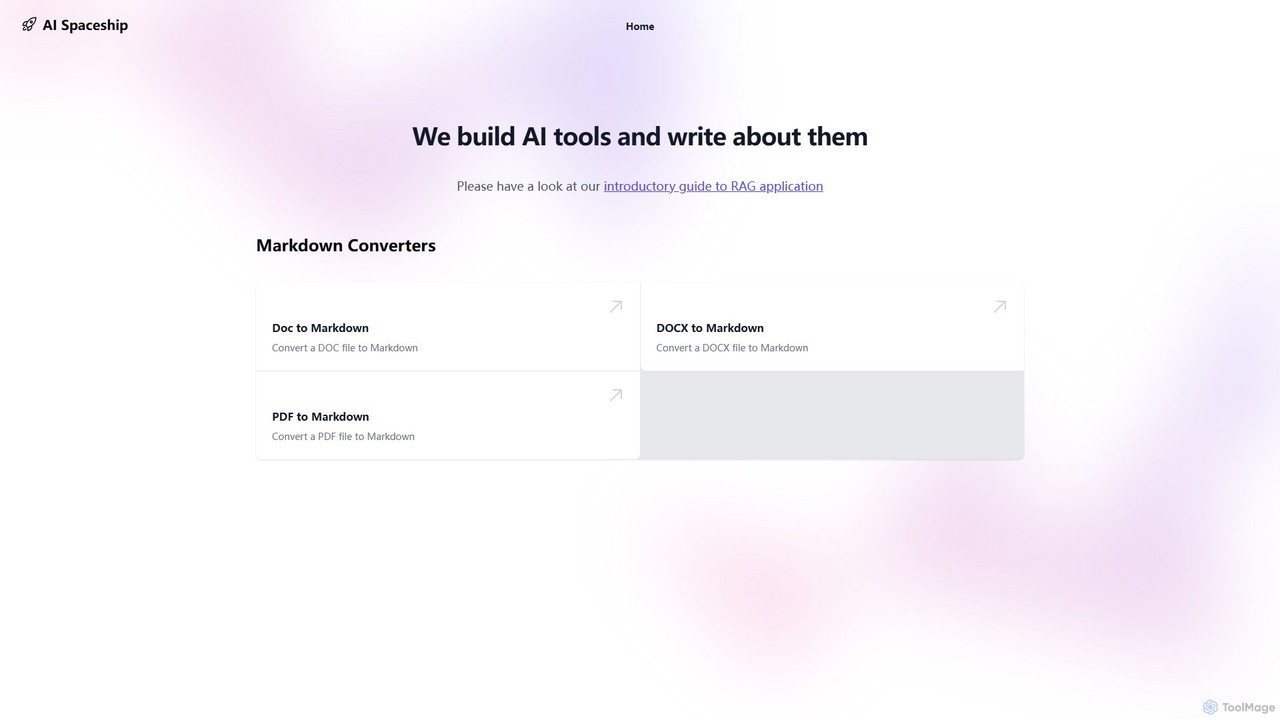
aispaceship offers a suite of free, web-based AI tools, specializing in document conversion. Effortlessly convert DOC, DOCX, and PDF files to clean Markdown with a simple drag-and-drop interface. The platform also provides educational content on AI topics, such as RAG applications, making it a valuable resource for developers, writers, and tech enthusiasts.

Documentation
Visits 6.8KFavorites 106Likes 105

About Technical Writing

AI Technical Writing tools are specialized applications designed to automate and enhance the creation of clear, accurate, and consistent technical documentation. These tools leverage Natural Language Processing (NLP) and machine learning models to analyze complex information, such as source code or product specifications, and generate structured content like user manuals, API references, and knowledge base articles. Their primary value lies in accelerating the documentation process, enforcing style guides, and improving the overall quality and readability of technical content for end-users and developers. This ensures that complex products and services are easier to understand and use.

Core Features

  • Automated Content Generation: Creates draft documentation directly from source code comments, API specifications (e.g., OpenAPI), or feature descriptions.
  • Style and Terminology Enforcement: Automatically checks content against predefined style guides to ensure consistency in tone, formatting, and terminology across all documents.
  • Clarity and Readability Analysis: Provides suggestions to simplify complex sentences, use active voice, and improve the overall structure for better comprehension.
  • Code Snippet Management: Helps in formatting, explaining, and keeping code examples up-to-date within the documentation.
  • Multi-Format Publishing: Enables easy export of documentation to various formats like HTML, PDF, and Markdown for web portals, print, or developer hubs.

Use Cases

These tools are primarily used by technical writers, software developers, product managers, and support engineers. Common applications include generating and maintaining API reference guides, creating comprehensive software user manuals, building internal and external knowledge bases, and producing consistent release notes for product updates. They are crucial in industries like software development, SaaS, and manufacturing where precise documentation is essential.

How to Choose

When selecting an AI Technical Writing tool, consider its integration capabilities with your existing workflows, such as code repositories (e.g., GitHub, GitLab) and help desk software. Evaluate the level of customization available for style guides and templates. Also, assess its support for various input sources (code, API files, text) and the quality of its generated content. Finally, consider collaboration features and the pricing model to ensure it fits your team's size and budget.

Technical Writing use cases

1

Automating API Reference Documentation

A software development team needs to provide comprehensive and always-up-to-date documentation for their public API. Manually writing and updating this documentation is time-consuming and prone to errors. By using an AI Technical Writing tool, they can connect it directly to their OpenAPI (Swagger) specification file. The tool automatically generates a complete, interactive API reference guide, including endpoints, parameters, request examples, and response schemas. Whenever the API spec is updated, the documentation is regenerated in minutes, ensuring accuracy and saving the development team hundreds of hours per product cycle.

2

Creating Consistent Software User Manuals

A technical writer is tasked with creating a 200-page user manual for a new enterprise software product. Ensuring consistent terminology (e.g., 'user' vs. 'customer', 'settings' vs. 'preferences') and tone across all chapters is a major challenge. An AI Technical Writing tool helps by maintaining a central glossary and style guide. As the writer drafts new sections, the tool flags inconsistencies and suggests corrections in real-time. It can also help structure content by generating outlines based on feature lists, ensuring all functionalities are covered systematically. This results in a higher-quality, more professional manual that is easier for end-users to navigate and understand.

3

Building a Searchable Internal Knowledge Base

A customer support team is overwhelmed with repetitive questions. They decide to build an internal knowledge base to help agents find answers quickly. Using an AI Technical Writing tool, they can process existing resources like support ticket logs, internal memos, and developer notes. The AI helps categorize information, suggests relevant tags, and drafts structured articles in a consistent format. It can also identify knowledge gaps by analyzing common search queries that yield no results. This accelerates the creation of a comprehensive, easily searchable knowledge base, reducing agent response times and improving the consistency of support provided to customers.

4

Generating SDK Documentation from Code Comments

A platform company releases SDKs for multiple programming languages (Java, Python, JavaScript). Manually documenting each SDK is a massive undertaking. A developer can use an AI Technical Writing tool that integrates with their code repository. The tool parses source code comments (like Javadoc or Python docstrings) and automatically generates structured documentation for classes, methods, and parameters. It ensures the documentation format is consistent across all languages and can publish the output directly to a developer portal. This process turns code comments into a valuable asset, drastically reducing documentation time and improving the developer experience for third-party integrators.

5

Simplifying Complex Concepts for Training Materials

A corporate trainer needs to create training modules for the sales team about a new, highly technical product. The source material consists of dense engineering whitepapers. Using an AI Technical Writing tool, the trainer can input these complex documents and ask the AI to simplify the language, define jargon, and create analogies. The tool helps restructure the content into digestible lessons with clear learning objectives and summaries. This allows the trainer to quickly produce accurate and easy-to-understand training materials, significantly reducing preparation time and ensuring the non-technical sales team can confidently articulate the product's value to customers.

6

Maintaining and Translating Product Documentation

A global SaaS company needs to maintain its product documentation in five different languages. When a new feature is released, updating all language versions simultaneously is a logistical nightmare. An AI Technical Writing tool with localization features can streamline this. The technical writer first updates the source document in English. The tool then identifies the changed sections and uses its AI translation capabilities to generate drafts for the other four languages. While a human translator still reviews for nuance, this process reduces the translation workload by over 70% and ensures that all users, regardless of their language, receive timely and accurate product updates.

Technical Writing FAQ

What are AI Technical Writing tools?

AI Technical Writing tools are specialized software that use artificial intelligence to help create, manage, and improve technical documentation. Unlike general-purpose AI writers, they are specifically trained to understand technical context, such as source code, API specifications, and complex product features. Their core functions include automating the drafting of manuals and guides, ensuring terminology and style consistency across documents, simplifying complex language for broader audiences, and managing content workflows. They act as powerful assistants to technical writers and developers, aiming to make documentation more accurate, consistent, and faster to produce.

How to choose the right AI tool for technical writing?

Choosing the right tool depends on your specific needs. Consider the following factors:

  • Integration: Does the tool integrate with your existing systems, like code repositories (GitHub, GitLab), content management systems (CMS), or help desk software?
  • Input Sources: Can it process the types of content you work with? This could be source code, API specification files (OpenAPI, RAML), or existing documents.
  • Customization: How well can you customize its output? Look for features like custom style guides, terminology lists, and content templates to match your brand's voice.
  • Collaboration: Does it support team-based workflows, including review, commenting, and version control?
  • Output Formats: Ensure it can publish to the formats you need, such as a developer portal (HTML), printable guides (PDF), or Markdown.
What's the difference between AI Technical Writing tools and general AI writers?

The key difference is specialization. General AI writers (like ChatGPT or Jasper) are trained on vast, diverse internet data, making them excellent for creative tasks like marketing copy or blog posts. AI Technical Writing tools, however, are domain-specific. They are trained on technical documents, code, and API schemas. This allows them to perform specialized tasks that general writers cannot, such as:

  • Generating documentation directly from a code repository.
  • Understanding and interpreting API specification files.
  • Enforcing strict terminology and formatting rules from a style guide.
  • Ensuring a high degree of factual accuracy required for technical content.

In short, while a general AI writer can help you write *about* a technical topic, an AI Technical Writing tool helps you build and maintain the actual technical documentation itself.

Can AI tools completely replace human technical writers?

No, AI tools are best viewed as powerful assistants, not replacements. While they excel at automating repetitive tasks like drafting from templates, checking for consistency, and generating documentation from structured data (like code), they lack the critical thinking and empathy of a human writer. Humans are essential for understanding the audience's needs, structuring information logically (information architecture), verifying the technical accuracy of complex concepts, and handling strategic aspects of documentation. The most effective workflow combines the speed and consistency of AI with the strategic oversight and deep understanding of a human technical writer.

Who benefits most from AI Technical Writing tools?

A wide range of roles can benefit, but the primary users are:

  • Technical Writers: To automate tedious tasks, enforce consistency, and focus more on high-level strategy and information architecture.
  • Software Developers: To quickly generate and update API documentation or SDK guides directly from their code, reducing the documentation burden.
  • Support Teams: To build and maintain internal and external knowledge bases more efficiently, ensuring support agents and customers have access to accurate information.
  • Product Managers: To create clear and consistent release notes and feature documentation, improving communication with users.

Essentially, anyone involved in creating or maintaining structured, technical information for a product or service can significantly improve their efficiency and the quality of their output by using these tools.