ToolMage
Sign in

Best 1 Virtual Platforms for Events

Popular Virtual Platforms in Events include Langfinity, helping you work more efficiently.

Langfinity
Freemium

Langfinity

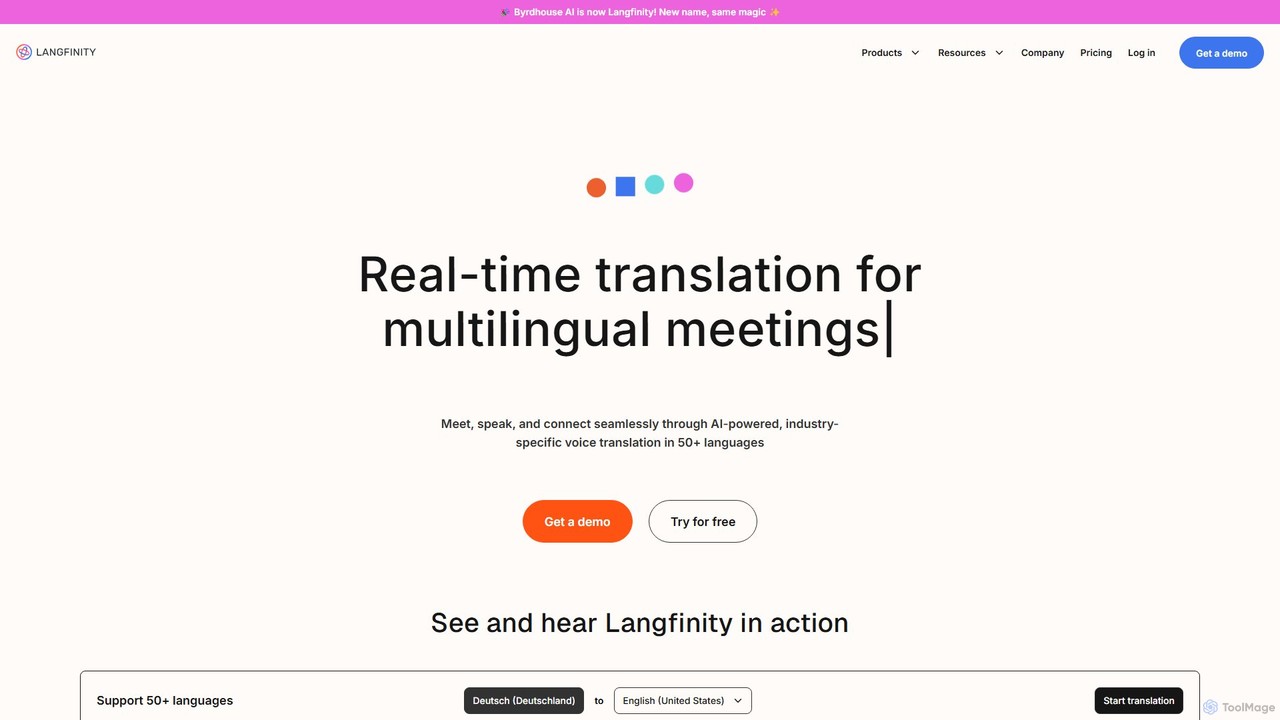
Langfinity (formerly Byrdhouse AI) is an AI-powered platform providing real-time voice and text translation for multilingual meetings. Supporting over 50 languages, it features natural-sounding voice avatars, industry-specific terminology, and seamless integration with platforms like Zoom and Teams. It's designed to break down language barriers in global communication for businesses, events, and organizations.

Global Teams
Visits 13.8KFavorites 128Likes 132

About Virtual Platforms

Virtual Platforms are comprehensive digital environments designed to host immersive and interactive online events. They utilize AI to create engaging experiences that extend beyond simple video streaming, offering features like virtual lobbies, exhibition halls, and intelligent networking lounges. These platforms enable organizations to replicate the core elements of a physical event, such as lead generation, community building, and content delivery, in a fully digital format. Their primary advantage lies in scalability, global accessibility, and the ability to capture rich data on attendee engagement.

Core Features

  • Interactive Environments: Create customizable 2D or 3D virtual venues, including auditoriums, breakout rooms, and sponsor booths.
  • AI-Powered Networking: Facilitate meaningful connections through intelligent matchmaking algorithms that suggest relevant contacts.
  • Virtual Exhibition Booths: Allow sponsors to showcase products, share digital content, and interact directly with attendees via chat or video.
  • Engagement Analytics: Provide deep insights into attendee behavior, session popularity, content interaction, and overall event ROI.
  • Multi-Session Management: Support complex event agendas with parallel tracks, workshops, and on-demand content libraries.

Use Cases

These platforms are primarily used by corporate event planners, marketing teams, industry associations, and educational institutions. They are ideal for hosting large-scale virtual conferences, international trade shows, university career fairs, and internal corporate events where high levels of attendee interaction and sponsor visibility are crucial.

How to Choose

When selecting a Virtual Platform, first assess its scalability to handle your expected number of attendees and concurrent sessions. Evaluate the level of customization available for branding and venue design. Examine its networking and engagement features, such as AI matchmaking and interactive tools. Finally, review the depth of its analytics and reporting capabilities to ensure you can effectively measure your event's success.

Virtual Platforms use cases

1

Hosting a Global Tech Conference

An event marketing team uses a virtual platform to host its company's annual developer conference. They create a multi-track agenda in a branded virtual auditorium, set up interactive sponsor booths with lead capture forms, and enable AI-powered networking sessions to connect attendees with similar interests. This strategy allows them to reach a global audience without travel constraints, significantly reduce logistical costs, and gather detailed analytics on which sessions and sponsors generated the most engagement.

2

Organizing a University Virtual Career Fair

A university's career services department sets up a virtual career fair to connect students with employers. Students create profiles, upload resumes, and navigate a 2D map of company booths. Recruiters host live Q&A sessions and schedule one-on-one video interviews directly within the platform. The platform provides the university with data on student attendance and employer engagement, helping them demonstrate the value of their services and improve future events.

3

Conducting a Corporate Sales Kick-Off

A multinational corporation hosts its annual sales kick-off for its global team. The platform supports a main stage for leadership keynotes, multiple breakout rooms for regional training sessions, and an on-demand content library for product demos. Gamification features, such as leaderboards for quiz scores and session attendance, are used to boost engagement and knowledge retention. This approach ensures consistent training delivery across all regions and fosters a sense of community among a distributed workforce.

4

Launching a Virtual Trade Show

An industry association creates a virtual trade show for its members. Exhibitors design their own 3D booths, upload product catalogs and video demos, and schedule one-on-one meetings with potential buyers. The platform's AI matchmaking feature suggests relevant exhibitors to attendees based on their profile interests. After the event, the association provides exhibitors with detailed analytics on booth traffic, content downloads, and leads generated, offering a clear return on investment.

5

Creating an Online Community Summit

A software company hosts a summit for its user community. The virtual platform is designed to feel like a collaborative campus, with spaces for user-led workshops, 'ask me anything' sessions with developers, and a virtual lounge for informal networking. The platform's persistent nature allows the community space to remain open after the live event, serving as an ongoing resource hub with session recordings and discussion forums, fostering year-round engagement.

6

Facilitating a Hybrid Internal Town Hall

A large enterprise uses a virtual platform to host a hybrid town hall meeting, connecting employees from the headquarters with remote workers globally. In-person attendees interact via a mobile app, while remote attendees join the virtual venue. The platform integrates both audiences, allowing everyone to participate in live polls, submit questions for the Q&A panel, and join virtual breakout tables for post-event discussions, ensuring an equitable experience for all participants regardless of location.

Virtual Platforms FAQ

What are AI-powered Virtual Platforms?

AI-powered Virtual Platforms are integrated digital environments for hosting interactive online events that mimic the experience of a physical venue. Unlike simple streaming tools, they create a 'sense of place' with features like virtual lobbies, auditoriums, and exhibition halls. AI is used to enhance the experience through intelligent networking matchmaking, personalized content recommendations, and detailed analytics on attendee behavior.

How do Virtual Platforms differ from video conferencing tools?

Video conferencing tools (like Zoom or Teams) are designed for meetings and webinars, focusing on one-to-many or few-to-few communication. Virtual Platforms are built for events, focusing on many-to-many interaction and experience. Key differences include:

  • Environment: Virtual platforms offer customizable, navigable spaces (venues), while video conferencing tools have a standard meeting interface.
  • Networking: Platforms have advanced features like AI matchmaking and virtual lounges, which are absent in conferencing tools.
  • Sponsorship: They provide dedicated virtual booths and lead generation tools for sponsors.
  • Scale: They are designed to handle thousands of concurrent attendees across multiple sessions.

What are the key features to look for in a Virtual Platform?

When choosing a virtual platform, prioritize features that align with your event goals. Key features include:

  • Customization and Branding: The ability to customize the virtual venue with your organization's branding, colors, and logos.
  • Engagement Tools: Interactive features like live polls, Q&A sessions, chat, and gamification to keep attendees involved.
  • Networking Capabilities: Tools such as AI-powered matchmaking, breakout rooms, and one-on-one video chat to facilitate connections.
  • Sponsor & Exhibitor Features: Customizable virtual booths with lead capture, content hosting, and direct interaction capabilities.
  • Analytics and Reporting: Comprehensive dashboards to track attendance, engagement metrics, session popularity, and lead generation data.

Who should use a Virtual Platform?

Virtual Platforms are ideal for any organization that hosts events focused on community, learning, and commerce. This includes:

  • Corporate Event Planners: For hosting internal kick-offs, user conferences, and product launches.
  • Marketing Teams: For running large-scale lead generation events like virtual summits and trade shows.
  • Industry Associations: To provide members with virtual conferences, networking events, and year-round community engagement.
  • Educational Institutions: For organizing virtual career fairs, open days, and academic conferences.

What are the main benefits of using a Virtual Platform for an event?

Using a virtual platform offers significant advantages over traditional in-person or simple streaming events. The main benefits are:

  • Increased Reach: Overcome geographical barriers to attract a global audience without travel costs.
  • Cost Savings: Reduce expenses related to venue rental, catering, travel, and physical logistics.
  • Enhanced Data Collection: Capture detailed analytics on every aspect of attendee engagement, providing clear ROI metrics.
  • Greater Accessibility: Make events more accessible to individuals with physical disabilities, budget constraints, or scheduling conflicts.