Cloudgov
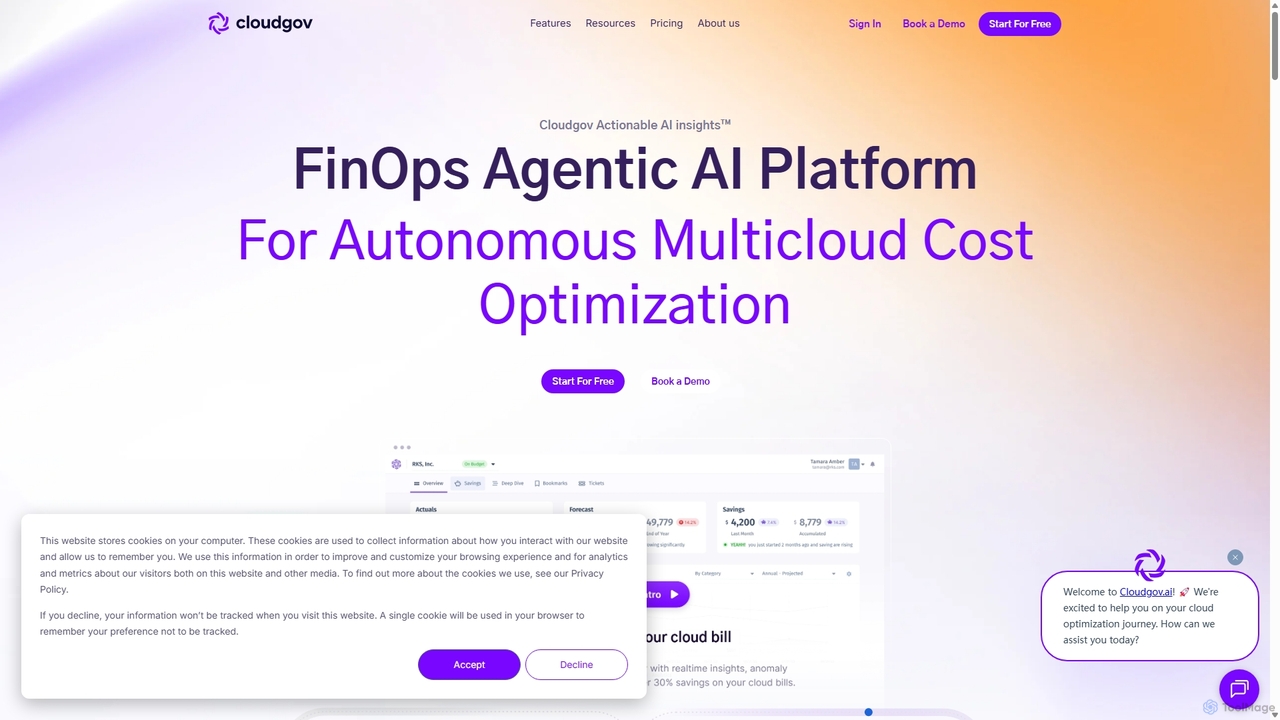
Cloudgov is an agentic AI-powered FinOps platform designed for autonomous multicloud cost optimization. It provides unified visibility across …
Cloudgov is an agentic AI-powered FinOps platform designed for autonomous multicloud cost optimization. It provides unified visibility across AWS, Azure, and GCP, delivering actionable insights, real-time anomaly detection, and automated remediation to help businesses reduce cloud spending by over 30% and streamline financial operations.
Pump
Pump is a free AI-powered tool that helps startups automatically save up to 60% on their cloud costs, …
Pump is a free AI-powered tool that helps startups automatically save up to 60% on their cloud costs, primarily on AWS. It leverages group buying power to secure volume discounts, passing the savings directly to users without any fees or risks.
About Cloud Cost Management
Cloud Cost Management tools are specialized platforms designed to monitor, analyze, and optimize spending on public cloud services like AWS, Azure, and Google Cloud. These tools ingest complex billing data and provide clear visibility into resource consumption, identifying waste and recommending specific actions for cost reduction. They are essential for businesses to control escalating cloud expenses, implement financial governance (FinOps), and maximize the return on their cloud investments. Unlike general financial software, they offer granular insights into specific cloud service usage, such as compute instances, storage tiers, and data transfer fees.
Core Features
- Cost Visibility & Allocation: Provides detailed dashboards to break down cloud spending by project, team, service, or custom tags.
- Optimization Recommendations: Automatically identifies idle resources, oversized instances, and opportunities for commitment-based discounts (e.g., Reserved Instances).
- Anomaly Detection: Uses machine learning to monitor spending patterns and instantly alert teams to unexpected cost spikes.
- Budgeting & Forecasting: Allows users to set spending budgets, track progress, and predict future cloud bills with high accuracy.
- FinOps Automation: Enables automated actions, such as terminating unused resources or scheduling on/off times for non-production environments.
Use Cases
These tools are primarily used by FinOps practitioners, DevOps engineers, IT managers, and finance teams in any organization with a significant cloud presence. They are critical for technology companies, e-commerce platforms, and large enterprises looking to manage complex, multi-cloud environments and instill a culture of cost accountability among engineering teams.
How to Choose
When selecting a Cloud Cost Management tool, consider its multi-cloud support (does it cover all your providers?), the depth and actionability of its optimization recommendations, its integration capabilities with tools like Slack and Jira, and the flexibility of its reporting and dashboarding features. Also, evaluate its pricing model, which is often based on a percentage of the cloud spend it manages.

Cloud Cost ManagementUse Cases
Optimize Compute Resources for a SaaS Company
A DevOps engineer at a growing SaaS company is tasked with reducing the monthly AWS bill without affecting application performance. Using a cloud cost management tool, they analyze EC2 instance usage over the past 30 days. The platform's dashboard quickly highlights several instances that are consistently underutilized (CPU usage below 20%) and others that are completely idle. The engineer applies the tool's one-click right-sizing recommendations and sets up an automated policy to terminate any development instance left running after work hours. This proactive approach reduces their monthly compute costs by over 25%.
Allocate Cloud Costs to Different Departments
A FinOps analyst in a large enterprise needs to implement a chargeback model to foster cost accountability. The company's cloud environment is shared by multiple departments like R&D, Marketing, and Sales. The analyst uses the cloud cost management tool to enforce a consistent tagging policy across all resources. The tool then automatically ingests this data and generates detailed reports that allocate costs to each department based on their tagged resources. These reports are scheduled to be sent to department heads monthly, providing them with clear visibility into their spending and encouraging more cost-conscious behavior.
Prevent Budget Overruns with Anomaly Detection
The CTO of a fast-moving startup needs to ensure their cloud spend stays within a strict monthly budget. They configure a budget alert in their cloud cost management tool for 80% of their total budget. One day, a developer accidentally provisions a large, expensive GPU instance for a small task and forgets to terminate it. The tool's anomaly detection feature immediately flags this unusual spike in spending, which is projected to exceed the monthly budget. The CTO receives an instant alert via Slack, investigates the cause, and terminates the unnecessary instance, preventing a significant budget overrun before it happens.
Automating Idle Resource Cleanup
A cloud platform team is responsible for maintaining a clean and efficient multi-cloud environment. They notice a significant amount of waste from unattached storage volumes and orphaned snapshots left behind by various projects. Manually cleaning these up is time-consuming and prone to error. They use their cost management tool to create an automated 'waste cleanup' policy. This policy runs weekly, identifies any storage volume that has been unattached for more than 30 days, and automatically deletes it after sending a notification to the resource owner. This automation saves the team hours of manual work each month and reduces storage costs by 15%.
Evaluate Reserved Instance & Savings Plans Purchases
An IT finance manager is tasked with maximizing savings on predictable, long-term workloads. Instead of manually analyzing complex usage data, they use the cost management tool's recommendation engine. The tool analyzes historical usage patterns across all compute services and models the potential savings from different Reserved Instance (RI) or Savings Plan options. It provides clear recommendations, such as 'Purchase a 1-year, All Upfront, Standard RI for this instance family to save 42%'. This data-driven insight allows the manager to make a confident purchase decision, locking in significant discounts and improving the company's overall cloud ROI.
Create Executive Dashboards for Cloud ROI
The Head of IT needs to report on cloud spending trends and the effectiveness of optimization efforts to the executive team. Using the cloud cost management tool, they create a custom, high-level dashboard. This dashboard visualizes key metrics such as total monthly spend, cost breakdown by major business unit, and a chart showing 'realized savings' from optimization activities versus 'potential savings'. This provides a clear, concise summary that communicates the value of the company's cloud strategy and demonstrates how the FinOps team is actively managing costs to improve the overall return on investment.