ToolMage
Sign in

Best 33 Invoicing AI tools for Finance

Popular Invoicing AI tools in Finance include Contra, ANNA Money, Clinicminds, Agree.com, Copilot, Zumma Financial, Fingertip, Wethos, Chargezoom, and Clientjoy, helping you work more efficiently.

smartinvoices
Freemium

smartinvoices

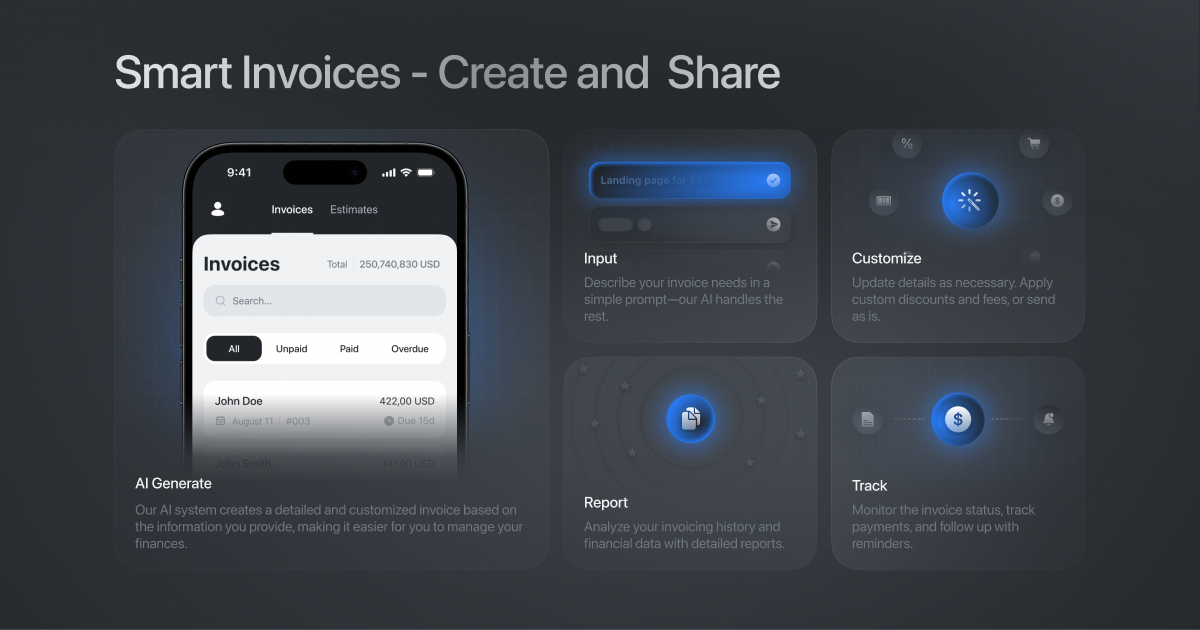
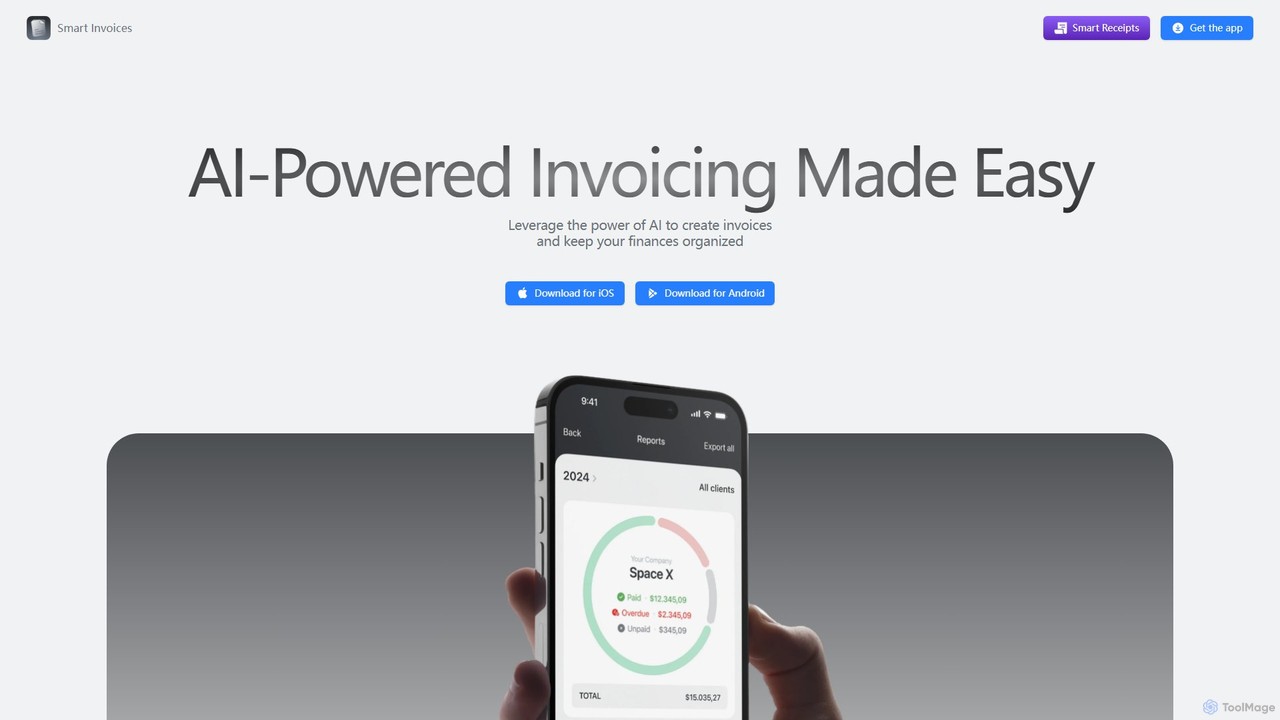
smartinvoices is an AI-powered mobile app designed for effortless invoice management. Tailored for freelancers and small business owners, it simplifies creating, sending, and tracking professional invoices. Leverage AI to generate invoices with simple commands, automate tax and discount calculations, and manage your finances on the go. With features like client database integration, cloud sync, and automated payment reminders, smartinvoices streamlines your entire billing workflow, saving you time and ensuring accuracy.

Freelancer Tools
Visits 8.3KFavorites 122Likes 122
Billie
Paid

Billie

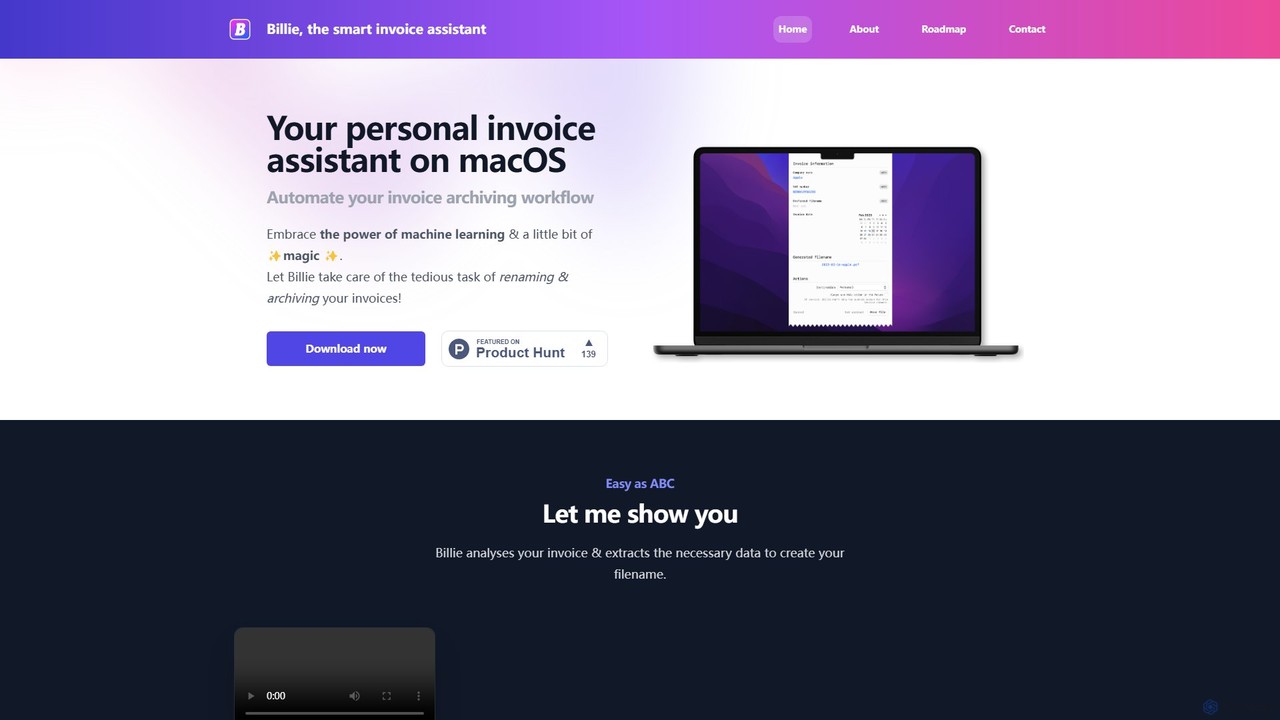
Billie is a smart invoice assistant for macOS that uses AI to automate the tedious process of renaming, organizing, and archiving your invoices. Simply drag and drop your PDF invoices, and Billie will extract the data, rename the file according to your custom rules, and move it to the correct folder, saving you hours of administrative work.

Invoicing
Visits 6.4KFavorites 124Likes 131

About Invoicing

AI Invoicing tools are applications that use artificial intelligence to automate and streamline the entire billing process. These tools leverage machine learning to extract data from documents, predict payment times, and personalize client communications. This helps businesses reduce manual errors, accelerate cash flow, and gain deeper insights into their financial operations within the broader finance ecosystem. The primary value lies in transforming invoicing from a manual administrative task into an intelligent, data-driven process.

Core Features

  • Automated Data Extraction: Automatically captures invoice details from purchase orders, contracts, or receipts, eliminating manual entry.
  • Smart Reminders & Follow-ups: Intelligently schedules and sends payment reminders based on client payment history and behavior.
  • Payment Prediction: Uses historical data and machine learning to forecast when an invoice is likely to be paid, improving cash flow management.
  • Expense Categorization: Automatically classifies expenses from receipts and links them to specific projects or clients for accurate billing.
  • Compliance & Validation: Ensures invoices meet regional tax regulations and formatting standards automatically.

Use Cases

AI Invoicing tools are ideal for freelancers, small to medium-sized businesses (SMBs), and enterprise finance departments. They are frequently used for managing recurring invoices for subscription services, handling complex project-based billing for agencies, and accurately tracking billable hours for consultants and legal firms.

How to Choose

When selecting an AI Invoicing tool, consider its integration capabilities with your existing accounting software (e.g., QuickBooks, Xero). Evaluate the level of automation it provides for your specific workflow, its support for multiple currencies and international tax laws, and its pricing model (per-user, per-invoice, or subscription-based). Also, assess the accuracy of its data extraction and prediction features.

Featured tool rankings

Invoicing use cases

1

Automate Recurring Invoices for SaaS Businesses

A SaaS company manager needs to bill thousands of customers monthly based on different subscription tiers. Using an AI invoicing tool, they set up automated billing rules. The system automatically generates and sends personalized invoices each month, correctly applying discounts, usage-based charges, and regional taxes. This eliminates manual work, reduces billing errors by over 95%, and ensures consistent cash flow without dedicating staff to the repetitive task.

2

Streamline Project Billing for Creative Agencies

A project manager at a marketing agency juggles multiple clients with complex billing requirements, including billable hours, third-party costs, and milestone payments. An AI invoicing tool integrates with their project management software to automatically pull this data. It then compiles a detailed, itemized invoice for each client at the end of the month. This process reduces invoice creation time from days to minutes and improves billing accuracy, leading to fewer client disputes.

3

Accelerate Payments for Freelancers with Smart Reminders

A freelance consultant often struggles with late payments, impacting their cash flow. They adopt an AI invoicing tool that analyzes clients' past payment behavior to schedule and send personalized reminders automatically. The system sends a polite follow-up email a few days before the due date and more assertive ones if the payment becomes overdue. This proactive approach helps reduce the average payment time by 30% and frees the freelancer from the awkward task of chasing payments.

4

Automate Expense Capture for Field Service Billing

A field technician for an HVAC company incurs various expenses like parts, fuel, and supplies while on service calls. Using a mobile AI invoicing app, they simply take photos of receipts. The AI uses Optical Character Recognition (OCR) to instantly extract vendor, date, and amount, automatically categorizes the expense, and attaches it to the correct job order. This ensures all billable expenses are captured accurately and invoiced to the client promptly, preventing revenue loss.

5

Manage Global E-invoicing and Tax Compliance

An e-commerce business selling globally needs to generate invoices that comply with different countries' tax laws and e-invoicing standards (like Peppol in Europe). An AI invoicing platform automatically identifies the customer's location, applies the correct VAT or GST rate, and generates the invoice in a compliant format. This ensures seamless cross-border transactions, avoids legal penalties, and simplifies the company's international tax reporting process without needing a dedicated compliance expert for each region.

6

Improve Cash Flow Forecasting with Payment Prediction

The finance manager of a medium-sized business needs to make accurate cash flow projections. Their AI invoicing system analyzes historical payment data for all clients, considering factors like invoice size, seasonality, and past payment speed. It then provides a probability-based forecast for when each outstanding invoice will be paid. This allows the manager to more accurately predict monthly cash inflows, make better-informed decisions about expenses and investments, and proactively address potential shortfalls.

Invoicing FAQ

What are AI Invoicing tools?

AI Invoicing tools are software solutions that use artificial intelligence to automate and enhance the entire invoicing lifecycle. Unlike traditional invoicing software, they incorporate intelligent features such as automated data extraction from documents (OCR), smart scheduling of payment reminders based on client behavior, and predictive analytics to forecast payment dates. Their primary goal is to reduce manual effort, minimize errors, accelerate payment collection, and provide businesses with deeper financial insights.

How to choose the right AI Invoicing tool?

To choose the right AI Invoicing tool, consider these key factors:

  • Integration Capability: Ensure it seamlessly integrates with your existing accounting software (like Xero, QuickBooks), CRM, and project management tools to create a unified workflow.
  • Automation Features: Evaluate the specific AI features. Do you need advanced OCR for expense capture, automated recurring billing, or sophisticated payment reminder sequences? Match the features to your biggest pain points.
  • Scalability and Compliance: Choose a tool that can grow with your business and supports multiple currencies, languages, and international tax regulations if you operate globally.
  • User Experience: The tool should have an intuitive interface for both you and your clients, especially for payment portals. A good mobile app is also a plus for on-the-go expense tracking.
What's the difference between AI invoicing and traditional accounting software?

The main difference lies in focus and intelligence. Traditional accounting software (like QuickBooks or Xero) are comprehensive financial management platforms where invoicing is just one of many features. They are systems of record for all financial data.

AI Invoicing tools, on the other hand, are specialized. They focus deeply on automating and optimizing the entire accounts receivable lifecycle. They use AI to add a layer of intelligence—such as predicting payment dates, automating data entry from unstructured documents, and personalizing follow-ups—that general accounting software typically lacks. Many AI invoicing tools are designed to integrate with and enhance accounting software, not replace it entirely.

What are the key benefits of using AI for invoicing?

Using AI for invoicing offers several significant benefits:

  • Increased Efficiency: Automating tasks like data entry, invoice creation, and sending reminders frees up significant time for finance teams to focus on more strategic work.
  • Reduced Errors: AI minimizes human errors in data entry and calculations, leading to more accurate invoices and fewer payment disputes.
  • Faster Payments: Smart, automated reminders and convenient online payment options help reduce the average time it takes to get paid, improving cash flow.
  • Improved Forecasting: AI-powered payment predictions provide a more accurate picture of future cash inflows, enabling better financial planning and decision-making.
  • Enhanced Data Insights: These tools can analyze payment trends and customer behavior, providing valuable insights that can inform business strategy.
Who can benefit most from AI Invoicing tools?

A wide range of users can benefit, but they are particularly valuable for:

  • Freelancers and Solopreneurs: They save time on administrative tasks, project a professional image, and get paid faster, which is crucial for managing personal cash flow.
  • Small to Medium-Sized Businesses (SMBs): SMBs can automate their entire accounts receivable process without hiring a large finance team, improving efficiency and reducing operational costs.
  • Subscription-Based Businesses (e.g., SaaS): These tools are essential for managing complex recurring billing, prorations, and upgrades/downgrades automatically for thousands of customers.
  • Agencies and Professional Services: Firms that bill based on time and materials can automate the process of tracking expenses and hours and generating detailed, accurate client invoices.