ToolMage
Sign in

Best 2 Image Editing AI tools for Fun

Popular Image Editing AI tools in Fun include Photo AI and PhotoShed, helping you work more efficiently.

PhotoShed
Freemium

PhotoShed

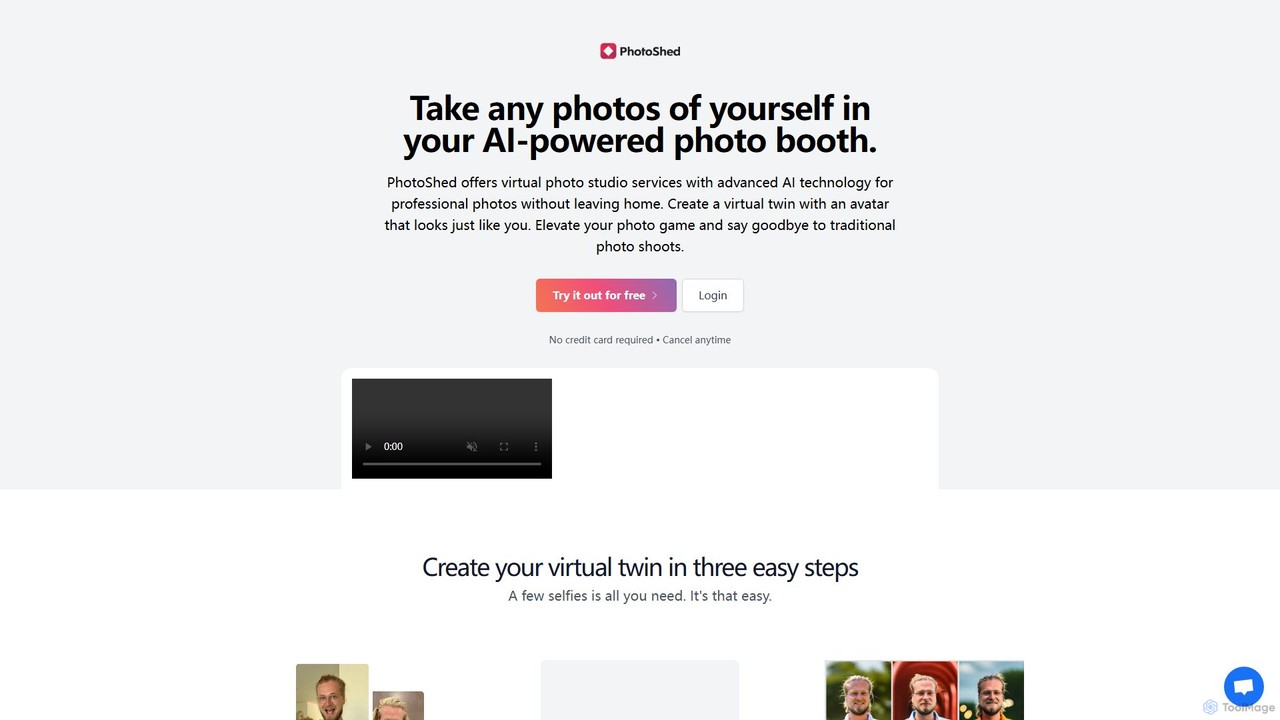
PhotoShed is an AI-powered virtual photo studio and modeling agency. It allows users to create a hyper-realistic digital twin of themselves by uploading a few selfies. With this virtual twin, you can generate unlimited professional-quality photos in any imaginable setting, eliminating the need for traditional photoshoots. Additionally, you can hire from a library of 100% AI-generated models for your commercial projects, complete with a full commercial license.

Image Editing
Visits 3.4KFavorites 141Likes 123
Photo AI
Freemium

Photo AI

Photo AI (formerly Avatar AI) is an advanced AI-powered platform that creates a digital model of you for generating hyper-realistic photos. Produce professional headshots, creative portraits, dating profile pictures, and virtual try-on images in countless styles, eliminating the need for physical photoshoots. Simply upload your photos and let the AI generate stunning, high-quality visuals for any purpose.

Image Editing
Visits 175.4KFavorites 121Likes 115

About Image Editing

AI Image Editing tools are applications that use artificial intelligence to automate and simplify complex photo modifications. These tools leverage deep learning models to understand image content, enabling them to perform tasks like object removal, background replacement, and quality enhancement with remarkable precision. They empower users of all skill levels to achieve professional-grade results for social media, marketing, or personal projects quickly and intuitively. Unlike traditional software, AI image editors often complete edits with a single click or simple text prompt, making creative photo manipulation more accessible and fun.

Core Features

  • Object Removal (Inpainting): Intelligently erases unwanted people, text, or objects, seamlessly filling in the background.
  • Background Manipulation: Automatically detects and removes or replaces the background of an image with a new scene or a solid color.
  • Generative Fill & Expand (Outpainting): Extends the borders of an image or fills selected areas with new, context-aware AI-generated content.
  • Smart Enhancement: Automatically adjusts lighting, color balance, sharpness, and resolution to improve overall image quality.
  • Style Transfer: Applies the artistic style of a famous painting or a specific aesthetic to your photo.

Use Cases

These tools are widely used by social media managers, e-commerce store owners, content creators, and marketing professionals. For instance, an online seller can quickly create clean product shots by removing backgrounds, while a blogger can enhance travel photos to make them more vibrant. They are also popular for personal use, such as restoring old family photos or creating unique, artistic profile pictures.

How to Choose

When selecting an AI Image Editing tool, consider the specific functions you need most—some excel at object removal, while others specialize in enhancement. Evaluate the user interface for ease of use, especially if you are a beginner. Check the output quality and resolution options, and understand the pricing model, whether it's a subscription, a credit-based system, or a one-time purchase, to ensure it aligns with your usage frequency and budget.

Featured tool rankings

Image Editing use cases

1

E-commerce Product Photo Cleanup

For e-commerce store owners, presenting products with clean, consistent imagery is crucial for sales. An AI Image Editing tool can automate the tedious process of background removal. Users can upload hundreds of product photos and have the backgrounds instantly replaced with a pure white or custom-branded color. The object removal feature can also be used to erase minor imperfections, dust, or unwanted reflections, resulting in professional-grade product listings that build customer trust and improve conversion rates, all without hiring a professional retoucher.

2

Creating Engaging Social Media Content

Social media managers and content creators need a constant stream of eye-catching visuals. AI image editors are perfect for this. Using the generative expand feature, a standard horizontal photo can be instantly transformed into a vertical format suitable for Instagram Stories or Reels, with the AI intelligently creating new content to fill the empty space. A creator can also remove distracting tourists from a travel photo or apply a consistent artistic filter across all their posts to maintain a cohesive brand aesthetic, significantly speeding up the content creation workflow.

3

Restoring and Colorizing Old Family Photos

For individuals looking to preserve family history, AI image editors offer powerful restoration capabilities. A user can scan a faded, scratched, or torn black-and-white photograph from decades ago. By applying an AI restoration filter, the tool can automatically repair cracks, remove blemishes, and improve clarity. Following that, the AI colorization feature can analyze the monochrome image and apply realistic, context-appropriate colors, bringing old memories to life in a vibrant new way. This process, which once required a specialist, can now be done at home in minutes.

4

Conceptual Art and Creative Brainstorming

Artists and designers can use AI image editors as a powerful brainstorming partner. Instead of starting from a blank canvas, they can take an existing photo and use generative fill to experiment with surreal ideas. For example, a designer could select the roof of a building and prompt the AI to replace it with 'a crystal dome' or 'a lush garden'. This allows for rapid visualization of concepts that would be time-consuming to sketch or model manually. It's a fun and effective way to break creative blocks and explore unexpected visual directions for a project.

5

Real Estate Photo Enhancement

Real estate agents rely on stunning photos to attract buyers. An AI image editor can be a game-changer for property listings. An agent can take a photo of a home's exterior on an overcast day and use an AI sky replacement feature to instantly add a bright, sunny sky. For interior shots, the smart enhancement tool can brighten dark rooms, correct color casts from artificial lighting, and sharpen details to make the space look more inviting. These quick edits can dramatically increase the appeal of a property online, leading to more inquiries and faster sales.

6

Personalizing Memes and Profile Pictures

Beyond professional use, AI image editors are fantastic tools for fun and personal expression. A user can take a popular meme template and use object removal to seamlessly insert a friend's face into it, creating a personalized joke in seconds. For a new profile picture, one could apply a 'cartoonify' style transfer to their selfie for a unique look, or use generative fill to add a whimsical background like a fantasy landscape. These tools lower the barrier to creativity, allowing anyone to quickly create humorous or artistic images for sharing online, making digital interactions more personal and enjoyable.

Image Editing FAQ

What is AI Image Editing?

AI Image Editing refers to using software powered by artificial intelligence to modify or enhance photographs. Unlike traditional editors that require manual selections and adjustments, AI tools understand the context of an image. This allows them to perform complex tasks like removing a person from a crowd, changing the sky, or adding realistic elements with just a simple command or click. The primary goal is to make advanced photo editing accessible, faster, and more intuitive for everyone, regardless of their technical skill.

How is AI Image Editing different from traditional editors like Photoshop?

The main difference lies in automation and ease of use. Traditional editors like Photoshop provide immense control but require significant skill and time to perform complex tasks like manual object selection or layer masking. AI image editors automate these processes. Instead of manually tracing an object to remove it, you might simply 'paint' over it, and the AI fills the space. While traditional editors offer more granular control for professionals, AI editors prioritize speed, accessibility, and delivering impressive results with minimal effort, making them ideal for beginners and those needing quick turnarounds.

How to choose the right AI Image Editing tool?

To choose the best tool for your needs, consider these factors:

  • Primary Function: Identify your main goal. Do you need excellent object removal, high-quality background replacement, or powerful image enhancement? Some tools specialize in one area.
  • Ease of Use: Look for a tool with an intuitive interface. If you're a beginner, a simple, click-based or prompt-based editor is better than one with complex menus.
  • Output Quality: Check the maximum resolution the tool can export. Ensure it meets your needs for print or high-quality web use, and see if it adds watermarks on free plans.
  • Pricing Model: Compare the costs. Some are subscription-based, others use a credit system where you pay per edit, and some may offer a one-time purchase. Choose one that fits your budget and usage frequency.
What are the main features of AI Image Editing tools?

Most AI image editors share a set of powerful core features designed to automate common editing tasks. These typically include:

  • Object Removal (Inpainting): Erasing unwanted items or people from a photo.
  • Background Removal/Replacement: Isolating the main subject and changing the background.
  • Generative Fill (Outpainting): Expanding the image or filling in parts of it with AI-generated content.
  • Image Upscaling: Increasing the resolution and sharpness of a low-quality image.
  • Photo Restoration: Repairing scratches, tears, and fading in old photographs, often including colorization.
  • Style Transfer: Applying artistic effects, like turning a photo into a painting.
Who can benefit from using AI Image Editing tools?

A wide range of users can benefit from these tools. This includes:

  • Content Creators & Marketers: To quickly produce high-quality visuals for social media, blogs, and advertisements without needing extensive design skills.
  • E-commerce Owners: To create professional and consistent product photos by easily removing or changing backgrounds.
  • Hobbyist Photographers: For quick touch-ups, creative experiments, and enhancing photos without the steep learning curve of professional software.
  • General Users: Anyone who wants to restore old family photos, create fun images for sharing with friends, or simply make their personal pictures look better.