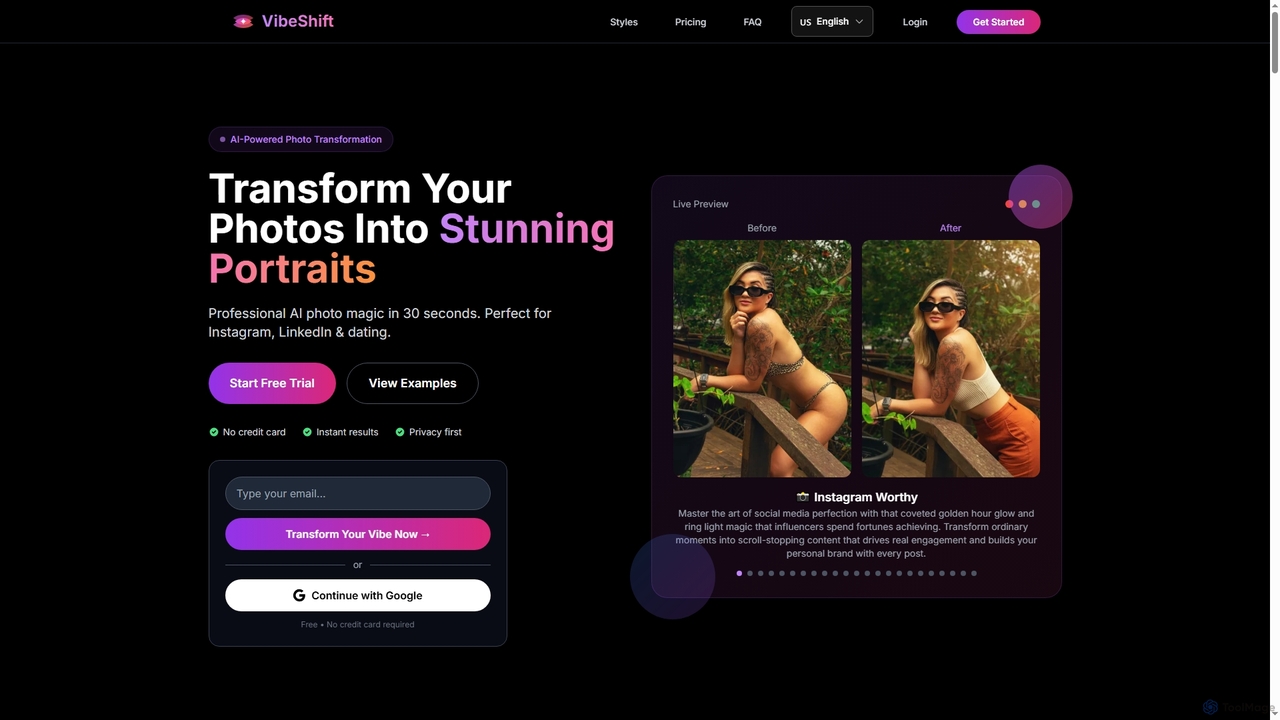
AI Photography tools are a class of software that use artificial intelligence to significantly enhance, edit, and restore digital images. These tools leverage deep learning and computer vision models to automate complex tasks like color correction, object removal, and resolution upscaling, which traditionally require extensive manual effort. Their primary value lies in making professional-grade photo editing accessible to users of all skill levels, dramatically speeding up workflows for creators and businesses. As part of the 'Fun' category, they also unlock new avenues for creative expression by transforming ordinary photos into artistic works.
Core Features
- Intelligent Enhancement: Automatically adjusts exposure, contrast, color balance, and sharpness with a single click.
- Object Removal & Replacement: Seamlessly erases unwanted objects, people, or text from photos and intelligently fills the background.
- AI Portrait Retouching: Detects facial features to perform realistic skin smoothing, blemish removal, and lighting adjustments.
- Noise Reduction & Denoising: Effectively removes digital noise and grain from photos taken in low-light conditions without losing detail.
- Resolution Upscaling: Increases the size and resolution of images using AI, preserving clarity and adding detail.
Use Cases
These tools are widely used by social media content creators, e-commerce store owners, real estate agents, and professional photographers. For instance, a content creator can quickly retouch portraits for Instagram, while an e-commerce business can batch-process product photos to ensure a clean, consistent look. Hobbyists also use them to restore old family photos or explore creative editing styles.
How to Choose
When selecting an AI Photography tool, consider your primary need—whether it's for portrait retouching, object removal, or image restoration. Evaluate the user interface for ease of use, especially if you are a beginner. Check for integration capabilities, such as plugins for Adobe Photoshop or Lightroom, if it fits your workflow. Finally, compare pricing models, such as subscriptions versus one-time purchases, and the maximum output resolution offered.