ToolMage
Sign in

Best 1 3D Generation AI tools for Generative Ai

Popular 3D Generation AI tools in Generative Ai include Fauxto Labs, helping you work more efficiently.

Fauxto Labs
Freemium

Fauxto Labs

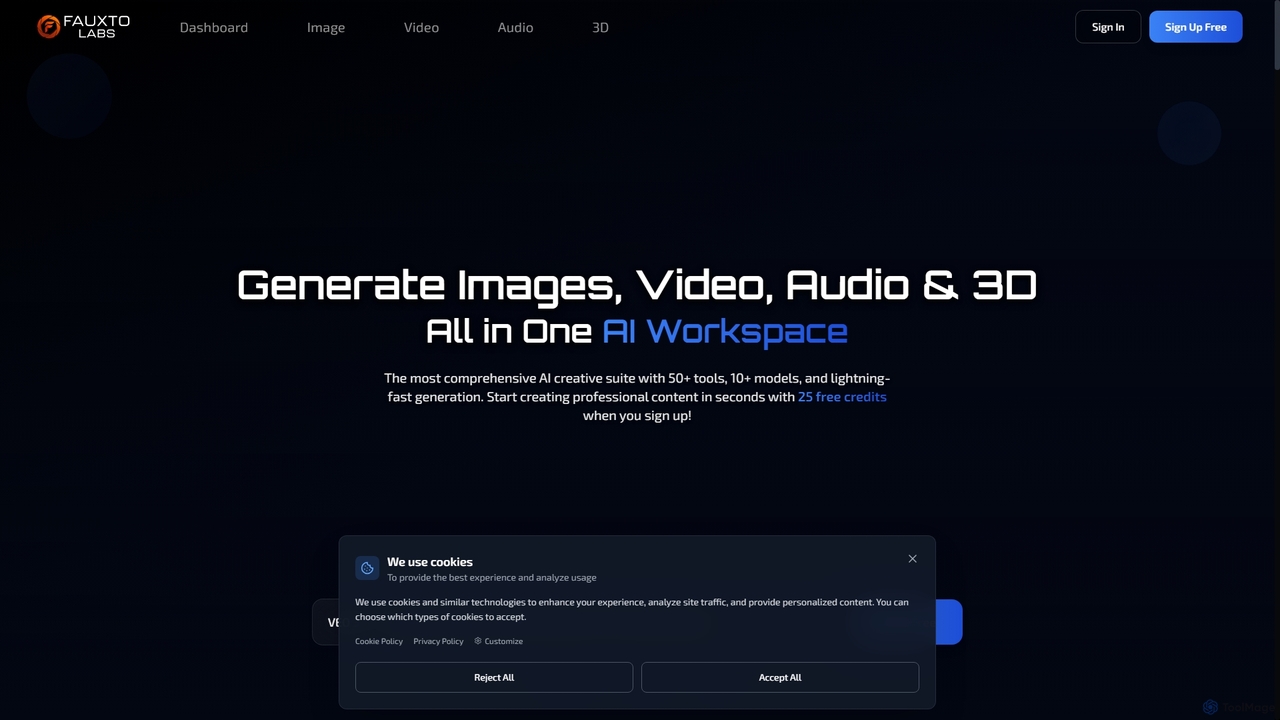
Fauxto Labs is a comprehensive AI creative suite offering over 50 tools and 10+ models for generating images, videos, audio, and 3D content. It provides lightning-fast generation, advanced editing capabilities, and personalized AI models, empowering creators to transform ideas into professional content efficiently.

Creative Suite
Visits 7.1KFavorites 134Likes 149

About 3D Generation

AI 3D Generation tools are a class of software that automatically create three-dimensional models from inputs like text, images, or videos. These tools utilize advanced generative models, such as NeRFs and GANs, to interpret user prompts and construct complex 3D assets. This technology dramatically accelerates workflows in game development, product design, and virtual reality, enabling rapid prototyping and content creation without extensive manual modeling. It bridges the gap between a simple idea and a tangible 3D object.

Core Features

  • Text-to-3D: Generates 3D models directly from descriptive text prompts.
  • Image-to-3D: Converts single or multiple 2D images into a 3D object.
  • Video-to-3D: Reconstructs 3D scenes or objects from video footage using techniques like photogrammetry.
  • Automatic Texturing: Creates and applies plausible textures and materials to the generated models.
  • Mesh Optimization: Provides options to control the polygon count and topology for different use cases.

Use Cases

These tools are frequently used by game developers for rapid asset creation, architects for conceptual visualization, and e-commerce businesses for generating 3D product models for AR viewers. They also empower VFX artists and animators to quickly produce background elements or character prototypes, significantly reducing production time.

How to Choose

When selecting an AI 3D Generation tool, consider the quality and detail of the output models, the variety of supported input types (text, image, video), and available export formats (e.g., OBJ, FBX, glTF). Also, evaluate the platform's ease of use, processing speed, and pricing model, which is often based on generation credits or a subscription.

Featured tool rankings

3D Generation use cases

1

Rapid Prototyping for Game Assets

An indie game developer needs to create dozens of unique props like chests, barrels, and furniture for a new game level. Instead of spending weeks modeling each item manually, they use a text-to-3D tool. By inputting prompts such as "a weathered wooden treasure chest with iron fittings" or "a glowing fantasy potion bottle," they can generate a wide variety of assets. This process allows them to produce a library of over 50 unique, low-poly assets in a single day, drastically accelerating the world-building phase of development.

2

Creating 3D Models for E-commerce

An e-commerce manager wants to implement an "AR View in Your Room" feature for a new furniture line. Traditionally, this would require expensive photoshoots and 3D artists. By using an image-to-3D tool, they can upload standard product photos of chairs and tables. The AI processes these images and generates web-ready 3D models. This allows the company to create 3D/AR versions for its entire product catalog at a fraction of the cost, enhancing customer engagement and potentially increasing conversion rates by allowing virtual try-ons.

3

Architectural Concept Visualization

An architect needs to quickly visualize a building concept for a client presentation. Instead of spending days creating a detailed model in CAD software, they use an AI 3D generator. By inputting a simple sketch or a text prompt like "a modern glass-facade office building with a rooftop garden," the tool produces multiple 3D conceptual models within minutes. This allows for rapid iteration and effective communication of design ideas, helping clients visualize the project's form and scale early in the design process.

4

Generating Assets for VFX and Animation

A VFX artist is tasked with populating a digital scene with numerous background elements like rocks, trees, and debris. Manually modeling or sourcing each unique asset would be time-consuming. Using an AI 3D generation tool, the artist can create a large library of variations from a few base images or text prompts. This allows them to quickly build a diverse and natural-looking environment, saving significant production time and ensuring a unique visual style for the project without relying solely on stock models.

5

Digital Twin Creation from Video Scans

An industrial engineer needs to create a digital twin of a piece of machinery for maintenance planning. Instead of using expensive laser scanners, they use a video-to-3D tool. By capturing video footage while walking around the object with a smartphone, the AI can process the video to reconstruct a detailed 3D model. This provides an accurate 3D representation of the physical asset, facilitating remote inspections, simulation of maintenance procedures, and planning for equipment upgrades without needing to be physically present.

6

Custom 3D Printing and Prototyping

A product designer or hobbyist wants to create a unique physical object, like a custom phone stand or a tabletop miniature, for 3D printing. They might lack advanced skills in traditional 3D modeling software. Using a text-to-3D tool, they can simply describe the desired object, such as "a phone stand shaped like a dragon holding a shield." The tool generates a 3D model that can then be exported as an STL file, ready for a 3D printer. This democratizes product design, allowing anyone to turn a creative idea into a physical prototype in hours.

3D Generation FAQ

What is AI 3D Generation?

AI 3D Generation refers to tools that use artificial intelligence to automatically create three-dimensional models from inputs like text or images. Unlike traditional 3D modeling software that requires manual manipulation of vertices and polygons, these tools leverage generative models to interpret a prompt and construct a 3D mesh, often complete with textures. The primary goal is to significantly reduce the time and technical skill required to produce 3D assets for prototyping, visualization, and content creation.

How to choose the right AI 3D Generation tool?

When selecting an AI 3D Generation tool, consider these key factors:

  • Input Method: Determine if you need text-to-3D, image-to-3D, or video-to-3D capabilities based on your source material.
  • Model Quality: Evaluate the resolution, geometric accuracy, and texture quality of sample outputs. Look for tools that produce clean, usable meshes.
  • Export Formats: Ensure the tool supports standard formats like OBJ, FBX, glTF, or STL for compatibility with your existing workflow (e.g., Blender, Unity, Unreal Engine).
  • Speed and Cost: Compare generation times and pricing models. Some use a credit system per model, while others offer monthly subscriptions.
  • Ease of Use: Assess the user interface and learning curve. Some tools are designed for beginners, while others offer more advanced controls.
What's the difference between AI 3D Generation and traditional 3D modeling?

The main difference lies in the creation process and the required skill level. Traditional 3D modeling (using software like Blender, Maya, or 3ds Max) is a manual process where an artist meticulously builds a model by manipulating vertices, edges, and faces. It offers precise control but requires significant time and technical expertise. In contrast, AI 3D Generation automates this process. The user provides a high-level prompt (like text or an image), and the AI generates the model. This is much faster and more accessible for non-experts, but typically offers less fine-grained control over the final output compared to manual modeling.

Who can benefit from using AI 3D Generation tools?

A wide range of users can benefit from AI 3D Generation tools. This includes:

  • Game Developers: For rapidly prototyping assets and populating game worlds.
  • Product Designers: To quickly visualize new product concepts and ideas.
  • Architects & Urban Planners: For creating initial massing models and conceptual designs.
  • E-commerce Businesses: To generate 3D models of their products for AR and web viewers.
  • Hobbyists & Creators: For bringing ideas to life for 3D printing or digital art without needing extensive modeling skills.
  • VFX Artists: To quickly create background elements and environmental assets.
What are the limitations of current AI 3D Generation?

While powerful, current AI 3D generation technology has some limitations. The quality and detail can be inconsistent, and models may sometimes have imperfect topology (the structure of the mesh), which can require manual cleanup for professional use cases like animation. Achieving highly specific or complex designs with precise details can still be challenging compared to manual modeling. Furthermore, generating high-resolution textures that are perfectly mapped to the model can be difficult for the AI. These tools are often best for rapid prototyping and concepting rather than creating final, production-ready assets without any adjustments.