ToolMage
Sign in

Best 2 Audio Generation AI tools for Generative Ai

Popular Audio Generation AI tools in Generative Ai include Stability AI and Fauxto Labs, helping you work more efficiently.

Fauxto Labs
Freemium

Fauxto Labs

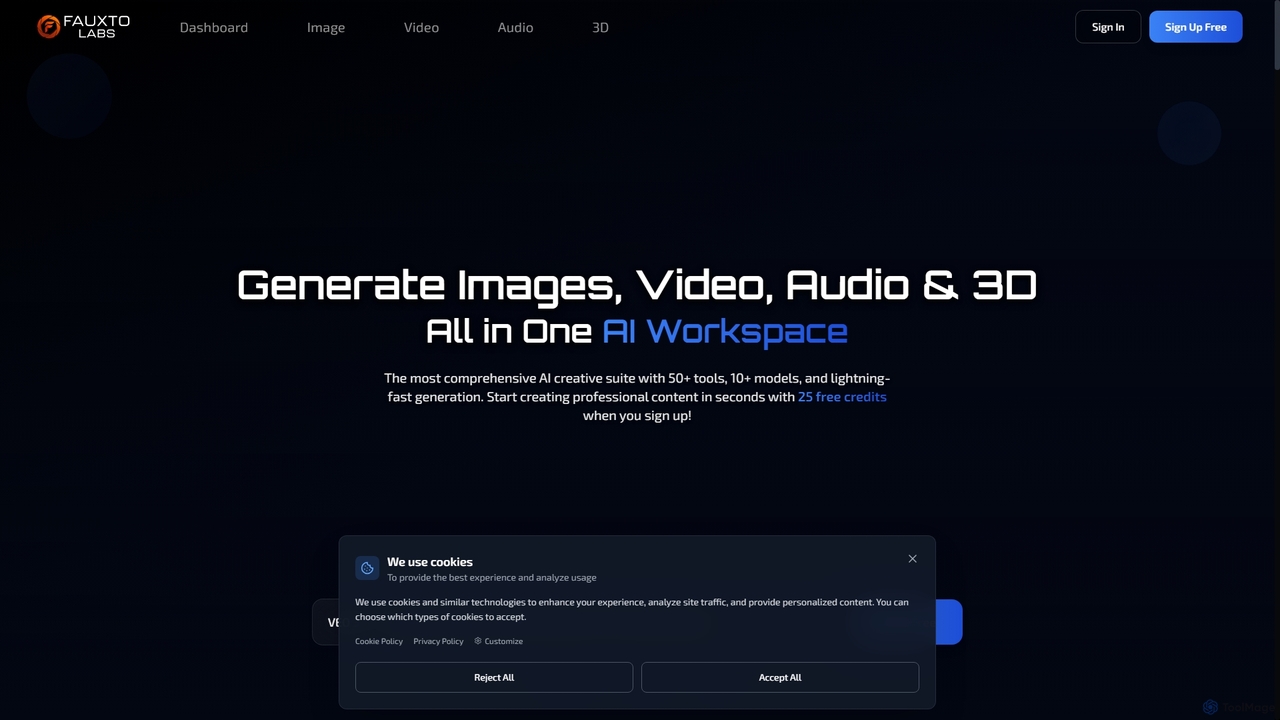
Fauxto Labs is a comprehensive AI creative suite offering over 50 tools and 10+ models for generating images, videos, audio, and 3D content. It provides lightning-fast generation, advanced editing capabilities, and personalized AI models, empowering creators to transform ideas into professional content efficiently.

Creative Suite
Visits 7.1KFavorites 134Likes 149
Stability AI
Freemium

Stability AI

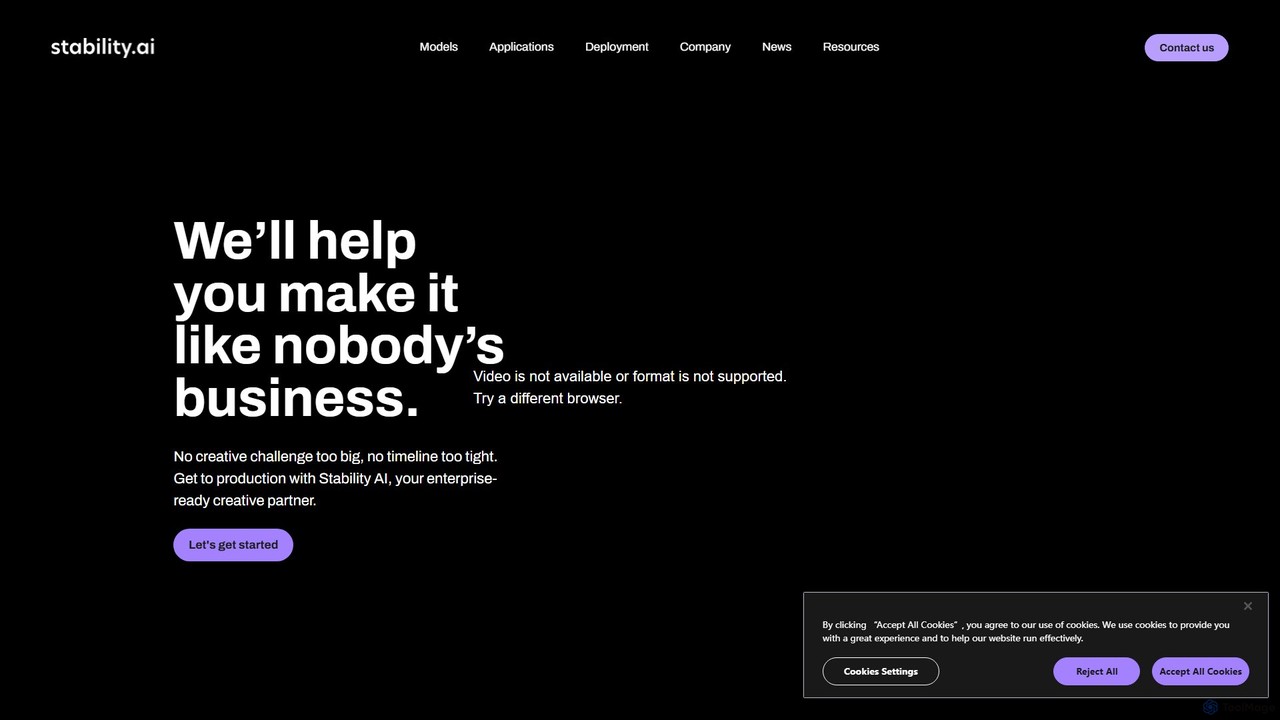
Stability AI is a leading open-source generative AI company that develops foundational models for creating images, video, audio, 3D assets, and more. It provides powerful, accessible tools for creators, developers, and enterprises, most notably the world-renowned Stable Diffusion model series. It offers flexible deployment options including APIs, self-hosting, and cloud services.

Api
Visits 477.3KFavorites 130Likes 128

About Audio Generation

Audio Generation tools are a class of AI that create new sound, speech, and music from text or other inputs. These tools leverage deep learning models, such as generative adversarial networks (GANs) and transformers, to synthesize highly realistic and complex audio content. They are widely used for producing everything from lifelike voiceovers and custom sound effects to complete musical compositions. This technology enables creators and developers to generate unique, high-quality audio assets on-demand, significantly reducing production time and costs.

Core Features

  • Text-to-Speech (TTS): Converts written text into natural-sounding human speech with various voices, languages, and emotional tones.
  • Music Generation: Creates original musical pieces based on genre, mood, instrumentation, or text descriptions.
  • Sound Effect (SFX) Generation: Produces unique sound effects for films, games, and other media from simple text prompts.
  • Voice Cloning and Modification: Replicates a specific person's voice or alters vocal characteristics like pitch, age, and gender.
  • Audio Style Transfer: Transforms the style of one audio recording to match another, such as applying a studio recording quality to a home recording.

Use Cases

Audio Generation tools are invaluable for content creators, podcasters, and YouTubers who need custom voiceovers, intro music, or sound effects. Game developers and filmmakers use them to create immersive soundscapes and dynamic audio. Additionally, businesses apply this technology in marketing for ad voiceovers and in customer service for creating dynamic IVR responses.

How to Choose

When selecting an Audio Generation tool, consider the quality and realism of the audio output as the primary factor. Evaluate the range of customization options, such as control over voice emotion, musical tempo, or sound effect parameters. Check the supported input types (text, MIDI, audio) and the licensing terms for commercial use. For developers, the availability and documentation of an API for integration is also a critical consideration.

Featured tool rankings

Audio Generation use cases

1

Creating Voiceovers for Video Content

A content creator needs to produce a documentary-style YouTube video but lacks the budget for a professional voice actor. Using an AI Audio Generation tool, they input their script into the Text-to-Speech function. They select a deep, authoritative male voice and adjust the pacing and emotional tone to match the video's mood. The tool generates a high-quality, natural-sounding voiceover in minutes, allowing the creator to complete their project quickly and affordably while maintaining a professional standard.

2

Generating Custom Background Music

A podcaster wants unique, royalty-free background music for their show's intro and outro. Instead of searching through stock music libraries, they use an AI music generator. They input prompts like 'upbeat, electronic, motivational, 120 BPM' for the intro and 'calm, ambient, reflective' for the outro. The AI generates several original tracks based on these descriptions. The podcaster can then select the best options and even regenerate variations, ensuring their show has a distinct and consistent audio branding without copyright concerns.

3

Prototyping Sound Effects for Game Development

An indie game developer is creating a sci-fi game and needs a wide range of unique sound effects, from laser blasts to alien creature noises. Using an AI SFX generator, they can quickly prototype sounds by typing descriptions like 'heavy metallic door sliding open with a hiss' or 'small, chittering alien creature'. This allows them to test different audio concepts in the game engine instantly, without needing to record or design sounds from scratch. It accelerates the creative process and helps establish the game's auditory identity early in development.

4

Dubbing Content for a Global Audience

A corporate training department needs to distribute a video course to its global workforce in multiple languages. Instead of hiring voice actors for each language, they use an AI tool with voice cloning and translation capabilities. They upload the original English audio and script. The AI clones the speaker's voice, translates the script into Spanish, German, and Japanese, and then generates the dubbed audio in the target languages, maintaining the original speaker's vocal characteristics. This ensures a consistent and professional training experience across all regions while being highly cost-effective.

5

Creating Audio Ads for Marketing Campaigns

A small business owner wants to run a local audio ad on streaming services but has a limited marketing budget. They use an AI Audio Generation tool to create the ad. They write a short script, choose an energetic and friendly voice from the tool's library, and generate the voiceover. Then, they use the same platform's music generator to create a catchy, upbeat jingle. By combining the two AI-generated elements, they produce a complete, professional-sounding 30-second audio ad in under an hour, without the cost of a studio, voice actor, or musician.

6

Developing Accessible Content with Audio Versions

An online publisher wants to make their long-form articles more accessible to visually impaired users and those who prefer to listen. They integrate an AI Text-to-Speech API into their content management system. Now, every time an article is published, an audio version is automatically generated using a clear and pleasant-sounding voice. This audio file is embedded at the top of the article page. This not only improves accessibility and complies with WCAG standards but also increases user engagement by offering an alternative way to consume content.

Audio Generation FAQ

What is AI Audio Generation?

AI Audio Generation refers to a category of artificial intelligence tools designed to create new audio content from scratch. Unlike traditional audio editors that modify existing sounds, these tools synthesize completely new audio based on user inputs like text, images, or musical parameters. Key types include:

  • Text-to-Speech (TTS): Creating human-like speech from text.
  • Music Generation: Composing original music in various styles.
  • Sound Effect Generation: Producing custom sound effects from descriptions.
  • Voice Cloning: Replicating a specific voice to say new things.
How to choose the right AI Audio Generation tool?

Choosing the right tool depends on your specific needs. Consider these factors:

  • Primary Use Case: Do you need voiceovers (TTS), music, or sound effects? Some tools specialize, while others are multi-purpose.
  • Audio Quality: Listen to samples. The output should sound natural and high-fidelity, free of robotic artifacts or distortion.
  • Customization Control: Look for options to control emotion, pacing, pitch in voices, or instruments and tempo in music.
  • Licensing and Commercial Rights: Ensure the tool grants you the necessary rights to use the generated audio in your projects, especially for commercial purposes.
  • Ease of Use: A user-friendly interface is important, but for developers, a well-documented API might be the priority.
What is the difference between AI audio generation and audio editing software?

The core difference lies in creation versus modification. AI Audio Generation tools create new audio content from scratch based on a prompt (e.g., text to speech). Traditional audio editing software (like Adobe Audition or Audacity) is used to modify, mix, and enhance existing audio recordings. While some editors now include AI features for tasks like noise reduction, their primary function is not to generate entirely new, original audio content from a non-audio source.

Can I use AI-generated audio for commercial projects?

This depends entirely on the terms of service of the specific tool you use. Many paid or subscription-based AI audio tools grant broad commercial licenses, allowing you to use the output in monetized videos, ads, or products. However, free or trial versions often have restrictions. It is crucial to always read and understand the licensing agreement for any tool before using its output for commercial purposes to avoid copyright infringement issues.

What are the ethical concerns with AI voice cloning?

AI voice cloning raises significant ethical concerns, primarily around misuse. Key issues include:

  • Consent: Cloning someone's voice without their explicit permission is a major violation of privacy and personal rights.
  • Impersonation and Fraud: Cloned voices can be used to create deepfake audio for scams, spreading misinformation, or impersonating individuals to authorize transactions or gain access to secure systems.
  • Misattribution: A cloned voice could be used to make it appear as though someone said something they never did, leading to reputational damage.

Because of these risks, reputable voice cloning services have strict identity verification and consent policies.