Posture Corrector AI
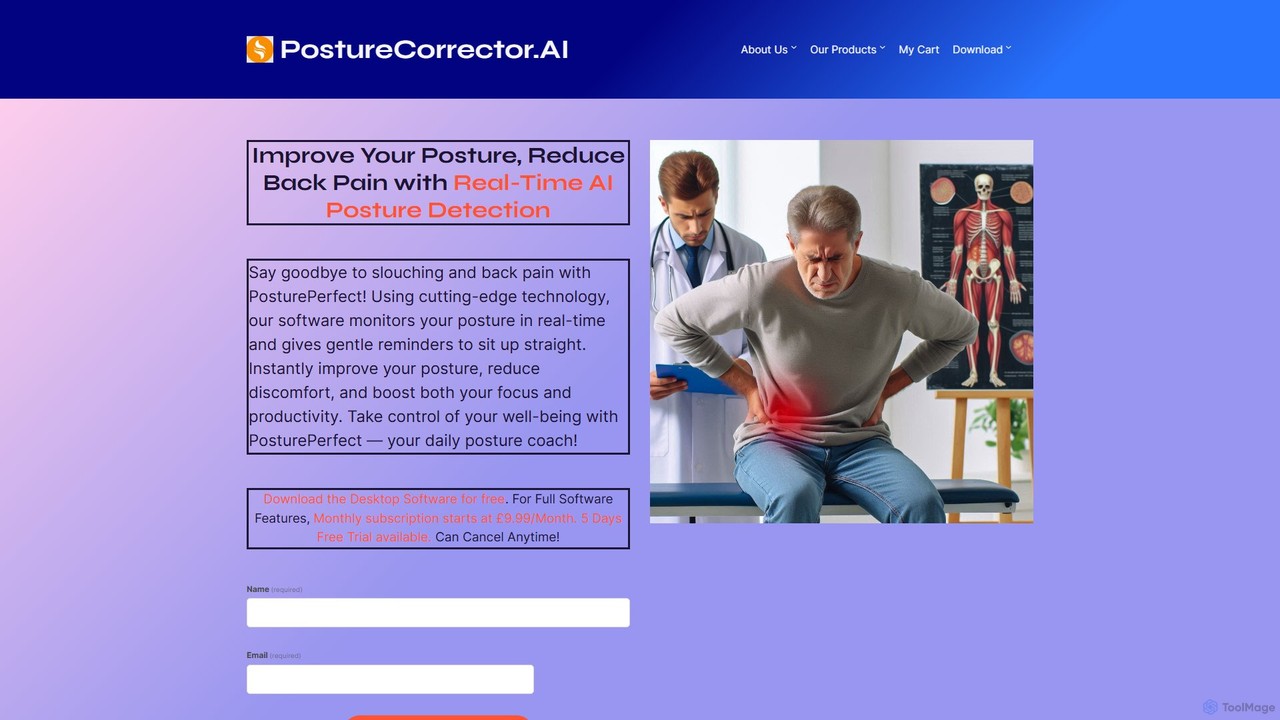
An AI-powered desktop application that uses your webcam to monitor your posture in real-time. It provides gentle reminders …
An AI-powered desktop application that uses your webcam to monitor your posture in real-time. It provides gentle reminders to correct slouching, helping you reduce back pain, improve focus, and build healthier habits. Ideal for office workers, remote employees, and students.
About Ergonomics
AI Ergonomics tools are applications designed to analyze and improve your digital work habits and physical posture using artificial intelligence. These tools often leverage computer vision through a webcam to monitor your posture, screen distance, and break frequency in real-time. Their primary purpose is to proactively prevent common issues associated with prolonged computer use, such as digital eye strain, poor posture, and repetitive strain injury (RSI), by providing personalized, actionable feedback. Unlike static ergonomic checklists, these AI-driven solutions offer dynamic adjustments and recommendations based on your actual behavior.
Core Features
- Real-time Posture Analysis: Uses computer vision to detect slouching, forward head posture, and incorrect screen distance, providing instant alerts.
- Eye Strain Prevention: Monitors screen time and prompts users to follow the 20-20-20 rule to reduce digital eye fatigue.
- Intelligent Break Reminders: Suggests personalized micro-breaks and stretching exercises based on activity levels and time spent in static positions.
- Workspace Setup Guidance: Analyzes your environment to recommend optimal monitor height, lighting, and keyboard placement.
- Behavioral Analytics: Generates reports on work habits, highlighting risk factors for musculoskeletal issues and offering improvement insights.
Use Cases
These tools are ideal for individuals who spend long hours at a computer, including remote workers, software developers, writers, and students. Companies also deploy them as part of corporate wellness programs to reduce workplace injuries and improve employee well-being in both office and remote settings.
How to Choose
When selecting an AI Ergonomics tool, consider the monitoring method (webcam vs. activity tracking), the type and frequency of feedback (alerts, reports), and its privacy policy, especially how camera data is processed and stored. Also, evaluate its compatibility with your operating system and the level of customization it offers for reminders and sensitivity.

ErgonomicsUse Cases
Real-time Posture Correction for Remote Workers
A software developer working from home uses an AI ergonomics tool to maintain a healthy posture during long coding sessions. The application accesses their webcam to analyze their sitting position in real-time. If it detects them slouching or leaning too close to the screen, it sends a discreet desktop notification. This constant, gentle feedback helps them build better posture habits, reducing the risk of chronic back and neck pain associated with a sedentary desk job.
Preventing Digital Eye Strain for Content Creators
A graphic designer who spends hours focusing on detailed work uses an AI ergonomics app to protect their vision. The tool tracks their active screen time and detects periods of intense focus. After 20 minutes of continuous work, it gently dims the screen and displays a reminder to look at an object 20 feet away for 20 seconds. This automated enforcement of the 20-20-20 rule helps prevent eye fatigue, dryness, and headaches, allowing for more sustainable productivity.
Implementing Corporate Wellness Initiatives
An HR department deploys an AI ergonomics platform across the company to support employee health. The software provides each employee with personalized feedback while offering the company anonymized, aggregated data on workforce ergonomic risks. For example, the data might reveal that 70% of employees work for over two hours without a break. Based on this insight, HR can launch a company-wide campaign promoting micro-breaks and provide managers with resources to encourage healthier work patterns within their teams.
Guiding Students to Form Healthy Study Habits
A university student uses an AI ergonomics tool to optimize their setup for long study nights. The tool's initial setup wizard uses the webcam to guide them in adjusting their chair height, monitor position, and desk lighting for optimal ergonomics. During study sessions, it intelligently reminds them to take breaks for stretching, helping to prevent the physical strain that can accompany intense periods of academic work and improving their overall focus and well-being.
Reducing RSI Risk for Data Analysts
A data analyst, whose job involves constant mouse and keyboard use, utilizes an AI ergonomics tool to mitigate the risk of Repetitive Strain Injury (RSI). The software runs in the background, tracking keystroke frequency and mouse movement patterns. When it detects prolonged, repetitive activity that could lead to strain, it suggests specific wrist and finger stretching exercises via a pop-up. This proactive intervention helps break up monotonous tasks and reduces cumulative stress on their hands and wrists.
Personalized Workspace Setup for New Employees
During onboarding, a new employee uses the company's recommended AI ergonomics tool to set up their desk, whether at home or in the office. The tool provides a guided, interactive session using the computer's camera. It instructs the user to adjust their monitor so their eyes are level with the top third of the screen and to position their keyboard to maintain a neutral wrist posture. This ensures every employee starts with an ergonomically sound setup, reducing the likelihood of developing work-related discomfort from day one.