Zimyo
Zimyo is a unified, AI-powered HRMS platform designed to streamline the entire employee lifecycle. It offers a comprehensive …
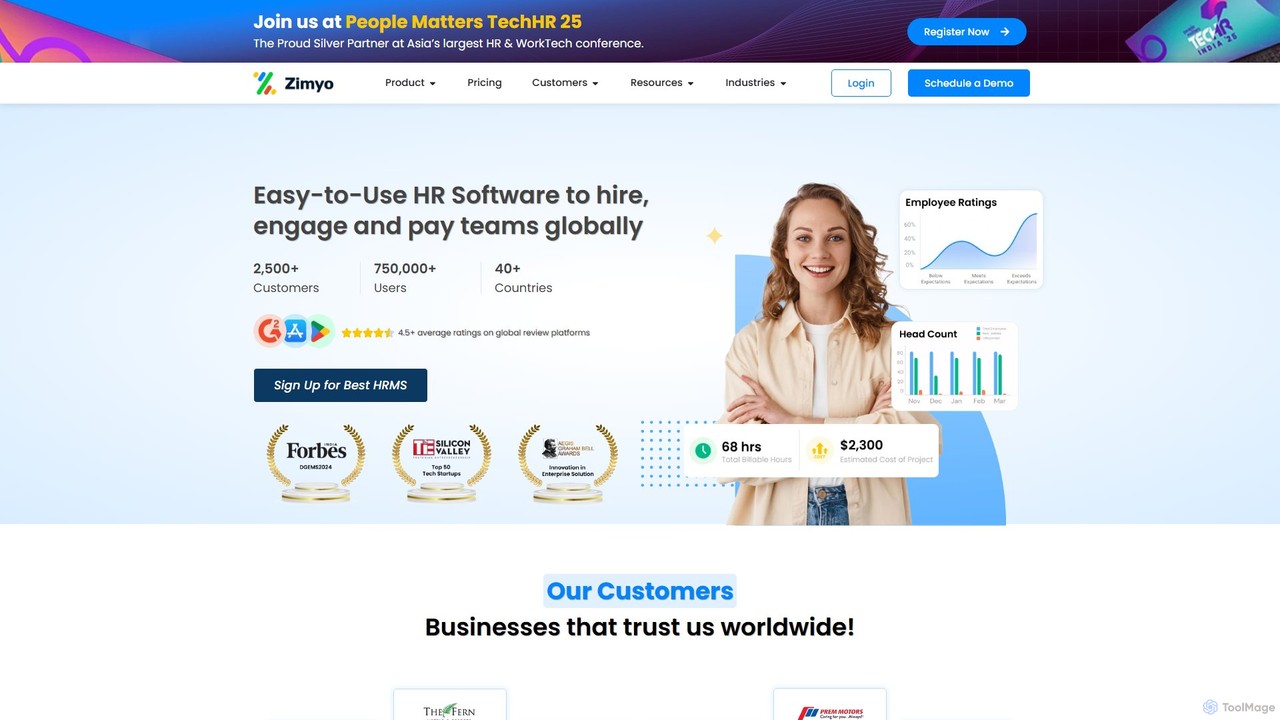
Zimyo is a unified, AI-powered HRMS platform designed to streamline the entire employee lifecycle. It offers a comprehensive suite of tools for recruitment, onboarding, payroll, performance management, and employee engagement, catering to businesses of all sizes across 40+ countries.
About Hrms
A Human Resources Management System (HRMS) is a suite of software applications that uses AI to manage and optimize an organization's human resources functions. These systems centralize employee data and automate core processes, covering the entire employee lifecycle from recruitment to retirement. By leveraging AI, an HRMS provides predictive analytics for strategic workforce planning, automates routine administrative tasks, and enhances the employee experience through self-service portals. This integration of technology helps businesses improve efficiency, ensure compliance, and make data-driven decisions about their most valuable asset: their people.
Core Features
- Centralized Employee Database: A single source of truth for all employee information, including personal details, job history, and performance records.
- Payroll and Compensation Management: Automates salary calculations, tax withholdings, and benefits deductions to ensure timely and accurate payments.
- Talent Management: Includes modules for performance reviews, goal setting, succession planning, and learning management to foster employee development.
- Time and Attendance Tracking: Manages work hours, leave requests, and attendance records, often with mobile and biometric integration.
- Workforce Analytics: Utilizes AI to generate reports and dashboards on key HR metrics like turnover rates, headcount, and employee engagement.
Use Cases
HRMS platforms are essential for businesses of all sizes, particularly those with growing workforces. HR managers use them to streamline daily operations, from onboarding new hires to processing payroll. Department heads leverage the system for performance tracking and team management, while employees access self-service portals to manage their personal information, request time off, and view pay stubs.
How to Choose
When selecting an HRMS, consider its scalability to grow with your company. Evaluate its integration capabilities with other business systems like accounting or ERP software. Assess the system's security features and its ability to comply with local labor laws and data privacy regulations (e.g., GDPR). Finally, prioritize a user-friendly interface for both HR administrators and employees to ensure high adoption rates.

HrmsUse Cases
Automating the Employee Onboarding Process
An HR Specialist at a fast-growing tech company uses the HRMS to streamline the onboarding for new hires. Once a candidate accepts an offer, the system automatically sends a welcome packet, digital forms for tax and personal information, and assigns mandatory training modules. It also schedules orientation meetings and notifies relevant department heads. This automation reduces manual paperwork by over 90%, ensures a consistent and professional experience for every new employee, and allows the HR team to focus on more strategic integration activities rather than administrative tasks.
Streamlining Payroll and Tax Compliance
A Payroll Manager for a retail chain with employees across multiple states relies on the HRMS to manage complex payroll. The system automatically calculates wages based on hours tracked, including overtime and shift differentials. It also handles state-specific tax withholdings and deductions for benefits. At the end of each pay period, the system generates pay stubs, facilitates direct deposits, and creates compliance reports for tax filing. This ensures accuracy, reduces the risk of costly errors, and saves the payroll team dozens of hours each month.
Managing Employee Performance Reviews
A department manager uses the HRMS talent management module to conduct annual performance reviews. Throughout the year, the manager and employee collaborate on setting and tracking goals directly within the system. For the review, the platform gathers self-assessments, peer feedback, and performance data. The manager uses this consolidated information to facilitate a structured, data-driven conversation. The final review and ratings are stored in the employee's profile, creating a historical record that informs decisions on promotions and compensation adjustments.
Facilitating Open Enrollment for Benefits
During the annual open enrollment period, employees use the HRMS self-service portal to manage their benefits. The system presents them with available health insurance, retirement, and wellness plans, often with comparison tools and cost calculators. Employees can review their current selections, make changes, and add or remove dependents. Once submitted, the choices are automatically processed and communicated to the benefit providers. This empowers employees, reduces the administrative burden on HR, and minimizes errors in enrollment data.
Analyzing Employee Turnover with Predictive Analytics
An HR Director uses the HRMS analytics module to understand and predict employee turnover. The AI-powered tool analyzes historical data, identifying patterns and key factors correlated with attrition, such as tenure, performance ratings, compensation levels, and manager feedback. The system generates a dashboard highlighting high-risk departments or roles and can even predict which individual employees are most likely to leave. This allows leadership to proactively implement retention strategies, such as targeted salary adjustments or career development programs, before losing top talent.
Simplifying Time and Attendance Tracking
An operations manager in a manufacturing plant uses the HRMS to manage shifts and track employee hours. Employees clock in and out using a mobile app or a biometric terminal, and the data flows directly into the system. The manager can easily view attendance records, approve overtime, and manage leave requests through a central dashboard. This real-time data automatically integrates with the payroll module, eliminating manual data entry and ensuring that hourly workers are paid accurately for their time worked, including any complex shift rules.