ToolMage
Sign in

Best 2 Team Management AI tools for Human Resources

Popular Team Management AI tools in Human Resources include Marlee and themultiverse, helping you work more efficiently.

Marlee
Freemium

Marlee

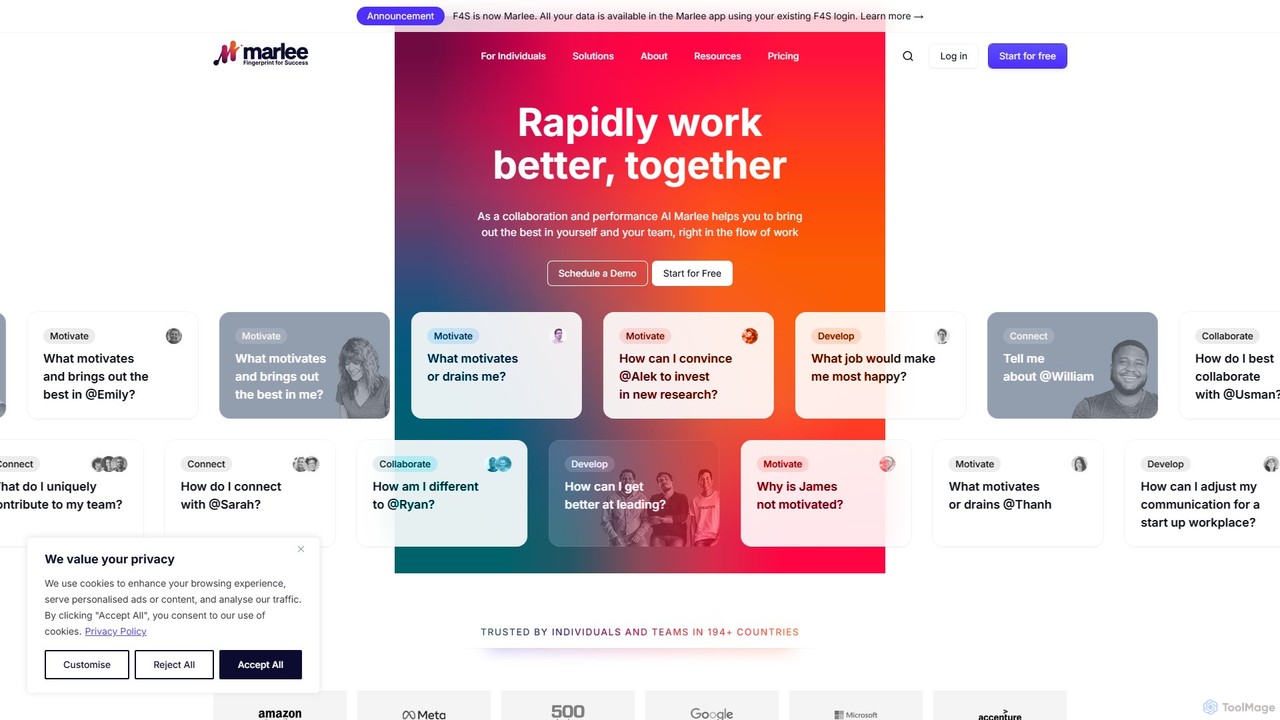
Marlee is an AI-powered coaching platform designed to enhance team collaboration and personal development. By analyzing 48 unique work motivations, Marlee provides deep insights into individual and team dynamics, helping to improve communication, resolve conflicts, and boost performance. It serves as a personal and team coach, available 24/7 to foster growth and a more harmonious work environment.

Team Management
Visits 77.5KFavorites 133Likes 137
themultiverse
Paid

themultiverse

An AI-powered headshot generator that transforms your selfies into over 100 professional, studio-quality photos in just 2 hours. Ideal for individuals and teams, it offers extensive customization options for outfits, backgrounds, and styles to enhance your professional image on platforms like LinkedIn, resumes, and corporate websites.

Team Management
Visits 13.7KFavorites 176Likes 171

About Team Management

AI Team Management tools are a class of software that uses artificial intelligence to optimize team collaboration, monitor performance, and automate administrative workflows. These tools analyze data from various sources like project boards, communication platforms, and code repositories to provide actionable insights. They help managers make data-driven decisions, fairly distribute workloads, and proactively identify potential risks or burnout. Unlike traditional project management software, AI-powered solutions offer predictive analytics and intelligent automation to enhance team dynamics and productivity.

Core Features

  • Intelligent Task Allocation: Automatically suggests or assigns tasks to the most suitable team member based on skills, availability, and current workload.
  • Performance Analytics: Tracks key metrics and identifies performance trends, highlighting top performers and potential areas for improvement without manual analysis.
  • Collaboration Analysis: Analyzes communication patterns (metadata, not content) to visualize team dynamics, identify information silos, and improve workflows.
  • Risk Prediction: Uses historical data and current progress to forecast potential project delays, budget overruns, or resource conflicts.
  • Automated Reporting: Generates real-time progress reports, meeting summaries, and performance dashboards, saving managers significant administrative time.

Use Cases

These tools are particularly valuable for project managers, team leads, and department heads in dynamic environments like tech companies, marketing agencies, and remote-first organizations. They are used to manage agile development sprints, coordinate complex cross-functional projects, and maintain productivity and engagement within distributed teams.

How to Choose

When selecting an AI Team Management tool, consider its integration capabilities with your existing stack (e.g., Slack, Jira, Microsoft Teams). Evaluate the depth and customizability of its analytics and reporting features. Assess its data privacy and security policies carefully. Finally, consider the tool's scalability to ensure it can support your team as it grows.

Team Management use cases

1

Optimize Workload Distribution for Remote Teams

A manager of a distributed software development team uses an AI tool to ensure a fair and efficient distribution of tasks. The system analyzes each developer's current workload, historical ticket completion times, and specific skill sets. When a new task arrives, the AI recommends the best-suited developer, preventing individual burnout and reducing bottlenecks. This data-driven approach replaces manual assignment, leading to a 20% improvement in sprint velocity and higher team morale.

2

Identify Communication Bottlenecks in Projects

A project manager for a marketing agency uses an AI tool to analyze communication flows for a major campaign. By integrating with Slack and email, the tool creates a network map showing how information moves between the creative, media, and client-facing teams. It flags a communication gap between the creative team and the media buyers, a potential source of errors. The manager addresses this by setting up a dedicated channel and a weekly sync, improving cross-team alignment and reducing rework.

3

Automate Weekly Progress Reporting

A startup CEO needs to track progress across engineering, marketing, and sales teams without spending hours in status meetings. They implement an AI team management tool that integrates with Jira, HubSpot, and GitHub. Each Monday morning, the tool automatically generates a consolidated report summarizing key achievements, progress against goals, and any flagged risks from the previous week. This provides the CEO with a high-level overview in minutes, freeing up team leads from manual report creation and allowing meetings to focus on strategy instead of updates.

4

Predict Project Delays with AI Analysis

A product manager is overseeing the launch of a new software feature with a tight deadline. Their AI team management tool analyzes the project's velocity, task dependencies, and historical data from similar projects. The AI flags a specific development phase as having a 75% probability of delay due to an overloaded key developer and unforeseen complexities. Alerted early, the manager reallocates a supporting resource to that phase and adjusts the timeline for non-critical tasks, successfully keeping the project on track for its launch date.

5

Improve Meeting Effectiveness and Reduce Overload

A department head notices a trend of 'meeting fatigue' across her teams. She uses an AI management tool that analyzes calendar data (without reading content) to provide insights. The tool reveals that 40% of recurring meetings have low engagement scores (based on multitasking metrics) and that several team members spend over 15 hours per week in meetings. Based on these insights, she implements 'no-meeting Fridays' and encourages teams to replace status update meetings with automated reports from the tool, freeing up valuable time for deep work.

6

Provide Data-Driven Performance Feedback

A sales manager prepares for quarterly performance reviews. Instead of relying solely on sales figures, she uses an AI tool that analyzes a broader set of performance data, including CRM activity, response times to leads, and collaboration on team deals. The tool highlights that one team member, while having average sales numbers, is a key collaborator who helps others close larger deals. This insight allows the manager to provide more nuanced feedback, recognizing and rewarding valuable collaborative behavior that would otherwise be overlooked, fostering a stronger team culture.

Team Management FAQ

What are AI Team Management tools?

AI Team Management tools are software applications that use artificial intelligence to help leaders manage and optimize their teams. They go beyond traditional project management by actively analyzing work patterns, communication flows, and performance data. Key functions include intelligent task allocation, predicting project risks, analyzing team collaboration, and automating administrative reports. Their primary goal is to provide managers with data-driven insights to improve productivity and team well-being.

How do AI Team Management tools differ from standard project management software?

The key difference lies in their core function. Standard project management tools (like Asana or Trello) are primarily for organizing, tracking, and assigning tasks—they are systems of record. AI Team Management tools are systems of intelligence. They analyze the data within those systems to provide predictive insights, automate complex decisions like workload balancing, and identify underlying issues in team dynamics that aren't visible on a task board. In short, project management tools help you see *what* is being done, while AI tools help you understand *how* it's being done and how to improve it.

Are AI Team Management tools a threat to employee privacy?

This is a valid concern that reputable tool providers address directly. Trustworthy AI tools focus on analyzing anonymized, aggregated data and metadata rather than individual content or keystrokes. For example, they might analyze communication frequency between departments (metadata) but not the content of the messages. The goal is to identify systemic patterns and process inefficiencies, not to monitor individuals. When choosing a tool, it is crucial to review its privacy policy, understand what data is collected, and ensure it complies with regulations like GDPR. Transparent communication with the team about the tool's purpose is also essential.

How do I choose the right AI Team Management tool?

Choosing the right tool depends on your specific needs. Consider these factors:

  • Integrations: Does it connect seamlessly with the tools your team already uses (e.g., Jira, Slack, Google Workspace, Microsoft 365)?
  • Focus Area: Does the tool specialize in performance analytics, workload management, or communication analysis? Choose one that aligns with your primary challenge.
  • Scalability: Can the tool support your team as it grows from a small group to a large department or organization?
  • Data Security and Privacy: Review their policies to ensure they meet your company's standards and legal requirements.
  • User Experience: Is the interface intuitive for both managers and team members? A complex tool may face low adoption rates.
Who benefits most from AI Team Management tools?

While the entire team can benefit from improved processes, certain roles see the most direct advantages. Team Leaders and Project Managers benefit from automated reporting, risk prediction, and data-driven insights for better decision-making. Department Heads and Executives gain a high-level, objective view of cross-team collaboration and organizational health. Finally, managers of remote or hybrid teams find these tools especially valuable for maintaining alignment, monitoring well-being, and ensuring fair workload distribution when face-to-face interaction is limited.