EmoGIF
EmoGIF is an AI-powered online tool that instantly transforms any image, including photos and anime art, into personalized, …
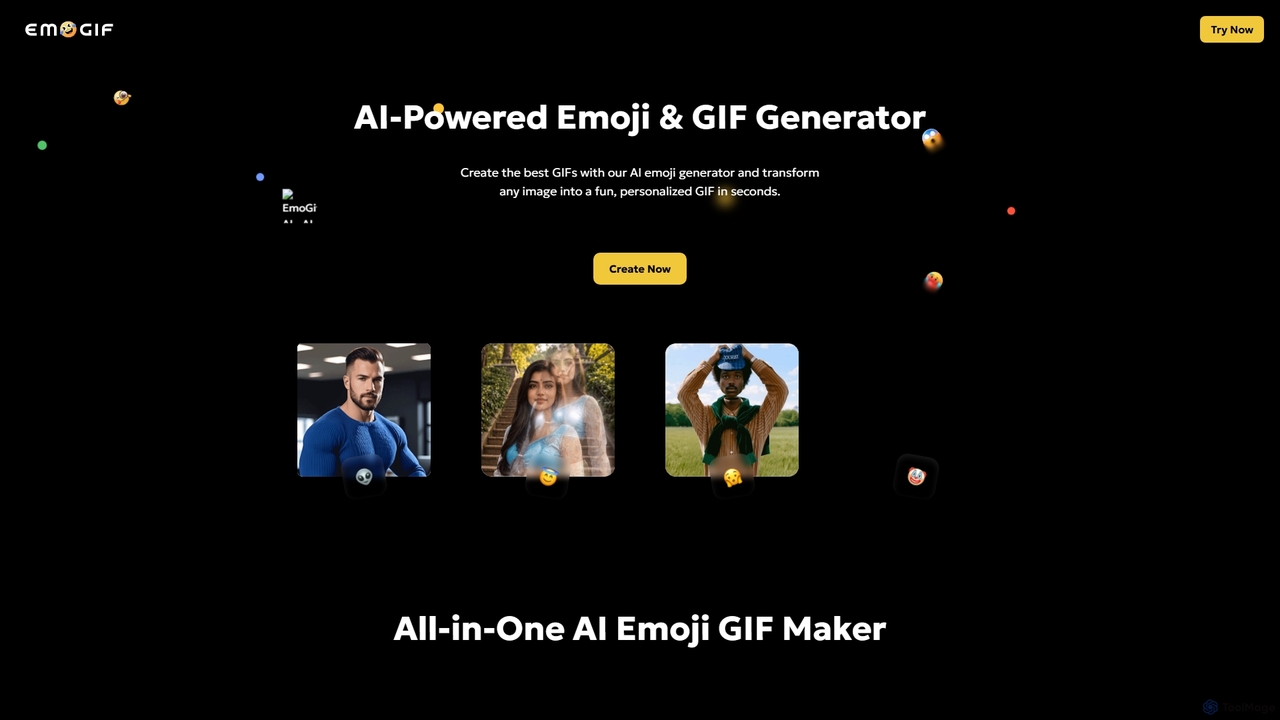
EmoGIF is an AI-powered online tool that instantly transforms any image, including photos and anime art, into personalized, animated GIFs and unique emoji GIFs. It offers diverse emoji styles, making it easy to create custom visual content for social media sharing in seconds.
About Gif Maker
AI GIF Makers are specialized tools designed to automate the creation of animated GIFs from various sources like videos, image sequences, or even text prompts. These tools leverage AI to intelligently identify key moments, extract frames, and optimize the final animation for web use. Their primary value lies in simplifying and accelerating the production of engaging, short-form visual content for marketing, communication, and entertainment. Advanced versions can even generate entirely new animations from textual descriptions, pushing the boundaries of creative expression.
Core Features
- Video to GIF Conversion: Automatically analyzes a video clip to extract the most engaging segment and convert it into a seamless, looping GIF.
- Text to GIF Generation: Utilizes generative AI models to create original animated GIFs based on a user's text description or prompt.
- Image Sequence Animation: Compiles a series of static images or layers into a fluid animation, controlling frame rate and looping.
- AI-Powered Editing: Offers smart features such as automatic background removal, style transfer, and intelligent cropping to enhance the visual appeal of GIFs.
- Automated Optimization: Intelligently compresses the GIF file size while preserving visual quality, ensuring fast loading times on websites and social media.
Use Cases
These tools are widely used by social media managers for creating reaction GIFs and memes, digital marketers for designing eye-catching animated ads, and content creators for adding dynamic visuals to articles and presentations. They are also valuable for support teams creating quick instructional animations and for general users personalizing digital communications.
How to Choose
When selecting an AI GIF Maker, consider the primary input source you'll use (video, images, or text). Evaluate the level of customization and editing control offered. Check the output quality, resolution options, and the effectiveness of its file size optimization. Finally, assess whether it includes a library of templates or assets to speed up your workflow.

Gif MakerUse Cases
Create Viral Social Media Reaction GIFs
A social media manager for a consumer brand needs to create timely, engaging content for Twitter and Instagram. Using an AI GIF Maker, they upload a trending video clip. The tool automatically suggests the most impactful 3-second loop. The manager then uses the AI editor to add a branded text overlay and applies a subtle color filter. The final, optimized GIF is generated in under a minute and posted, significantly boosting engagement and brand relevance by tapping into a current cultural moment.
Demonstrate a New Software Feature
A product marketer needs to showcase a new feature in their SaaS application for an email newsletter. Instead of a static screenshot, they record a short screen capture of the feature in action. They upload this video to an AI GIF Maker. The tool automatically trims silence from the beginning and end and converts the 10-second video into a high-quality, 4-second GIF. This animated demonstration clearly communicates the feature's value and functionality, leading to a higher click-through rate in the email campaign compared to previous announcements with static images.
Generate Animated Ads from Text Prompts
A small e-commerce store owner with no design skills wants to run a simple animated banner ad campaign. They use a text-to-GIF tool and enter the prompt: "An animated banner for a 50% off summer sale, featuring sunglasses and beach balls, vibrant colors." The AI generates several GIF variations in seconds. The owner selects the most eye-catching one, which features bouncing beach balls and flashing text. This allows them to create a professional-looking animated ad without hiring a designer or learning complex animation software, saving both time and money.
Create Quick Instructional Animations
An HR specialist is creating a knowledge base article on how to submit a timesheet in a new internal system. To make the instructions clearer, they take three screenshots of the process: 1) Clicking the 'Timesheet' button, 2) Filling in the hours, and 3) Clicking 'Submit'. They upload these three images to an AI GIF Maker. The tool automatically sequences them and creates a simple, looping GIF that visually walks employees through the process. This animated guide is more intuitive than text-only instructions and reduces support queries.
Personalize Digital Communications
A user wants to create a unique birthday greeting for a friend's social media page. They gather five favorite photos of their friend. Using an AI GIF Maker's image sequence feature, they upload the photos. The tool allows them to set the frame duration for each photo and add a 'Happy Birthday!' text overlay with an animated sparkle effect. The resulting personalized GIF is a much more memorable and heartfelt greeting than a standard message, showcasing a creative use of personal media for digital expression.
Animate UI/UX Design Mockups
A UI/UX designer has created static mockups for a new mobile app feature. To better communicate the intended interaction to developers, they export the key screens as images. They upload these images to an AI GIF Maker, arranging them in the correct user flow sequence. They set a short delay between frames to simulate a tap interaction. The resulting GIF clearly visualizes the transition from one screen to the next, providing a simple, low-fidelity prototype that eliminates ambiguity and ensures the development team understands the desired user experience.